Excite
September 3, 2026, 10:01am
2
I like your player too much
Hi @Excite ,
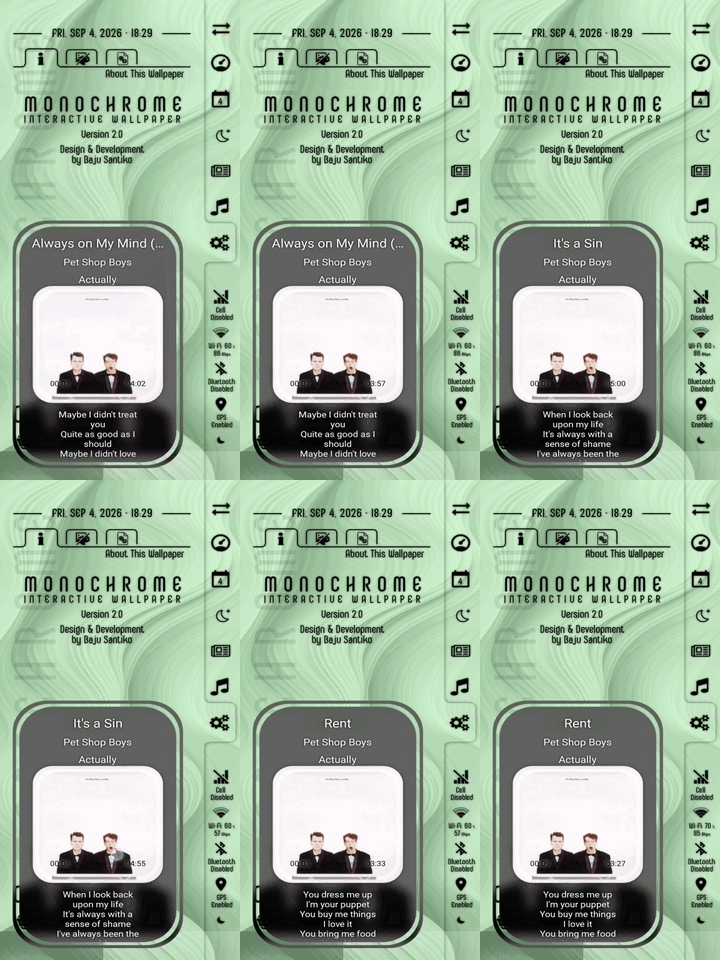
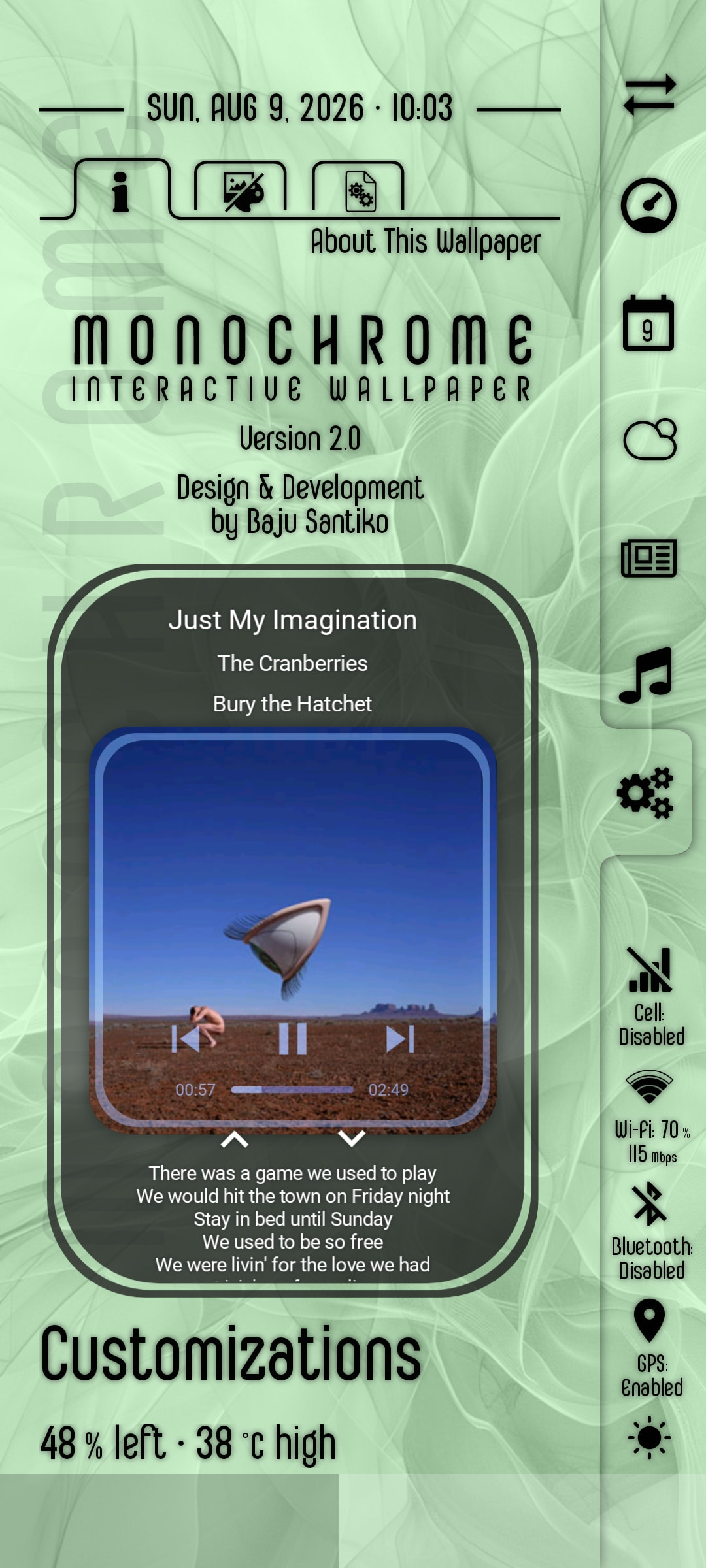
What did you mean by "the lyrics of the song stayed freezed" ? Did you mean that the song lyrics does not scroll down automatically during the song playback?
Excite
September 4, 2026, 2:01am
4
No i mean that the lyrics are from the first song stuck. Never refreshed again
@Excite :
Thank you for noticing and reporting the bug.
I just updated the widget, please download it again.
I have fixed the bug, now whenever we skip the song forward/backward, the lyrics will change as well as the album art and song info.
I hope this would help.
1 Like
Hi @dre007 ,
I’m sorry, now it’s accessible.
Excite
September 9, 2026, 6:44am
8
Also is it possible to change the colour of title and lyrics to white as mostly the background is dark colour so many times can not be seen well.
1 Like
Hi @Excite ,
Thank you for your suggestions.
I have updated the widget to v2.2.260909 and it’s available for download here:
This version is the downloadable version.
I am retiring the previous versions, so any retired versions are no longer available for download.
Preset Downloa…
I hope this would help.


 something i noticed is that the lyrics of the song stayed freezed. Not changing according the song. Only the artwork and title moving. Any suggestion?