This is a Simple Date Countdown komponent that can be used/inserted in either one of these Kustom apps:
- KWGT a.k.a. Kustom Widget
- KLWP a.k.a. Kustom Live Wallpaper
- KLCK a.k.a. Kustom Lock Screen
Preview
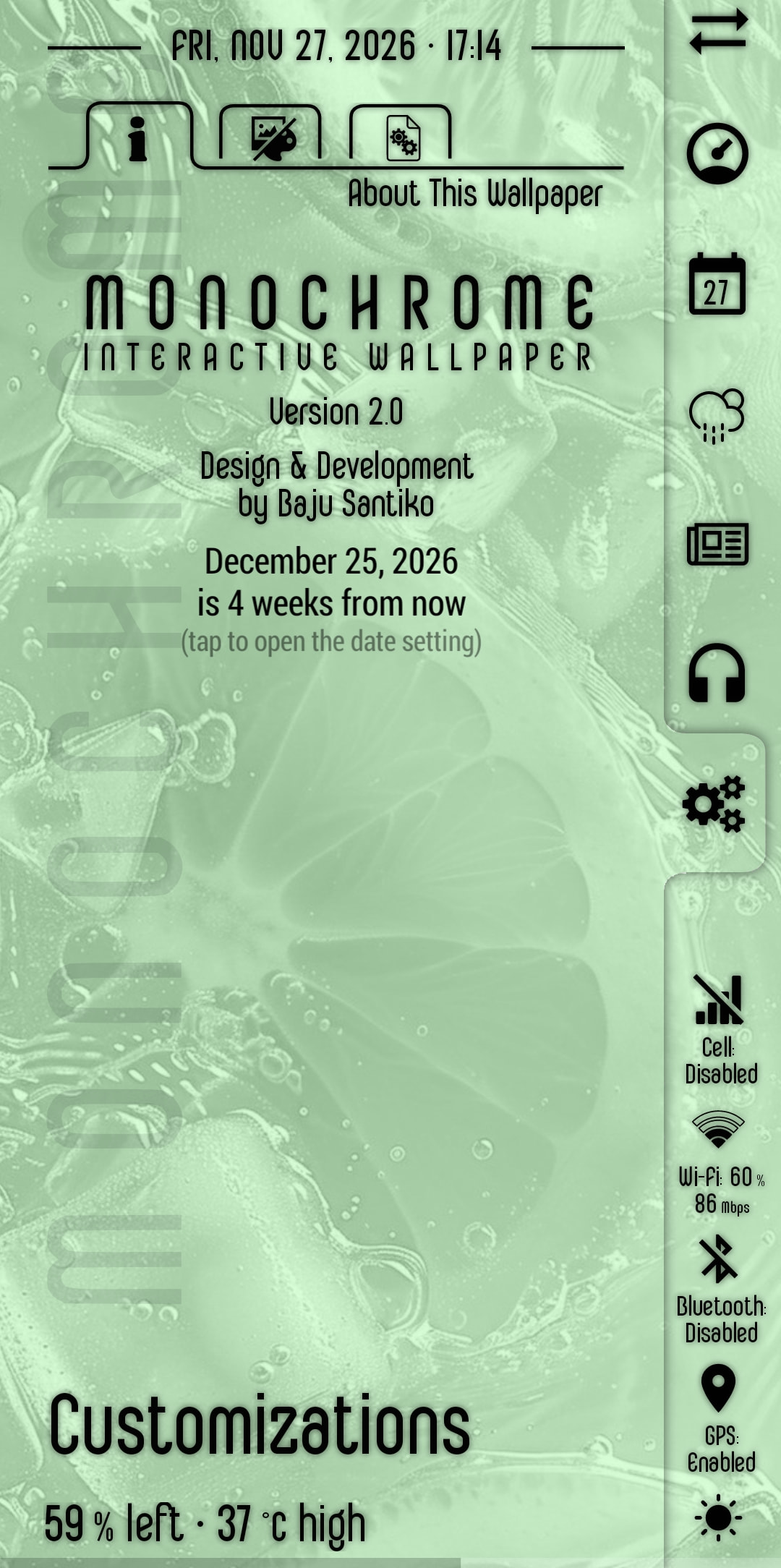
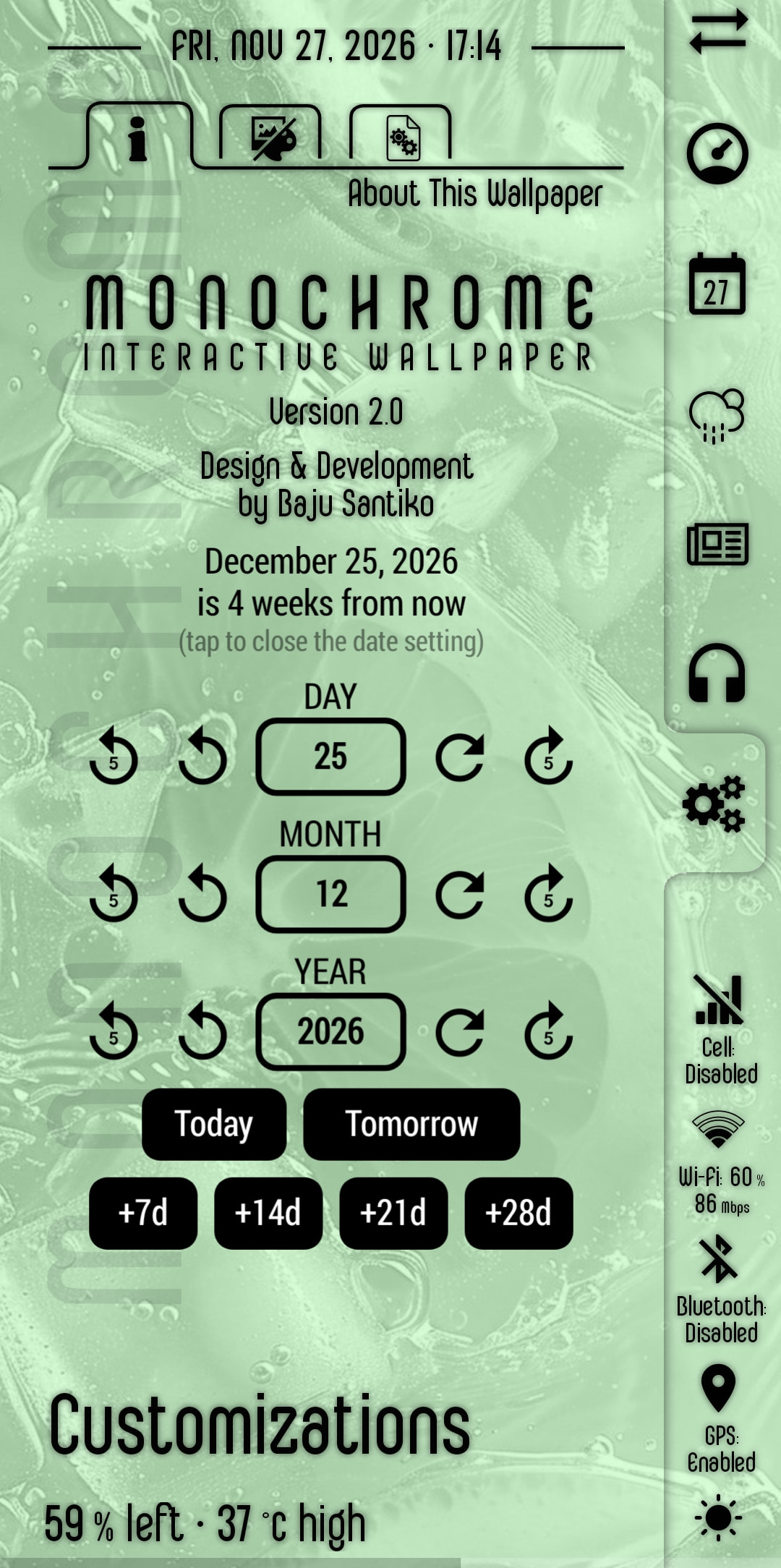
Downloads
How to Use
In KWGT
- Download the Komponent file (
.kompfile) - Copy/move the downloaded file to your phone, into the
Komponentsfolder (under your Kustom installation folder) - Add a new blank widget on your homescreen
- Tap on the new blank widget to open the KWGT editor
- In the KWGT editor, insert a new element (the Komponent type), and select the Komponent you want to use (in this case, my Simple Date Countdown v1.0.261127 komponent)
- Et voilà
In KLWP and KLCK
- Download the Komponent file (
.kompfile) - Copy/move the downloaded file to your phone, into the
Komponentsfolder (under your Kustom installation folder) - In the KLWP|KLCK editor, insert a new element (the Komponent type), and select the Komponent you want to use (in this case, my Simple Date Countdown v1.0.261127 komponent)
- Et voilà
Customisable Settings
- In komponent’s Global tab, there are 2 global variables (Font and Color types) used by the komponent.
- font: any preferred typeface
- color: any preferred color
Tips
- There’s no specific aspect ratio for the komponent, but preferably use Portrait orientation
- It is recommended to use condensed typeface, such as: Roboto Condensed, Arial Narrow, etc.
I hope this would help.

