grregg
February 22, 2025, 10:00pm
1
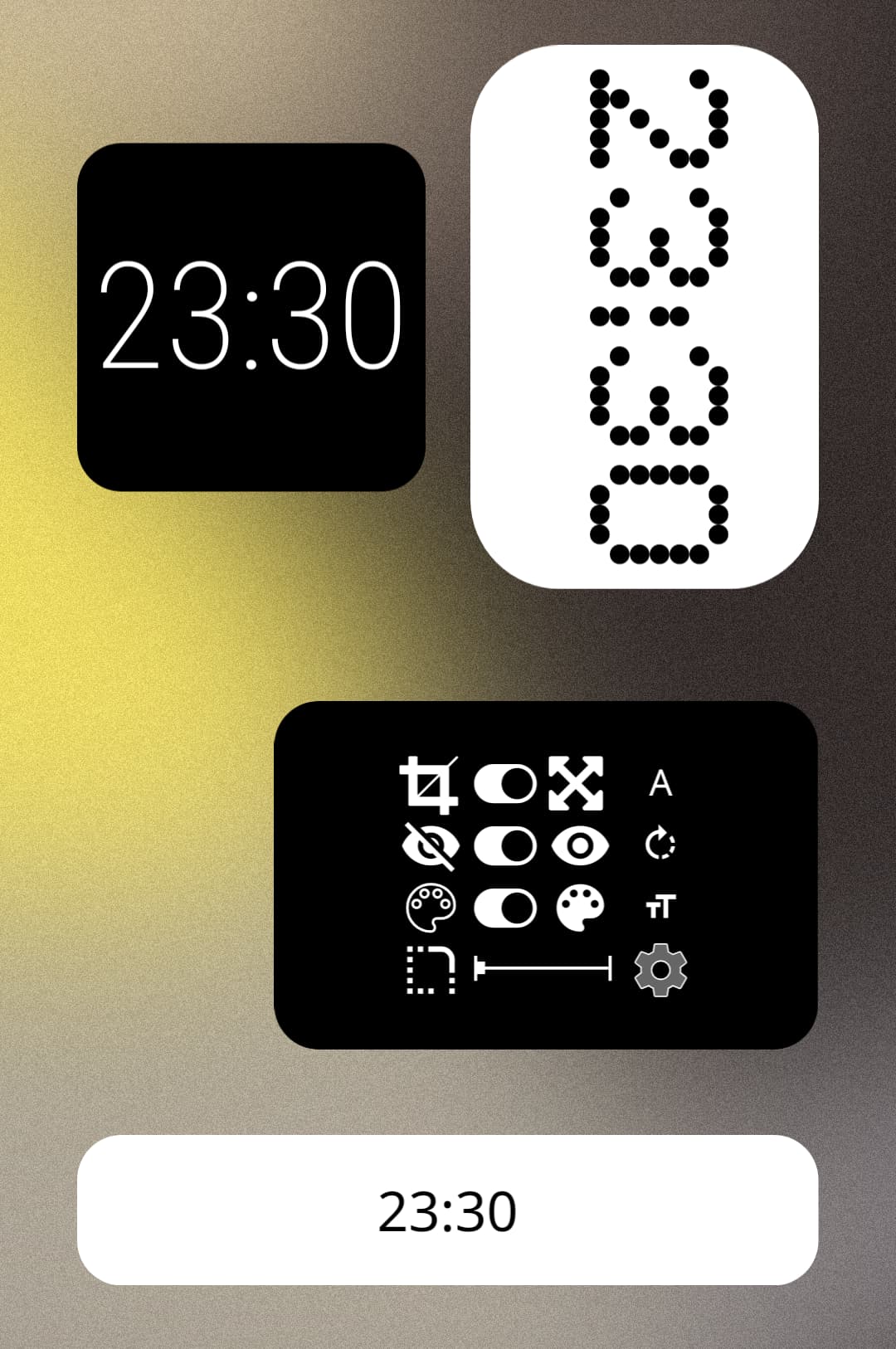
Basic digital clock. See my first one here. (Just search clock-block)
Tap background to see switches (auto hides after a few secs):
crop or fit back
show or hide back
swap colours
round corners
change font
rotate text
expand text
open settings.
Left open so you can make it your own. Unlock global settings to see the fun.
Get it here:
Original clock-block:
[image]
I wanted a clean simple clock. Made this from scratch with a bit of trial and error. Nothing copied - even the name (which seemed like an obvious choice) so there’s probably stuff out there that looks the same. The component is unlocked so you can tweak it and make it your own.
Tap zones:
TL: select font (select 4 fonts in Globals < Settings)
TC: hide/show background
TR: swap colours (edit 2 colours in Globals < Settings)
C: launch clock app (edit app in Items < Settings)
BL: sho…
2 Likes
Is there no formula for this
grregg
October 20, 2025, 12:19pm
3
What are you asking?