Preview
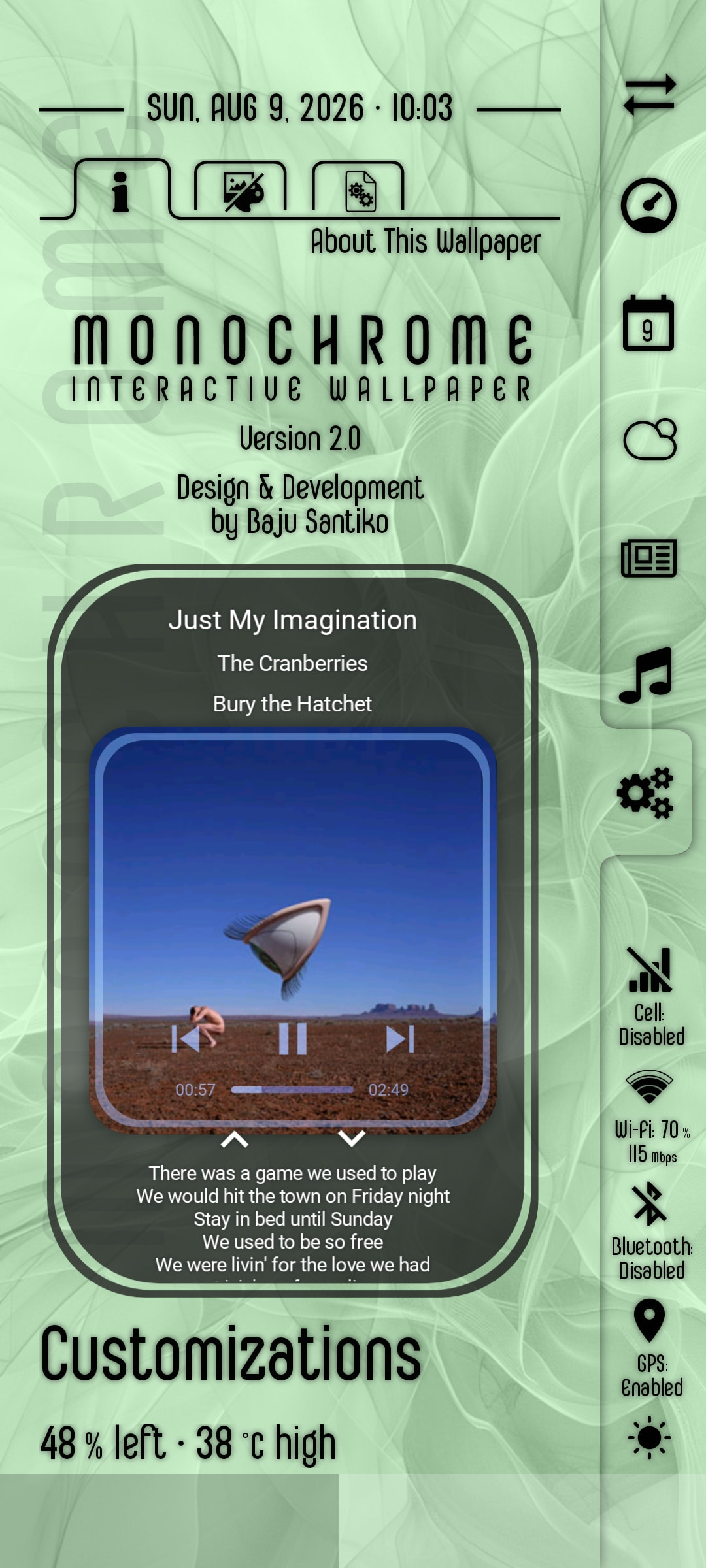
How to Use the KWGT Preset
- Download the preset file (the
.kwgtfile) to your phone - Copy/move the downloaded preset file to the
widgetsfolder, under the installation folder of the Kustom app - Add a new widget on homescreen, choose Kustom Widget and select your preferred size of the widget
- Tap on the blank new widget on homescreen to open the KWGT editor, then load the copied/moved preset
Enjoy the widget!

