Recently the widget I used from the base pack with a few minor tweaks has stopped updating on my Oukitel WP 39. This has been happening for about 4 days. Now the same is happening to my UJJ tablet. Only the time is affected.. not the day. Plus only on the home screen. The time will be correct in the editor but not carry forth to the home screen. If I restart my device it will update. Once I turn my screen off that is what time it will display there on until I restart again. Then again once I turn my screens off it will be stuck on that time. Any ideas?
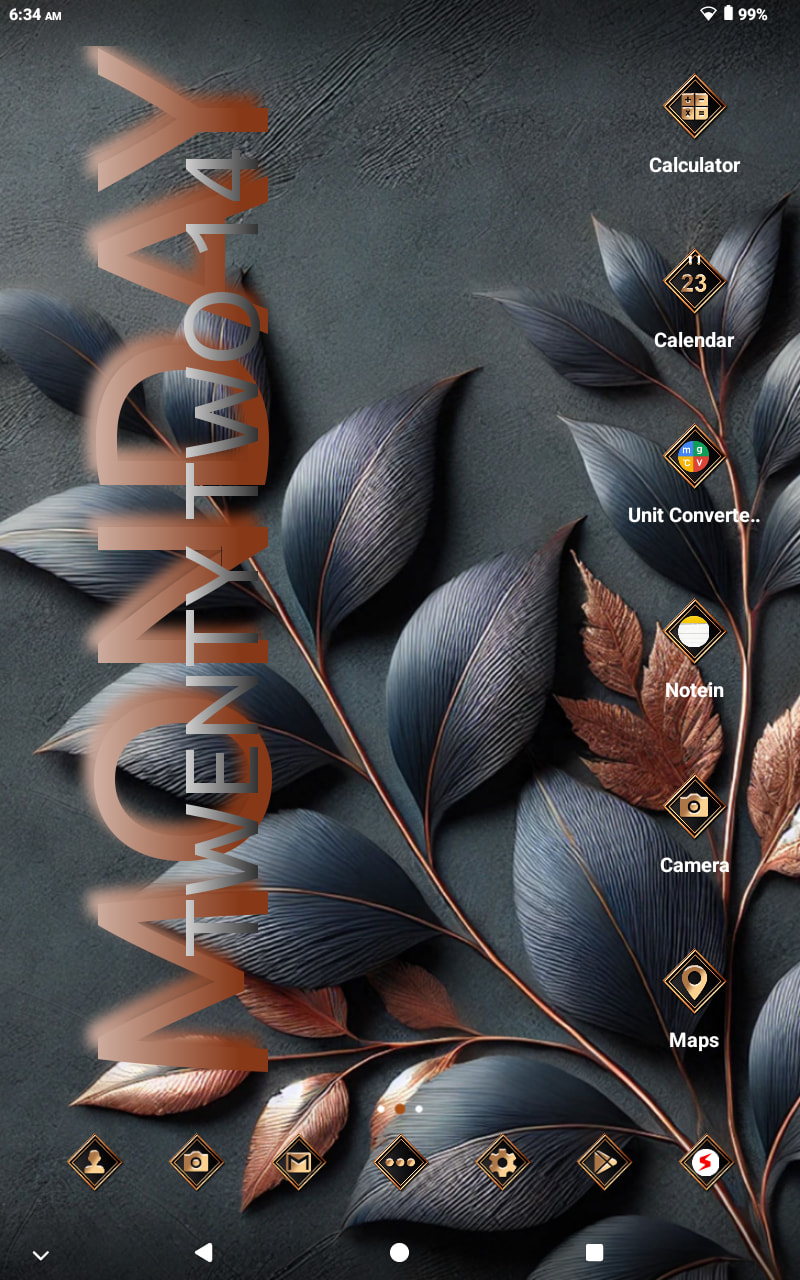
Here are a few things you should check:
Settings - Apps - KWGT - Battery Set it to Unrestricted / No restrictions Disable battery optimization. Disable smart power saving. Disable background limits. Allow background activity. Allow autostart (if your device has this option)
I made all the changes as you had suggested on both my phone (Oukitel P39) and my tablet. Restarted both devices and still the same results. I am using CMM Launcher on both devices and although the widget worked flawless on my tablet there was always some issues on the phone with the time adjusting from short to longer lengths of the words used in holding the height parameter. I have started leaning towards the Launcher has gained a compatibility issue after an update, of which agent is unknown, within the last 30-45 days. Reason I feel this to be is CMM Launcher has a restart of the launcher itself in its settings without restarting the device. When this is performed it updates as it should until you leave the home page the widget is positioned on. Then it stops. Until you restart. Run in background is permitted. Battery is unrestricted. Running services is set to default in developer options. Thank you MaxP for the assistance. Some of the settings did need to be changed.
You’re welcome. As a test, you could try installing another launcher like Nova or Niagara to see if the widget works normally there.
So I removed the widget for about a month or so maybe. A week ago I decided to add it to my home page again. So far it is has managed to work properly. Stays in time. Maintains within its parameters without altering position of the second layer. I don’t know what has changed within the settings of my tablet or the widget but yay! Hopefully it isn’t just temporary. We shall see.