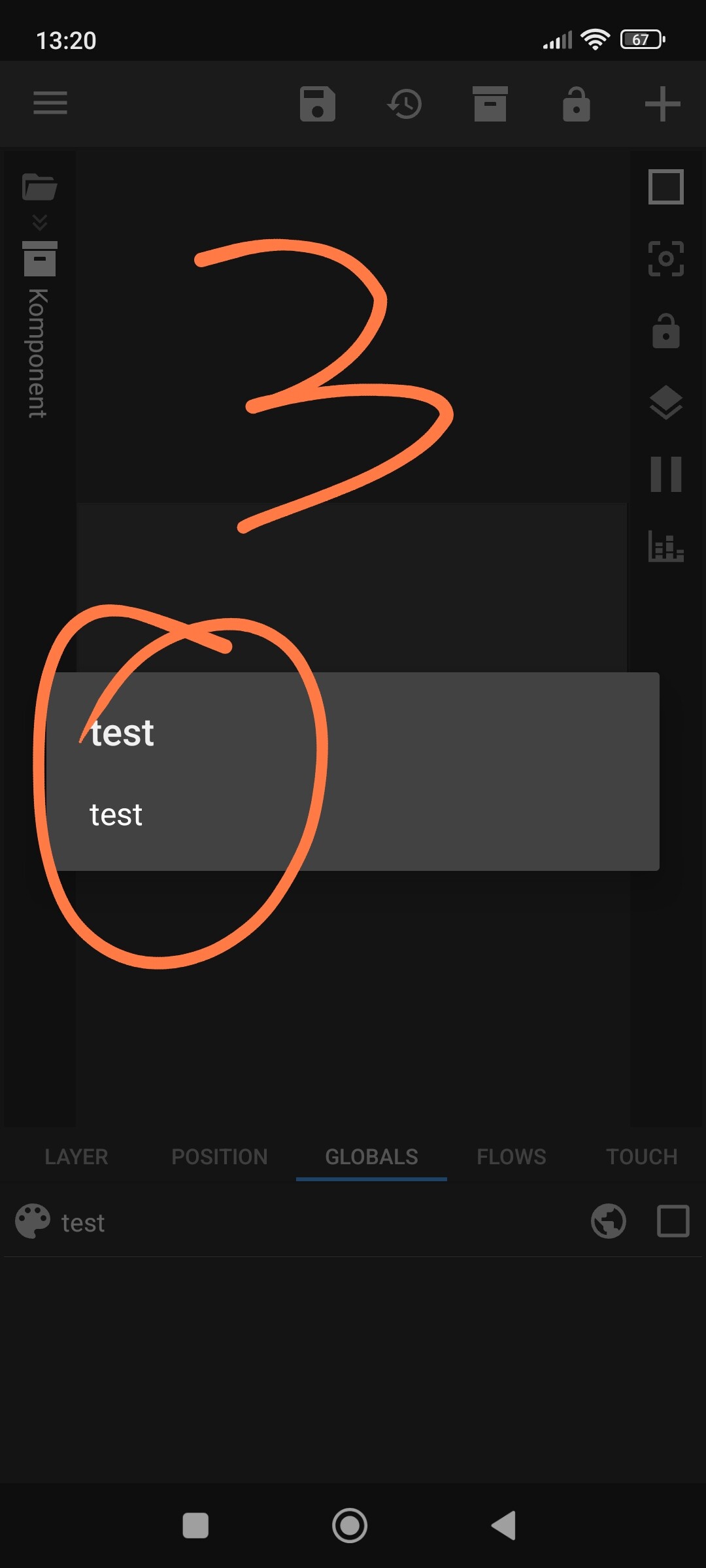
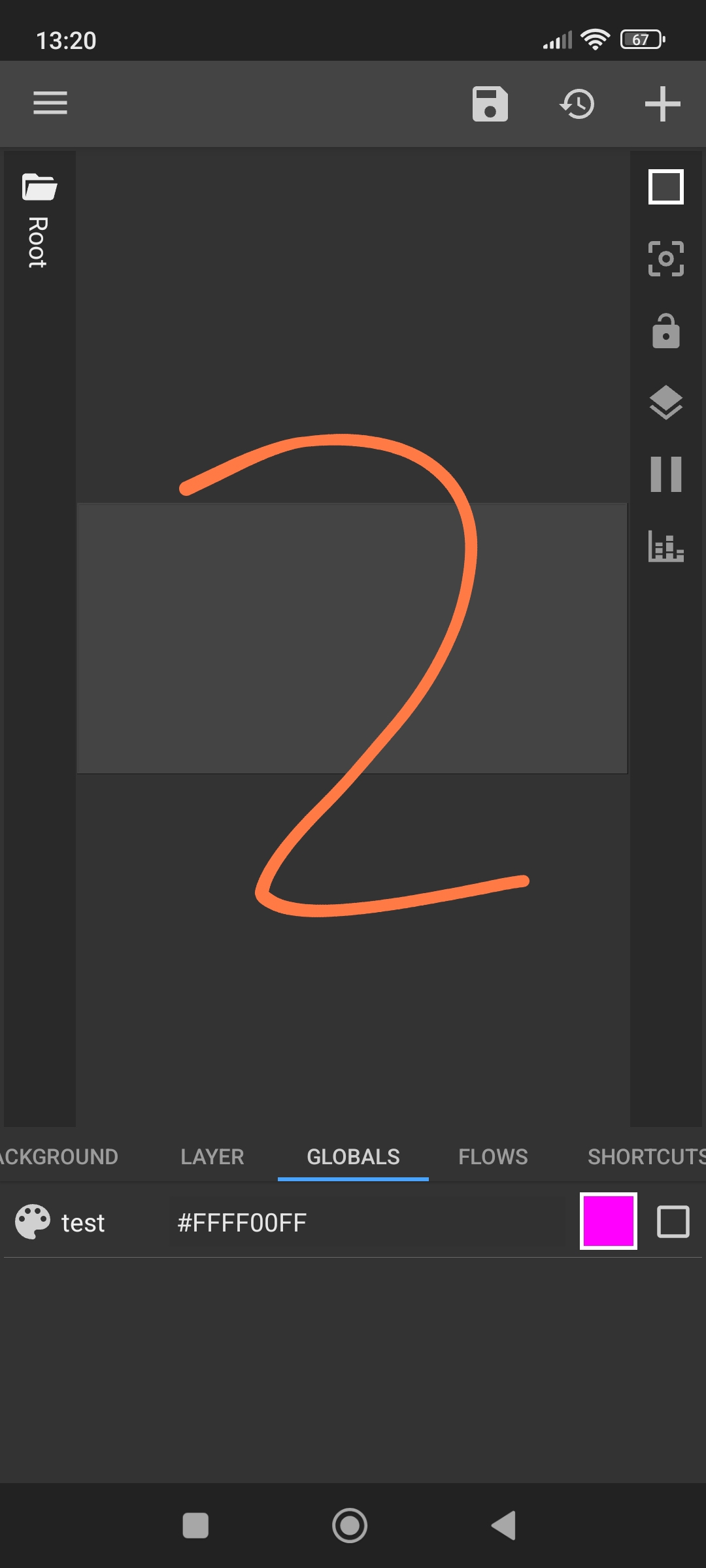
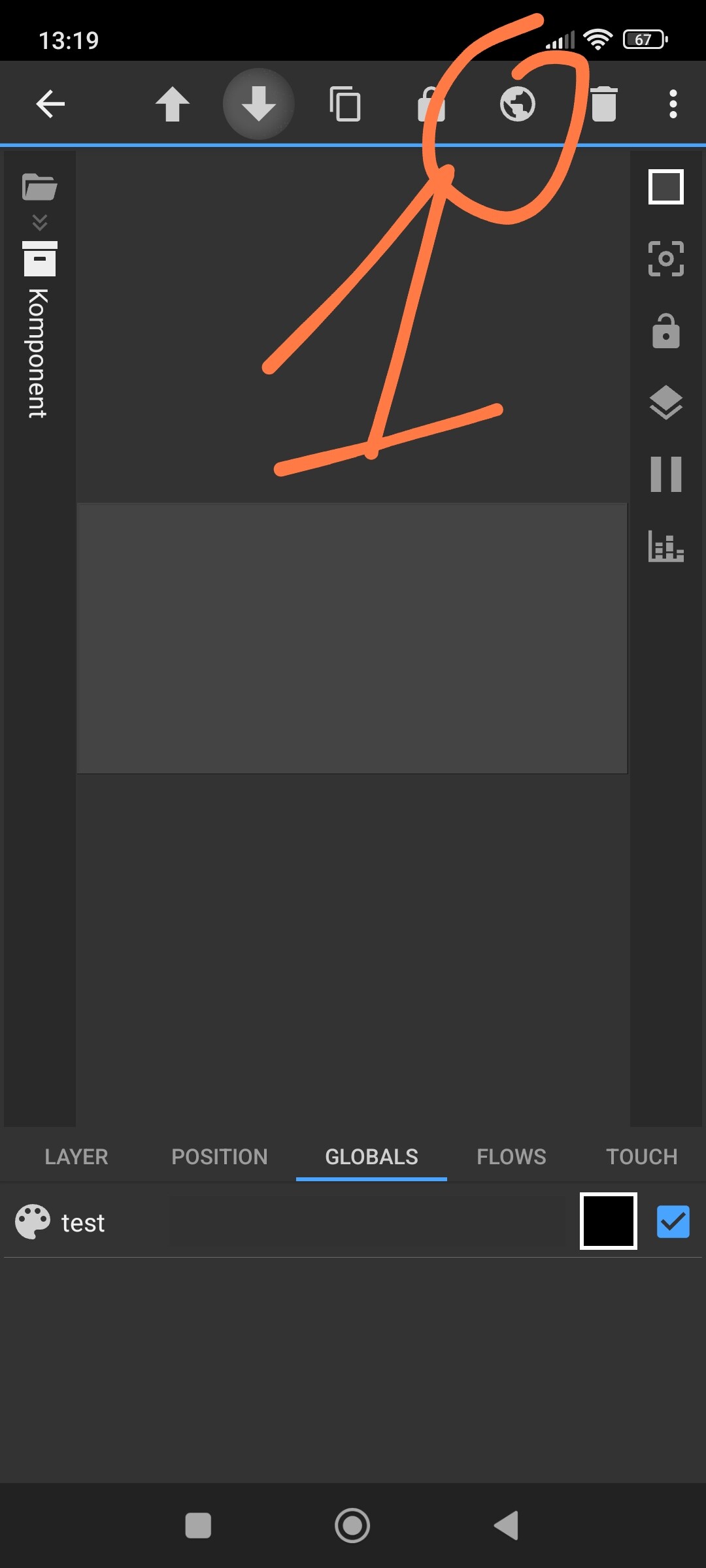
The weather icon komponent doesn’t change color even though other objects respond to global variable changes.
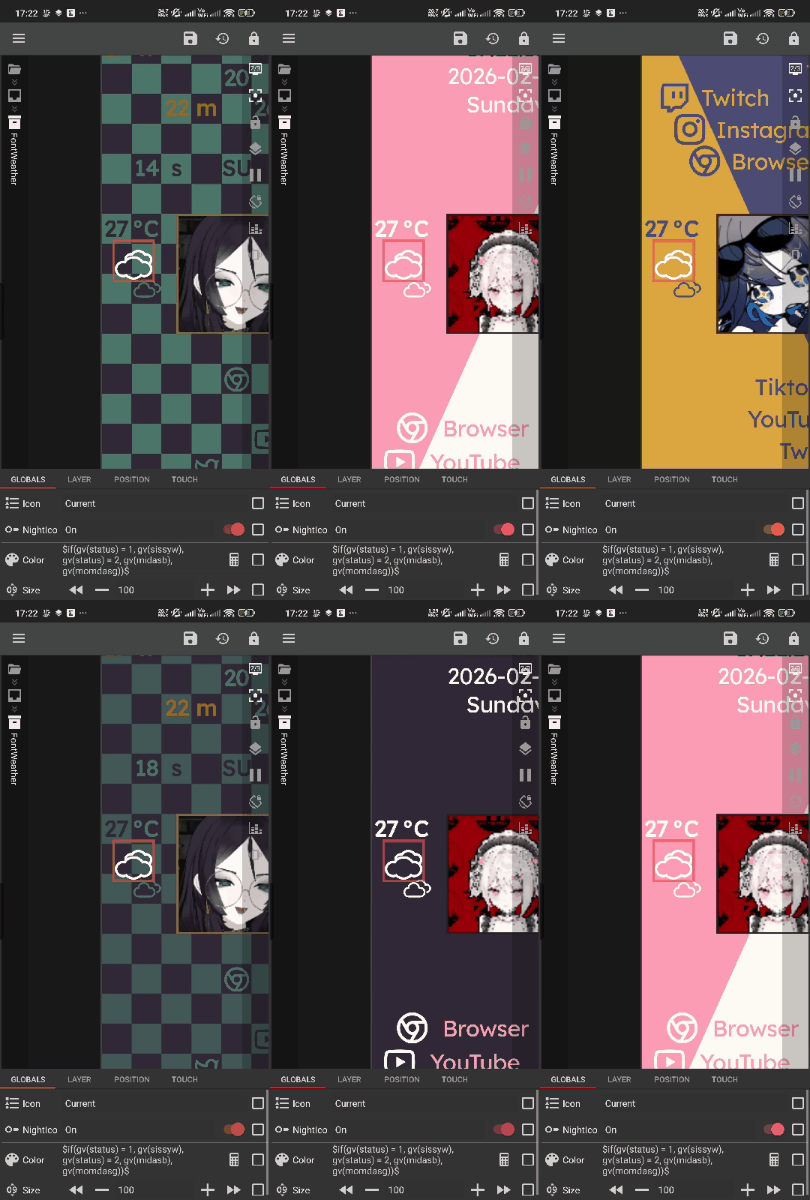
The weather icon komponent doesn’t change color even though other objects respond to global variable changes.
I already replied to you on Reddit, but I’ll duplicate the answer here so others can benefit from it as well.
You need to link the color through the global variable.
Create a global color variable inside the komponent, and also create the same global color variable in the root (outside the komponent).
Then open the komponent and use the globe icon to link the component’s variable to the root variable.
After that the komponent will read the global color correctly.
In the Paint tab inside the komponent, you need to reference the global color variable that you create.
Thanks for the help btw.