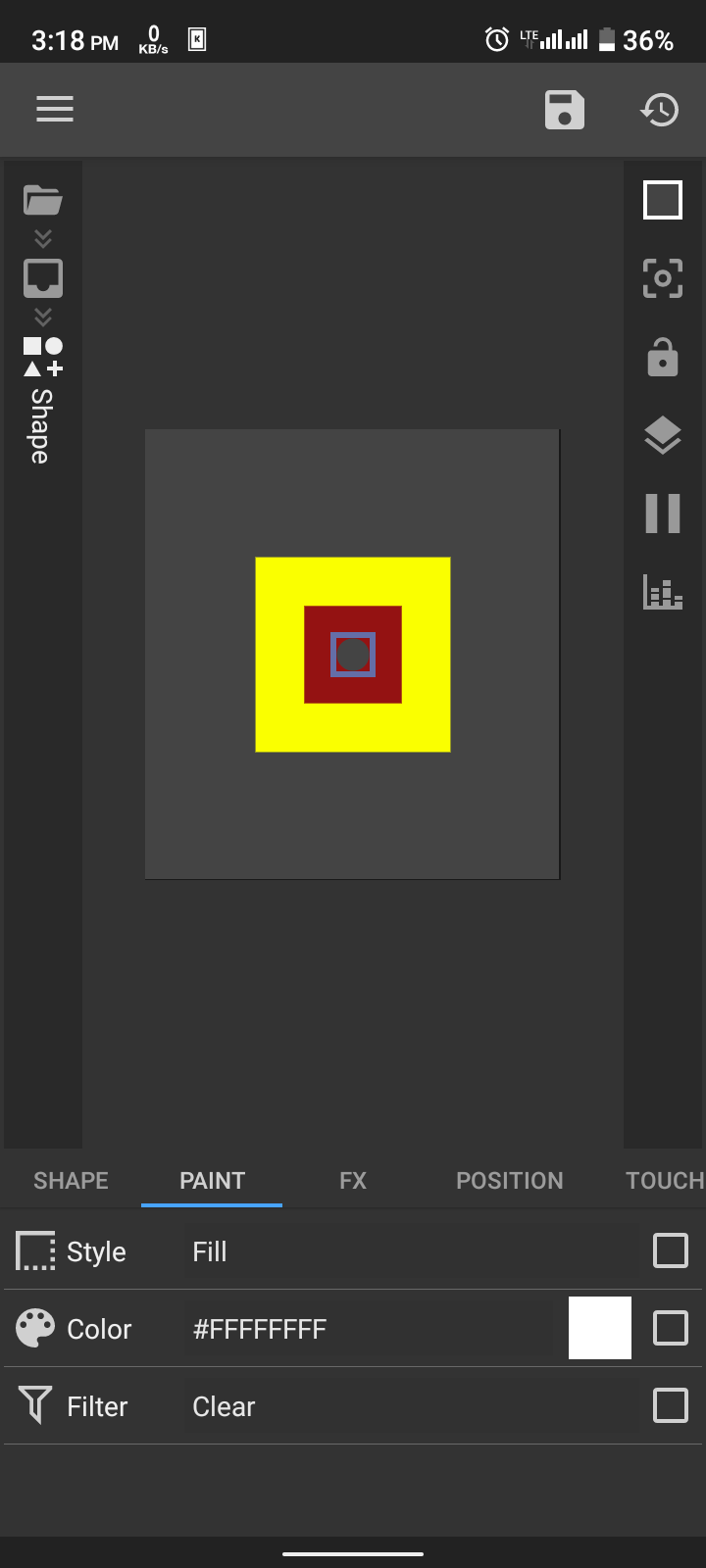
The KWGT lacks trimming option for shapes. It only clips the next module(s) shape which is out of it. The trimming is opposite (cuts the shape inside a shape). For now it can be achieved by using clear Filter under paint tab of the shape but it cuts throgh all shapes beneath it and do not allow you to make a background which is shown through that window. I was unable to find solution even after putting two shapes (the circle and red square) inside an overlap group. You can see below.
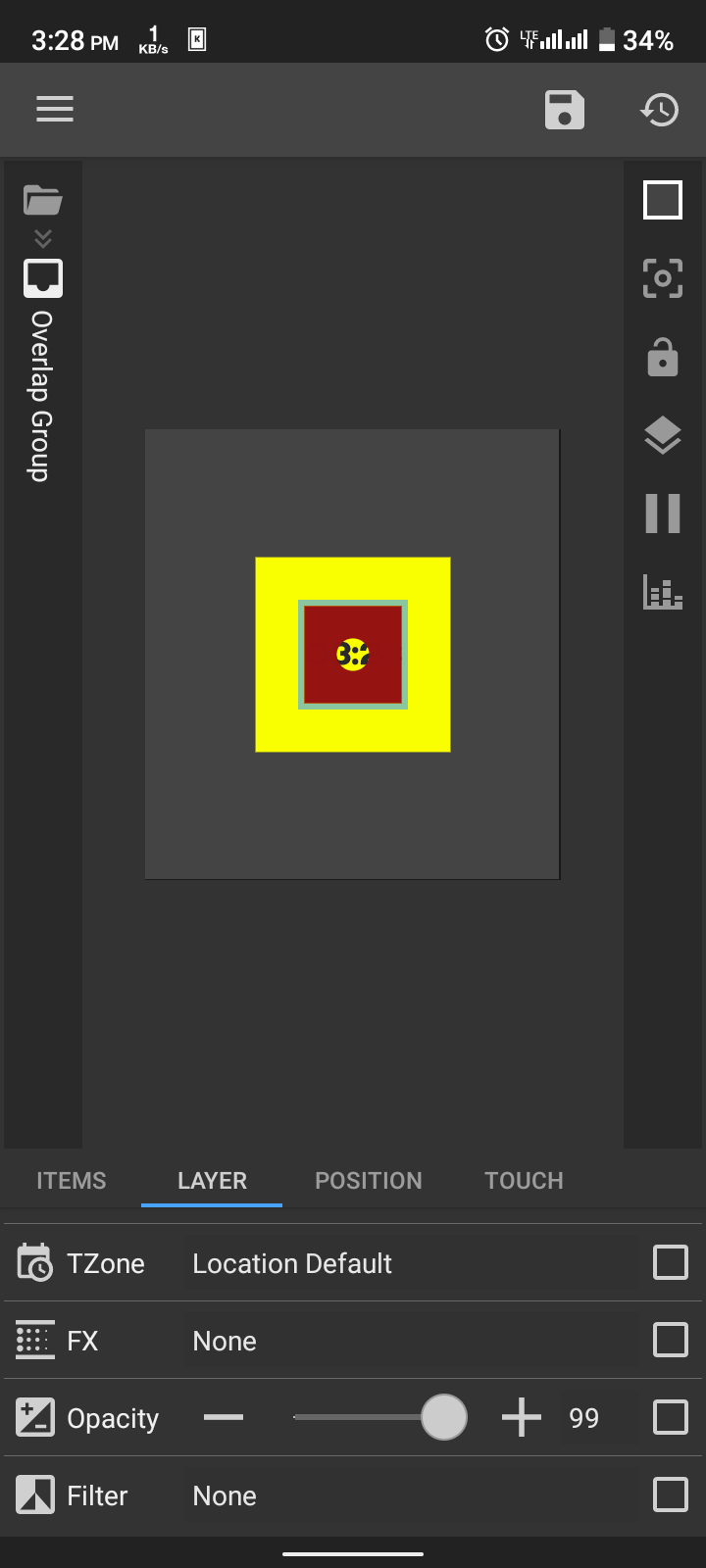
After a lot of attempts I found a trick (may be someone knows but not mentioned on internet anywhere). Put the two shapes in an overlap group, apply clear filter to the circle (the cutter), go back to overlap group, click Layer tab and change opacity to 99 instead of 100. Poooof its done. It only cuts through the shape beneath cutter shape and no visible opacity change happened. This is a trick. If anyone knows exact method for trimming like that let me know