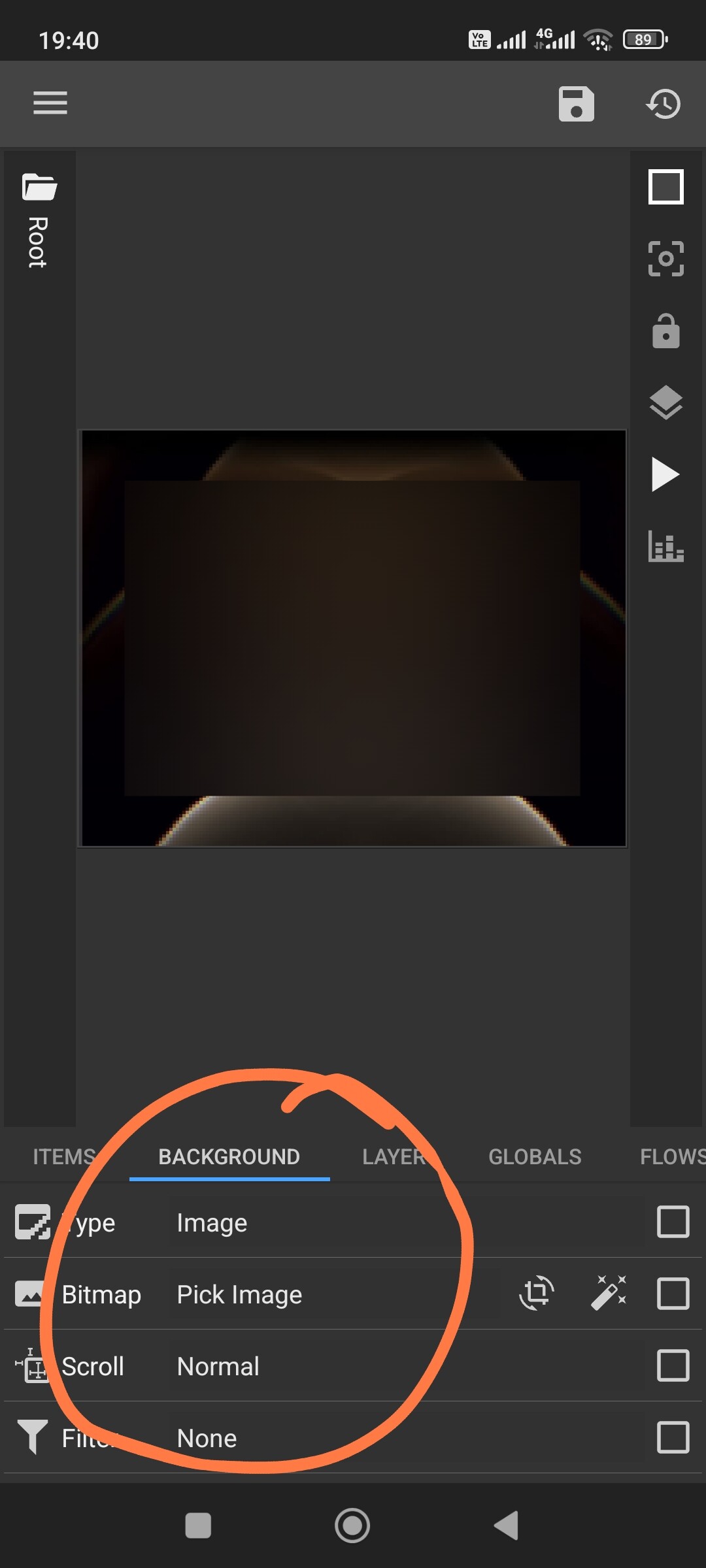
Details: Whenever I create a shape and set its Mask option to “Blurred Background”, nothing happens at all. The shape remains completely normal as if I didn’t change anything. I don’t know why this is happening. I tried decreasing the opacity and increasing the blur amount, but nothing works. I hope someone can help me out because most of my designs rely heavily on the blur effect.