Description
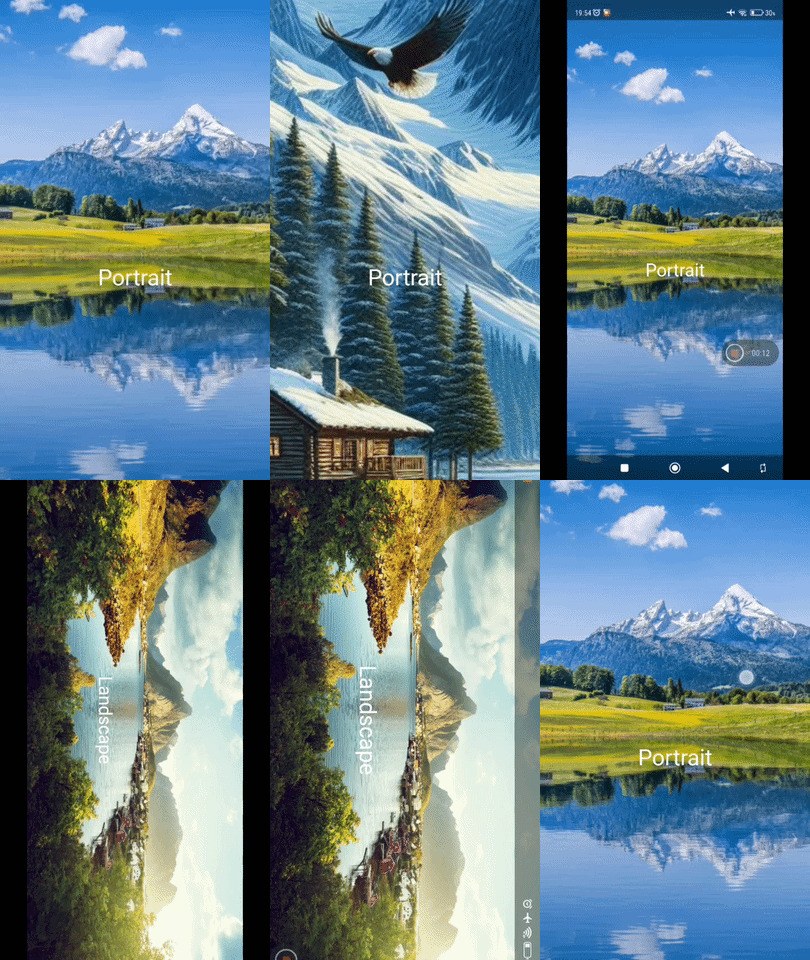
This preset will randomly pick up an image, from a defined folder and based on the screen orientation (portrait vs landscape), and show it whenever the user swipe left/right to switch to a different screen/page.
Preview
How to Open in KLWP
- Downloaded the preset file (the .klwp file) to your phone
- Copy/move the downloaded preset file to the wallpapers folder, under the installation folder of the KLWP
- Run the KLWP editor and load the copied/moved preset
NOTES
- The image files can be placed in a custom folder outside the Kustom installation folder, and the path to that folder has to be set/selected in the Flow ➞ in this example, the path is in the phone’s internal storage:
/pictures/backgrounds - The filename of each image file follows these patterns:
*p1.png(PNG image file for portrait image for screen 1),*l2.jpg(JPEG image file for landscape image for screen 2), etc. ➞ for example:beachp1.jpg,mountainl2.jpg,forestp3.jpg,lakel2.jpg
I hope this would help.

