Preview
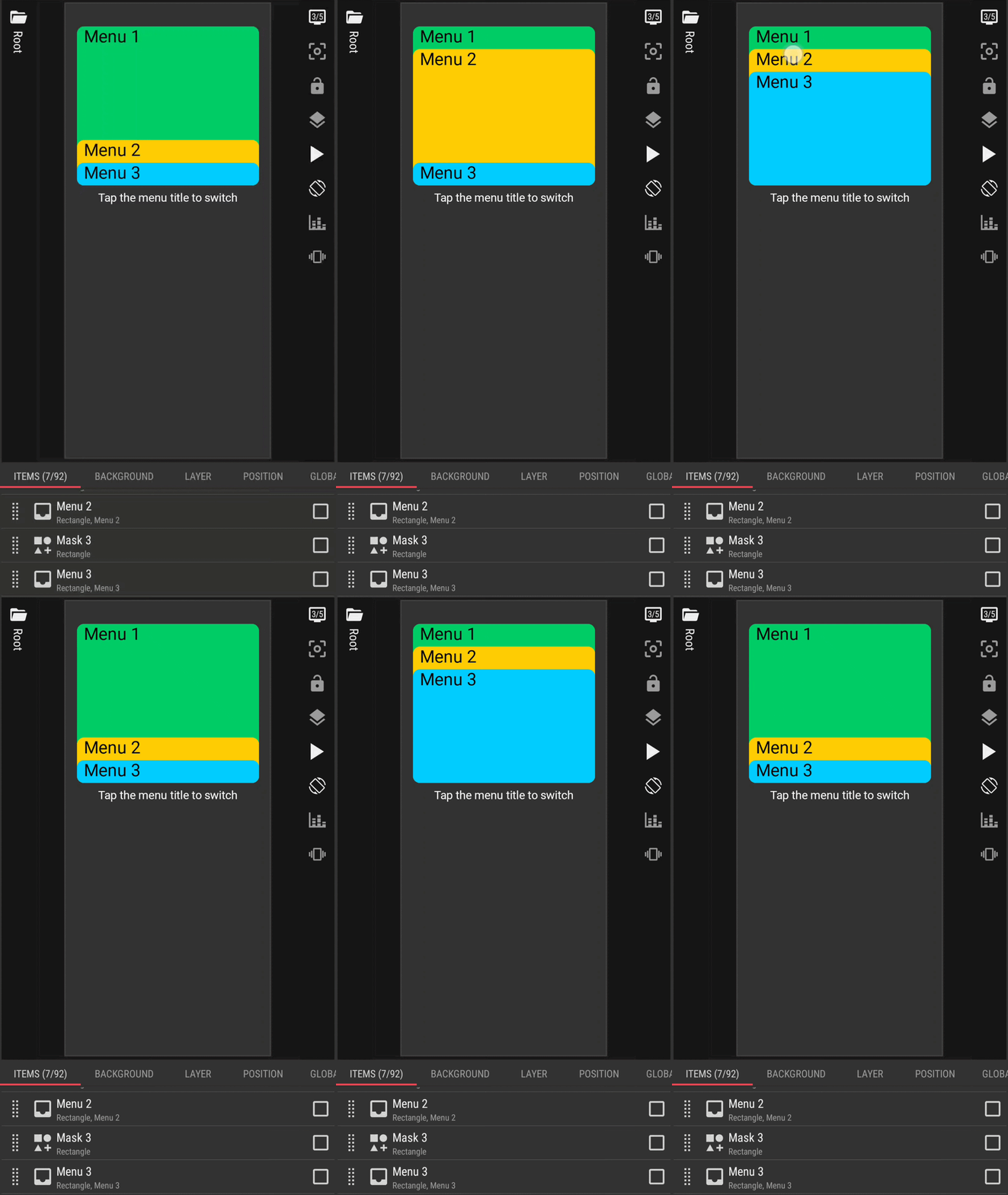
Preset Download
How to Open in KLWP
Rename the downloaded preset file (the .zip file): remove the .zip suffix from the filename
Copy/move the renamed preset file to the wallpapers folder, under the installation folder of the KLWP
Run the KLWP editor and load the copied/moved preset
I hope this would help.

