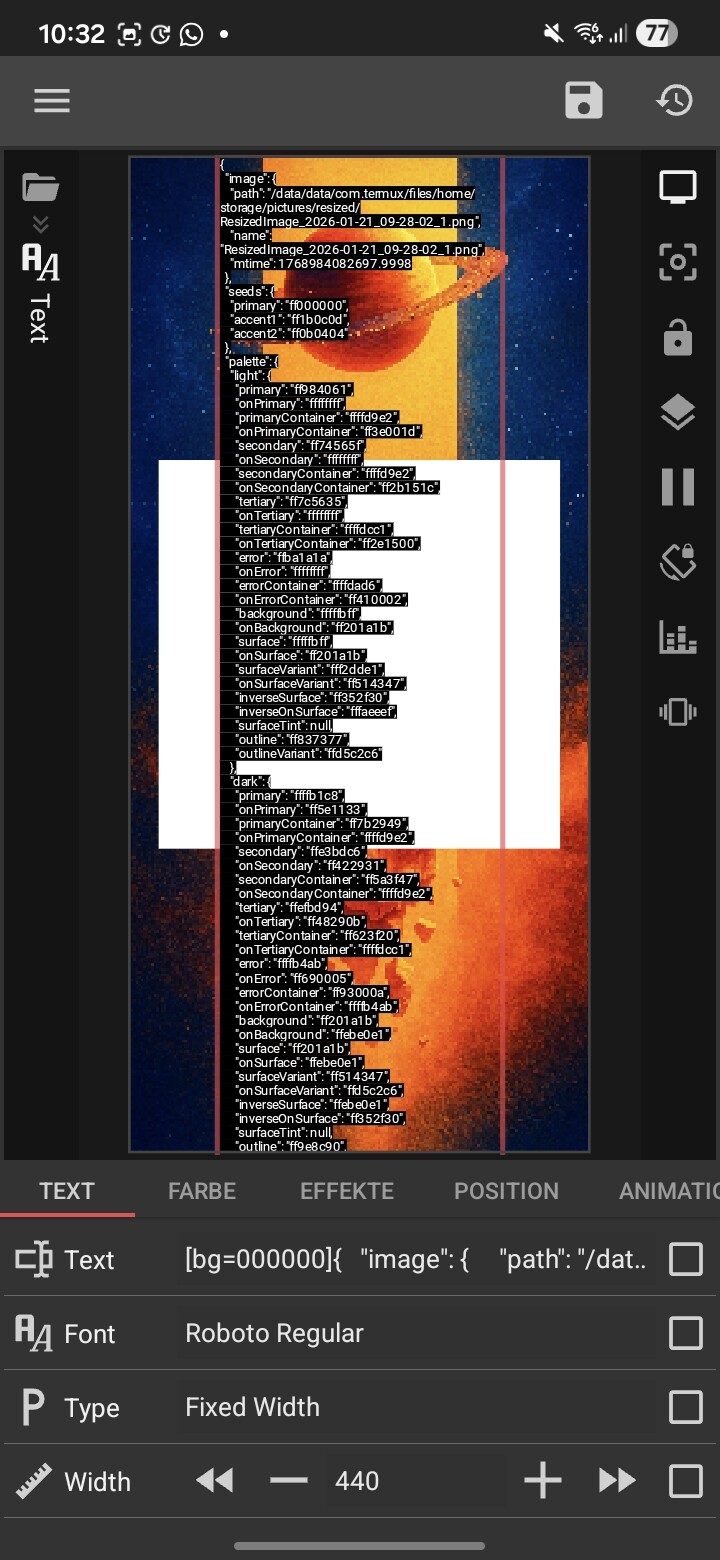
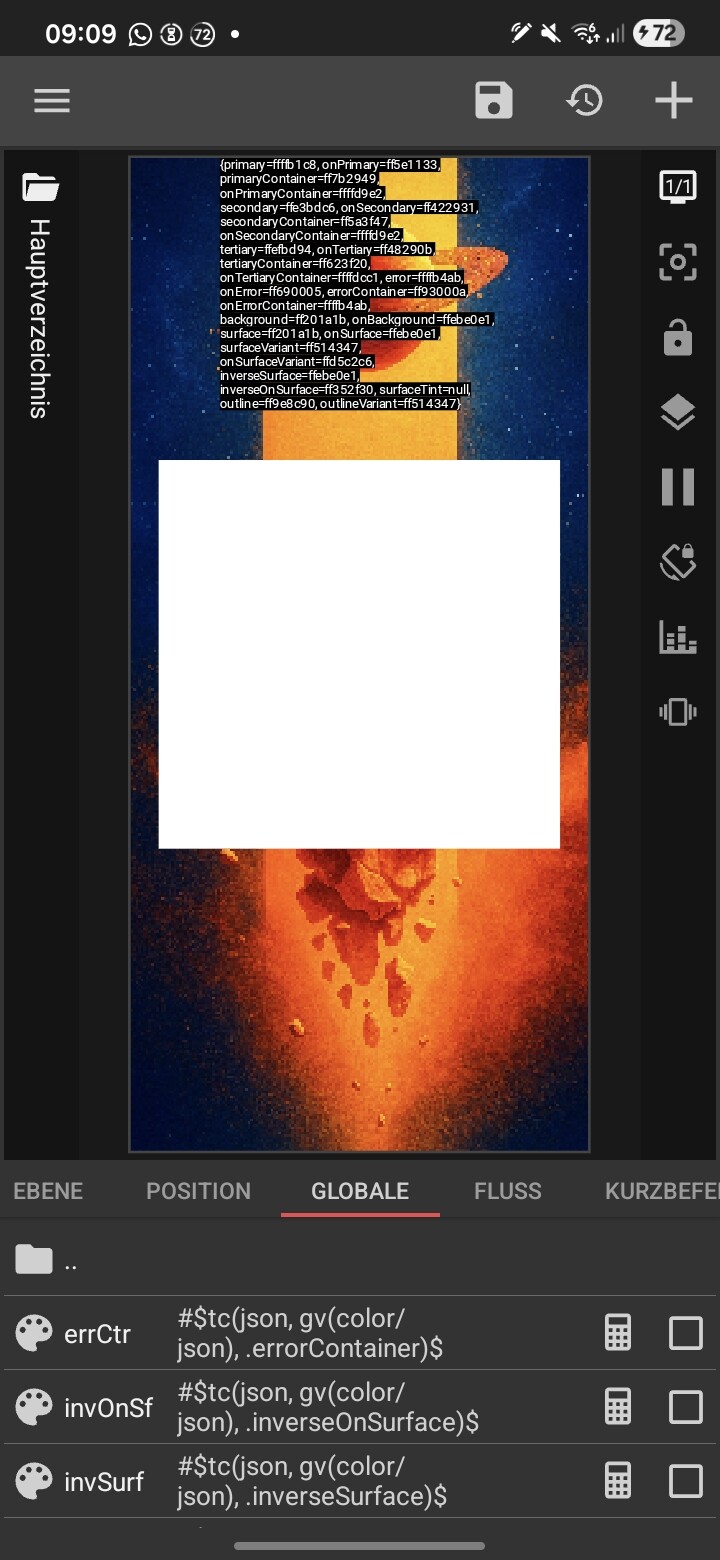
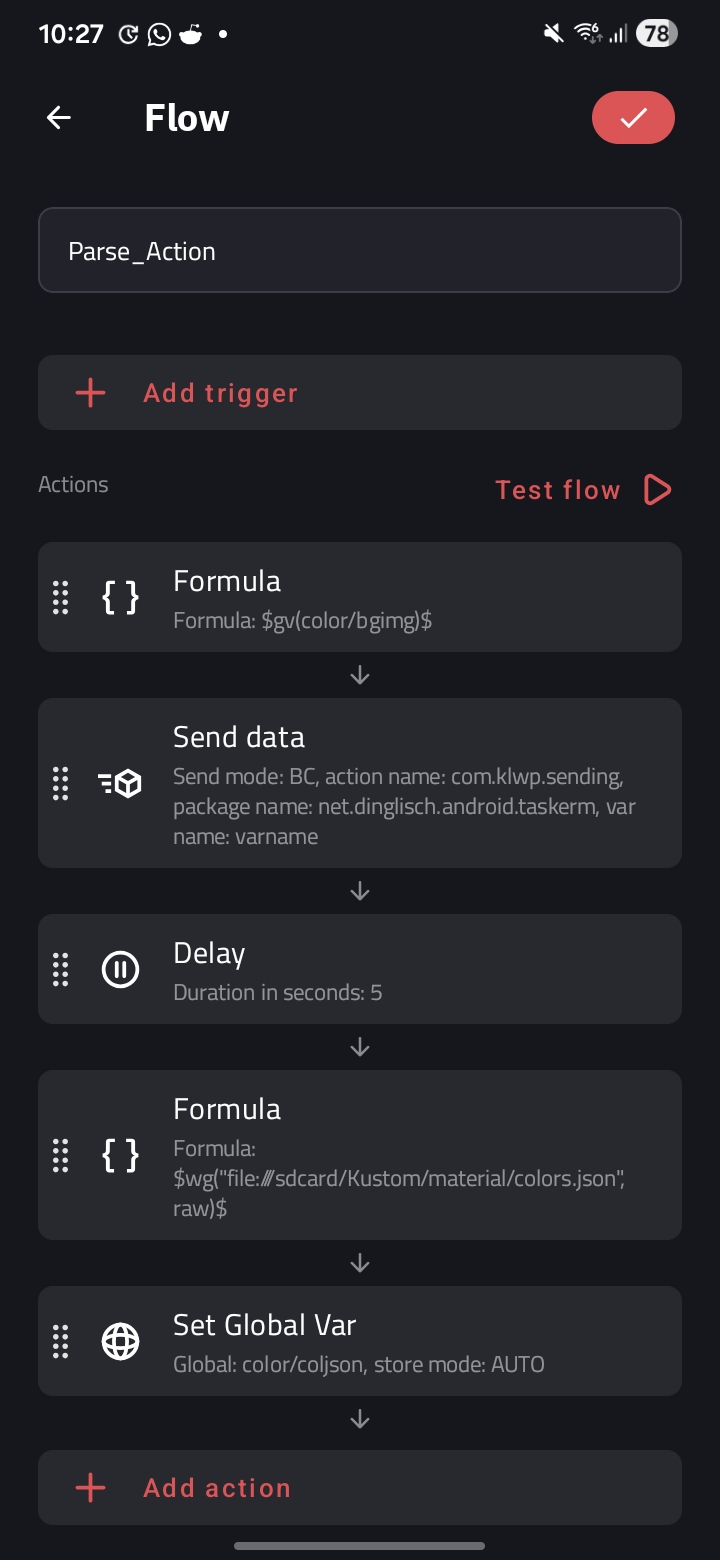
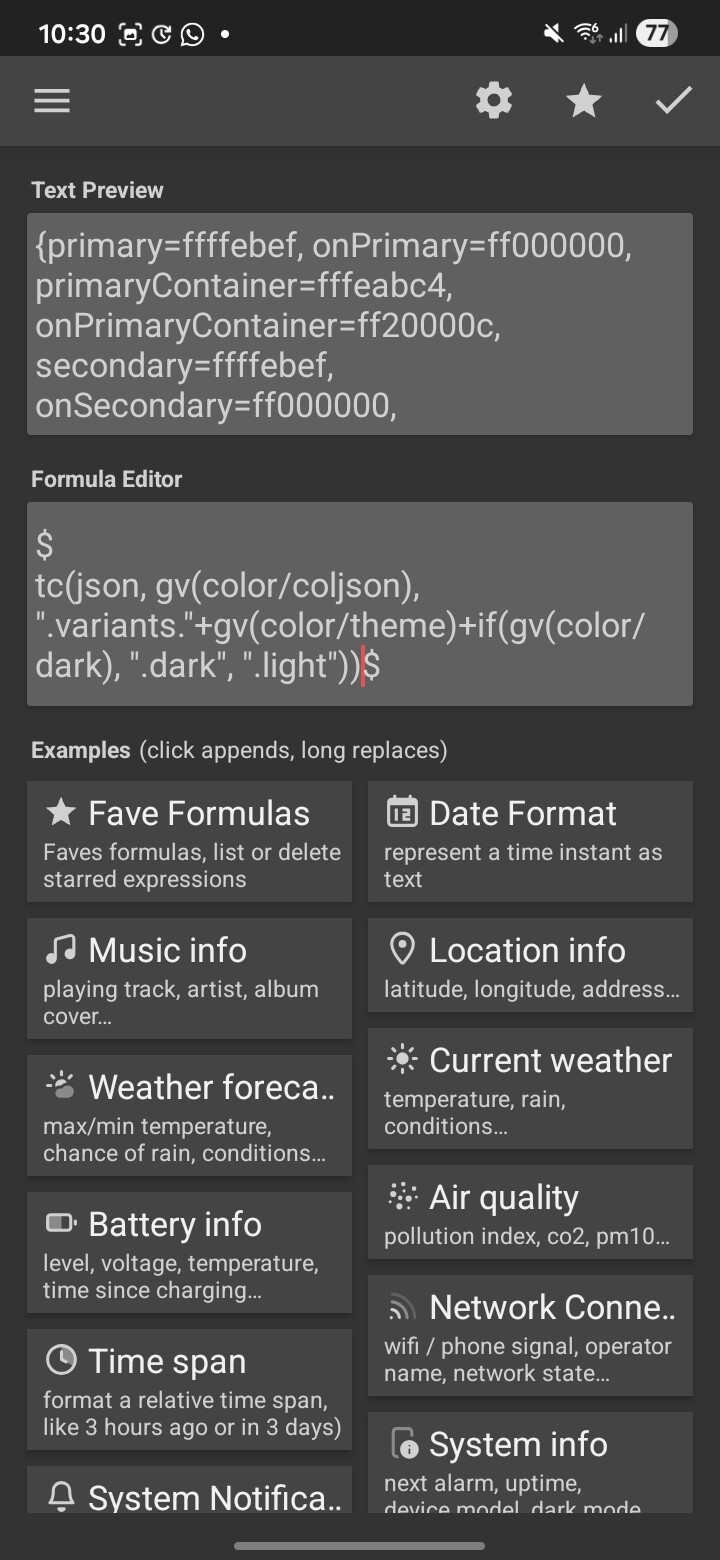
When storing raw JSON format in the global and calling it with $tc(JSON)$… the output is getting wrong formatted… resulting in errors like `tc: net.minidev.json.parser.j: unexpected end of file position 630: null`
It looks like your JSON is breaking around character 630 because you’re trying to store a large raw string inside a Text Global. Kustom globals have size limits, so the data gets truncated, which causes the unexpected end of file error.
The better approach is to use the wg function and read your JSON directly from a file. It’s far more stable and bypasses all global‑variable limitations.
Move your JSON into a local file (e.g., sdcard/Kustom/theme.json).
If you need multiple colors from that JSON for different UI elements, just create separate Color Globals and put a specific wg formula in each one (for example, one for .day.bg, another for .day.text). Kustom caches the file, so this method is fast, clean, and avoids the complexity of trying to manage everything through Flow.
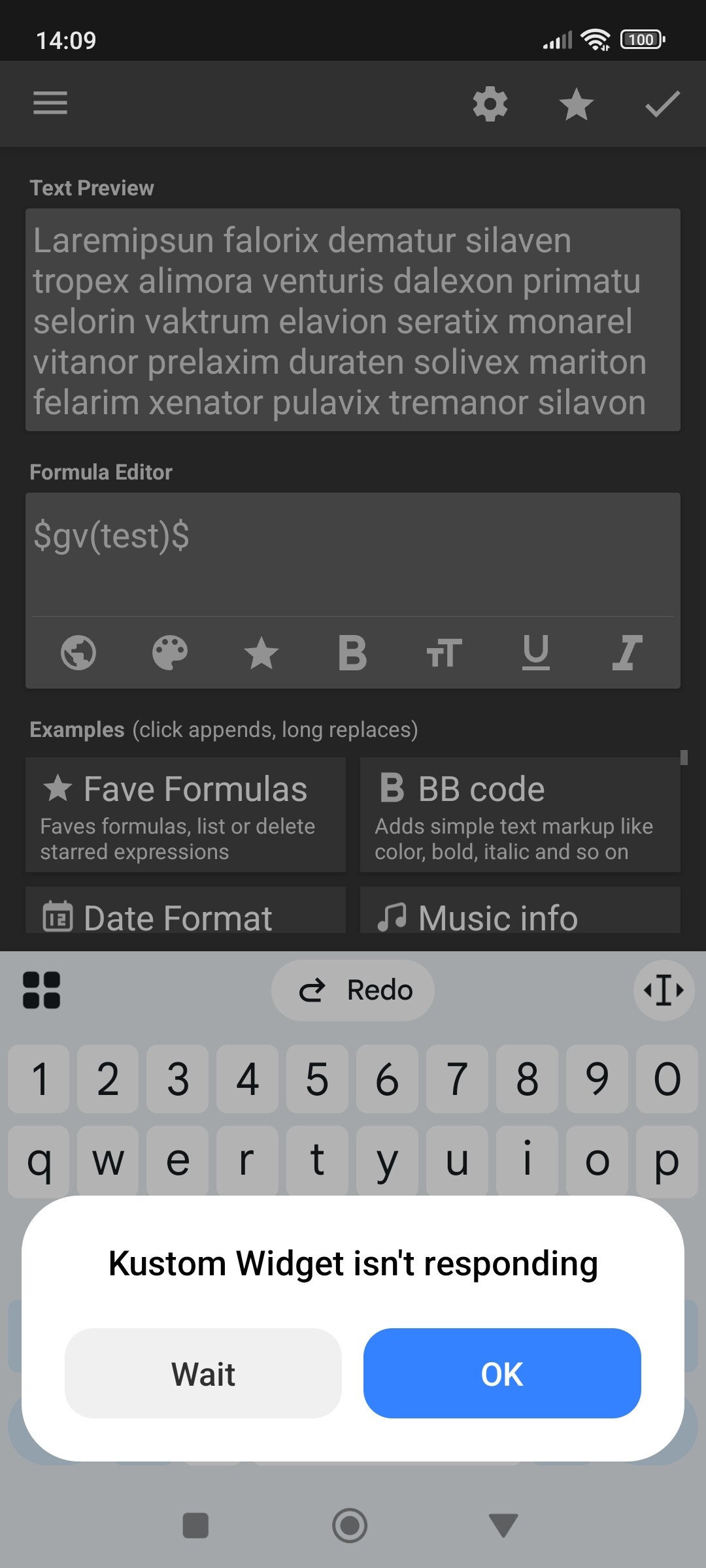
I don’t know the exact character limit, but for the sake of science, I tried stress-testing a Text Global. After pasting several thousands of characters multiple times, I eventually hit an App Not Responding (ANR) error.
My point wasn’t about the exact number, but about stability. I suggested the local file method because it’s the most reliable way to handle large data without making the editor laggy or risking truncated strings. Just trying to help the user avoid those headache-inducing 'Unexpected end of file errors.