This issue happens no matter how I approach the ”set wallpeper” button.
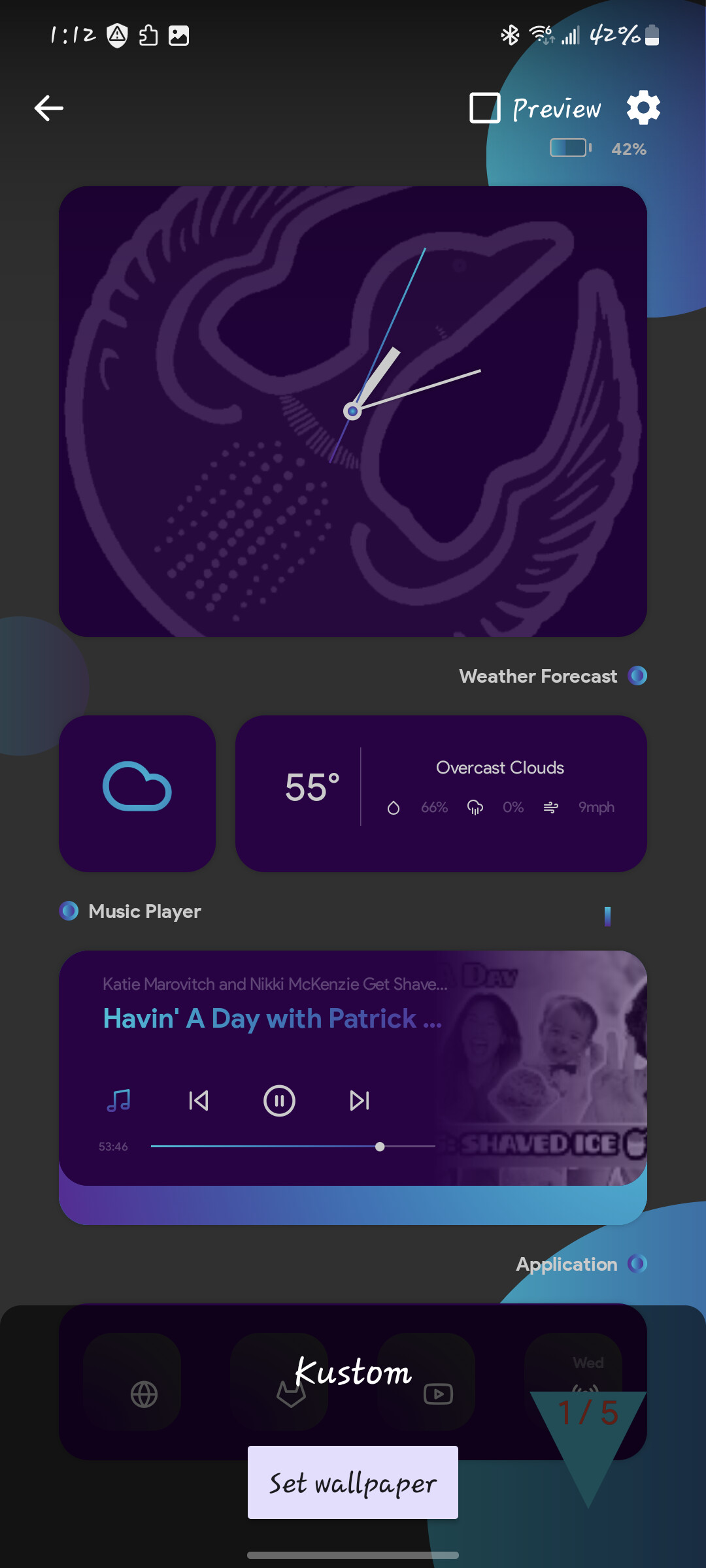
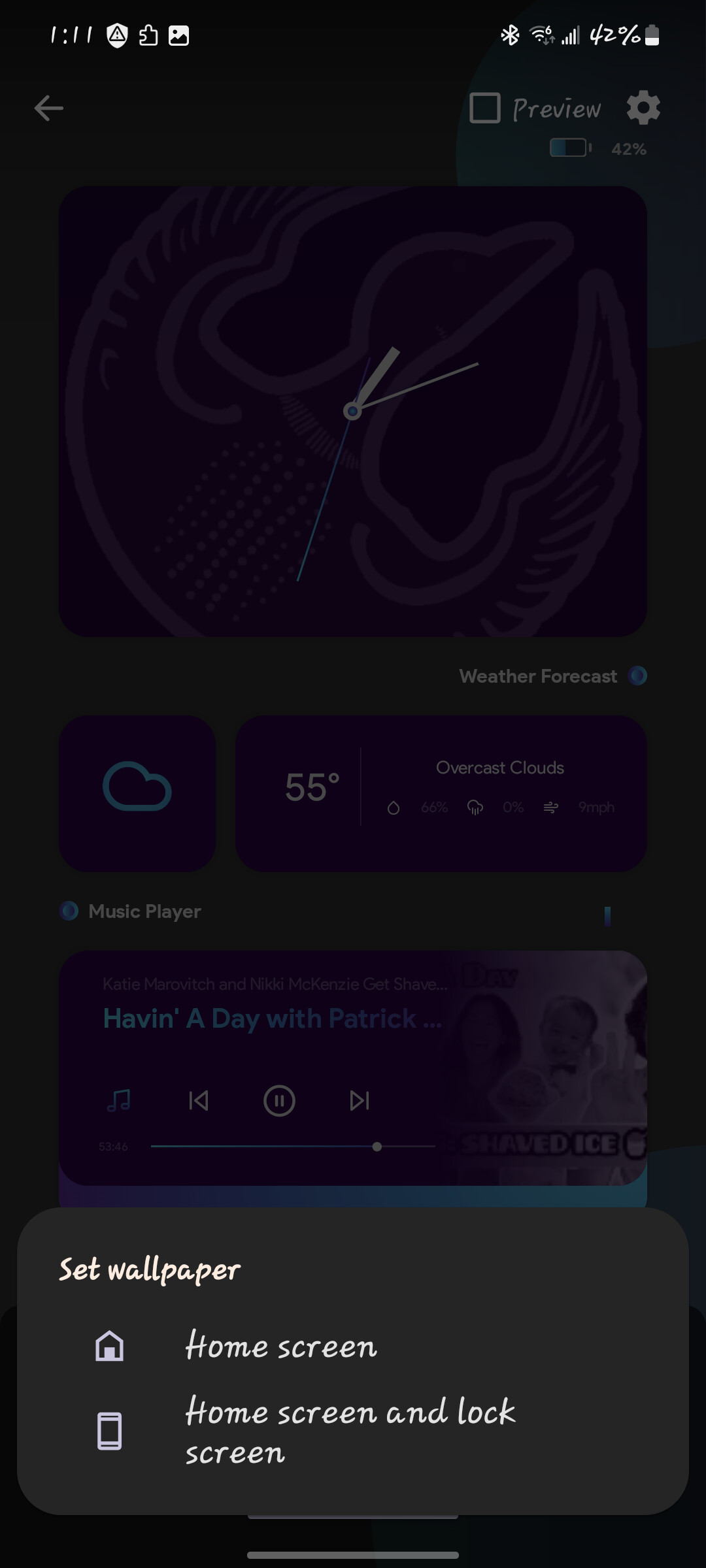
When on the home screen, I go into the set wallpaper options, select Live Wallpaper, and select KLWP, the preview pulls up, I click “set” , then click the dialog to select “Home Screen” or “Homescreen and Lock Screen” (I have tried both options), and the screen returns back to my home screen without.having changed anything.
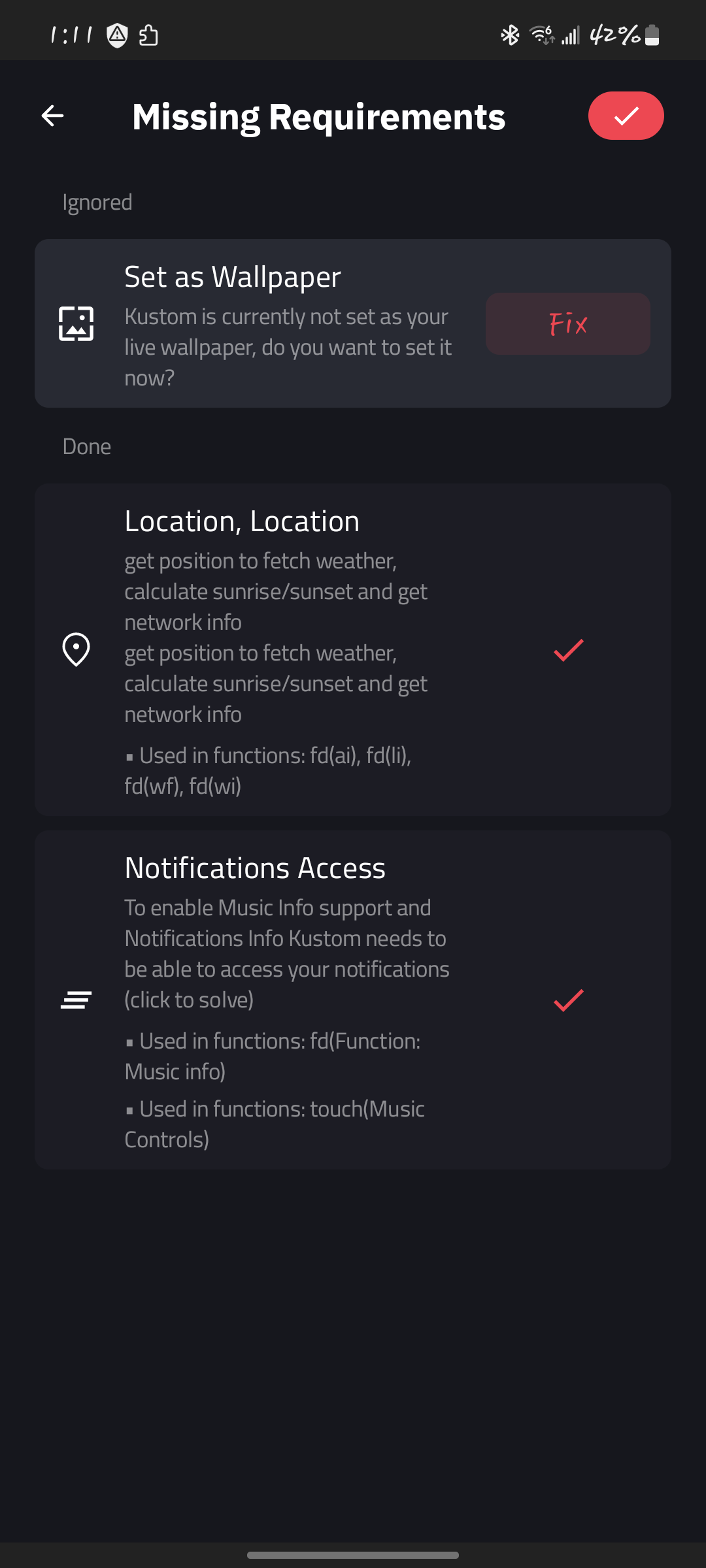
This also happens when I open the editor and go into my currently selected wallpaper, and click to save the wallpaper which shows a dialogue saying that my wallpaper is not set and to “fix now“. I click on that, and a new window shows 3 boxes describing certain device settings that need to be set in order for the wallpaper to be used. Only the top setting (set as current wallpaper) shows it needs fixing, and clicking on that takes me to the same preview menu. And when I click to set the wallpaper, And select which screens to set, the screen closes and takes me back to the “fix now“ device settings screen which still shows the screen is not set (which I have confirmed).
No error dialogues show up when setting the wallpapaer, and I have double checked everything I know to check and nothing has fixed it.
This has rendered the entire app unusable as i cannot set.any wallpaper from klwp. Please help.
It’s possible that the system’s Themes app is glitching and blocking the live wallpaper dialog. Try this:
Clear the Themes cache: go to Settings > Apps > Manage Apps, find Themes, and clear all data. This resets the wallpaper picker without removing your downloaded themes.
Set any regular photo from your gallery as your Home and Lock wallpaper first. Then go back to KLWP and try applying it again.
If it still loops, install the Google Wallpapers app from the Play Store. Open it, scroll to ‘Live Wallpapers’, and apply KLWP from there it usually bypasses the broken system menu.
It’s likely a permission bug from a recent system update, but I might be wrong
I’ve been having the same issue. I also tried the newer version to see if it heled, but that one won’tstart up. Only gives an immediate crash. The picker not setting has been driving me nuts. I just want to play with wallpaper stuff
I finally found out that it works by changing the “change system settings” permission of the “Live Wallpaper” app in my system. I truly dont think it is supposed to be there because it seems like an older version…but that fixed it.
Just wanted to update on mine in case it is the same issue.