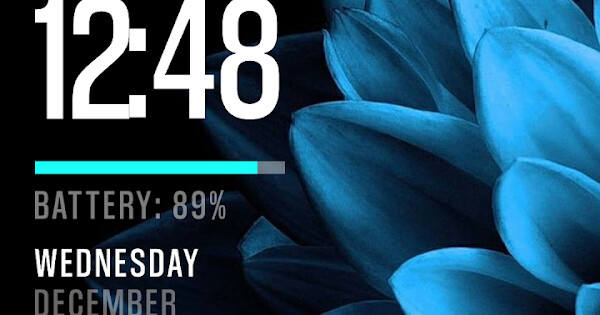
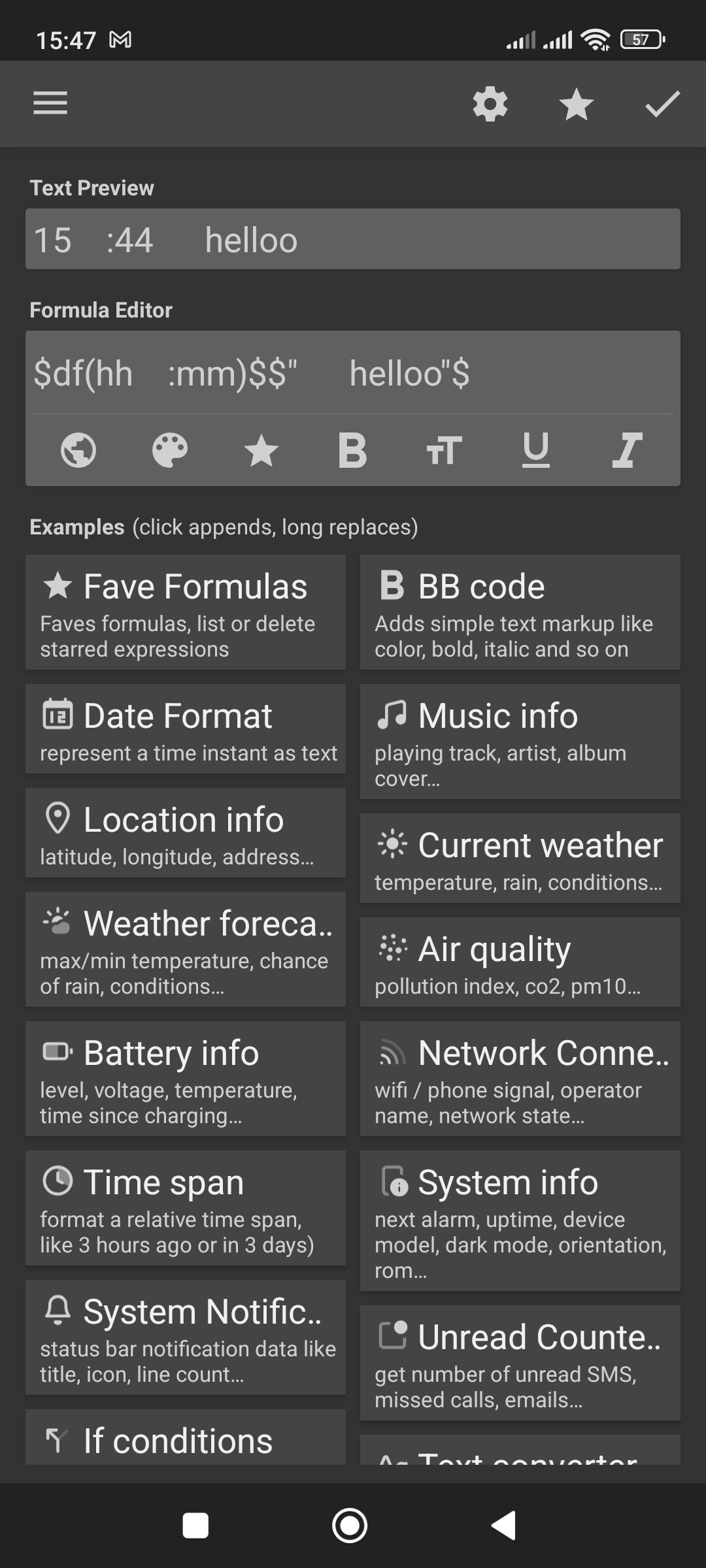
On my home screen layout I have a digital clock showing hours and minutes with a colon separating them, and there was space on either side of the colon. Suddenly there is no space between the hour numeral and the colon so it looks ridiculous. I have two screen layouts I alternate between an this has happened on BOTH of them.
Have you updated KWGT and broken something? I have tried editing to add a space but the program just ignores that space. What has happened? How can I fix it? ( I can send screen shots if that’s helpful - seems to be no way to attache them here).
Sure - here’s links to the two layouts I use (alternately) and you can see that there is no longer any space between the numeral ‘2’ and the separating colon on both of them:
Thanks for that suggestion - I didn’t know about that option - but the filters on all that text is set to ‘None’ so it’s not that. I’m surprised that there is no way for me to simply add somethng/code that forces KWGt to just add a space, or recognise the space I’m adding to it…
It could also be caused by the font used in the preset. Try to use another font (try Roboto, Sans, etc.) an see if the space character got trimmed or not. If it shows normal, then the issue is caused by the font used.
There is code that you place in with whichever character you want to adjust space to. I wish I could show you, but themes I’ve used it in have gone corrupt. So I toss them and start over with something else.
I think to find the coding I searched for “Character Spacing in KWGT” . . .
KWGT doesn’t manage Fonts too well. KERN (character spacing) and Lead (line spacing).