Since update icon change via formula doesn't work

Android One UI 8.5

KLWP Pro 3.82b621115

I change two icons for media sound and Bluetooth device sound with this formula:

$if(mi(vol)>0, if(tc(len, nc(aname,0)) >0, “bluetooth-audio”, “volume-high”),“”)$

Since last update (or one of the last updates, don’t know) that doesn’t work anymore.

I can see the correct icons in the editor preview but on the wallpaper there are no icons.

I tried to find a solution with chatGPT but after two days I gave up.

Hi @garugc ,

Which icon library do you use?

.

I´ve tested with “Material Design Icons” and “Google Material Icons”.
I’ve now added two icons separately and managed the visibility using the same formula:
$if(mi(vol)>0, if(tc(len, nc(aname,0)) >0, VISIBLE, REMOVE),“”)$

That works. So you can close this request, but the problem still remains for other users.

Hi @garugc ,

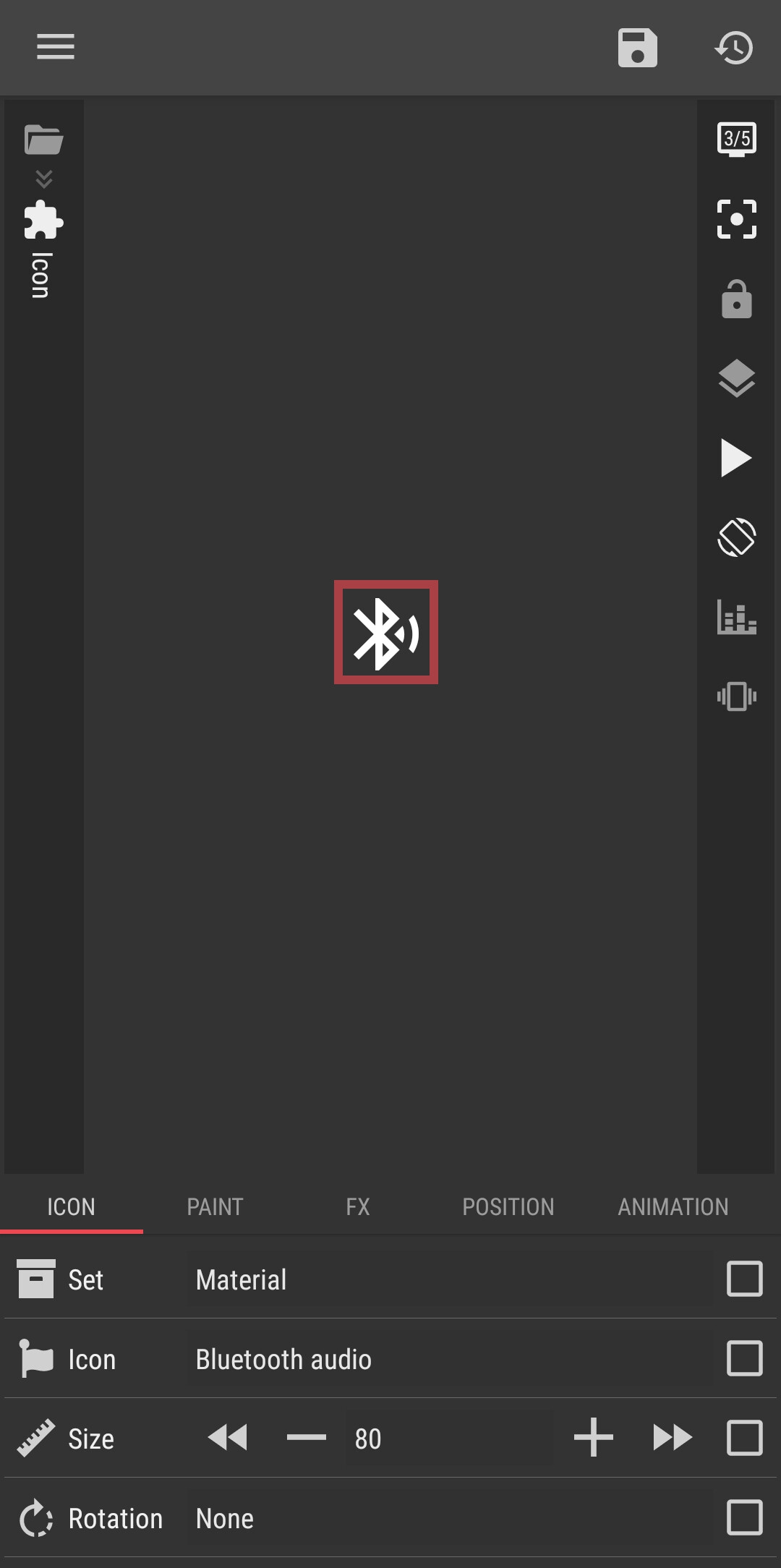
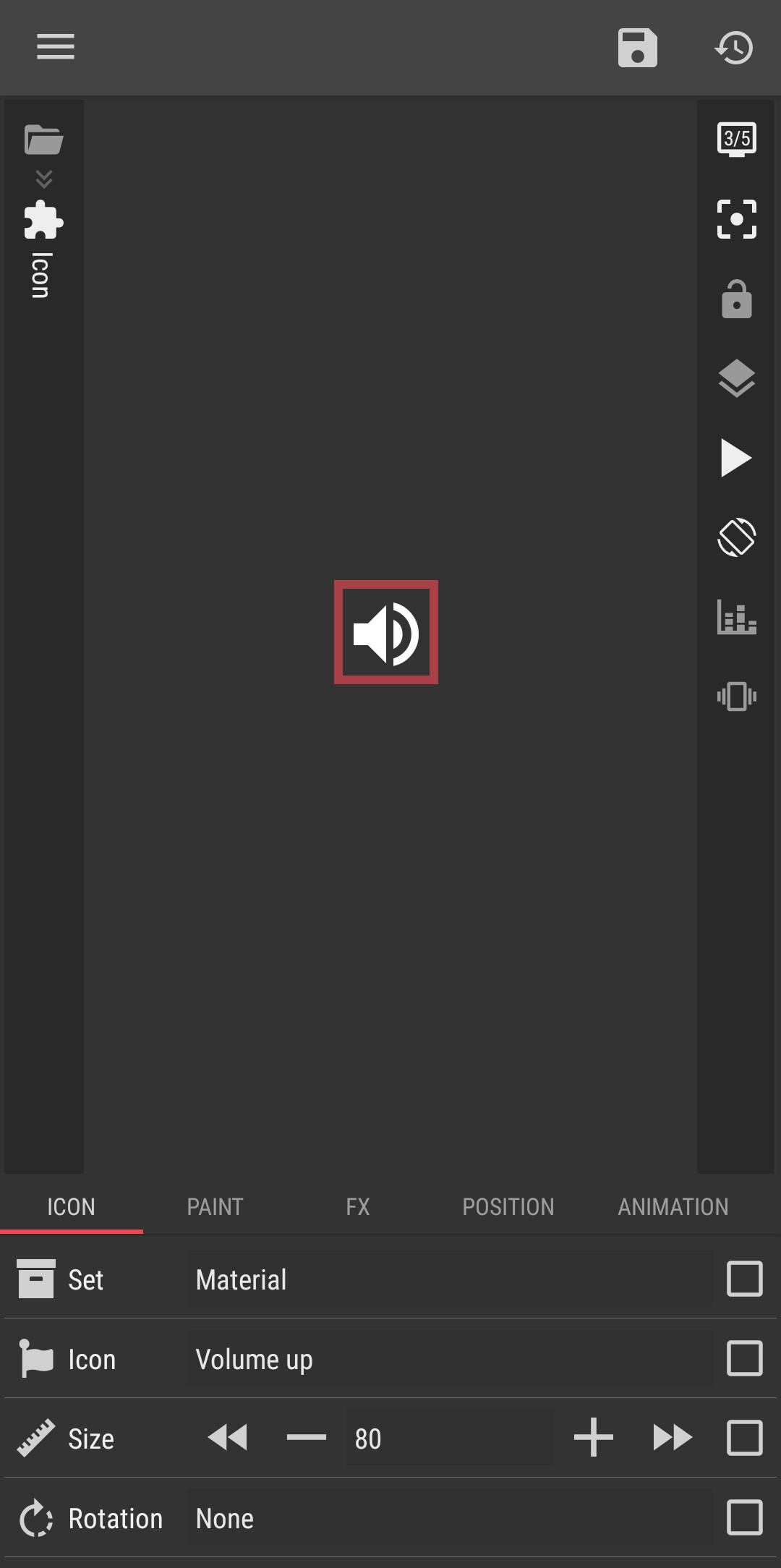
I found no “bluetooth-audio” and “volume-high” icons, there are “bluetooth audio” and “volume up” icons. I use the built-in Materials icon library.

I think that the Material icon library has been updated with the recent Kustom apps.

Bluetooth Audio icon

Volume Up icon

I hope this would help.

:smiling_face::+1:

That doesn´t work. Normally, you have to use lowercase letters and a dash “-” between the words. That’s how it’s always worked so far. But even when I enter the original names of the icons into the formula, it doesn’t work.
Anyway, I found a workaround. Thanks for your help!

Hi @garugc ,

Have you tried to use the built-in Materials icon library? Maybe it has both icons that you need but under different names.

Nope, doesn´t work. But don’t worry—my workaround works just fine :slight_smile: