Hii guys can someone teach me how to achieve this semi blur like this
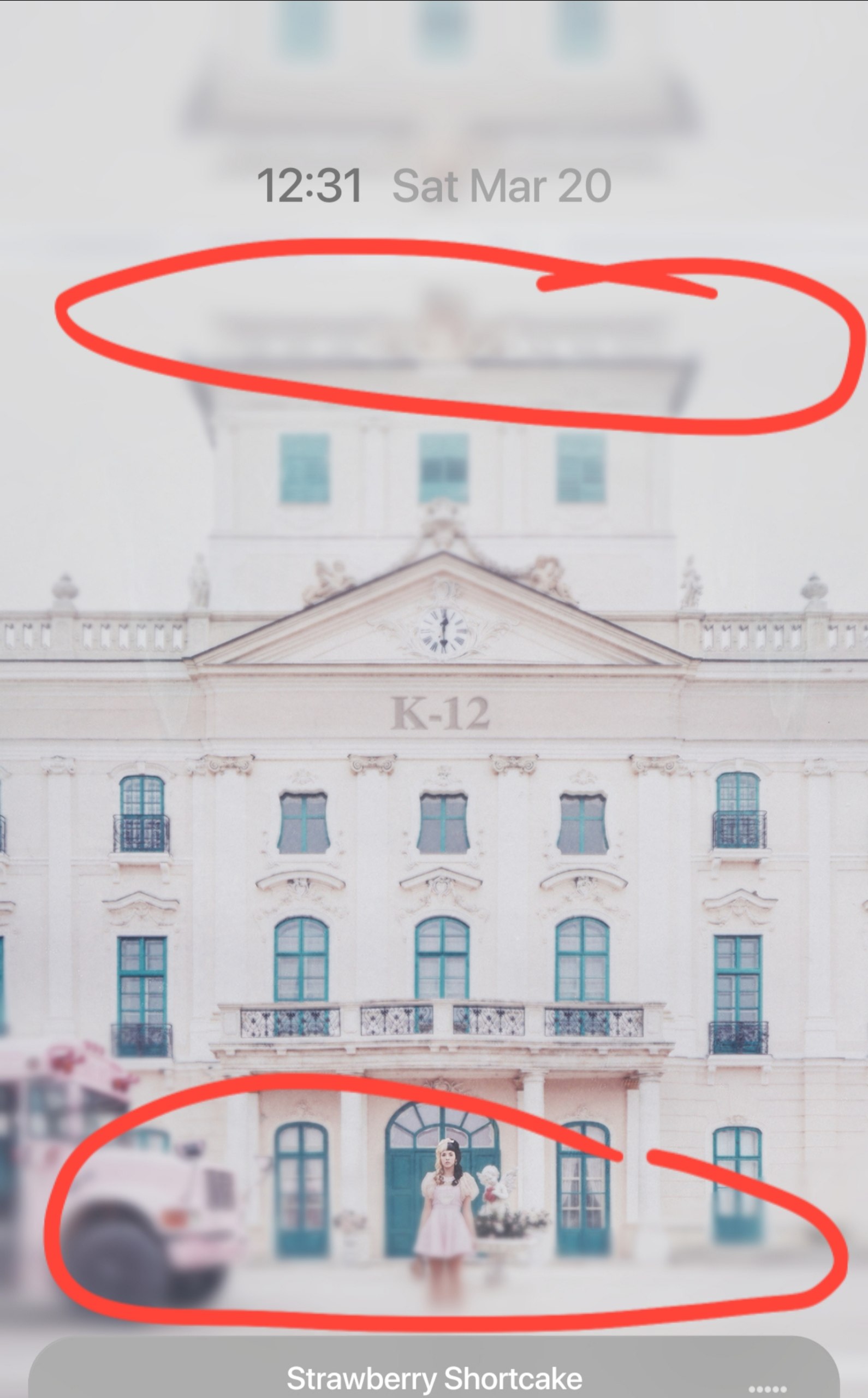
If you want to try it in Kustom:
Create a Shape (Rectangle).
Set the Color to fully transparent (remove the main color).
Go to FX → Shadow, set the shadow color to match your theme, and crank up the Blur and Amount.
But the best way is to just blur the image in Photoshop or any photo editor before loading it into Kustom. It will look much cleaner and more natural.
Hi i try it but still nothing
In the FX tab of your shape, make sure to set Mask to Blurred Background and adjust the Blur value.
@Baju_Santiko posted this. Just add the Shadow @MaxP mentioned to ease the edges.