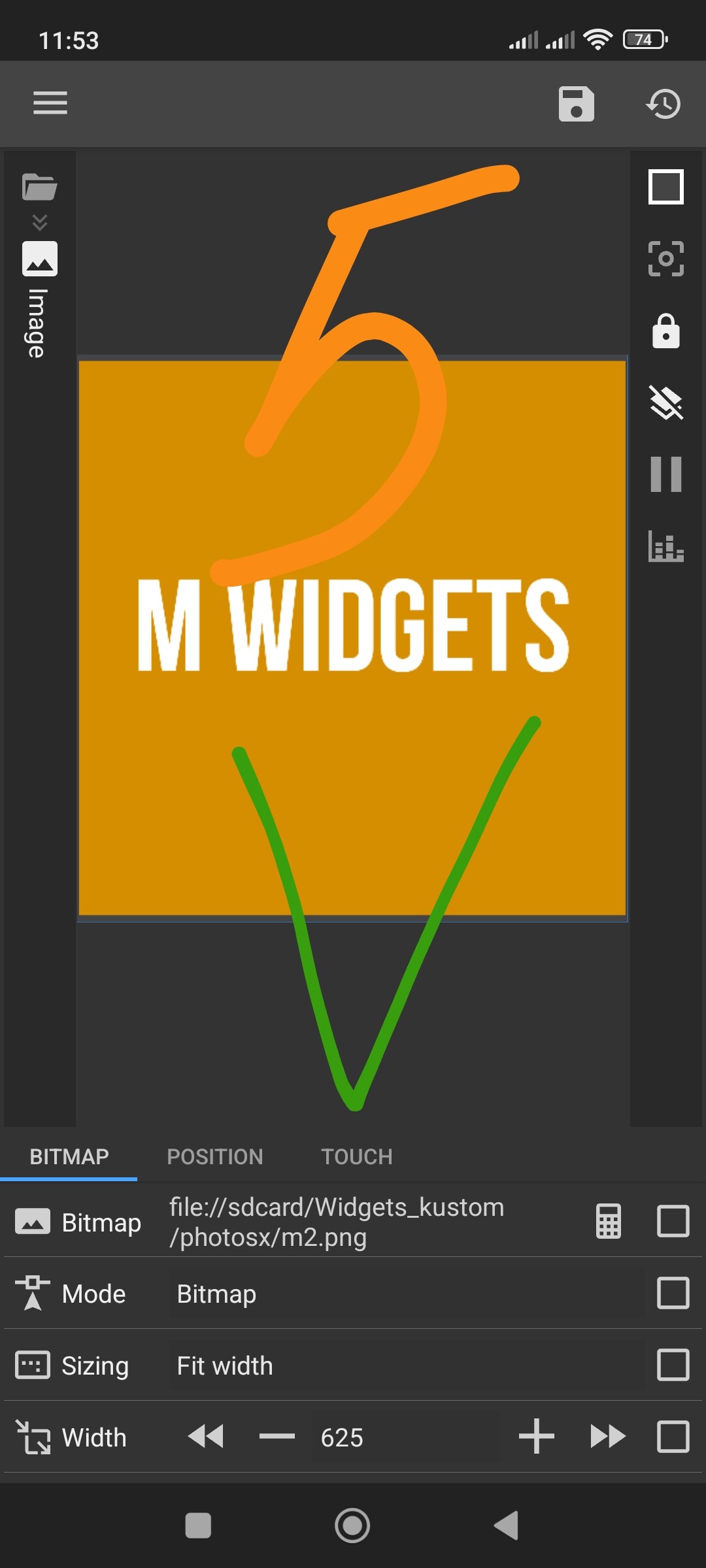
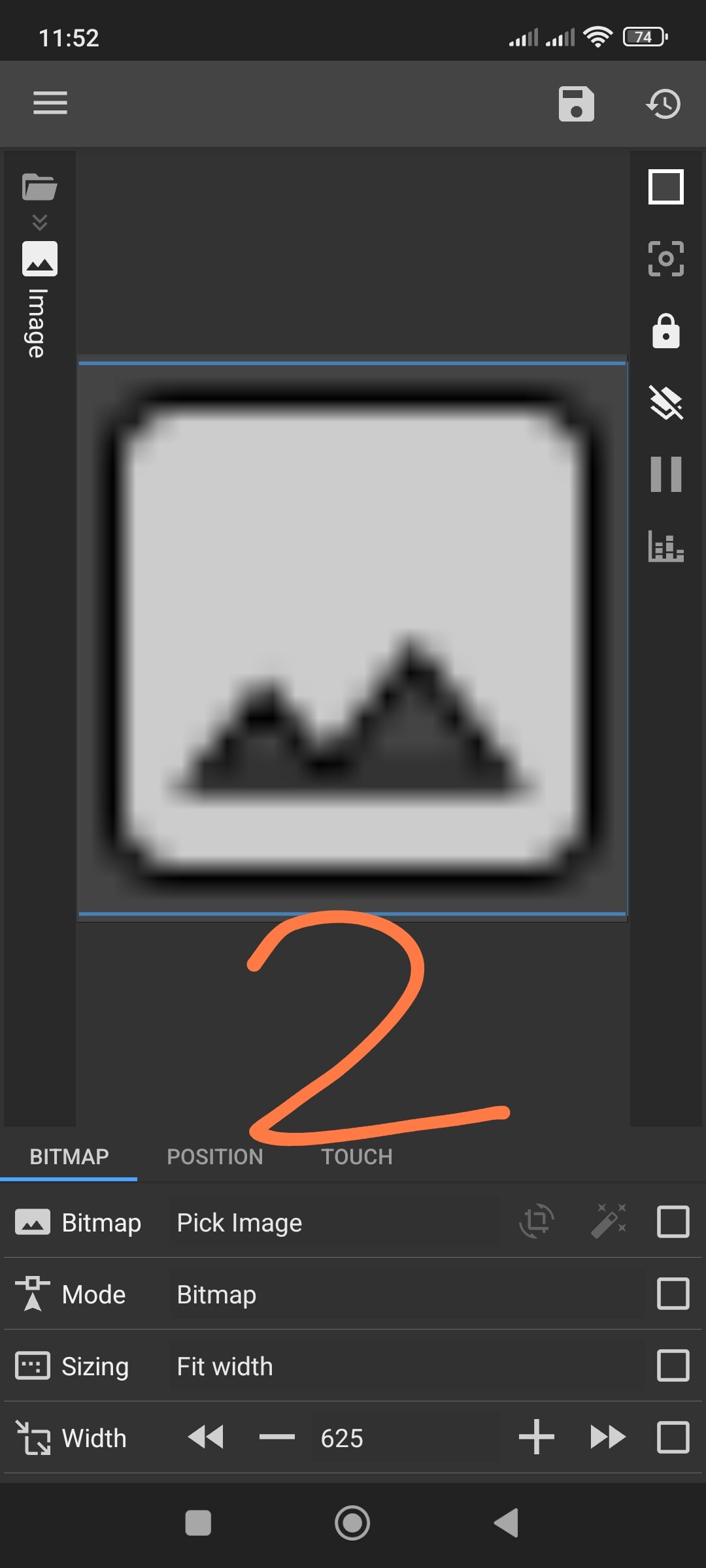
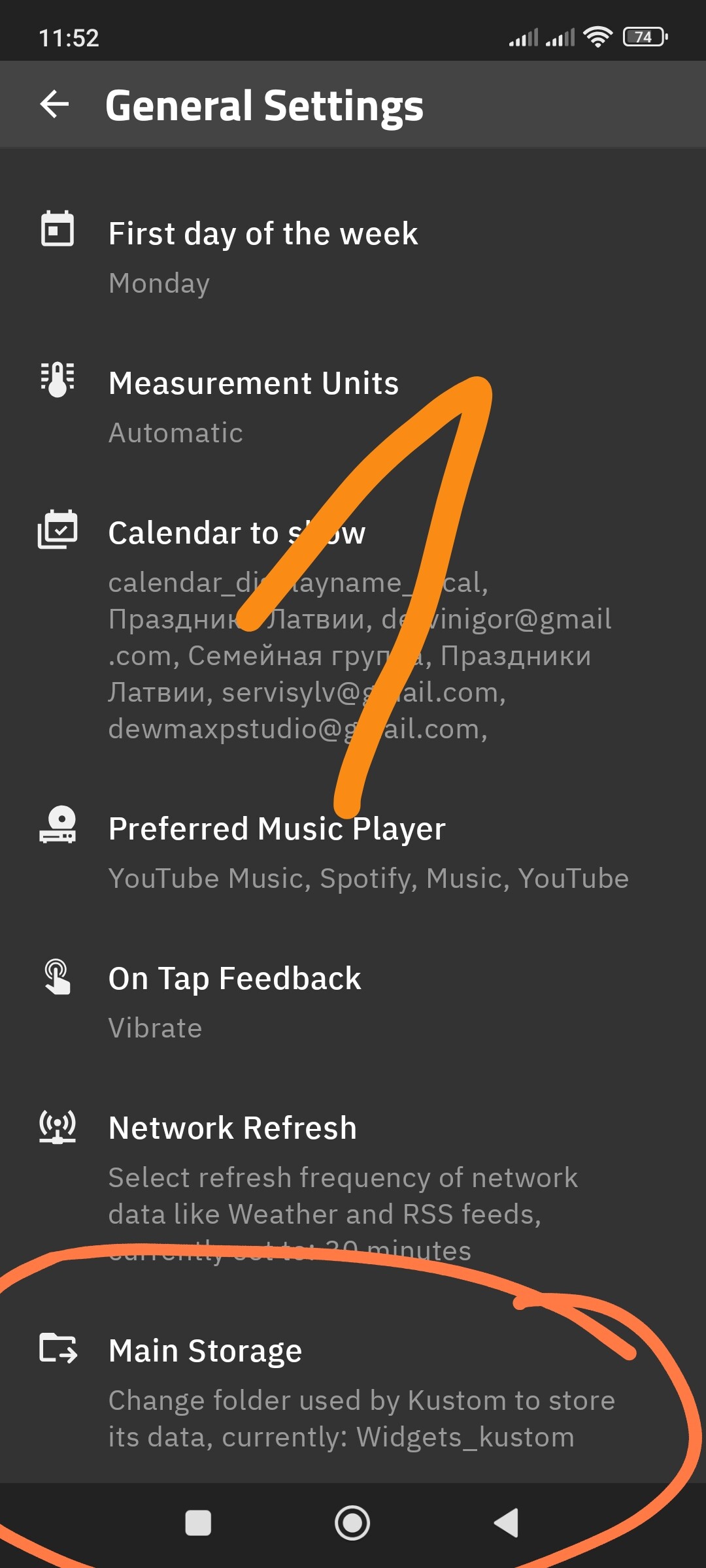
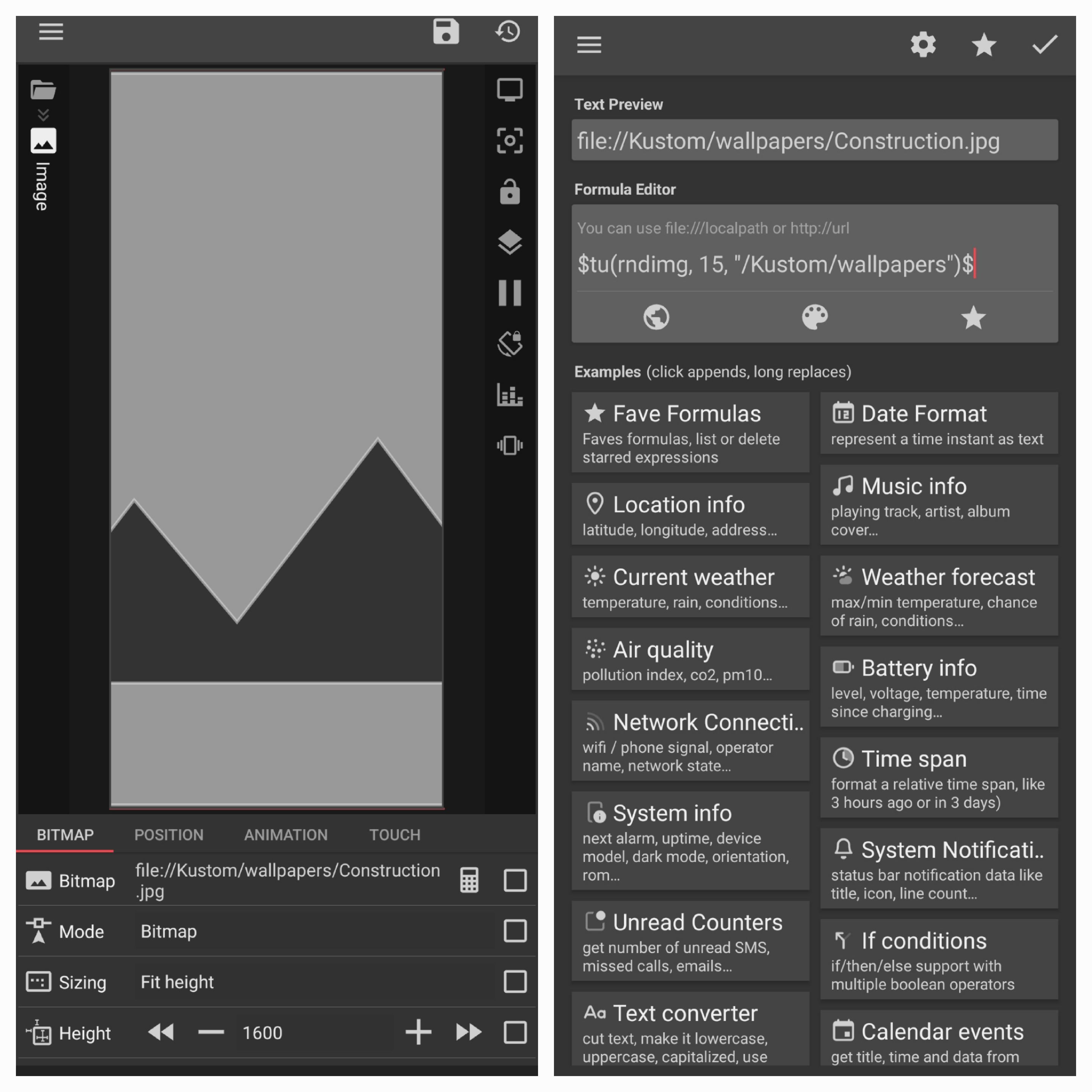
I’m trying to use the random image function to make my wallpaper change every so often. The app is reading the folder correctly, but it’s not rendering the images. How can I fix that?
This topic has been discussed many times on this forum. Please use the Search function next time. Here is the correct formula:
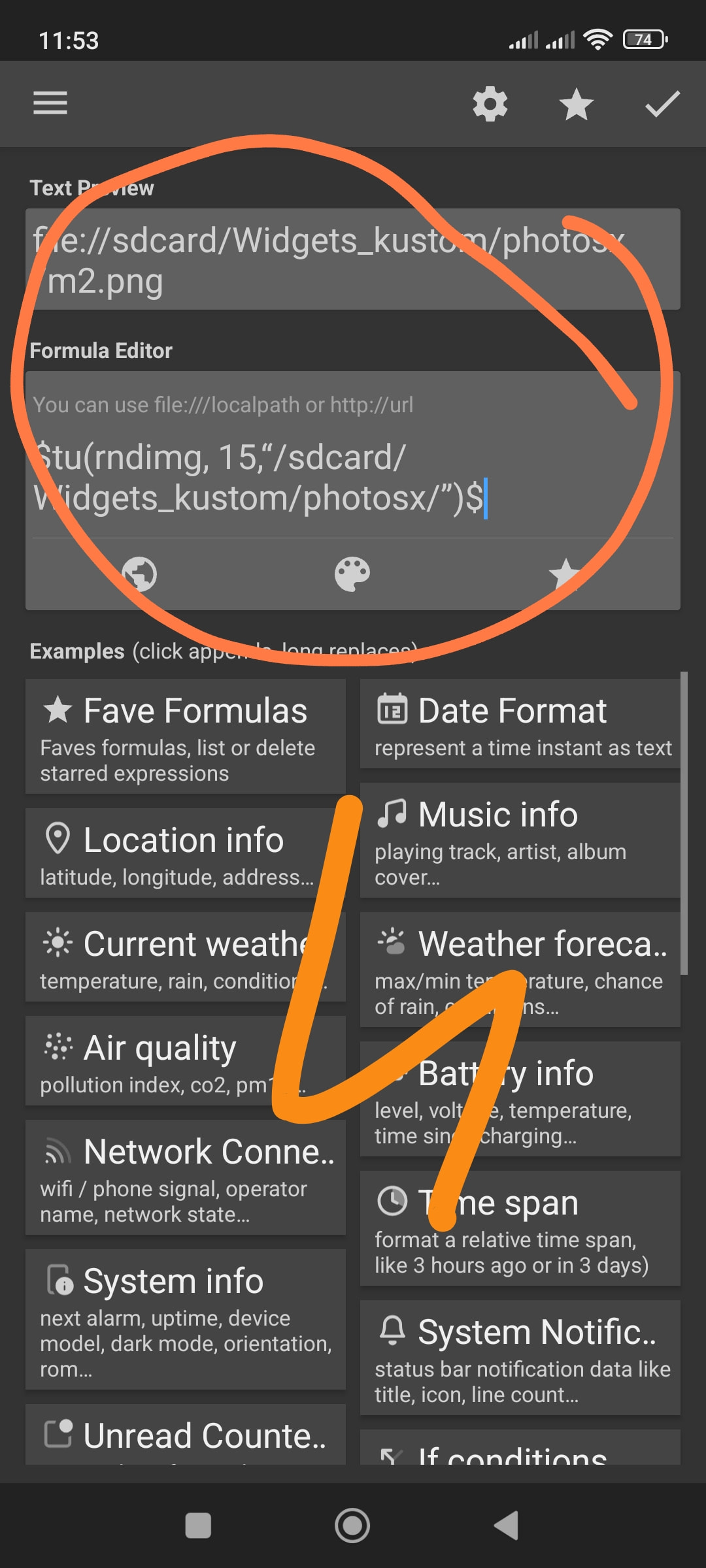
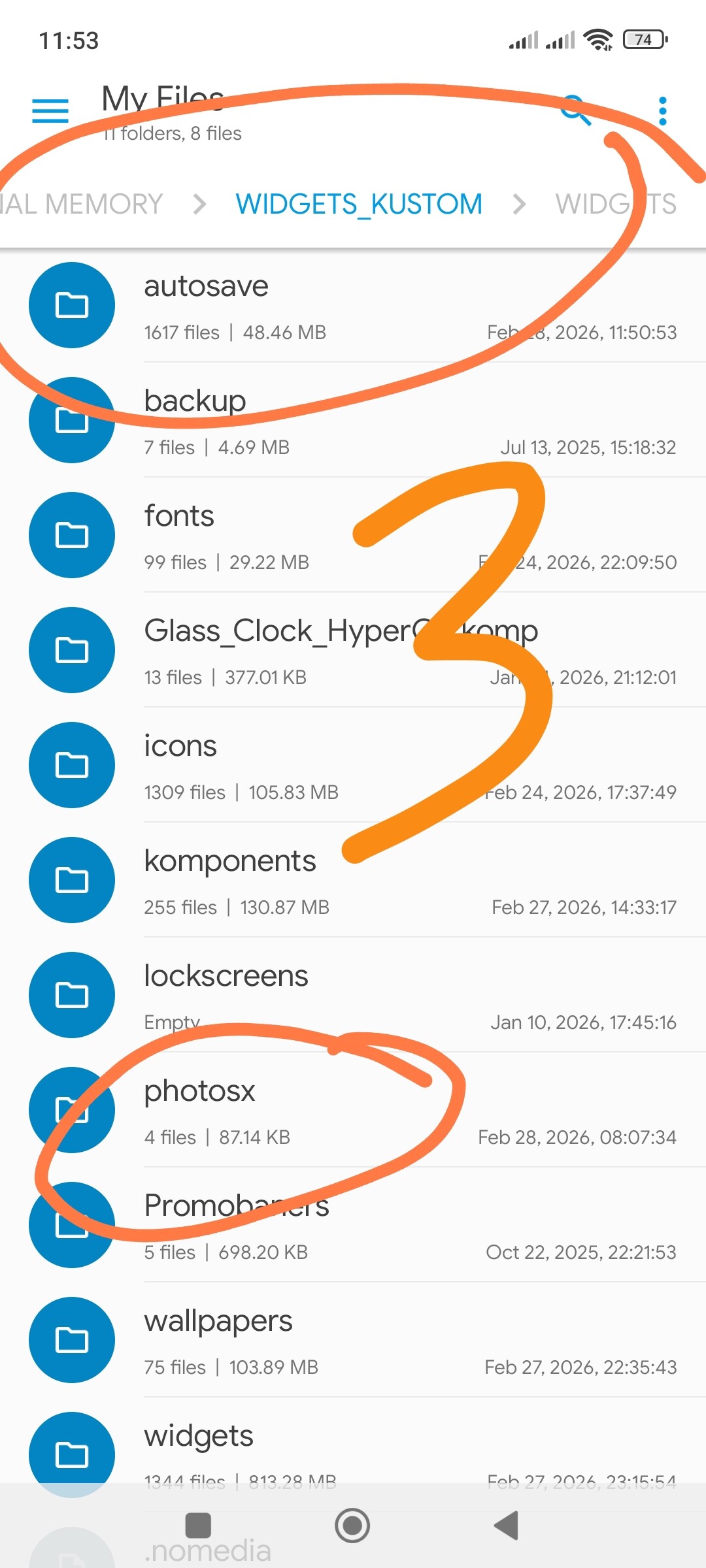
$tu(rndimg, 15,“/sdcard/Widgets_kustom/photosx/”)$
Just replace the path with your specific folder.
Hi there,
The better way (or even the best way) is to use the Flow to schedule the random wallpaper change.
Here’s my TechTips for randomly changing the image:
TechTips • Get Random Image Every … Time
I hope this would help.


This worked great, thanks!
I appreciate the feedback, but I made this post because that formula is not working. As you can see, in the editor image, the formula is correctly reading the folder and selecting an image, however it’s not actually loading. I did search, and couldn’t find any solution that worked.
I’m glad it’s working for you now.
There is a small ‘Solution’ checkmark under each post please click the checkmark under the message that solved your problem.
The fact that you see the file path in the editor preview does not mean the formula is working. Kustom can display the text string of a file name even if it doesn’t have the actual permission to open and ‘render’ that image.
Your screenshot shows a common mistake:
Wrong Path: You are using “/Kustom/wallpapers”. Android needs the full system path like “/sdcard/Kustom/wallpapers/” to actually load the pixels.
Root Access: The folder must be inside the specific directory you designated as the ‘Kustom folder’ in the app settings.
The reason I told you to use the Search function is because this ‘text shows but image is blank’ issue is the most common error on this forum, and the fix is always providing the full/correct path.
However, Baju_Santiko’s advice to use Flows is the best solution for you now because it avoids these manual path errors entirely.
Gotcha, just marked the solution.
I’m not meaning to argue here, and I’m not trying to be a thorn in your side or anything, but I saw those solutions, I did try the full path, I did set the correct main storage folder. The screenshot I shared was just one of many tries. I tried both internal storage and SD card. I even tried a bunch of different file types, just in case.
Don’t get me wrong, I love the app. But I spent hours trying to fix it to no avail before posting here.
Even now, the full path method isn’t working.
Yeah, I understand you perfectly. And it’s great that you found a solution. But just in case, I’ll show in screenshots how to set the path correctly. When choosing a custom folder, make sure to tap “Grant permission to this folder”, otherwise the app won’t be able to access it. I showed it in KWGT, but the process is exactly the same for KLWP.