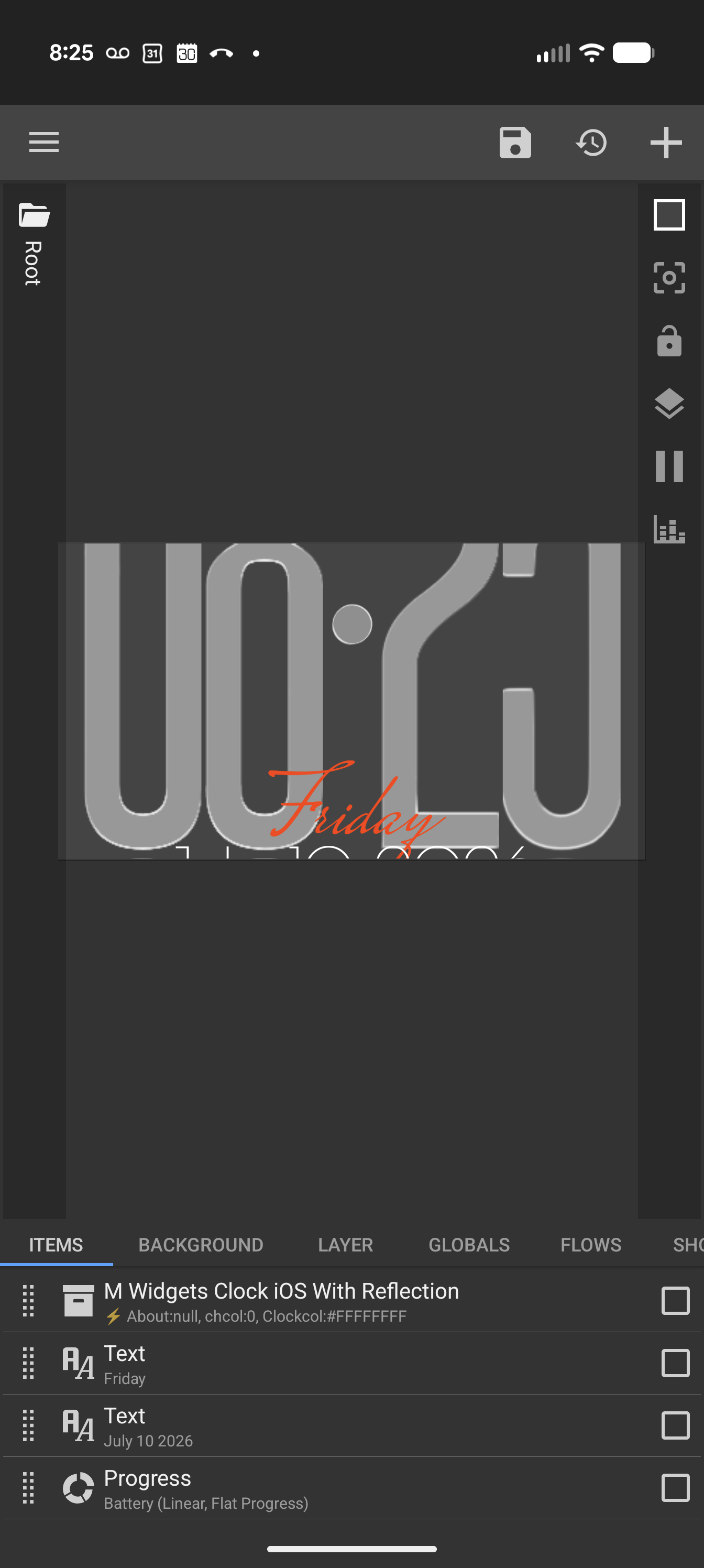
Did you try going in the Layer panel and adjusting the Scale?
Yes. It changes the size of the elements, but the window through which I’m looking at them remains the same size. They’re back there, but the visible space is shrunk.
Hi. This is my component, probably a very old version, depending on where you downloaded it from.
It’s meant to be placed in a large widget window. The reflection takes almost the same amount of space as the main clock, and your widget container looks very small (around 4×2).
Create a new empty widget window, stretch it to full screen, and then load the component from your library.
If you have a KWGT file, then load the KWGT. After that, adjust the clock position however you like.