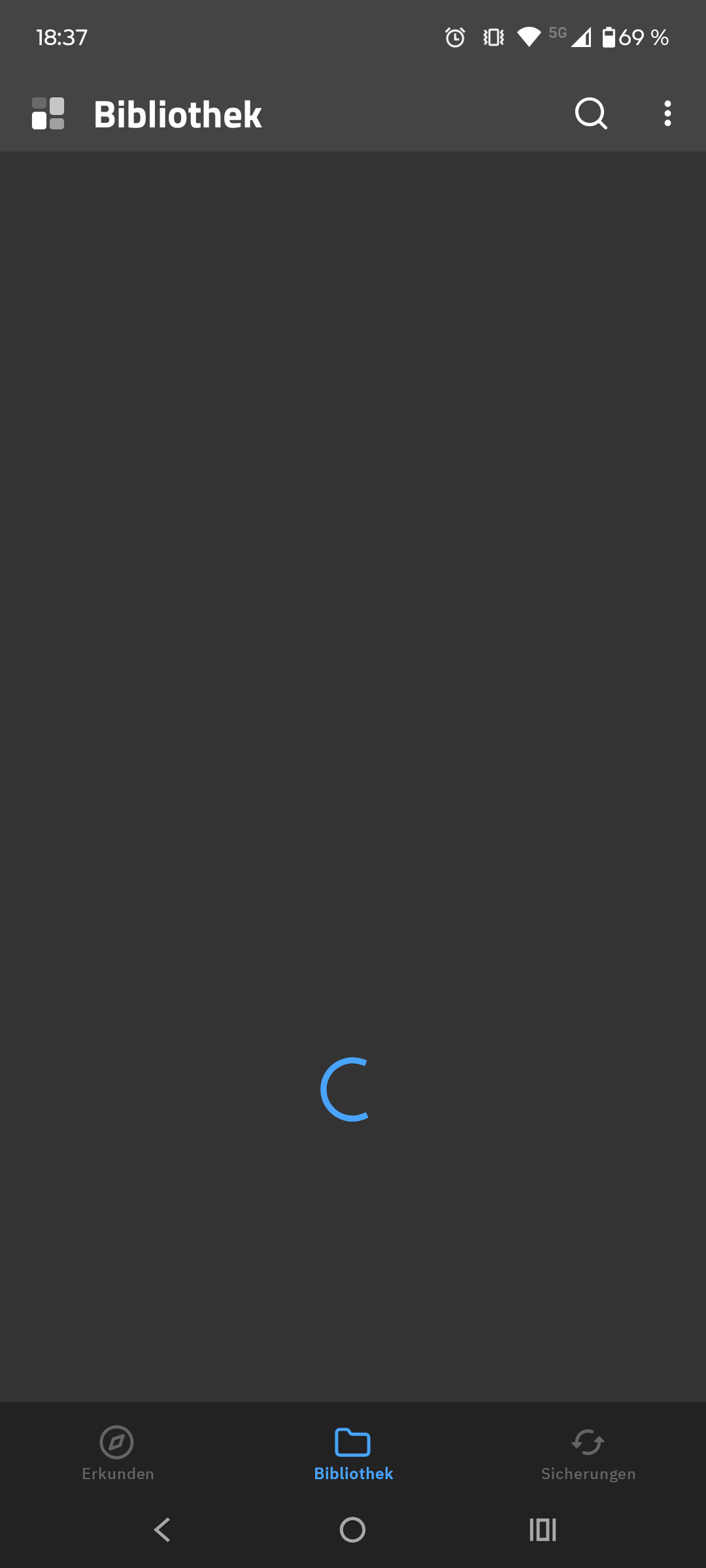
ich nutze ein Motorola Smartphone mit Android 15 und kwgt. Alle Widgets (den ganzen Kustom Ordner) habe ich auf mein aktuelles Smartphone übertragen. Ich habe allerdings Probleme meine übertragenen Widgets zu nutzen. Die Bibliothek läd und es passiert nichts.
I’m using a Motorola smartphone with Android 15 and KWGT. I’ve transferred all my widgets (the entire Kustom folder) to my current smartphone. However, I’m having trouble using the transferred widgets. The library loads, but nothing happens.
Hi, thanks for your reply. I’ve already reassigned the folder. However, I have to do it every time, and it loads endlessly. The preset widgets and the packs from the Play Store aren’t showing up either. Opening with KWGT worked! But it only partially solves the problem. I forgot to mention that I’m using Nova Launcher.
Can you load your own exported widgets? Try to export a simple test widget and then load it back. Does it work or also load forever?
Also, keep in mind that Play Store packs are not connected to the Kustom folder at all (they are separate apps). It’s hard to tell why they are missing without knowing if your own files work