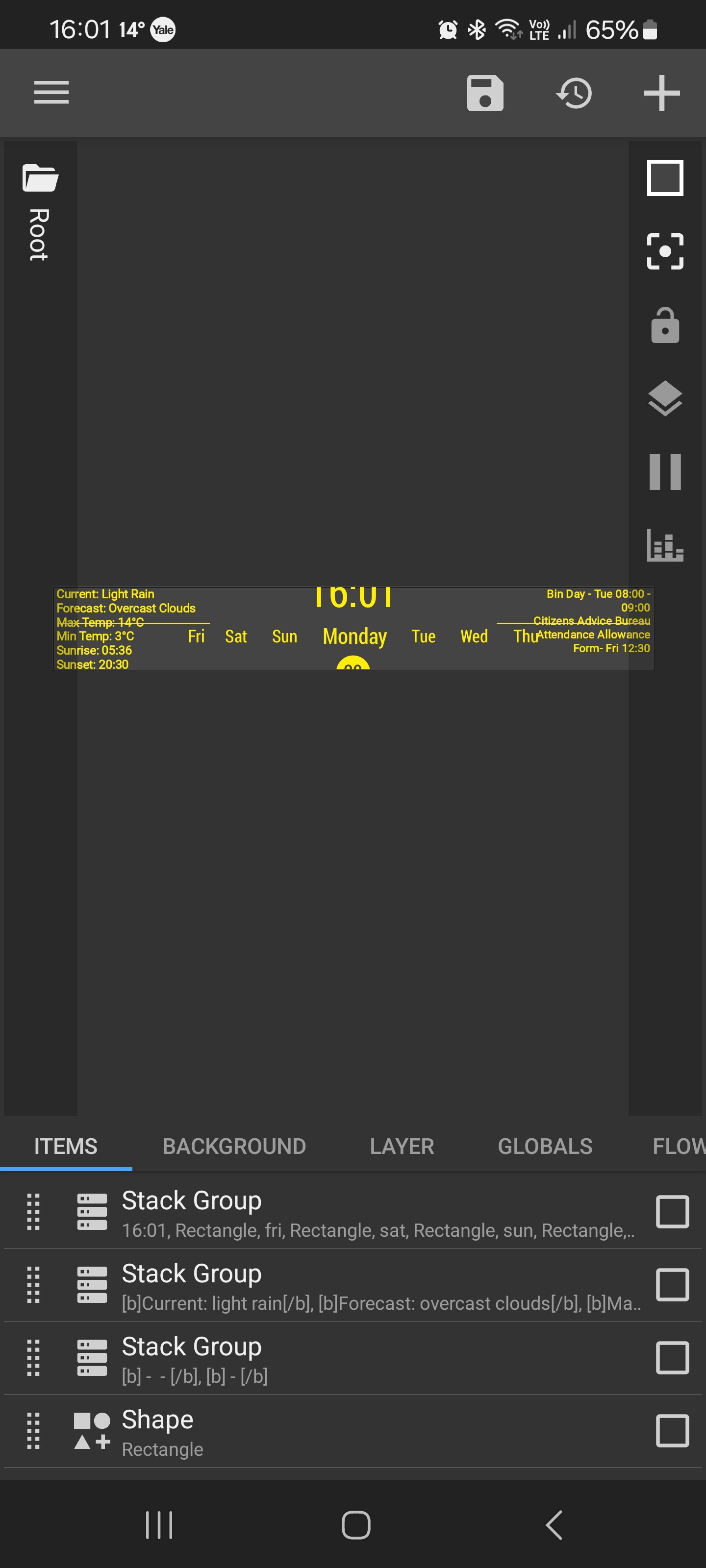
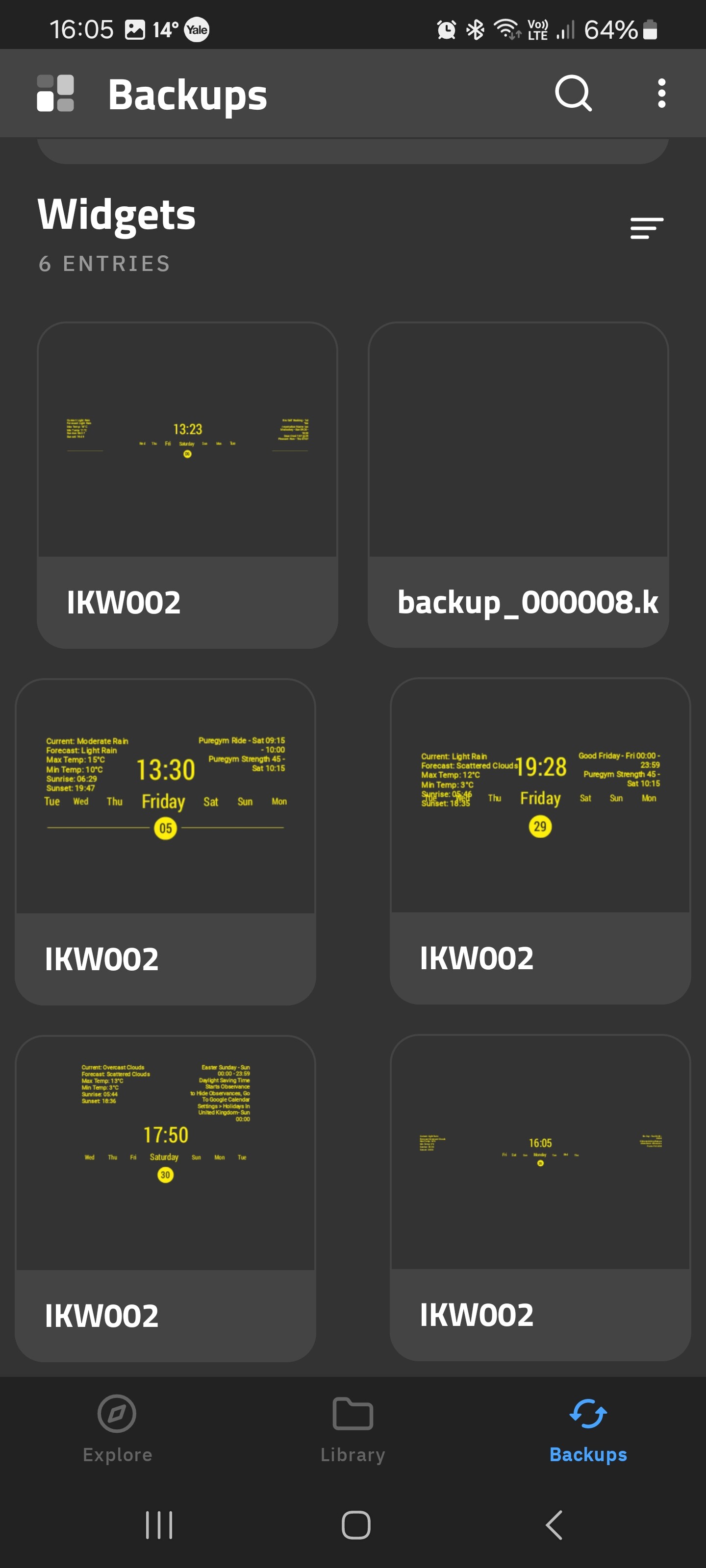
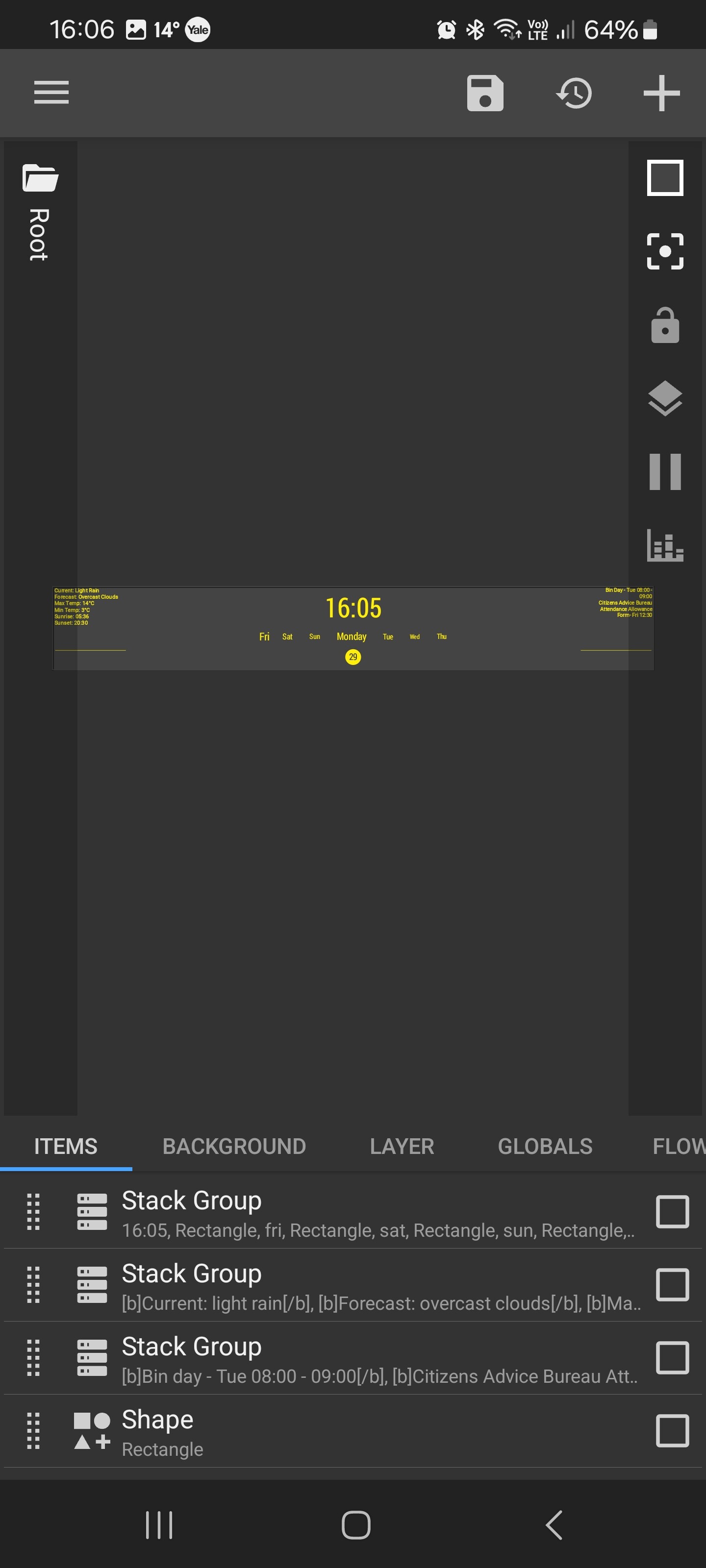
Hi, I’ve tried sourcing help before but never had any replies. I setup a clock/calendar for my home screen which periodically ‘shrinks’ so none of the information is legible and it needs to be completely rebuilt. I have screenshots of required, and if I can add them here. I save the widget but it seems you can only save what you have and when this problem occurs all I have is the shrunken version so can’t revert to previous versions or different versions.
App v3.75
Samsung Galaxy S21 Ultra, updated to latest software
Yes I’m very sure. It was in my pocket on this occasion and when I came to use it the widget has miniaturised effectively. Previous occasions it was on a desk. There’s nothing that seems to cause it. It wouldn’t be so bad if I could just load an earlier version but nothing I do allows me to change it other than starting again, which is a pain.
I’m referring to screenshots that this forum won’t let me upload.
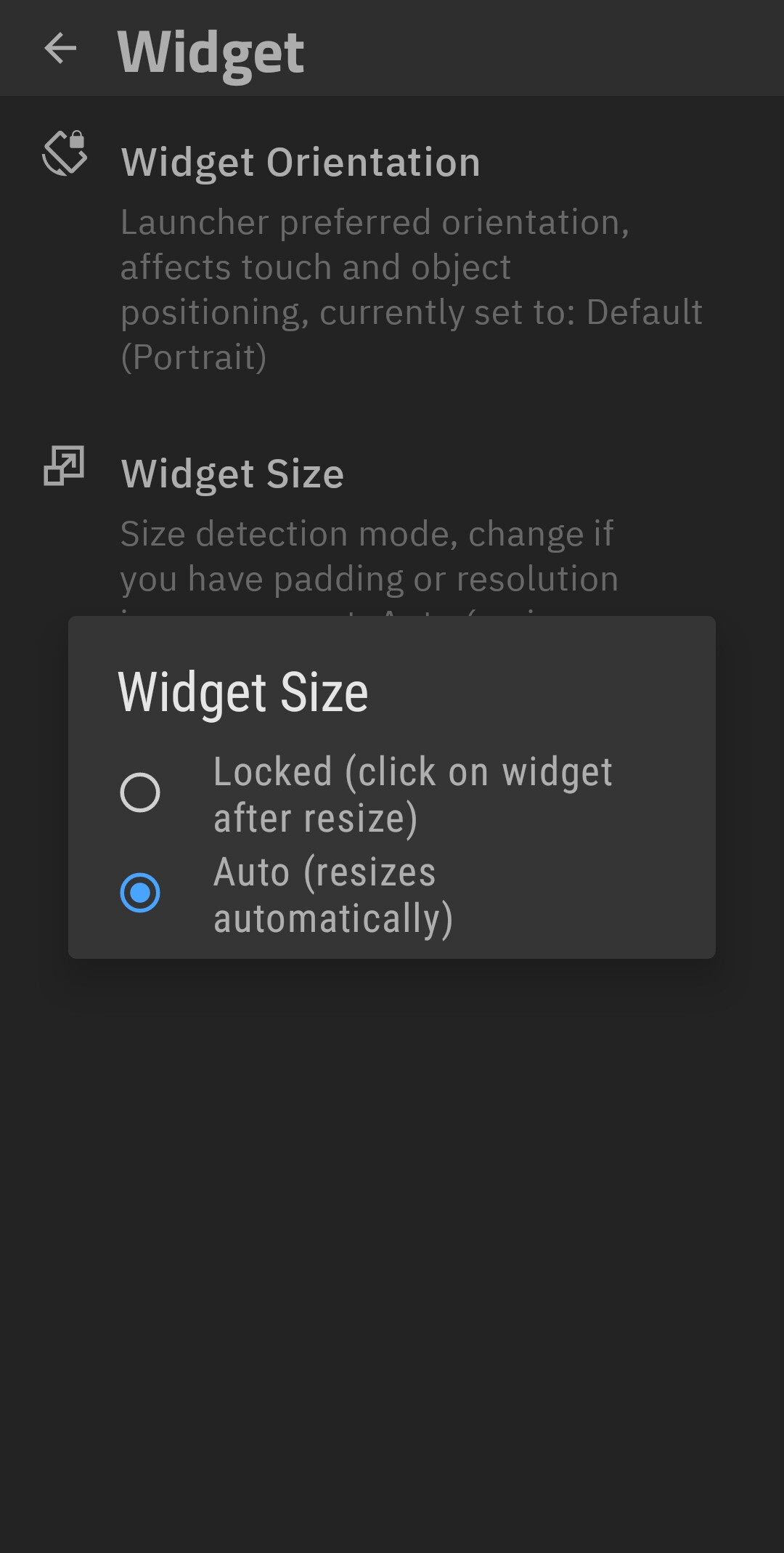
I’ve changed NOTHING and neither can I find what to change to reverse the problem that’s obviously occurred, again. Same thing as always, it miniatures itself. The widget itself on my home screen has not got smaller, just the clock inside this. The ‘preset’ IKW002 (bottom left in the app screenshot) is what I’ve made and was on the home screen. When I select that, the app reduces it to the size that can also be seen in the screenshots. How do I change the size of the widget in the app to get it back to where/how it was?
There isn’t anything I’m doing that causes this and it happens regularly. The only way I’ve been able to get back the clock I’ve made is by starting again and with everything I’ve put into this, which includes ‘touch’ to open apps, calendar appointments, weather settings and more, recreating this is time consuming. This should not be happening.
There are other problems that occur as well. The little lines I’ve added either side of the circled yellow date move up or down for no apparent reason, why?
I assume you’re using KWGT? Just as a far-fetched possibility, are you using any scaling animation anywhere in your design? I’ve had some very strange results occasionally with some of the animation selections in KLWP.
I hate to bump this but… is this still a problem? I just recent became interested in this type of customization and paid for the pro versions of the Kustom apps.
I finally got "good enough to be pleased with a few different set-ups, and just enjoy the results and… my widgets shrink to being useless several times per day.
How can this be? Is there a way to get a refund on these apps?
No, it’s hardly been a problem at all although it hasn’t been perfect all of the time, just much less of a problem. All I can do is replace it with a recent version that you have access to in the paid version. There is a problem with not being able to save complete versions for backup and I’ve just checked and there is only one stored version and that isn’t the ‘perfect’ copy I would want. This inability to save and restore your own copies locally is a severe problem when things don’t work or you’re trying to improve a widget you’re ‘building’. I would like the developers to look at amending this so we can always restore to a versioin we prefer.
It legit happens to me nearly every time my screen lock comes on, so yeah I cannot continue like this. It renders the entire thing basically useless. I just am kinda shocked that this has been happening for so long and there seems to be no solution and really not even much acknowledgement of the issue?
Anyway, I may have found something that helps which is to switch off of Lawnchair. I hate to do that though, but here we are.
Total Launcher is very customizable but I just don’t like it as much. However if I want to use widgets which I really like, then it seems there’s not much option? Yes I know Nova works well but I had abandonware. Niagra and Smart Launchers both have some potential but I feel like their pricing is a bit crazy. Ideally I could use another FOSS launcher but I don’t know of very many, especially with a lot of features.
I’m using Nova Launcher and have customized this to suit me, had it for many years and love it. I don’t have any other issues with any other apps or widgets, never have. It might have been useful if the widgets for the home screen came in pre-built sizes that match the area I built my clock widget for as I have to select one and resize it to fit the dimensions relative to the home screen grid size… My clock widget is 5 x 2 ‘squares’ while the nearest available widget from Kustom is 4 x 4. If any of the developers read these maybe that’s something they can look at as well.
Check out that little icon at the top right that is a clock with an arrow around it.
It lets you roll back to automatic checkpoints, as well as save your own checkpoint whenever you wish.
I haven’t used it much, but my interpretation of it is that it’s basically like undo, just not so granular, unless you save manually a lot.
I’ve always had an issue with the way that Kustom’s save works. In every product, it’s way more confusing than it needs to be.
It took me the longest time to figure out that with KWGT, you have to place the blank widget, then size the blank widget, then tap outside the widget, and then tap inside the widget to edit it. Any spontaneous size changes I would blame on the launcher. I have never had this issue on my zFold 4 using the vanilla OneUI, for whatever that’s worth.
Thanks for your reply and apologies for the delay in responding. I wanted to check a couple of things and haven’t got around to them until this morning. I didn’t spot the ‘automatic checkpoints’ which I’ve just used and there were all my ‘recent’ checks. The only problem is that you can’t see what they look like as some have not been correct but I guess you can just go through them until you get one that matches. I agree with you that Kustom tends not to be obvious, instinctive or intuitive as it were but it seems to work as needed if you look around - or use these forums to learn/research!