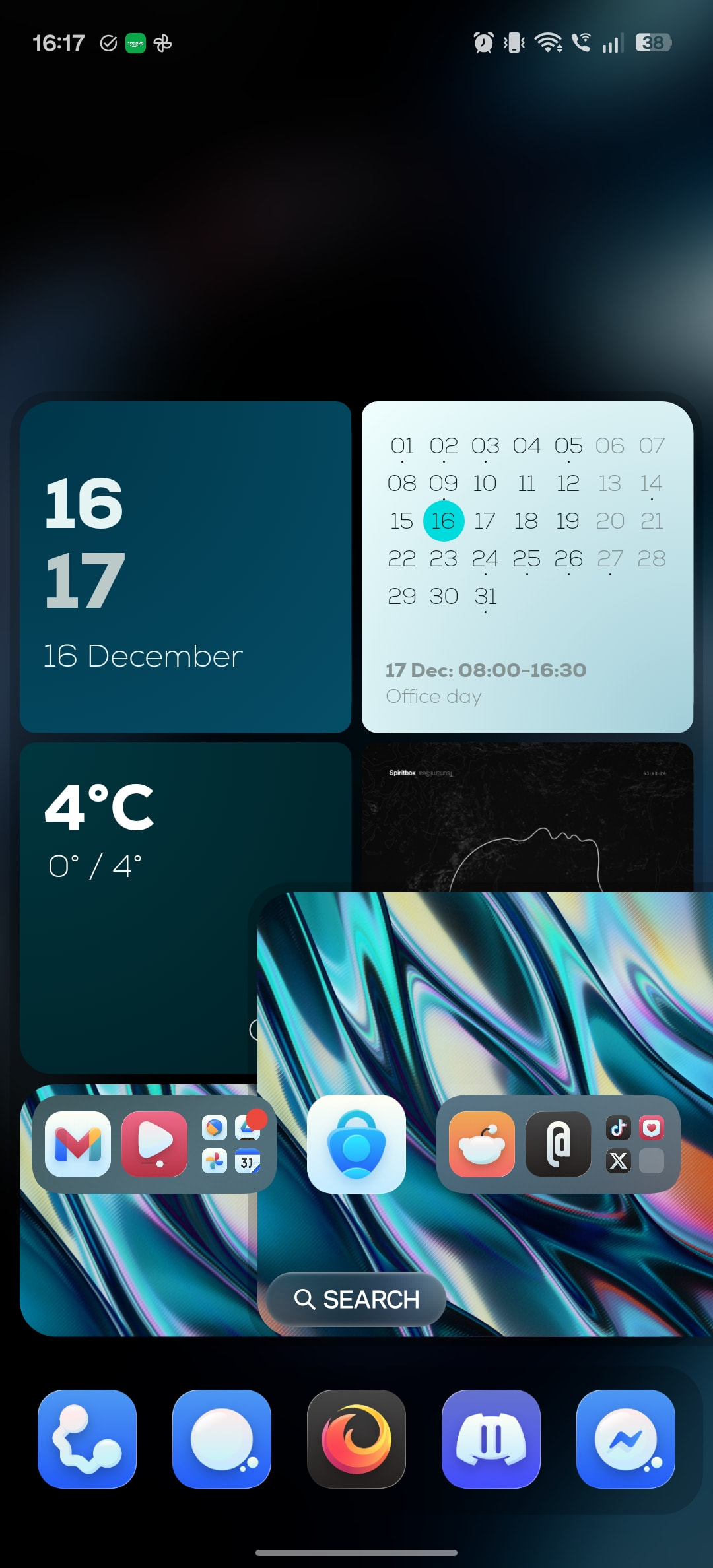
As you can see in the screenshot, there is a weirdly overlapping shape. It should be visible on the 2nd screen to the right, and only appear after a scroll animation.
The scroll animation uses the following formulas for the “speed” parameter:
$(si(screenc)-1)*100*si(rwidth)/si(rwidth)$
The animation is centered to screen 2.
A few times a day this object will glitch out and appear where it shouldn’t be, it fixes itself immediately when I scroll the launcher pages.
Oxygen OS 16, OnePlus 13R, stock OnePlus launcher