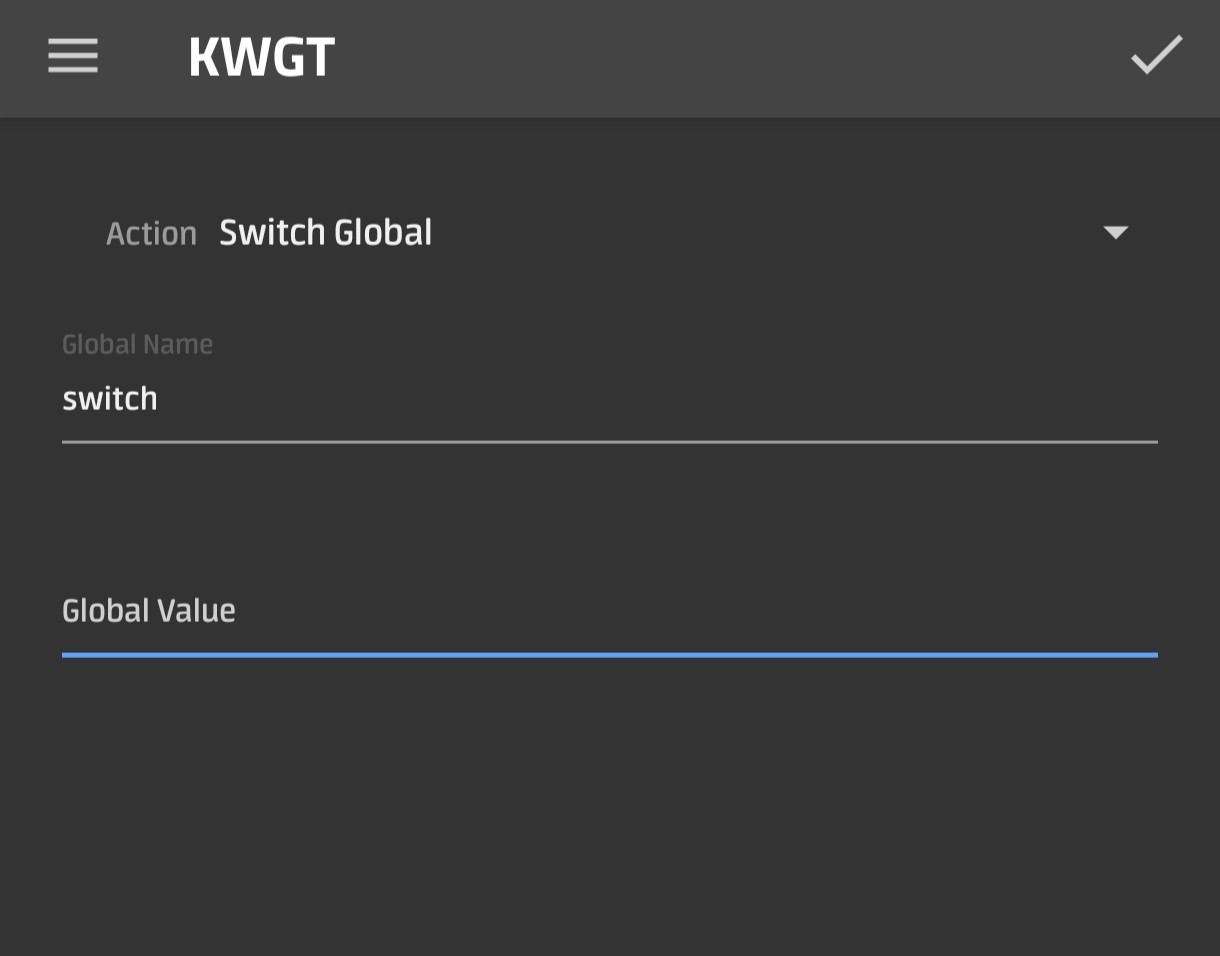
How do you set a nova gesture to trigger a KWGT global switch to show/hide a simple text?
(Nova Launcher Settings / Gestures & Inputs / Home Button / Shortcuts / Kustom Widget / KWGT Actions)
But what do I put under Global Value?
Hi @Williams ,
AFAIK, the Kustom’s global On/Off Switch variable does not have any value to set, it’s just a toggle.
My suggestion is you use other variable types that has value to set, such as the Text variable. Then use a Kustom script to check its value for your specific purpose.
I hope this would help.


Ok thanks! It does kinda work if I write 1 under Global Value but that only shows the text and won’t hide it again.
Edit. I’m talking about the Nova Launcher settings KWGT global value.
Hi @Williams ,
Edit the On/Off Switch setting, set the Auto Off property to: Manual and Timer then set the time-out value (in second) as you like.
This will toggle back the On/Off Switch variable after a certain amount of seconds.
I hope this would help.
Awesome thank you very much 