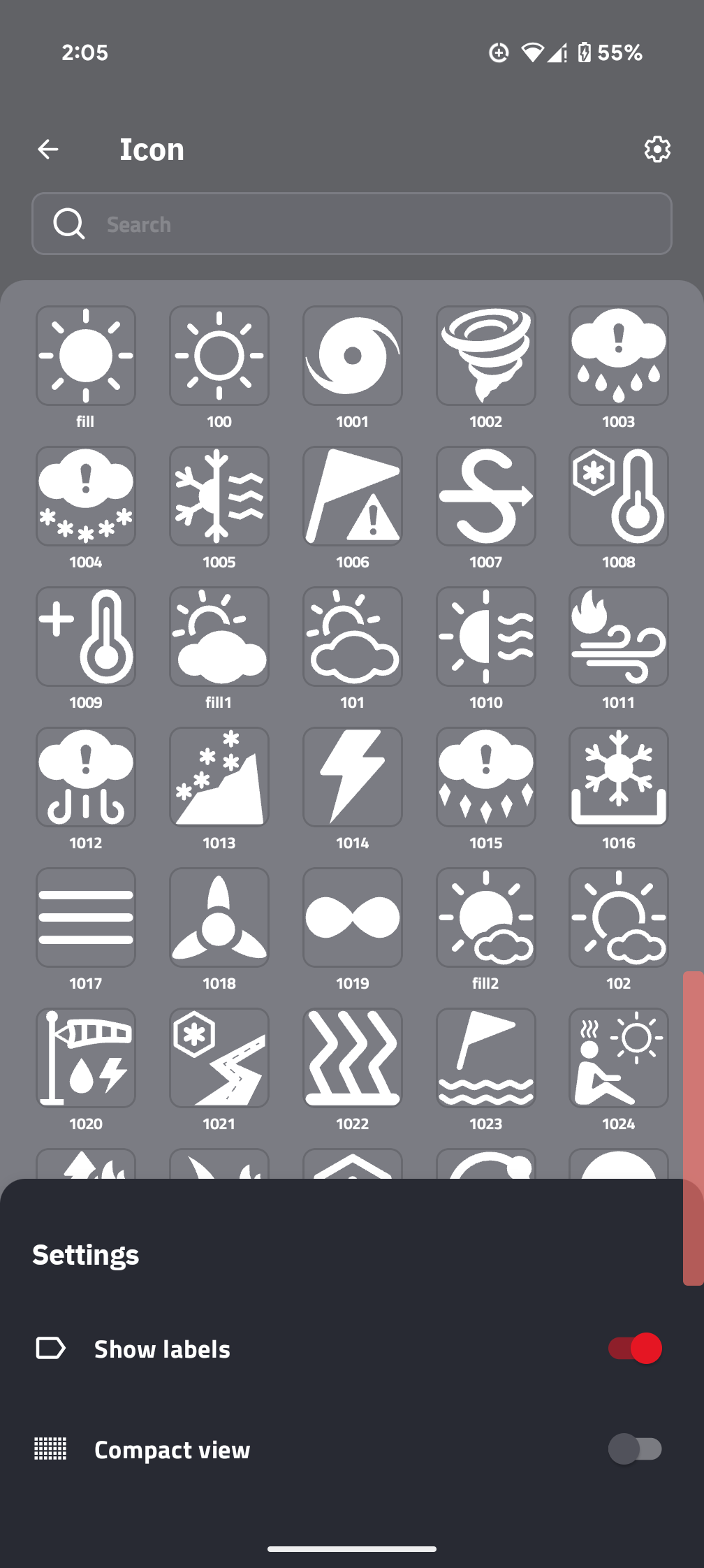
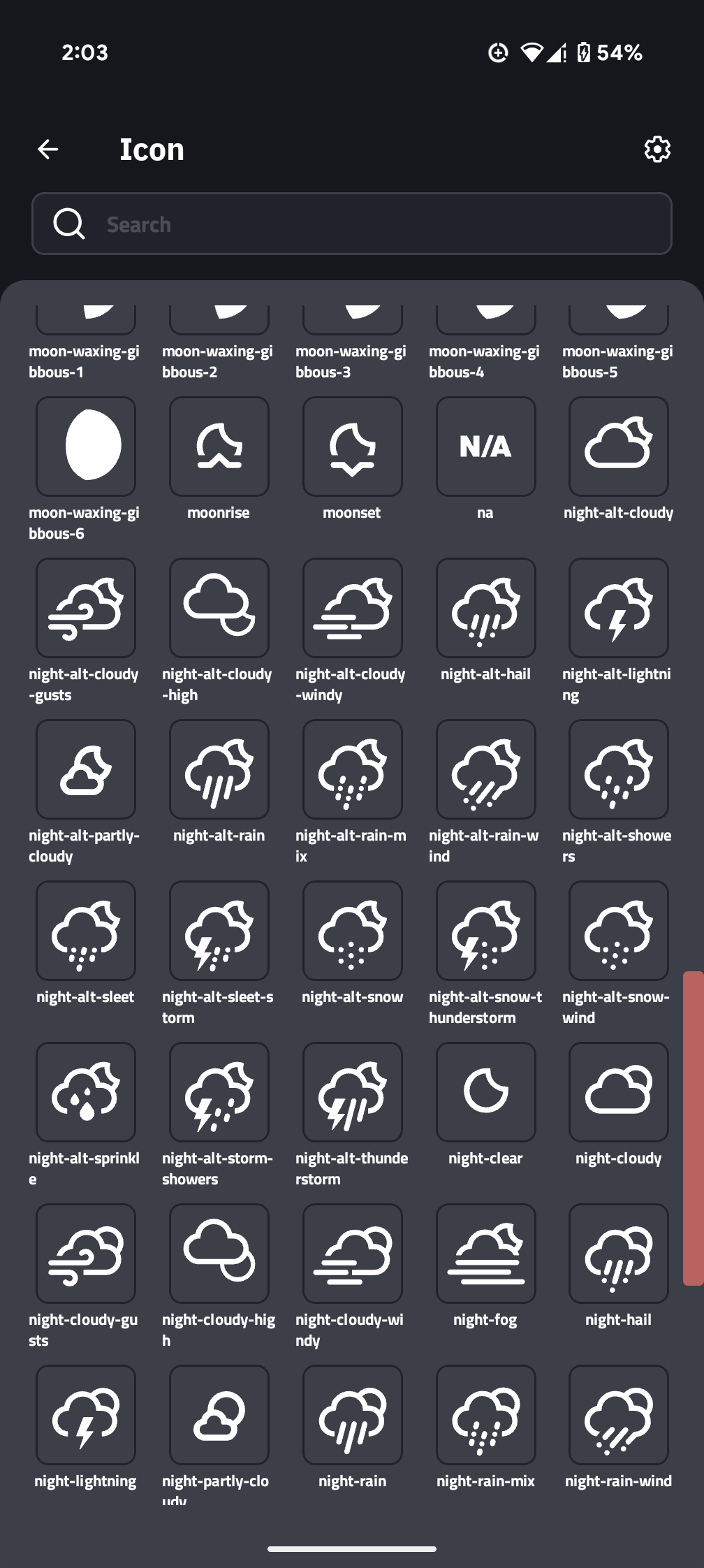
The new Icon Picker has downgraded the experience in that it is now difficult to see the actual tag for the icons which are needed in formulas. The field in the field list now displays some similar but not identical label, so you can not just view it to know what it is any longer. If you click through, the labels are not displayed at all. If you choose the option to show labels, they are often cut off so there’s really no way at all to simply see the label which is needed in formulas. So if you don’t already know it, it has become quite difficult to use.
For instance, an.jcon labelled “weather-partly-cloudy” is showing up as “Weather Partly” before clicking through to the icon chooser and is displayed as “weather-part” after you click through to view the list since it gets truncated.
Thank you.