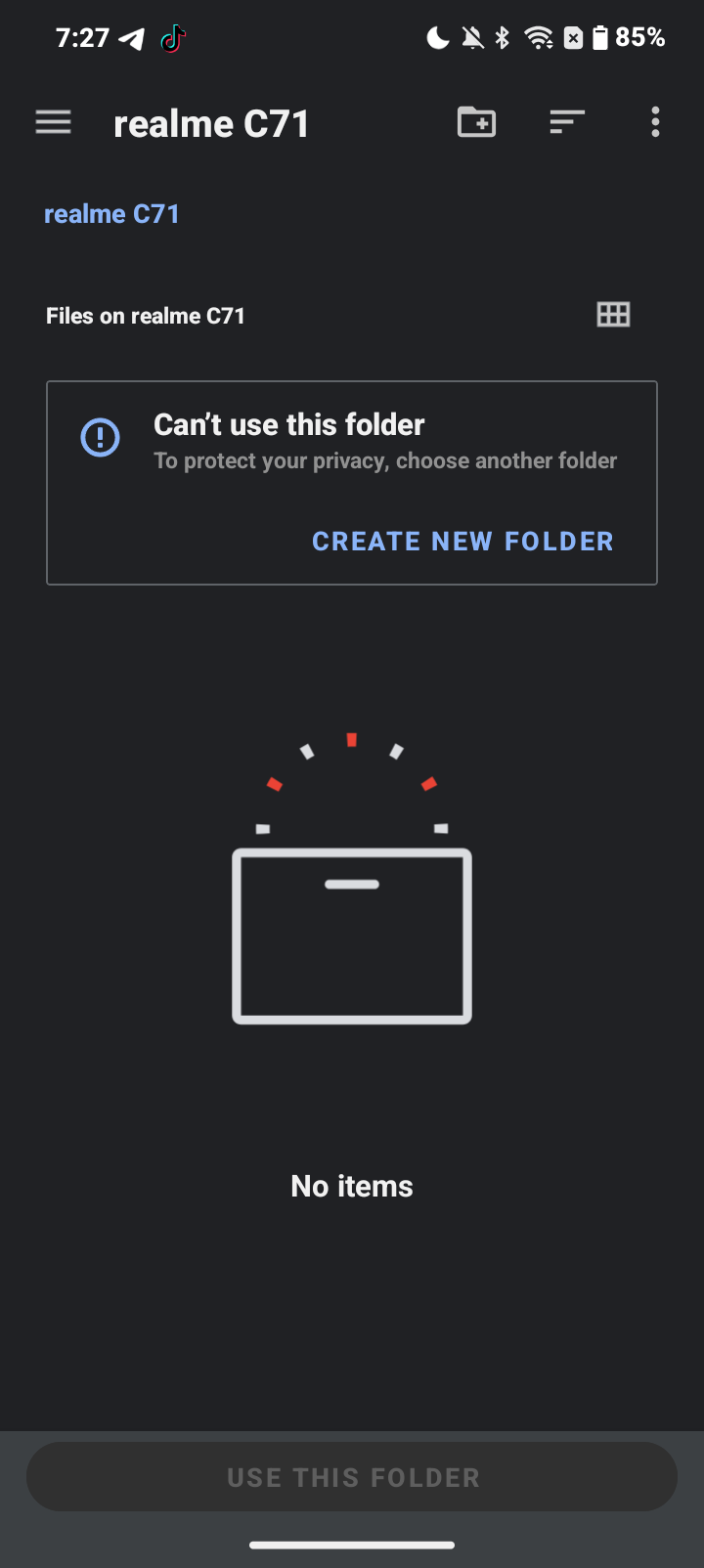
Create a new folder in your internal memory using your file manager, name it however you like, and then open KLCK and select that folder.
I already doing that but it said can’t use for security safety
It doesn’t give access to any folder no matter which one you choose not even a newly created one from the file manager?
Got the same issue. Reinstalled multiple times and made new folders each time…really frustrated because I was attempting to fix a glitch with my wallpaper but ended up being a bigger headache.
Yeah it doesn’t give any access
Hi @Kai_Mokaya ,
AFAIK this happens when choosing a top-most folder, either in the phone storage or in the memory card storage.
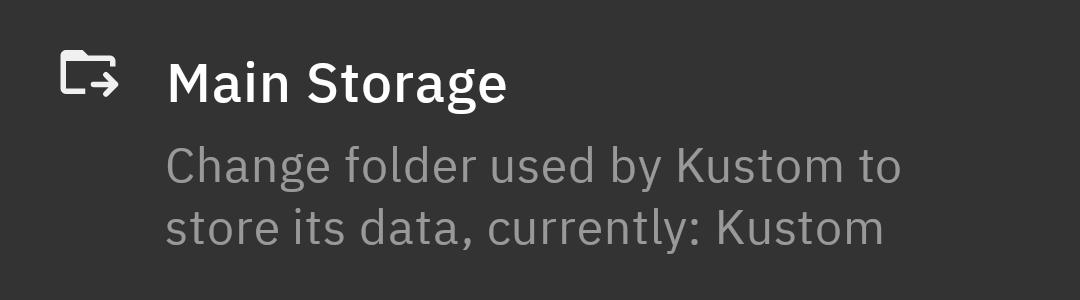
As suggested by @MaxP , create a new working folder for Kustom apps and then point to that folder (from General Settings in the Kustom app).
Alternatively, choose/point to the installation folder of the Kustom app (by default it’s Kustom in phone storage)
I hope this would help.


Thank you it helped I appreciate it