I currently have 3 music player widgets, Spotify, Castbox and Smart Audiobook Player, in the “Widget Stack Pro” widget from SL6. I’m trying to replace the stock player widgets with my own. My problem is I can’t figure out how to limit each custom widget to a single player so it only displays info from the player of choice. Any thoughts on how this can be done? Thanks
I’m not sure if you are building a 3-in-1 mega-widget or creating three separate custom widgets, but the logic remains the same. You can control the visibility of your elements based on the active player’s package name.
Instead of trying to separate the player data inside formulas like $mi(title)$, you should group all elements for a specific player (titles, album art, controls, etc.) into their own Overlap Group
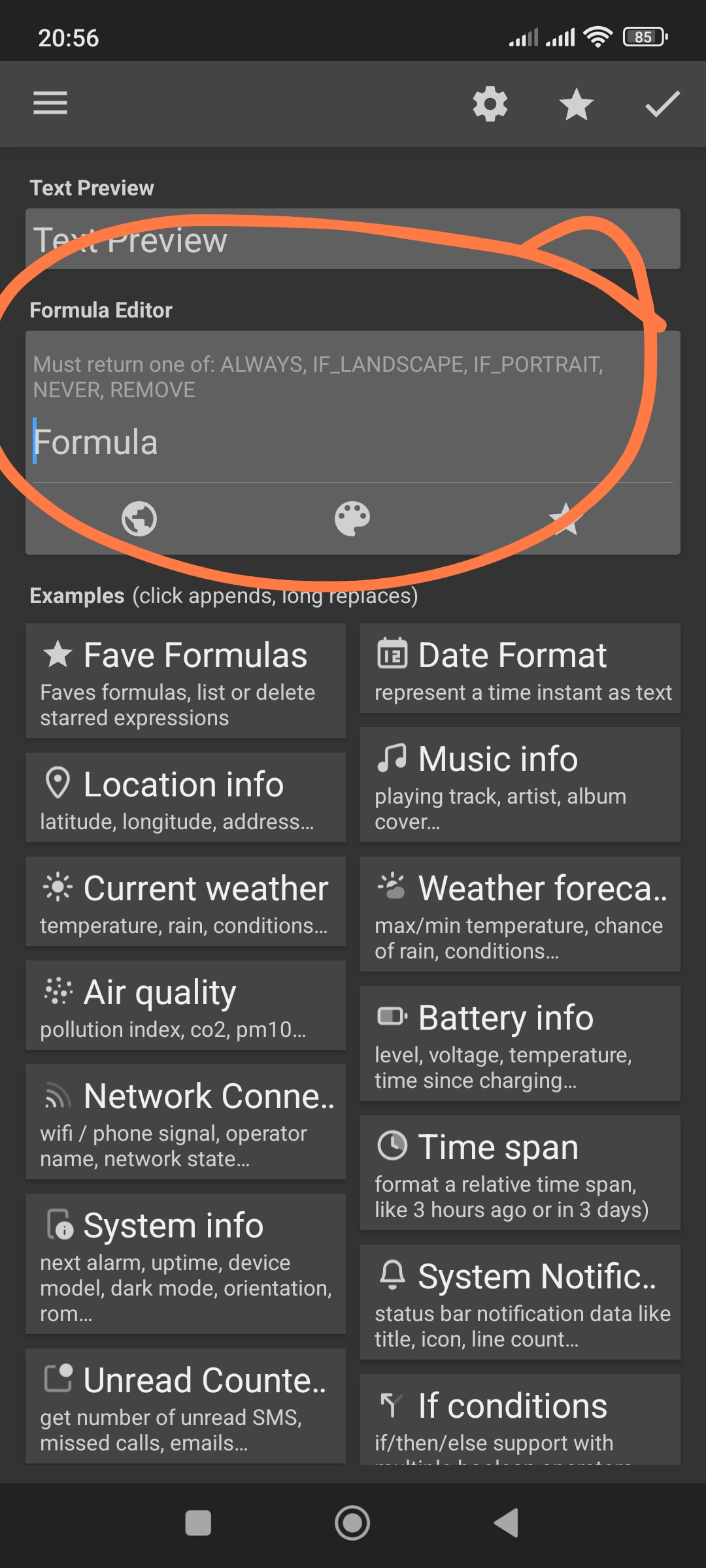
Then, go to the Layer tab of that group, click the checkbox next to Visible, tap the calculator icon at the top right to turn it into a formula, and use this logic:
For the Spotify layer:
$if(mi(package) = com.spotify.music, ALWAYS, REMOVE)$
For the YouTube Music layer:
$if(mi(package) = com.google.android.apps.youtube.music, ALWAYS, REMOVE)$
Thanks for the suggestion. I’ll give this a try. Btw, where can I find a listing of the keywords such as ALWAYS and REMOVE? I don’t see anything on the Kustom site. Thanks again.
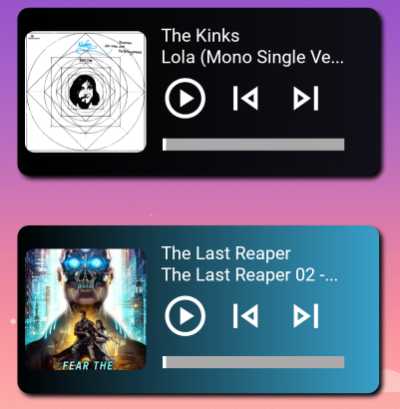
This works as you described, but is not quite what I was looking to achieve. When switching between audio players, the unused widget disappears. What I’m trying to have is multiple music player widgets all visible at the same time, but each one dedicated to a different player. I ended up separating the player data in formulas based on the mi(package) result. What I haven’t been able to figure out though is how to have the play/pause, previous and next buttons dedicated to the player that the widget is for. The “Touch” panel doesn’t seem to have any way of specifying which player to affect. Are you aware of a way to specify which player is controlled with a button press? Ideally I could get the progress bar to be specific as well. Thanks
Hi @KappyNet ,
CMIIW but there is no way to have multiple music players used running simultaneously.
The preset automatically detect which music player is currently playing what song.
I hope this would help.


Thanks @Baju_Santiko for the reply, but I’m not trying to have the two players running simultaneously, but I do want each player widget dedicated to a specific player so that the displayed info only relates to that player. I’m constantly switching between music, audiobooks and podcasts. When switching, I don’t want to have to find the app icon and tap before the widget is displaying what I want. My launcher has a carrousel type widget that I’ll put three different player widgets inside of and then I can just cycle through to the player I want and pick up where I left off. I hope that makes sense.