Hi there,
I tried to create a KWGT preset that is hopefully a solution to your issue.
I use the icon in my example, but you can use other objects including images.
Also, I use the Remove instead of Never for the visibility. The reason is Remove makes the object with this visibility as if it doesn’t exist on the screen, while Never makes the object still exist but just invisible. When the object still exists even if it’s invisible, then its touch action will still be triggered when we touch the object. So, when we have 2 similar objects stacked each other, the lower (back) one with Always visibility and the upper (front) one with Never visibility, both of them have touch actions, then it is the touch action of the upper most object that will be triggered.
Here is the screencast.
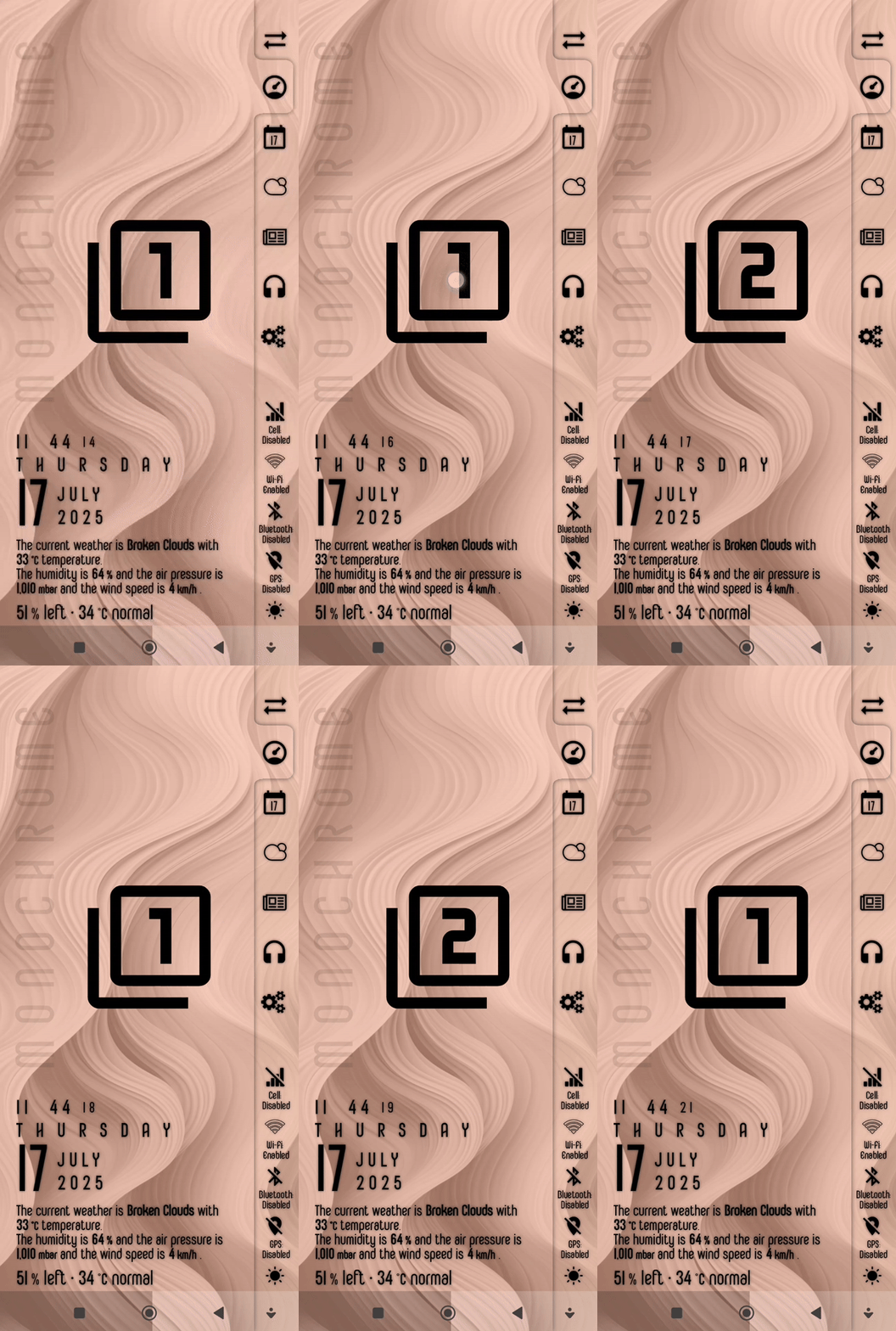
And here is the KWGT preset file to download.
KWGT preset (renamed to .kwgt.zip)
Instruction steps
- Download the file.
- Rename the downloaded file, remove the
.zipsuffix from the filename. - Place (move) the renamed file in the
widgetsfolder under your Kustom installation folder. - Add a new widget from the homescreen.
- Choose the KWGT preset to load and apply it to the homescreen.
I hope this would help.

