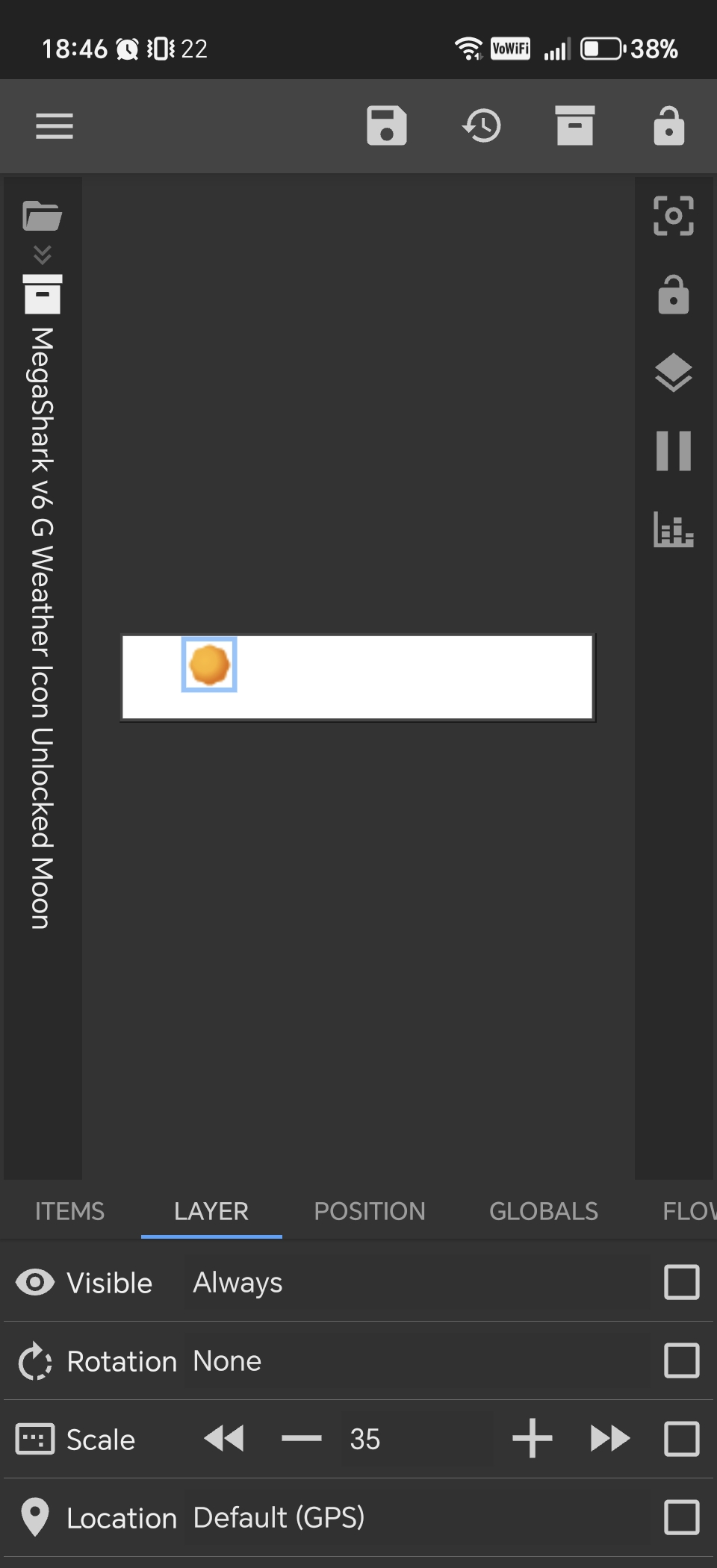
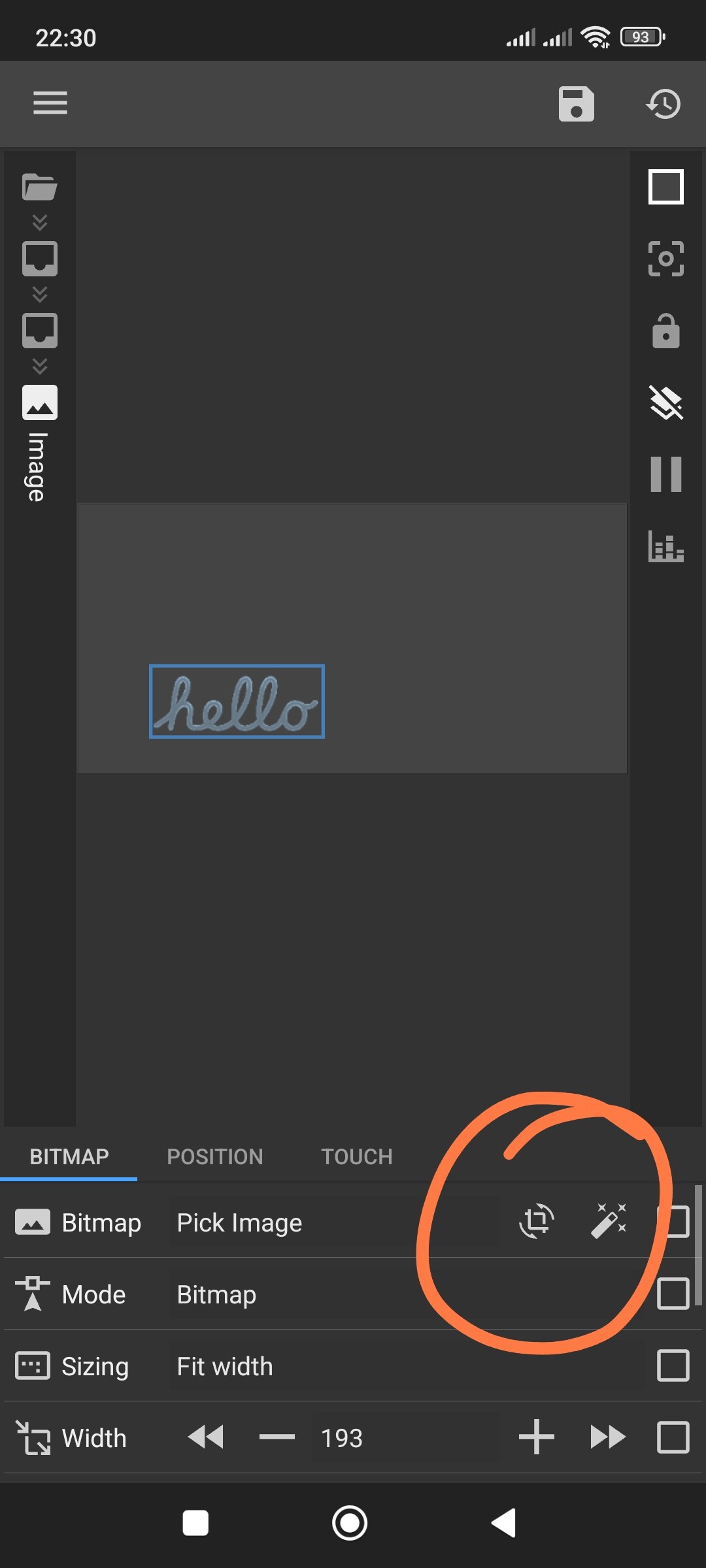
I finally managed to consistently reproduce a bug I’ve been facing for a long time (which previously seemed random).
Problem:
Icons inside a KWGT notification fail to load after a phone restart IF notification was loaded from a preset before restarting AND before you open KWGT to edit the notification and click save.
In summation, this bug happens if:
you have a KWGT notification that was loaded from a preset
you restart your phone
you haven’t yet opened KWGT to edit the notification and clicked the Save icon after restarting your phone
This bug doesn’t happen if:
your notification includes the same icons but was not loaded from a preset
This seems to be specifically related to icon resources not being reloaded properly after reboot, until the widget is re-saved.
Device & App Info
Kustom Widget Pro: 3.81b530915
Device: Honor Magic 7 Pro
OS: MagicOS 10.0.0.140 (Android 16)
Hopefully this helps others experiencing the same issue, and maybe gives the developer a clear reproduction path.
Are you using custom icon fonts in your preset or built-in ones (like Material)?
If you’re using a custom font, Kustom can periodically lose it. It’s a known issue where you have to export the preset and reload it from the library to get the icons back.
My advice: Just use PNG, SVG, or the built-in Material icons. Kustom doesn’t lose those, and it will solve your problem for good
Just hitting the save icon in the editor is enough for the icon to load after a restart (and this is only necessary if the notification was loaded from a preset before the restart)