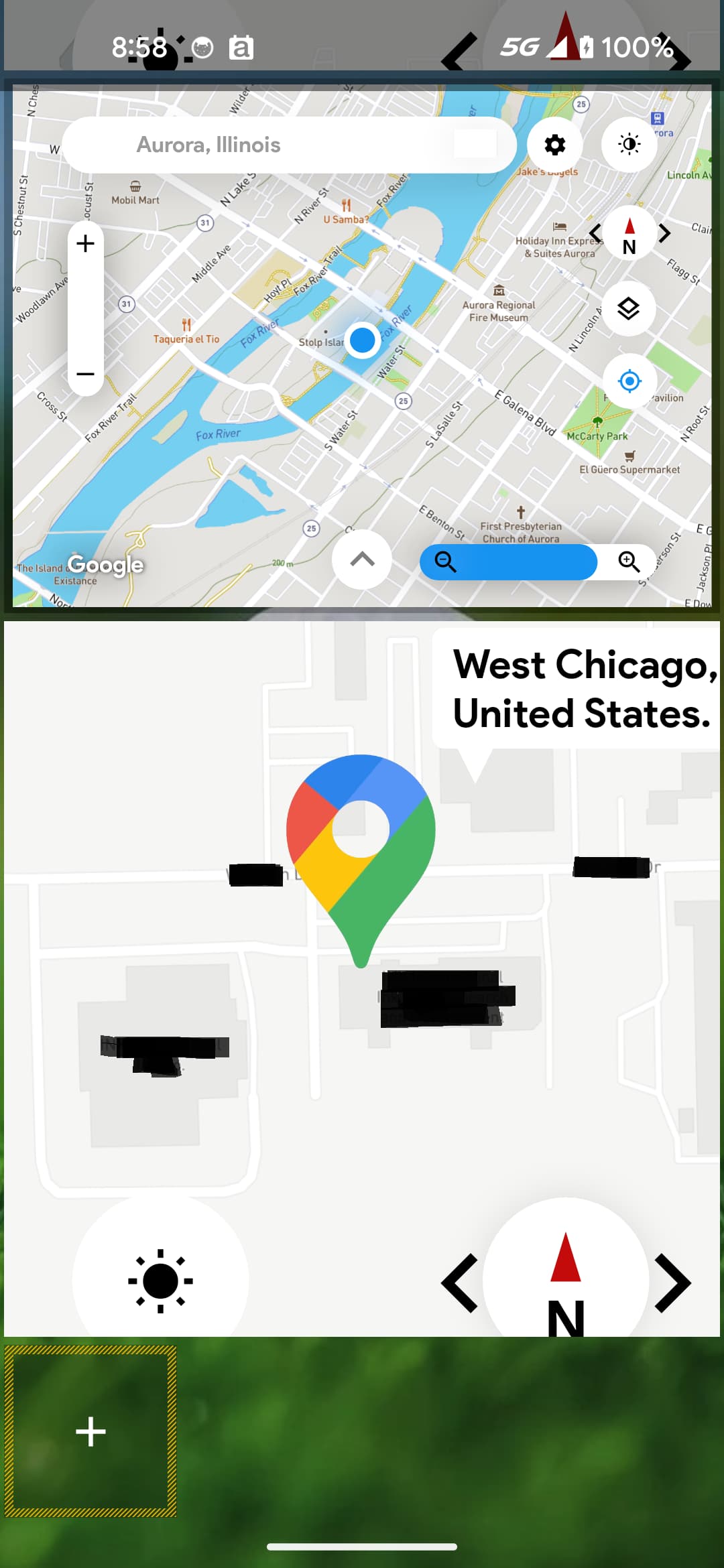
I have an Android head unit in my car, and have created a KWGT that displays a map with my current location. The code is :
$("https://maps.googleapis.com/maps/api/staticmap?center="+ li(lat) +", "+ li(lon) +"&zoom=15&size=600x400&key=MY_API_KEY")$
I have also added a triangle shape that is placed in the center to represent me (my location in the map). All works well. The map updates slowly as I’m driving - maybe every 30-45 seconds - but that’s OK. It’s more for quick reference, not actual driving. The issue is that the map is always configured NORTH up, so if I’m driving south the map is “upside down/backwards”. I have searched all weekend for how to make either the map or triangle rotate based upon the direction I’m traveling…but all I’ve found is AI generated formulas that don’t actually seem to exist in KWGT (si(gps), ni(heading), li(dir) etc…). The only formula that seems to change the orientation of either the map or the arrow is wi(wdir)…but that’s for wind direction, so it’s not right either.
Does anyone have any suggestions? Is it possible to have either the map rotate based on the direction I’m traveling per gps/other? At the very least, have the arrow point in the correct direction on the map???
Thanks all!