Hello! I am from Germany and my Englisch is not so good. Nevertheless, I hope to get a satisfactory answer.
I started using the app last week. I only have the free “Lite” version. I’m aware of the limitations. However, I can’t find any information about possible limitations on .svg icons.
I want to import the following Google icons:
https://www.reddit.com/r/kustom/comments/1d60qam/google_weather_icon_kompoment/
Text quote from this link:
Yes, I know, you need the Pro version for components. But what about the .svg files? I moved them to the KWGT > Icons folder.
In “Global Variables,” I can insert jpg and .png files from the storage, but I can’t select .svg icons.
In the “Elements” tab, both are possible, but since I’m creating a weather widget with multiple times, I have to upload multiple icons to “Global”.
My questions:
Are .svg files not supported in “Global Variables”?
Do I need to convert them to .png files?
Or is it because I’m only using the Lite version of KWGT?
Thanks for the answers.
Png-files from a component template:
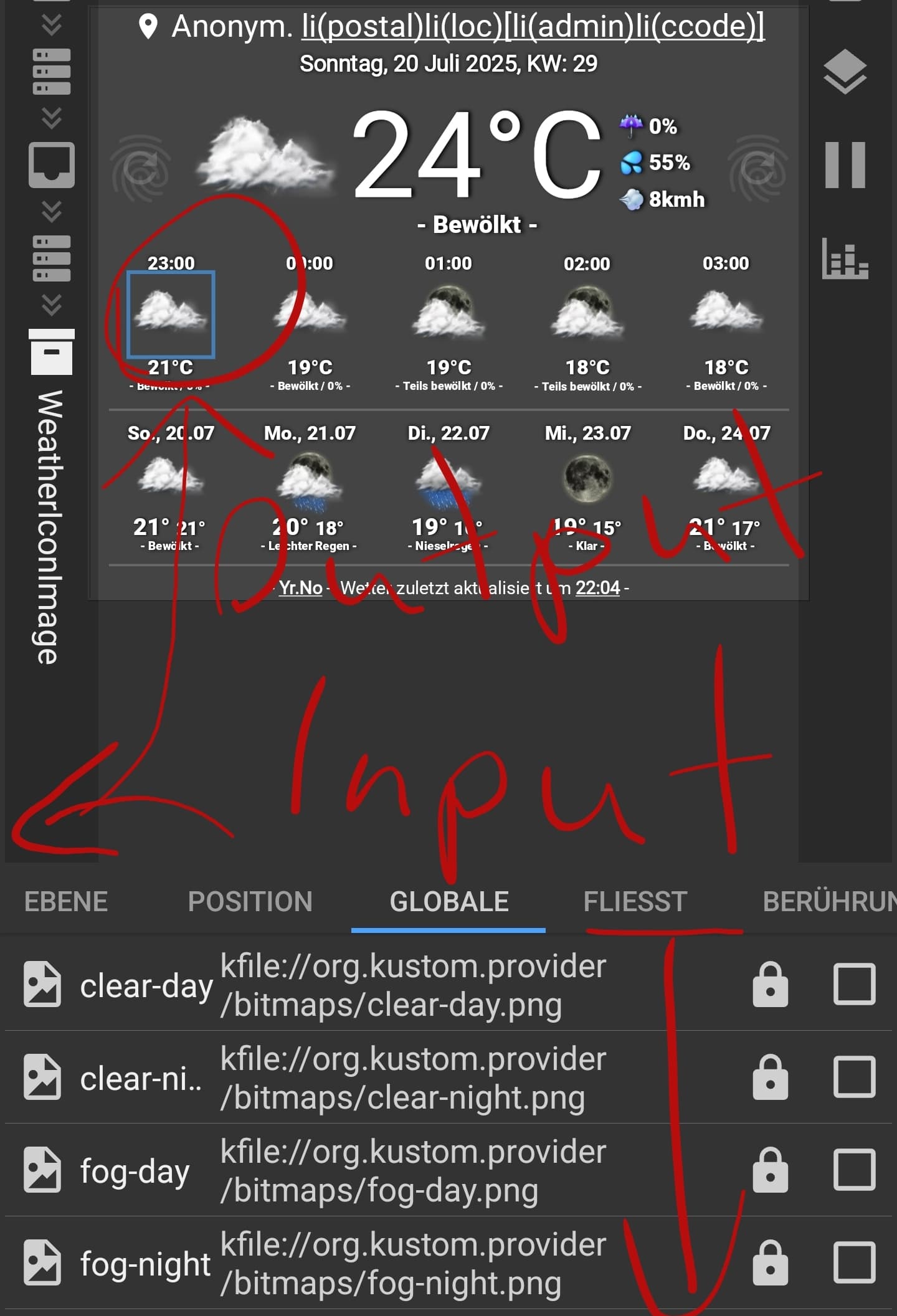
The “Elements” tab only has one output image.

