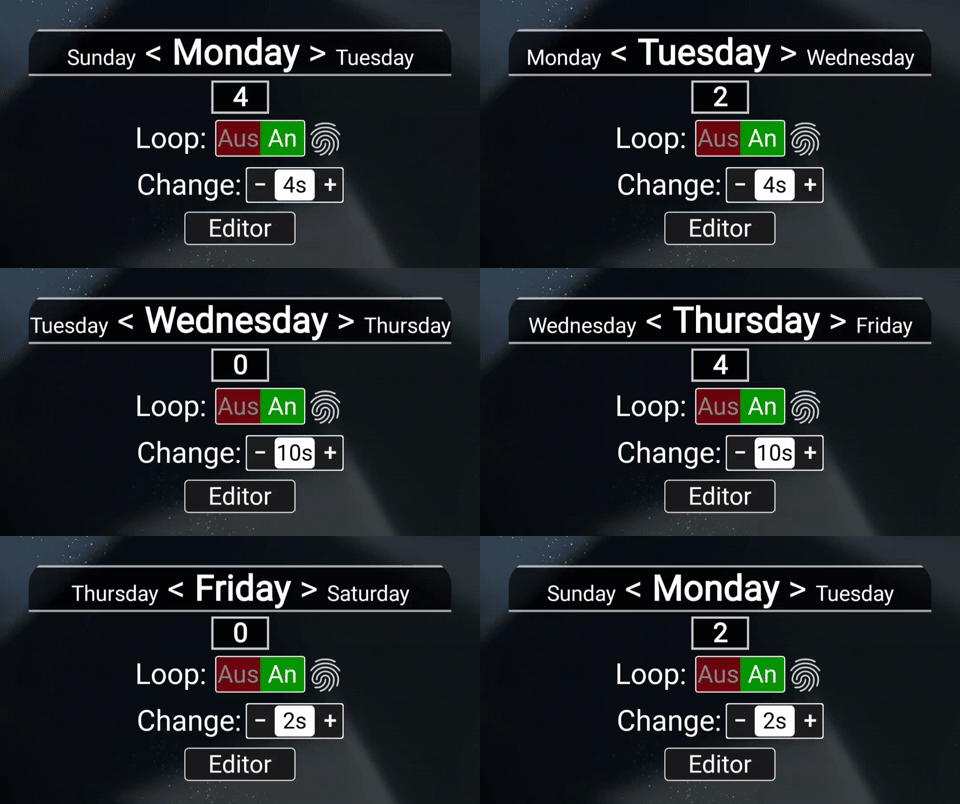
Hello!
I’m having trouble using a Flow trigger.
- It doesn’t start automatically in the widget, but it does in KWGT.
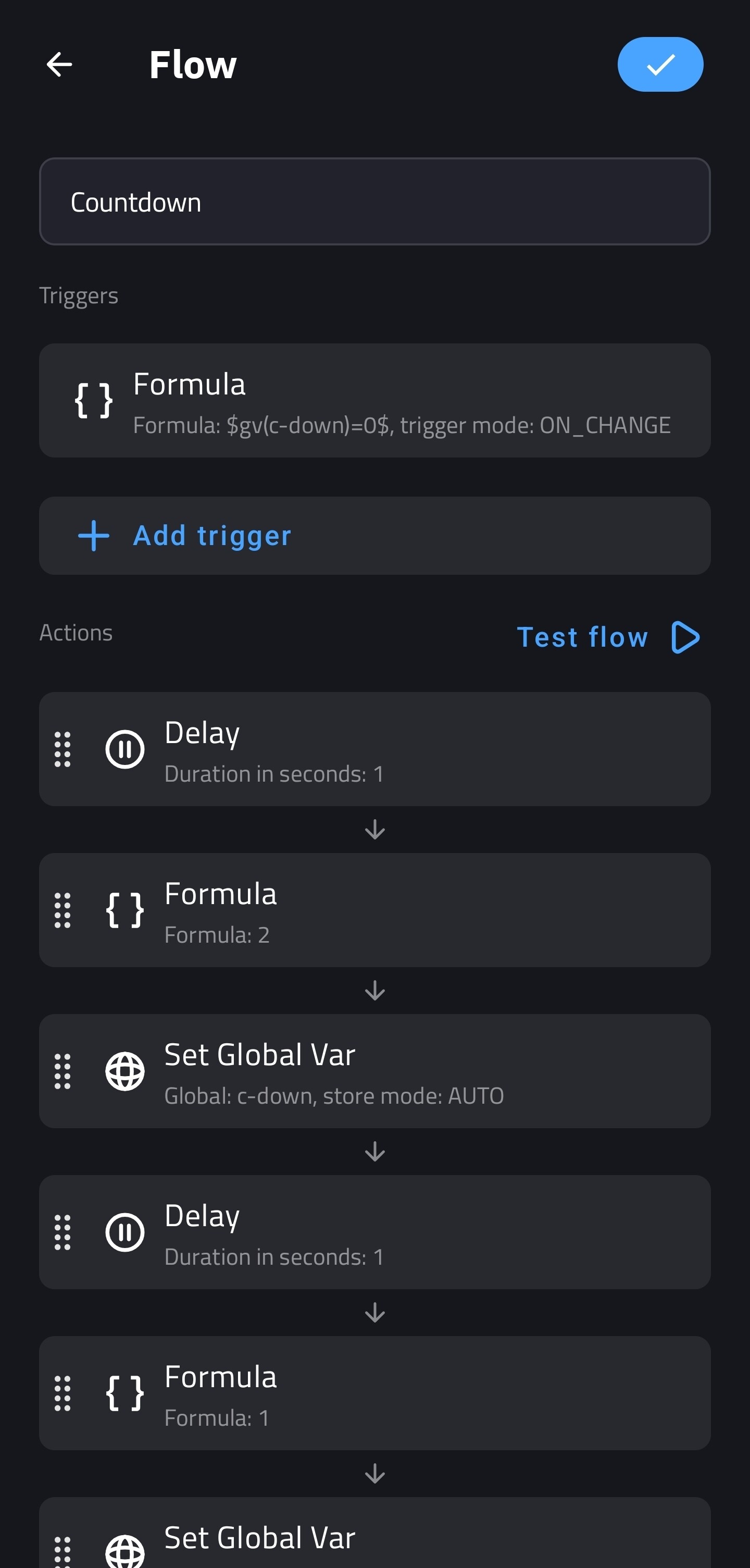
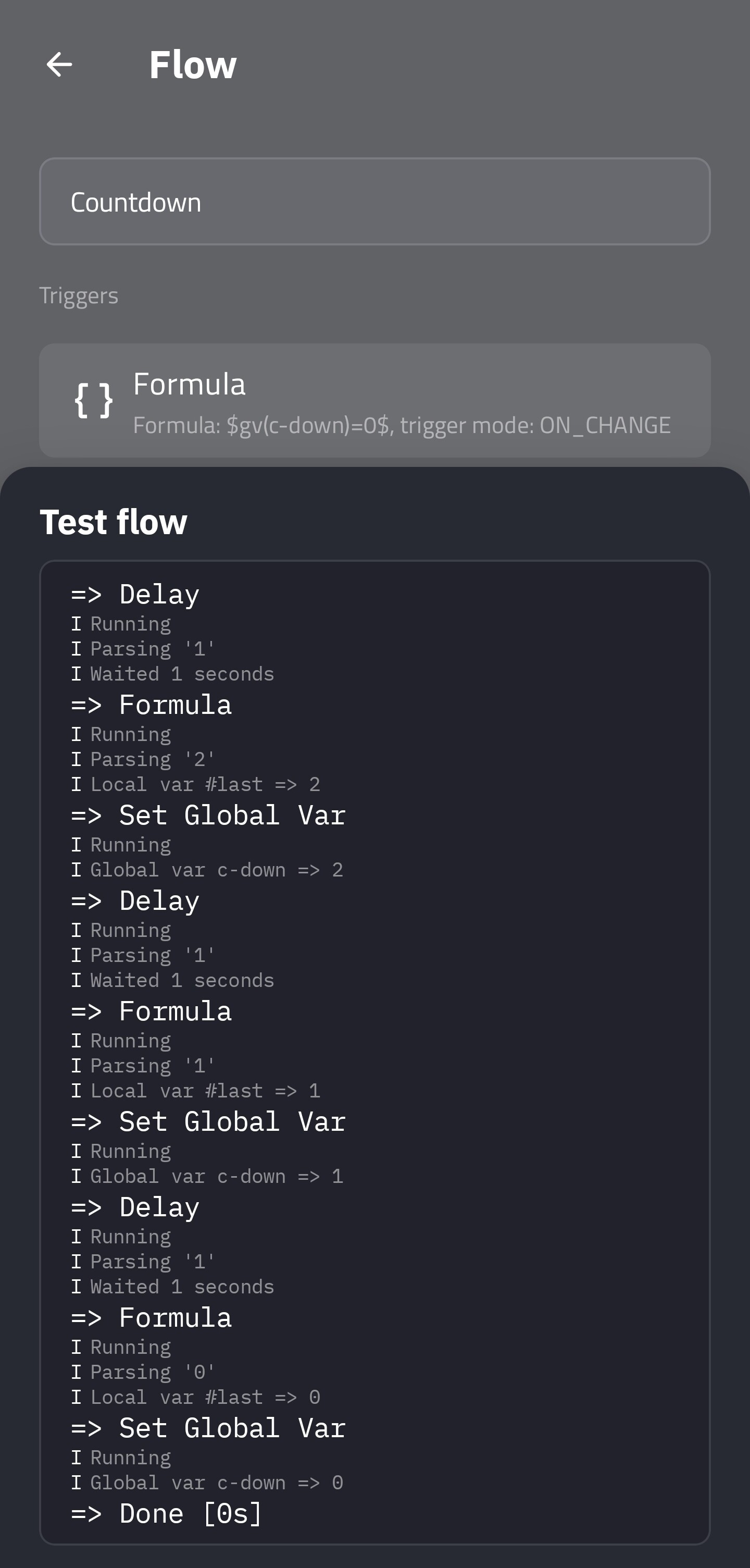
- In this example, if it’s “0” again, [if(Trigger - Formula: $gv(c-down)=0$, then Actions: 3, 2, 1, 0 = (gv(c-down))], there is no loop. Or do I have to work with multiple triggers?
Thanks for help!
Hi there,
Would you mind sharing with us here, what is the goal you want to achieve with your KWGT preset?
What would you like your widget to function?
Perhaps we could help you with a solution.


I can’t share my project. I just need to know how to create a loop using this example.
I’ve been sitting here for a long time. About 6 hours. I’ve tried a few things. Shortly after I wrote to you, I came up with a solution.
Global variables:
Switch “trigger”: Manual [On/Off]
Text “loop”: $if(gv(trigger)=0, “0”, df(s) [/tu(seq, *, *, *)]$
Flow trigger formula: $gv(loop)$ - Output change.
It works now!
What do you say?
There’s still one problem, though. It runs in KWGT Editor, but not in the widget.
The response time got worse. This also happened in KWGT. The exception was the seconds display. It took about a minute per “Flow Trigger” action.
Now I’ve cleaned the device, cleared the KWGT cache, stopped the app and restarted the smartphone. It now works smoothly.
Here if anyone wants…
Titel_Loop___Weekdays.kwgt (305.2 KB)