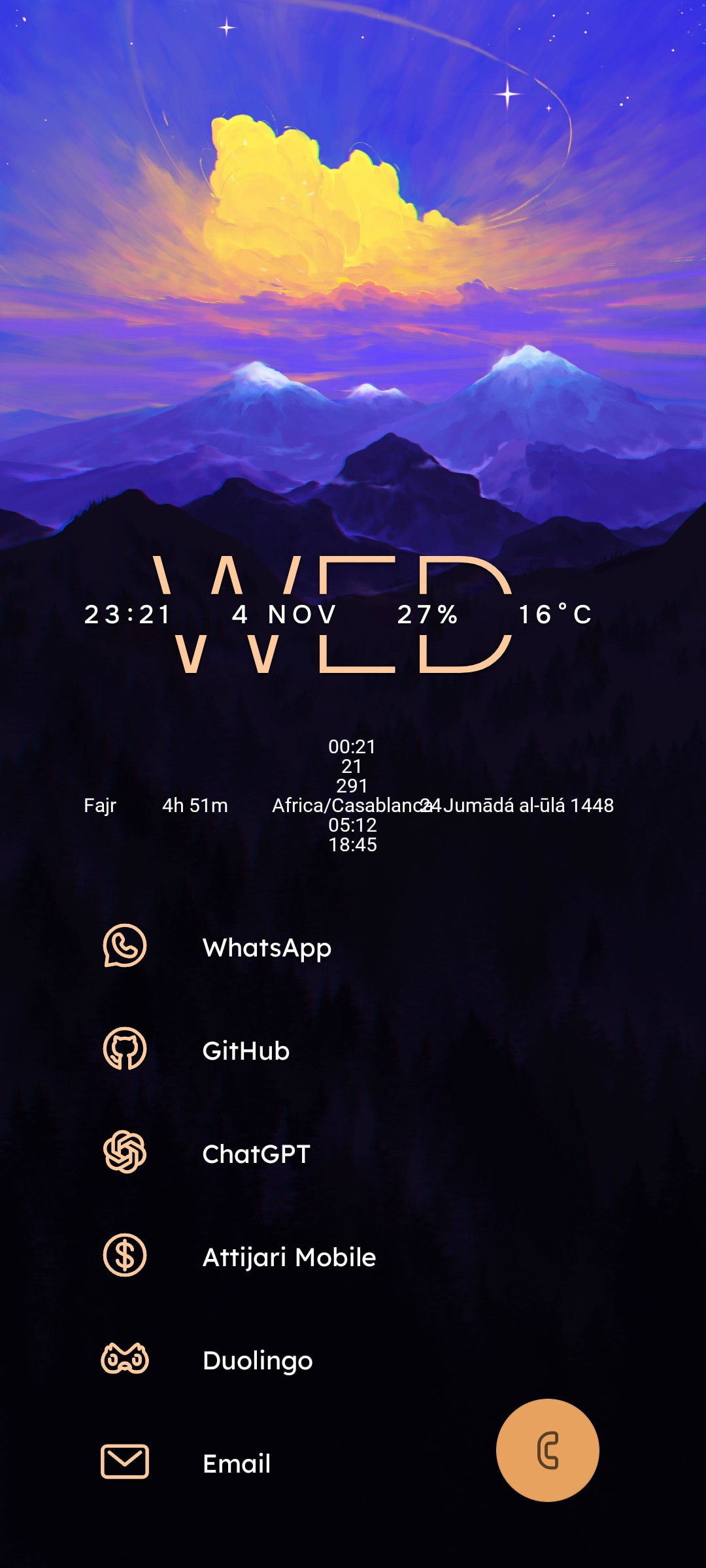
Kwgt is still using utc+1 while we now use gmt so basically it adding one how on top of my current correct time in the photo my actual time is 23:21 but kwgt is at 00:21 and preforming calculations according to it
Hi @Sky !
Welcome to the forum!
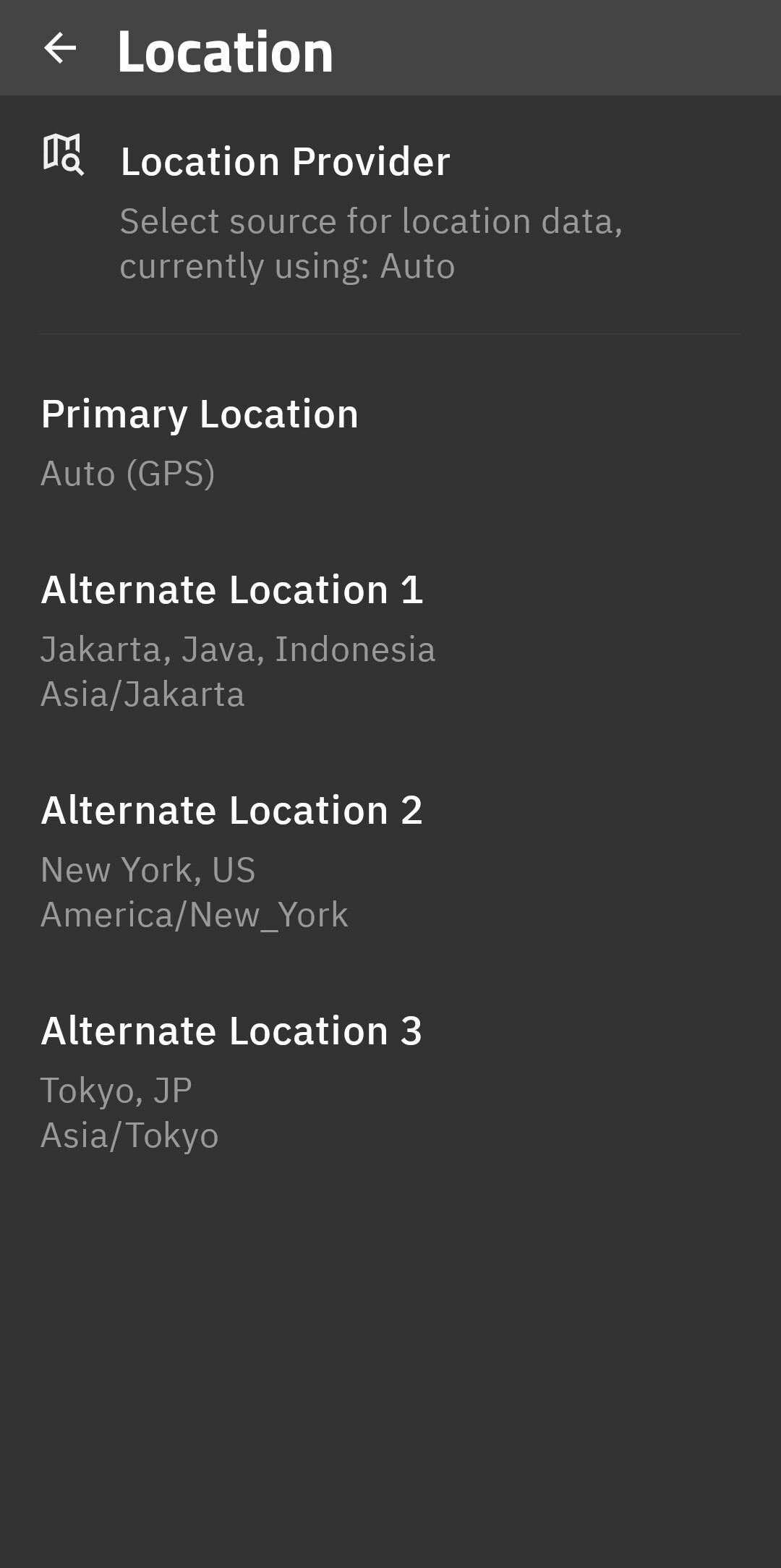
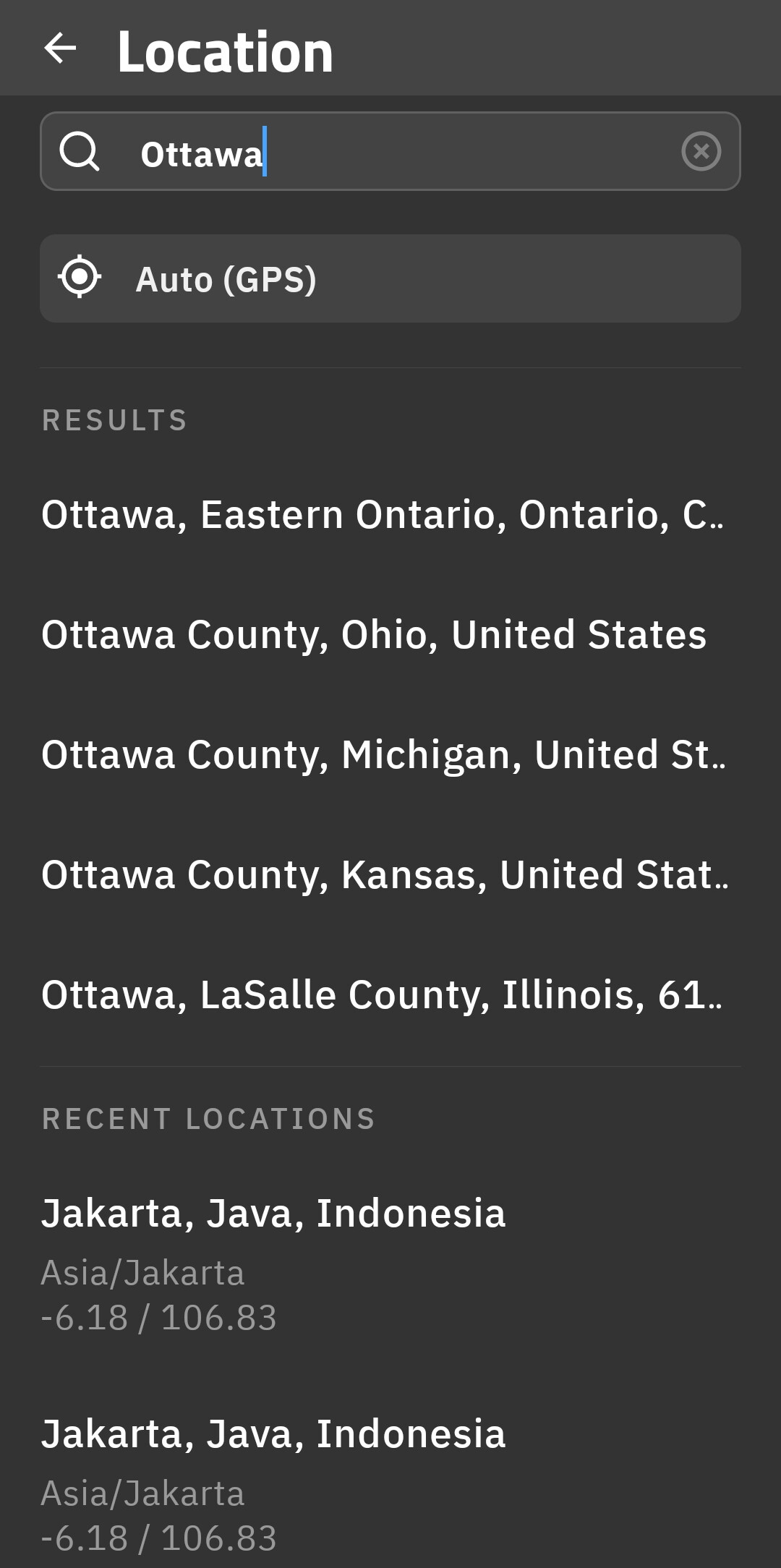
In regards to your issue with the location in KWGT, you can set up to 4 locations:
- Primary location
- Alternate location 1
- Alternate location 2
- Alternate location 3
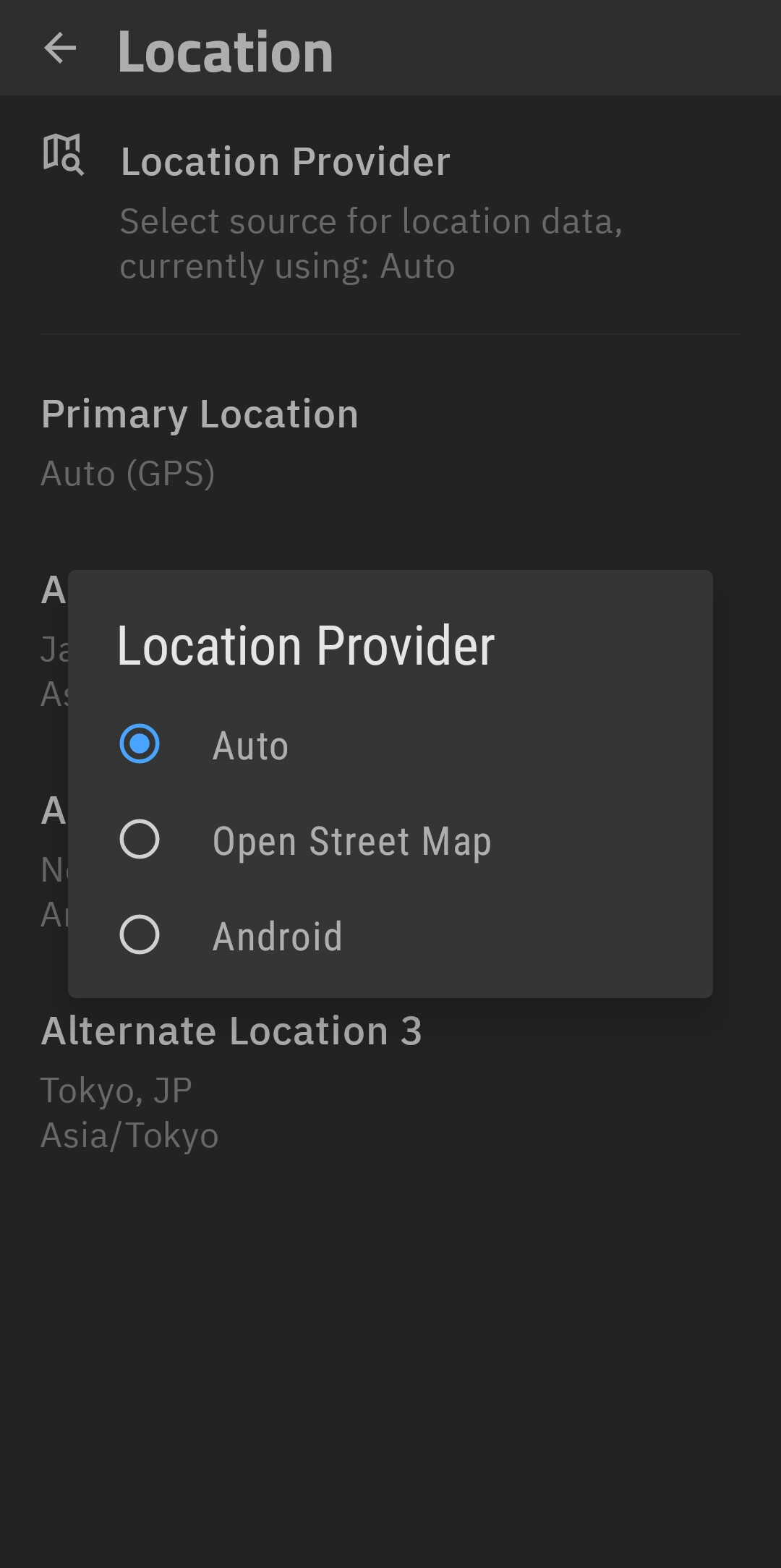
Also, you can choose a location provider to use:
- Auto
- OpenStreet Map
- Android
And, for the whole preset or in one/more particular element(s) in a preset, you can change the timezone and choose one of the four locations you’ve set in the Location setting.
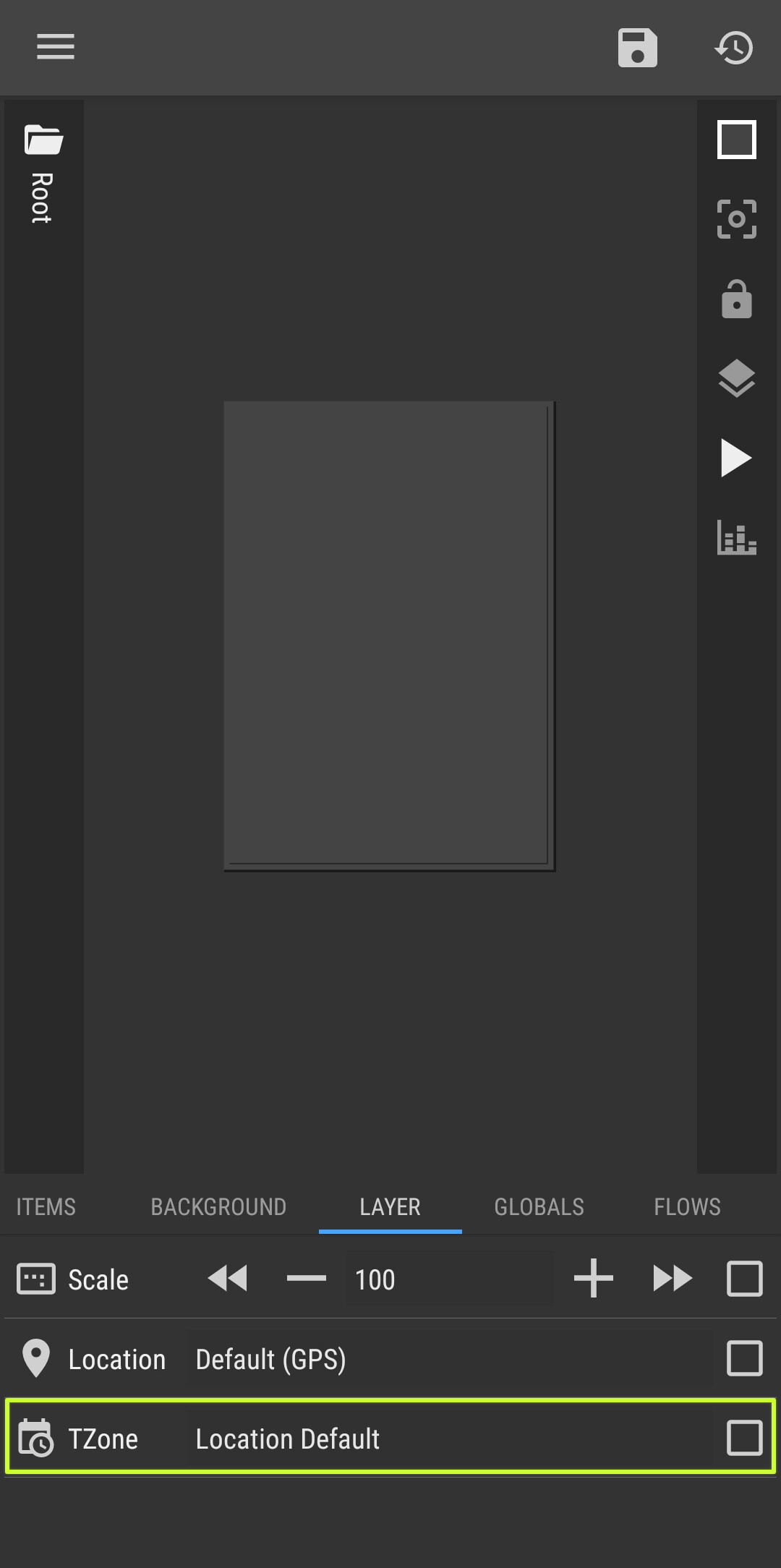
I hope this would help.


Thanks for replying
The thing is i already give all the permission to kwgt and tweak all the above but for some reason it refuses to use the correct time
I am in Africa/Casablanca which recently migrated from using utc+1 for the year but one month to using gmt all year around
So i did set up the widget time zone to mine but it just read utc+1 i checked my phone trying manual and automatic approach but nothing works the only thing i didn’t try is reinstalling the app
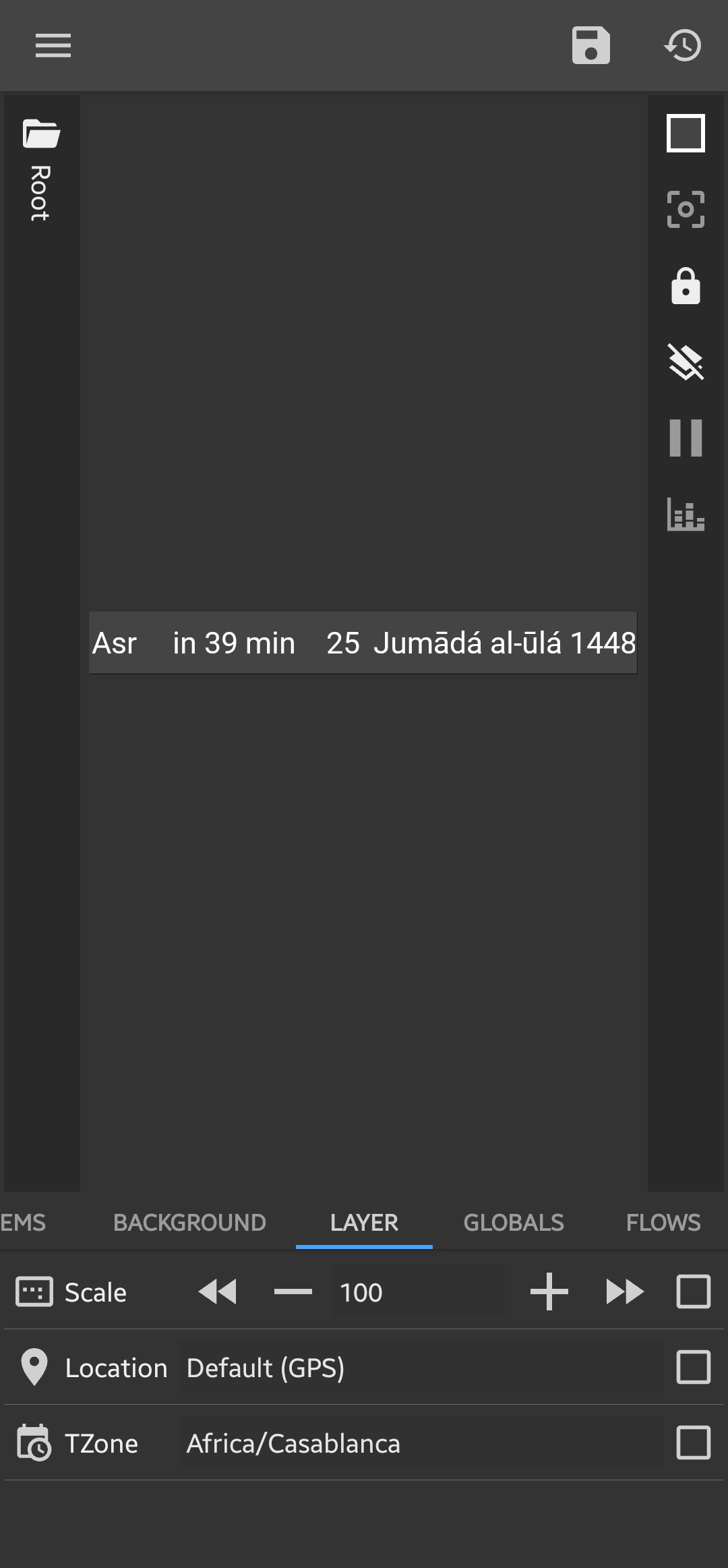
Normally here it supposed to be “in 1h 39min” but because the house is off by +1 it only shows in 39min
Is there anything i can do to fix it?
P.S. already tried all the settings you mentioned
Hi @Sky ,
I tried changing my phone’s timezone to your region:
- Country: Morocco
- Location: Africa/Casablanca
- Timezone: UTC+1 (GMT+2)
Here is the screenshots in KWGT showing the current time and how much time to 06:00am:
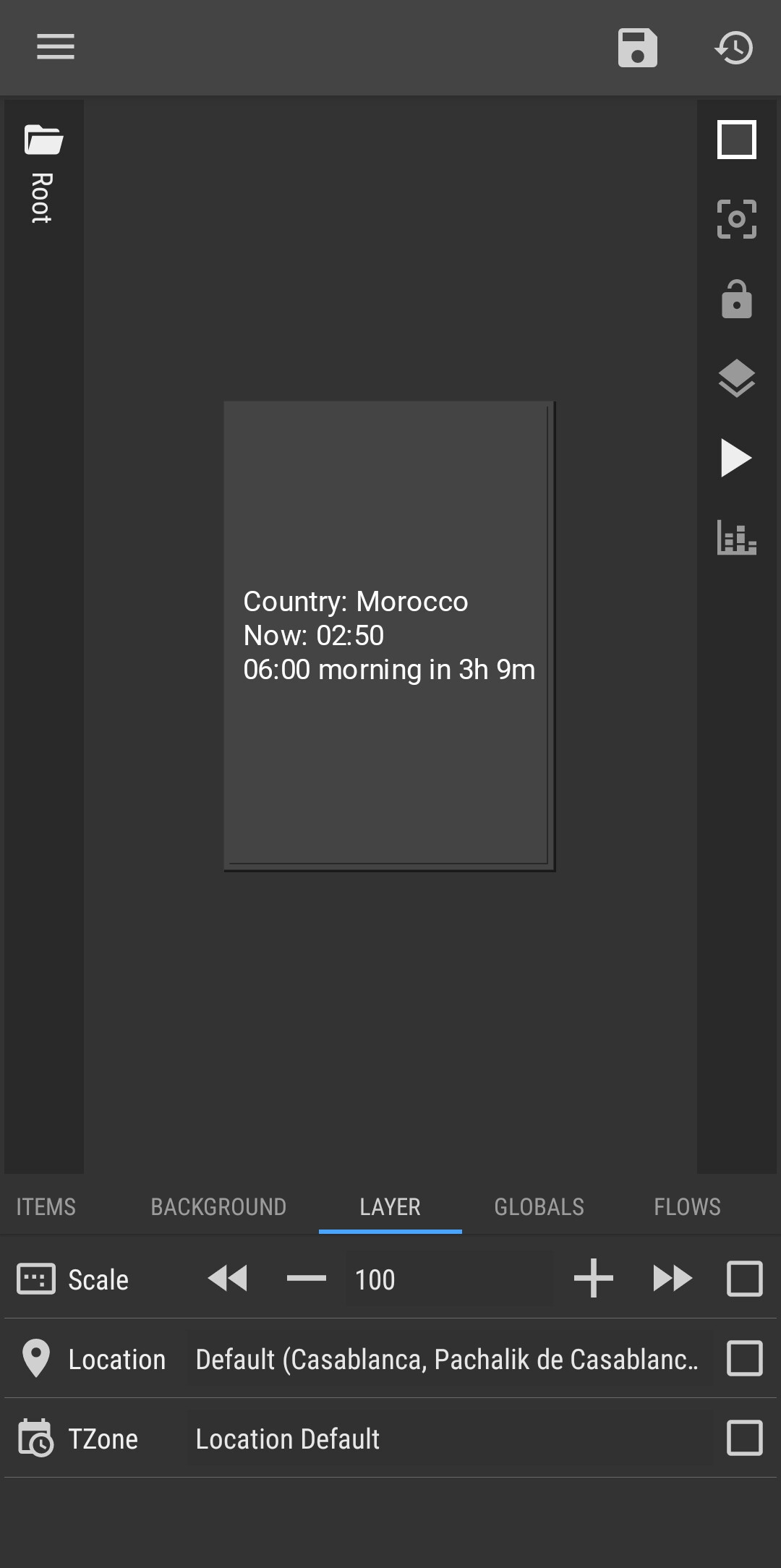
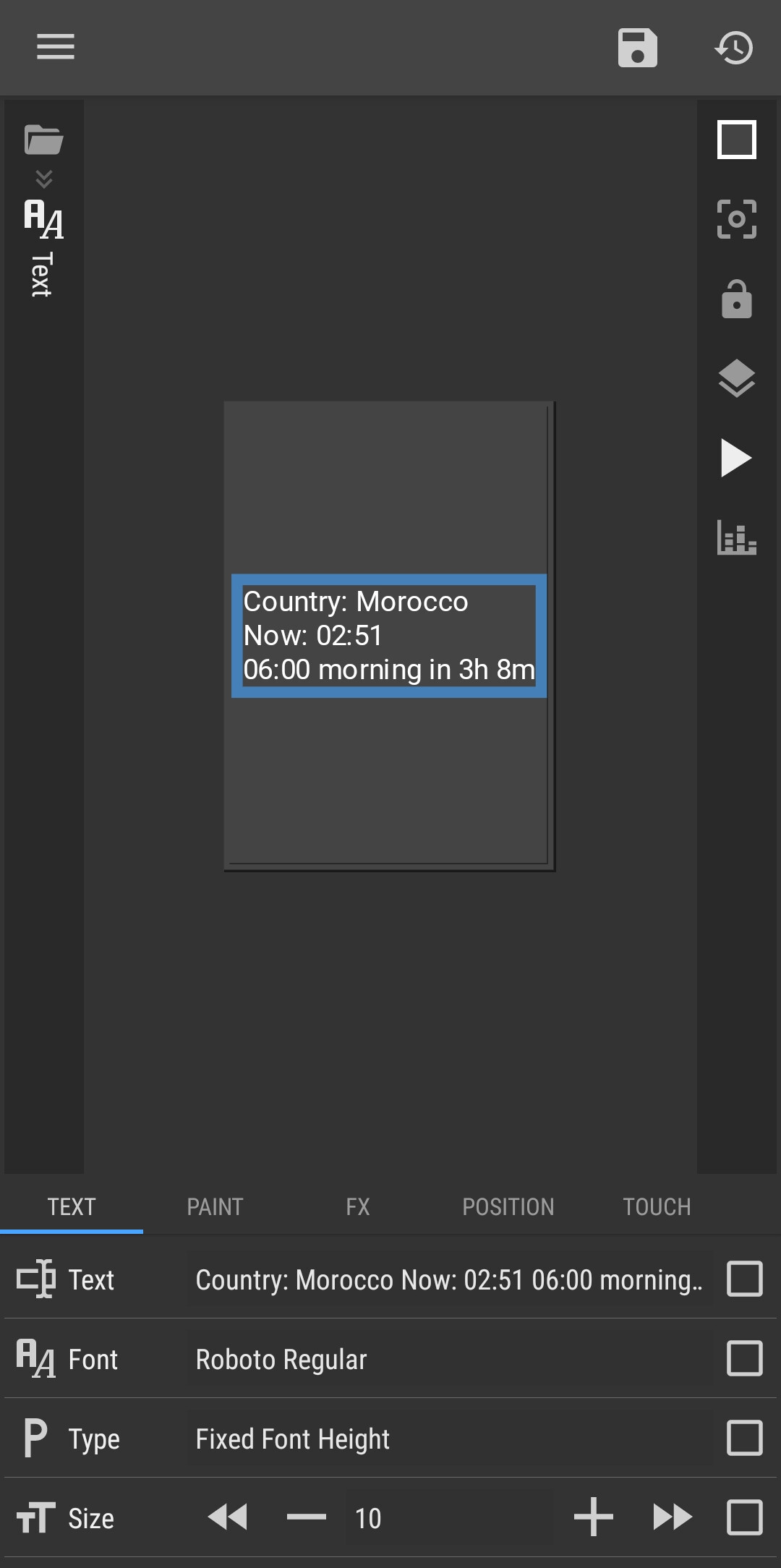
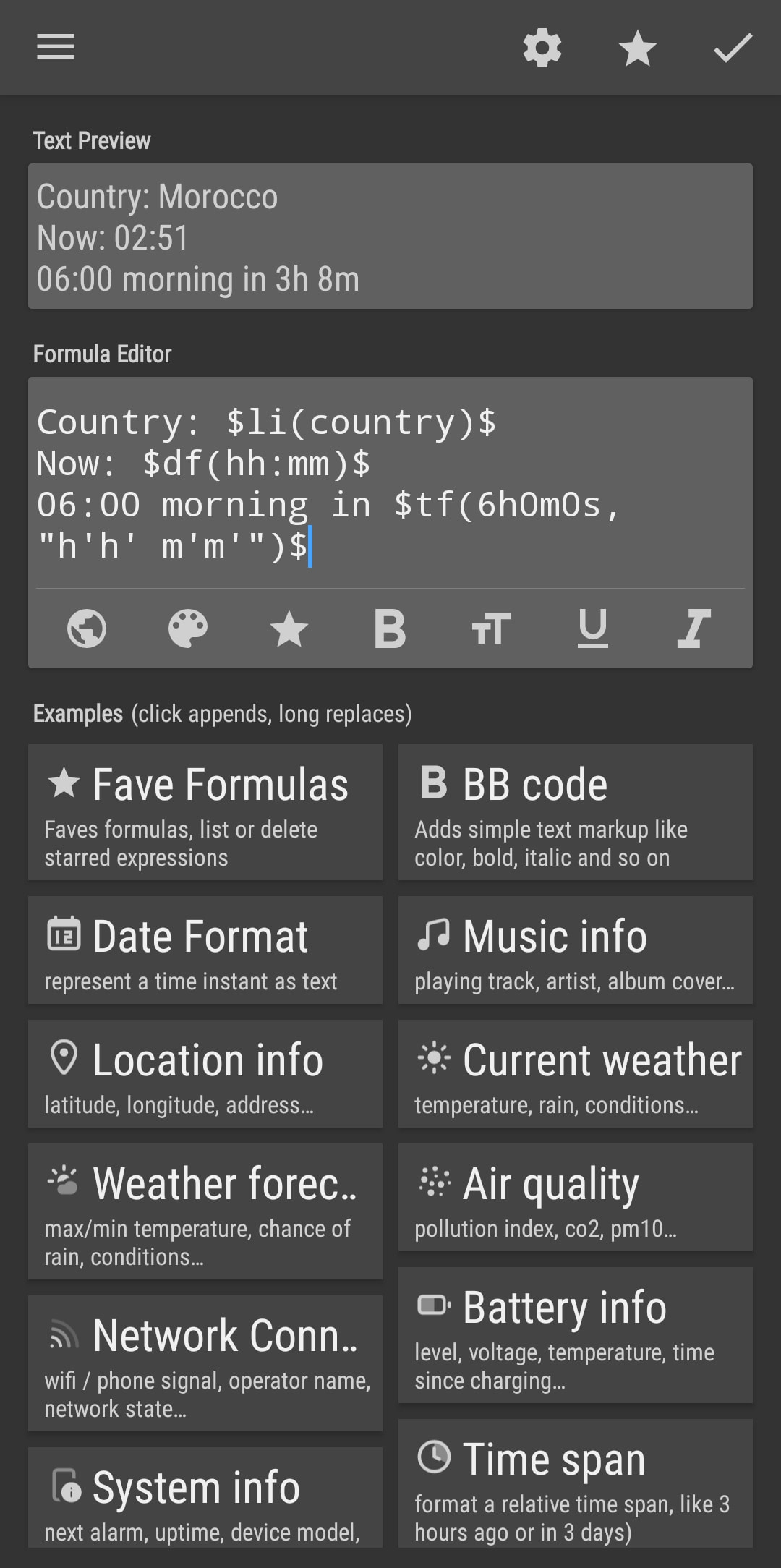
What do you think, is it correct? If it is correct, then maybe there’s something in your phone’s setting that need to be adjusted.
Alternatively, you can try this trick: add/reduce 1 hour adjustment to correct the time display.
I hope this would help.
Thanks for trying that out and checking the widget! That actually highlights exactly where the problem is.
The issue is that the text is showing Africa/Casablanca as UTC+1 (GMT+2), but Morocco actually abolished Daylight Saving Time permanently. On September 20, 2026, the country officially turned the clocks back one hour and returned to standard GMT (UTC+0) year-round.
Because it stays on GMT all year now, the widget or your phone’s outdated timezone database (tzdata) is likely still applying the old summer time rules (+1) instead of treating Casablanca as a permanent UTC+0. That extra hour offset is what’s throwing off the countdown calculation!
Hi @Sky ,
So currently the correct timezone is UTC (UTC+0) = GMT+1 or UTC = GMT ?
Thanks for replying
Yes UTC = GMT
Following a permanent policy update on September 20, 2026, Morocco permanently abolished Daylight Saving Time (DST) changes. The country now observes Greenwich Mean Time (GMT / UTC+0) year-round, meaning it no longer switches to GMT+1 during the summer or shifts clocks back for Ramadan.
And the kwgt widget still thinks we switch that is the problem!
Hi @Sky ,
Would you mind sharing the code snippet or the widget? I might be able to tweak it to adjust the timezone… at least until a KWGT update for the new Morocco timezone.
I actually went ahead and already tweaked the timezone myself so that it aligns perfectly with GMT+0. So thanks alot for your time i was just wandering if it will update to the correct time zone eventually.
Hi @Sky ,
That sounds great!
BTW, have tried to set your phone’s timezone to automatic based on your current timezone? Also, set the date & time automatically based on your current operator?
Yep already tried that