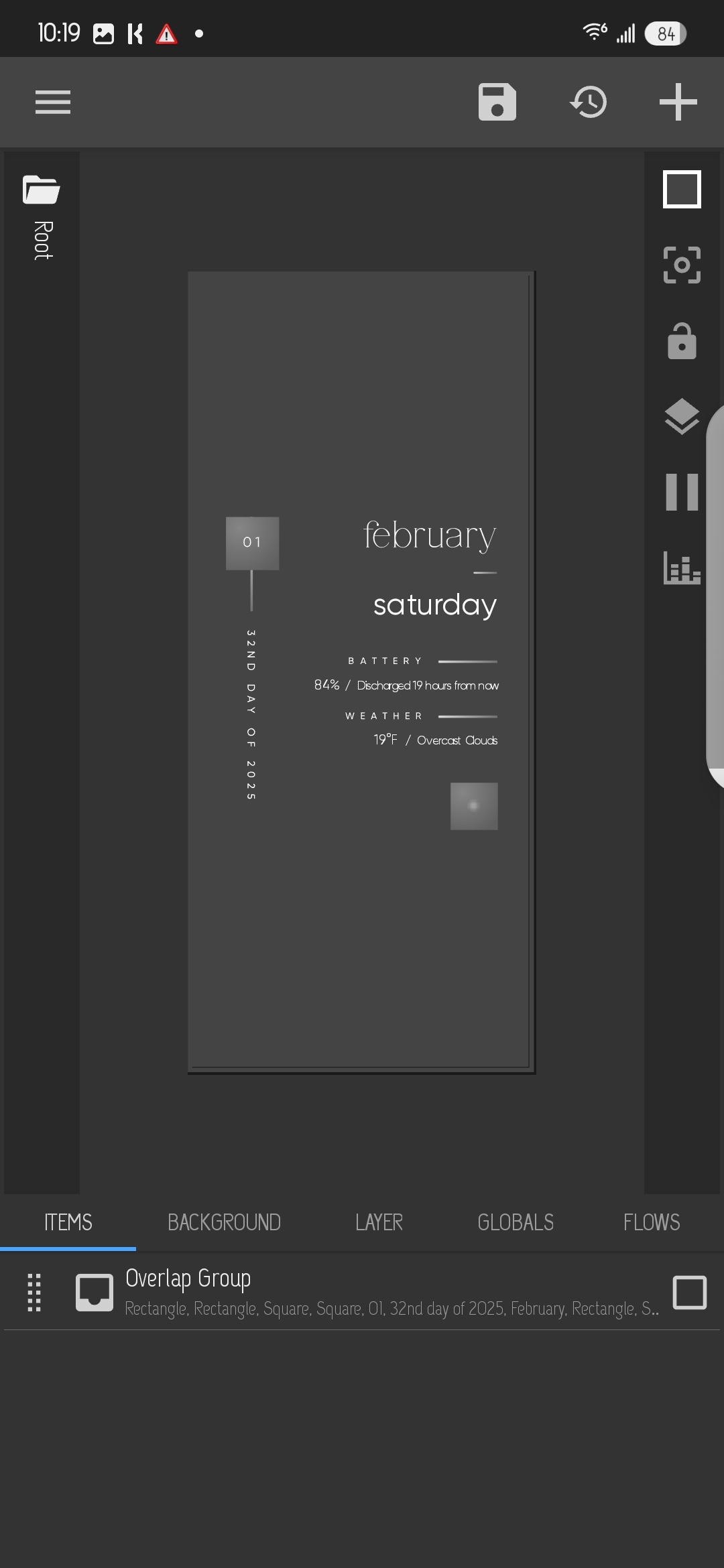
Normally, nova is set at 10x10 grid size, but I changed it to 4x4 to test.
When placing widget on home screen and chosing any even ratio (2x2, 4x4), the widget box on the screen is not an even ratio. See attached image.
So when I actually set the widget I want, the container size matches the widget box appearance on the home screen. Therefore, i am unable to scale the widget to fill the container size.
I’m losing my mind on this. I have tried the settings options of locked/autosize with no change. I have also tried resizing the widget box on the home screen prior to adding the widget container with no change.
The way get around this is positioning and resizing my widget according to where and how big I want it on my screen first. Then I create everything in the editor.
Now, if use that widget, let’s say, on a different screen, I still position and resize first, then I resize everything inside widget editor.
Kinda tedious though. It seems like there is latency between the refresh (I mean here the autoresize or resize by click) in editor and screen. So after a while I get either very small widget elements or very large ones. I resize again.