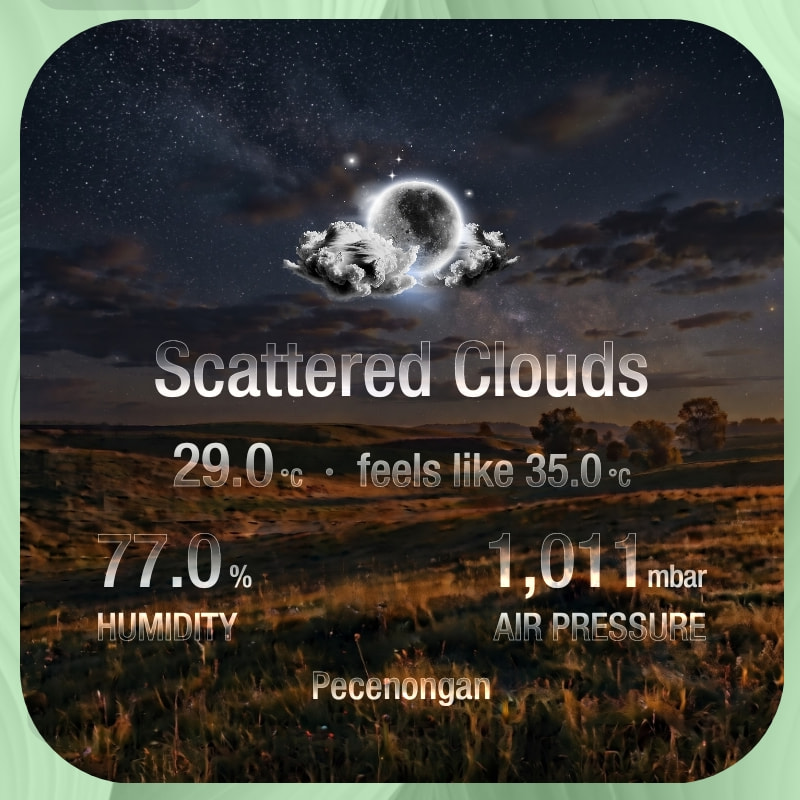
This komponent was originally developed for KWGT but it can also be used in either one of these Kustom presets:
- KWGT a.k.a. Kustom Widget
- KLWP a.k.a. Kustom Live Wallpaper
- KLCK a.k.a. Kustom Lock Screen
Preview
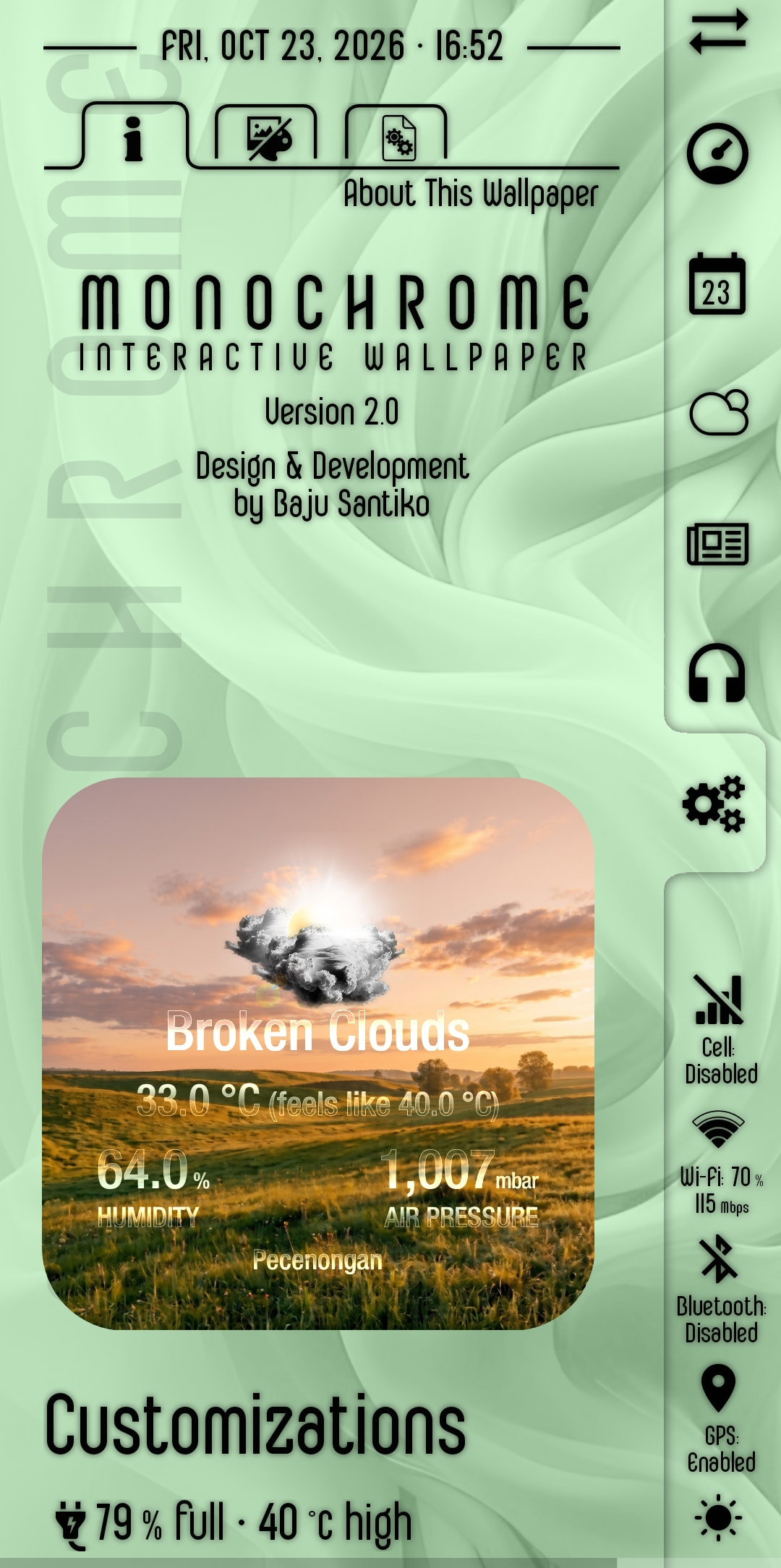
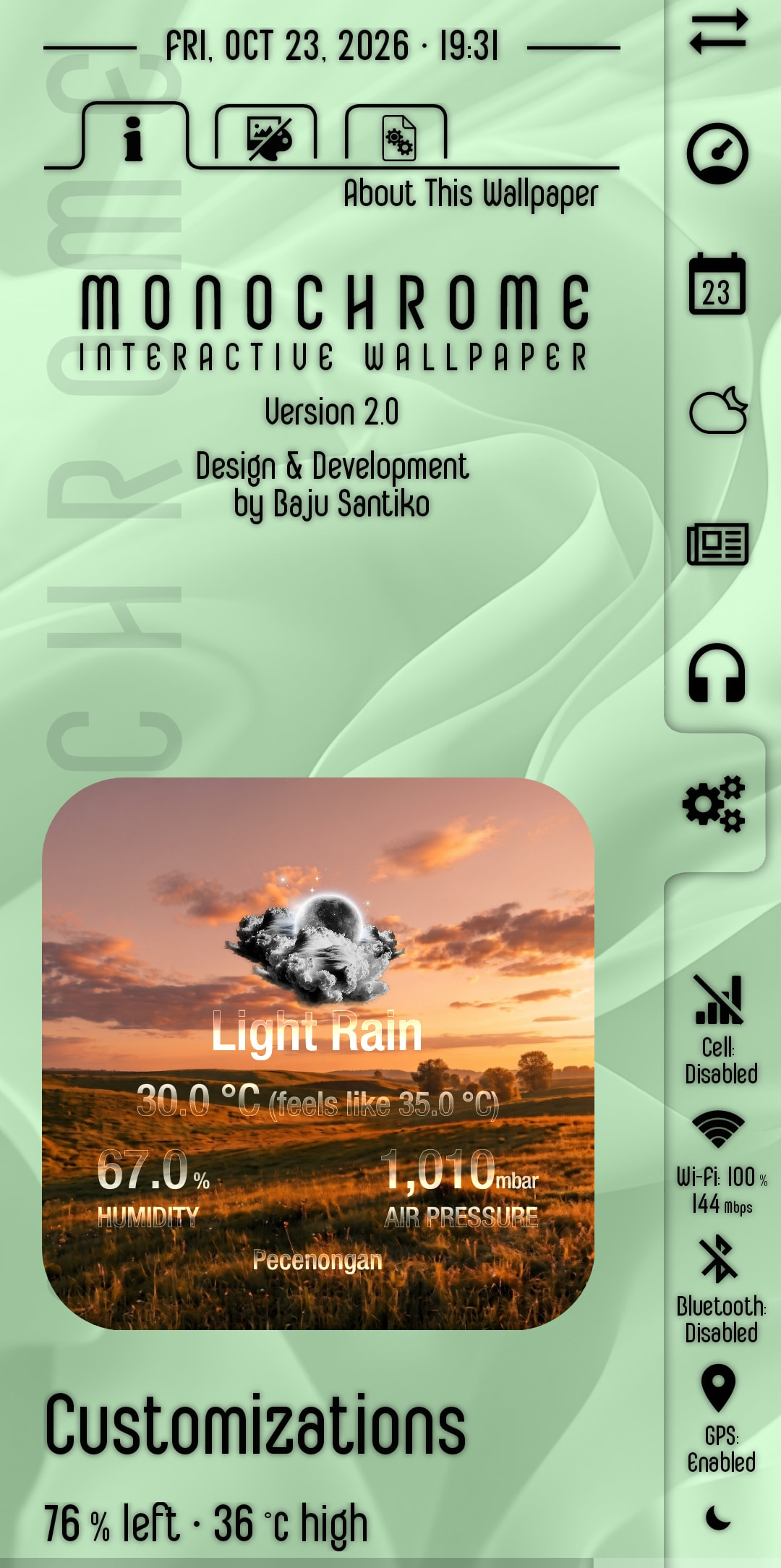
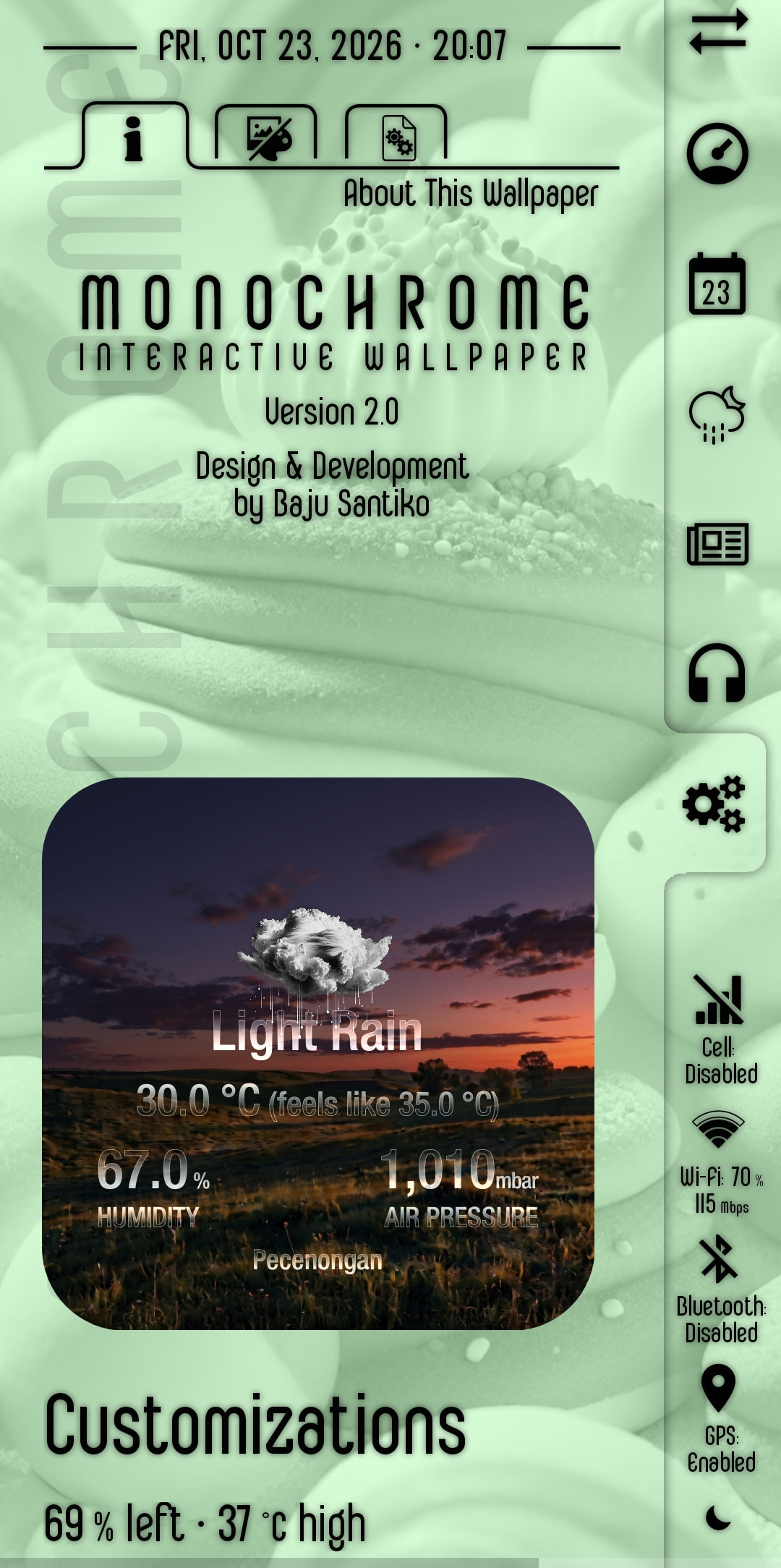
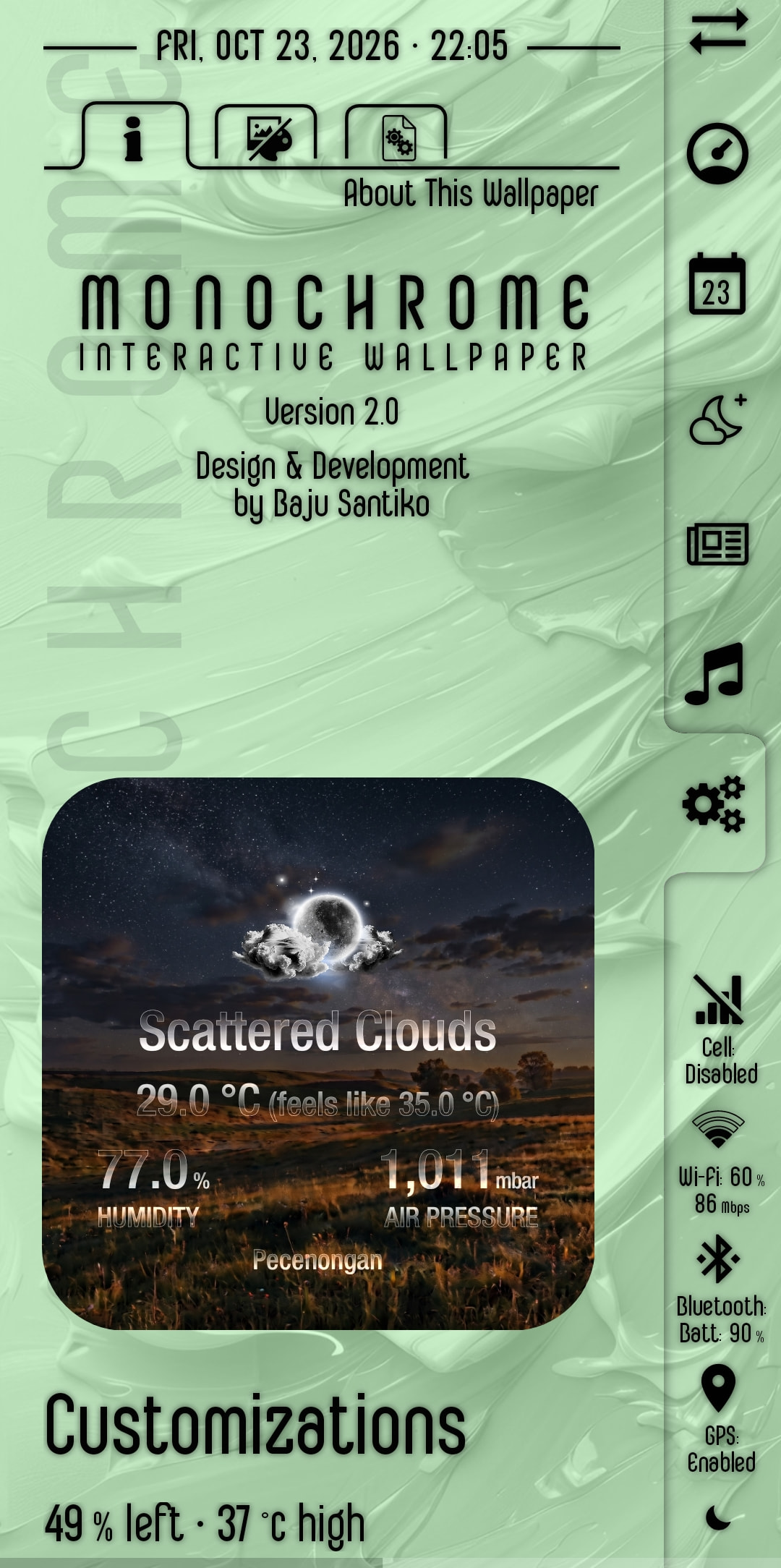
Downloads
Komponent file
Dynamic Weather Widget v1.0.261023
Image library (archive file)
The archive file contains:
- 24 scene images, in
.jpgfile format ➞ 00.jpg … 23.jpg - 15 pairs of weather condition icons, in
.pngfile format ➞ each pair consist of daytime icon and nighttime icon
How to Use
In KWGT
- Download the Komponent file (
.kompfile) - Copy/move the downloaded file to your phone, into the
Komponentsfolder (under your Kustom installation folder) - Add a new blank widget on your homescreen
- Tap on the new blank widget to open the KWGT editor
- On the KWGT editor, insert a new element (the Komponent type), and select the Komponent you want to use (in this case, my Dynamic Weather Widget v1.0.261023 komponent)
- Et voilà
Preparing the image library
- Download the Image library archive file
- Create a new folder in phone’s internal storage, name it:
dynweather - Extract the image library archive into the
dynweatherfolder - Done
I hope this would help.