I’m using OneUI, and only recently realized that live wallpapers on that OS do not support touch inputs, which is a bit annoying because it removes half of the potential of KLWP, namely using Bg Scroll to have a scrolling or fading wallpaper.
Unfortunately I like that OS and its Goodlock and DIY Home features too much (my current setup heavily relies on those, combined with KWGT), so I don’t feel like switching to a third party launcher.
While browsing through the different kustom functions I realized it was possible to read which desktop screen is currently active.
So, in theory, this could mean that I could set up a scrolling or fading wallpaper without having to rely on Bg Scroll, right?
Does anyone know how this could be achieved? I’m still fairly new to Kustom, and I’ve only dabbled with KWGT so far so I’m not familiar with animations at all.
Haven’t tried this out, but I expect you’d be able to have layers show and not show depending on which screen you’re on, but you won’t be able to do this with animations.
Here’s why I think you can’t do it: you can set animation to react on a formula but if that formula is (something like) if(si(screen)=1) and you use fade out, that might keep triggering the fade out animation over and over (as the screen is on screen 1 for a long time).
You might be able to do this with some extra switches or more complicated formulas, but I or someone else would have to dive deeper into that.
Hmm, well I tried to use a simple Text component saying “Screen $si(screen)$ is active” but it always shows “Screen 1 is active” no matter which screen I’m on, so I guess OneUI just really doesn’t want us to use interactive live wallpapers… Ugh.
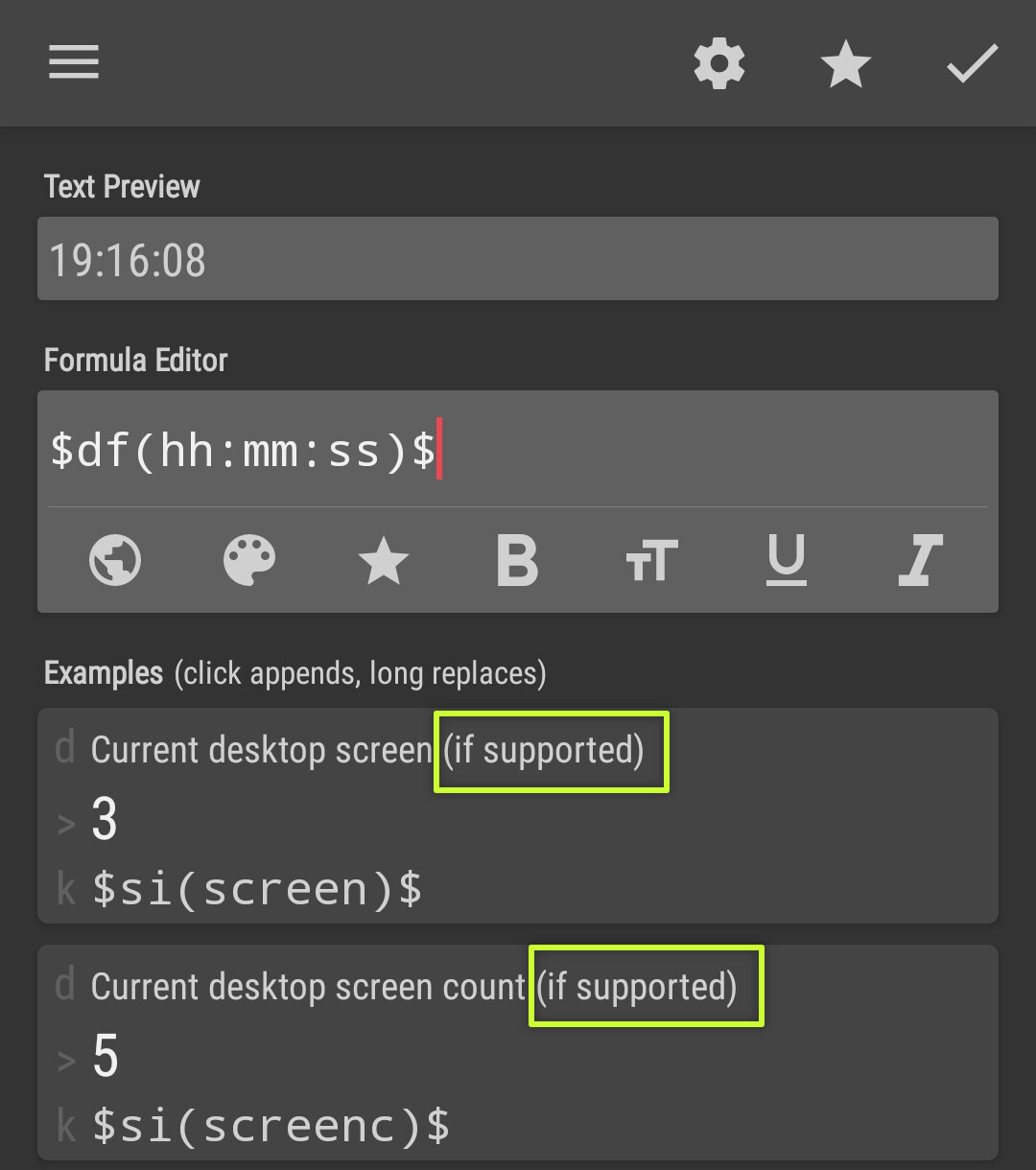
It is said that (if supported) ➞ this mean if supported by the launcher app. If the value of $si(screen)$ doesn’t change whenever the current screen is changed, then the launcher indeed doesn’t provide the information of the current screen index.
You may need to use another launcher, if you really need the screen scrolling interaction and/or need to use $si(screen)$