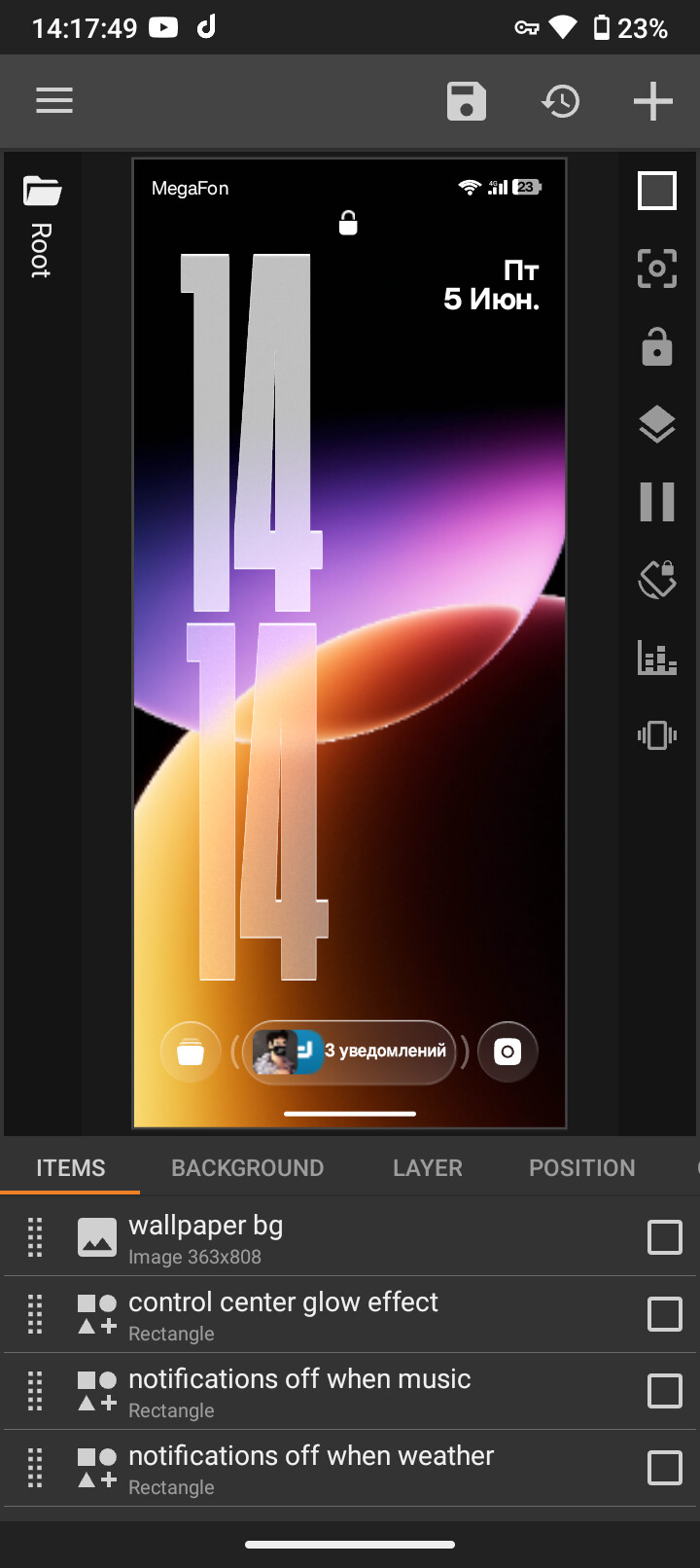
So, my KLCK setup suddenly stopped loading, in the editor everything is fine, but when I’m waking my phone, the setup is not loading. It might display the “micro” setup, or just black screen, then after 5-6 seconds KLCK crashes. I updated the app to 3.82b615216 (latest build), but the issue is still there.
Also the clock is using liquid glass mask from the previous versions, which is deleted in the latest build, but the app was crashing even on the build it was available, so I don’t know what to do😞
Do you have animations, custom shapes with heavy shadows, or high-res images in this preset?
Try saving this setup, then create a completely new, fresh preset just for testing. Add a few simple elements and check if the rendering lag is still there.
I tried it by putting the square with image on it that have swipe and global toggles animations and everything works fine, so I guess that means my setup is simply too detailed and I need to optimize it more.