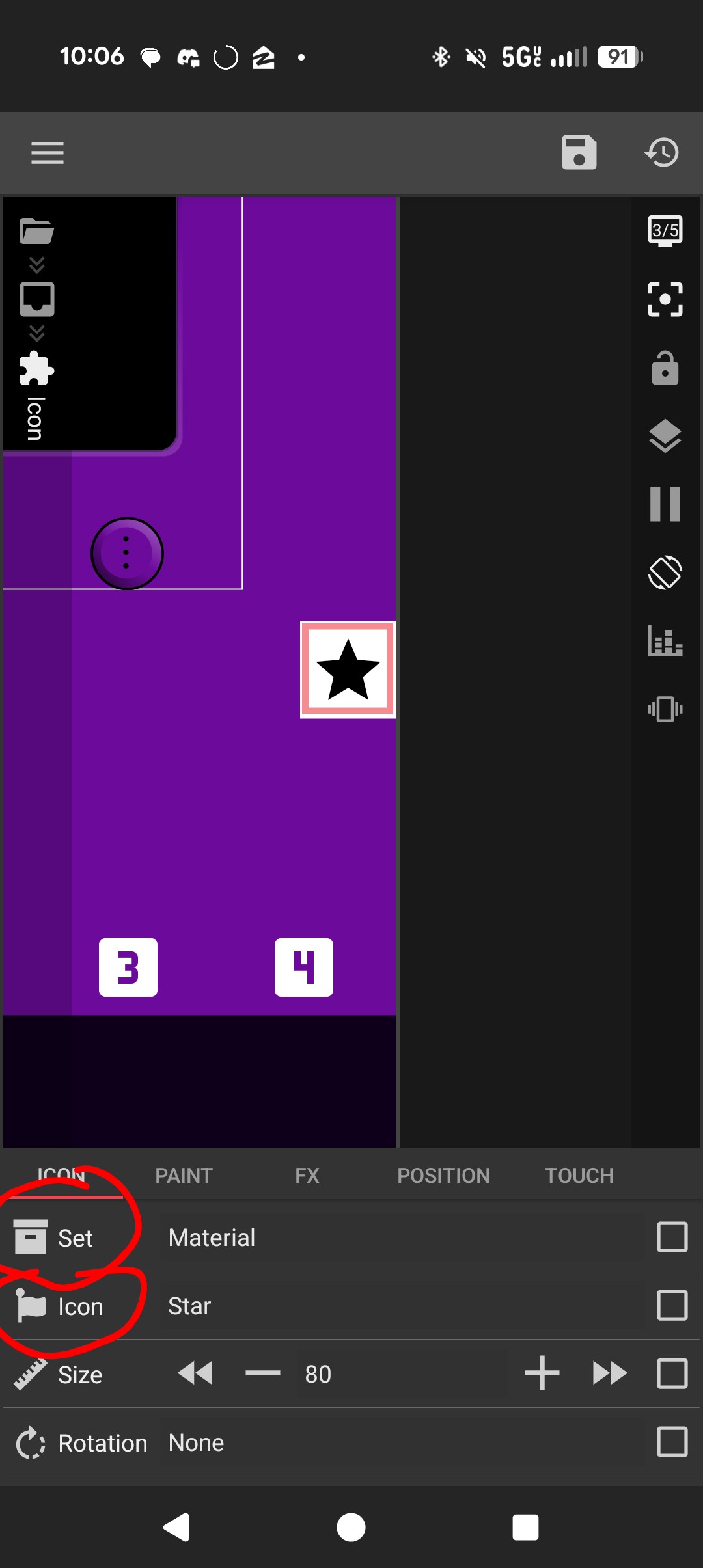
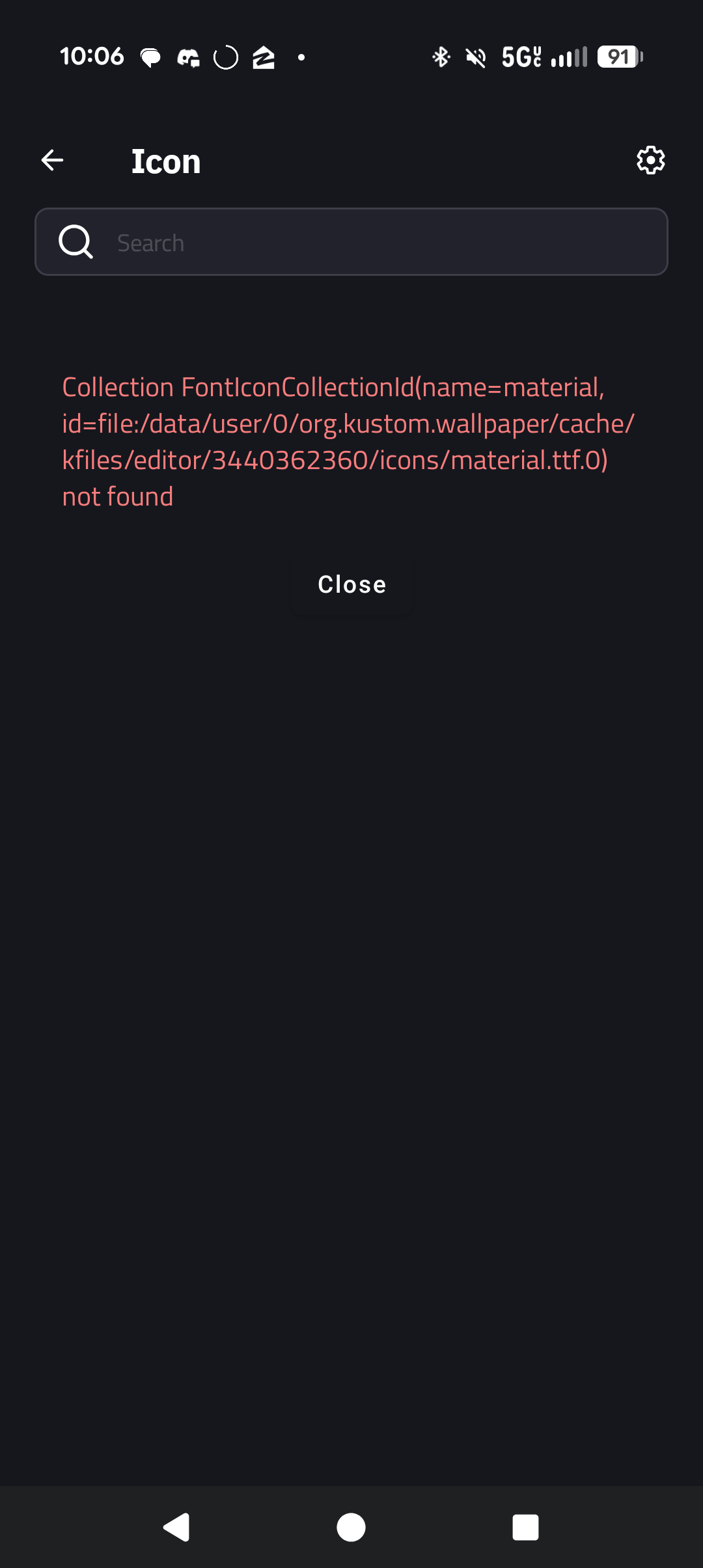
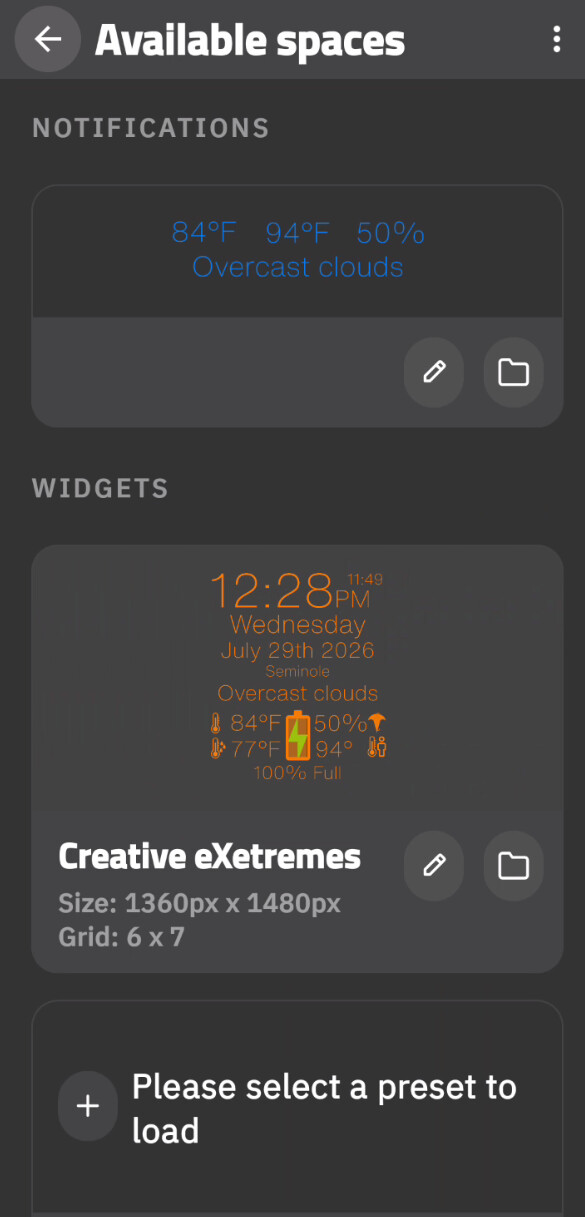
Hi, l’m relatively new to KLWP but enjoying it immensely. Lately I’ve been noticing issues with opening up the icon libraries. And first, anytime clicked on the lcon “Set”, the app would just crash. Now, in addition to that, when click on the “icon” where you then select the actual icon, it gives me the error seen in the photo. Googling the error hasn’t yielded many useful information. l’m thinking I should just uninstall and reinstall but l’m nervous about losing all my work. I can export first, of course, but did read something about exported files missing icons. Maybe that’s related? Click on the image to see where I’m indicating the “Set” and “icon”.
P.S. of course, as soon as typed all this up and went to check something again, the lcon button is working and bringing up all the icons from the lcon det called Material. Aka, part of its working but the Set button still crashes the app
This seems to be working fine on my end. First, please make sure you’re using the latest version of the app. After updating, clear the app’s cache and check if the issue persists.
That’s not been my experience. This is the opening screen when I open KWGT, and when I click back to go to a main screen it closes the app. I haven’t found a way around this.
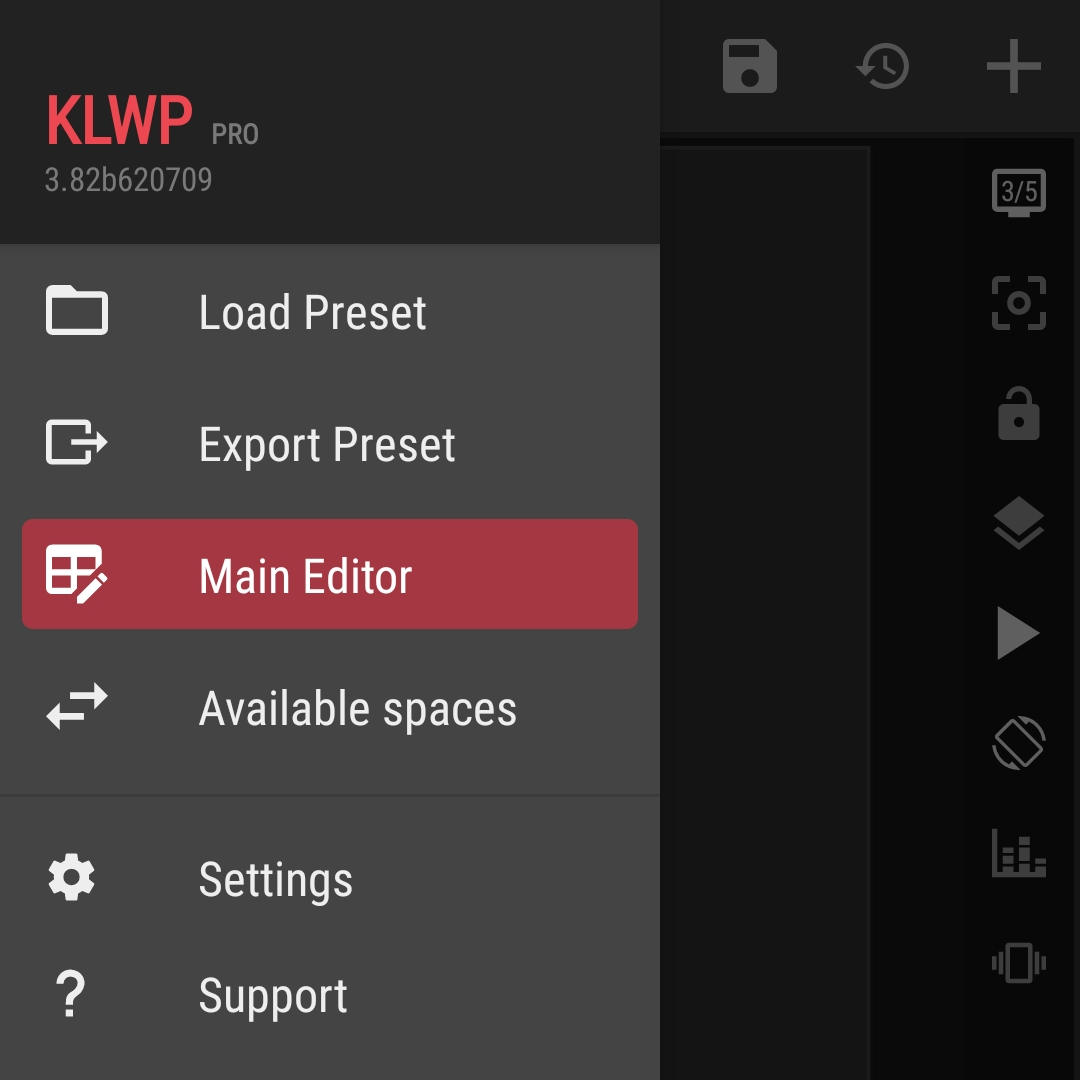
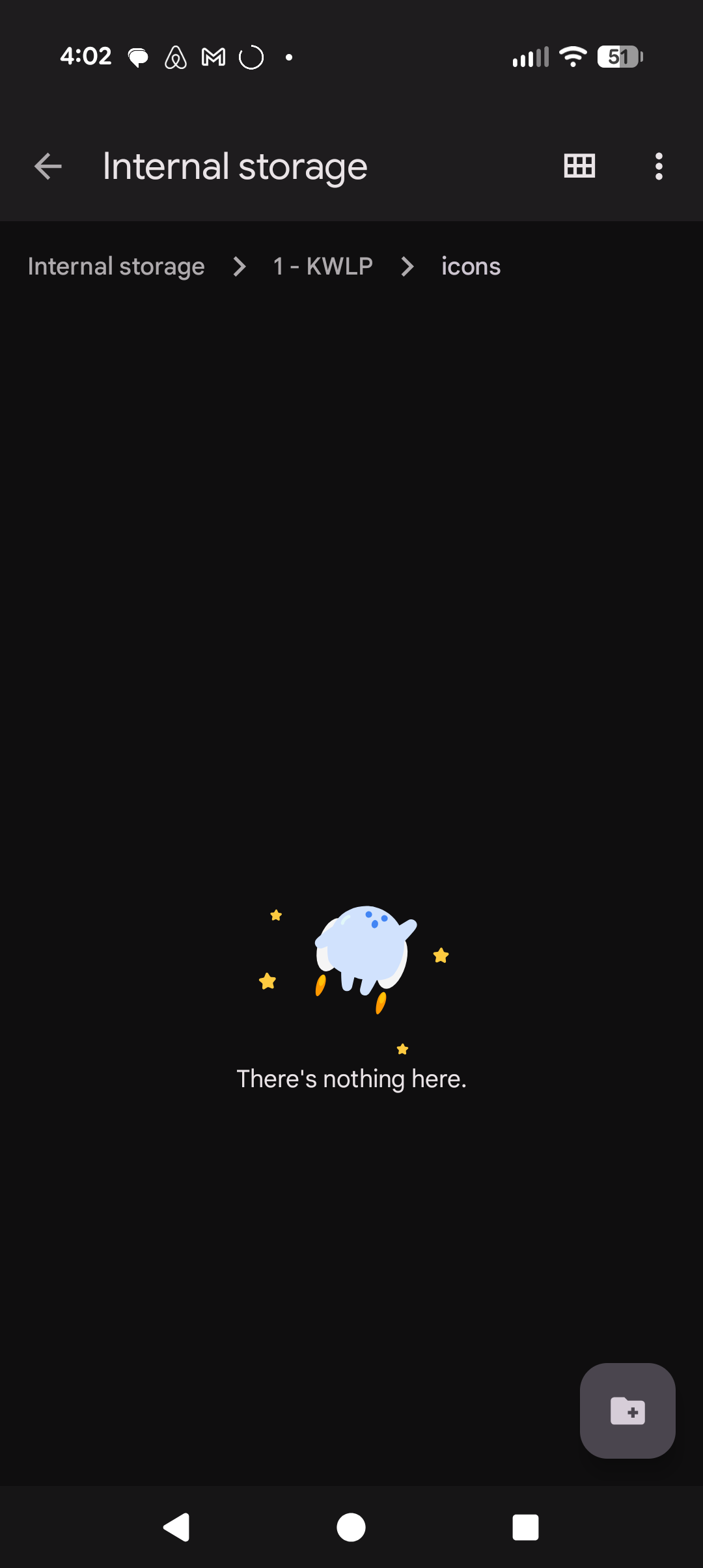
Perhaps it’s because I renamed the parent folder “1 - KLWP”? I think I did that to move the folder up when first learning how to do backups, exporting, and importing - and didn’t think about the repercussions of that.
Would a clean install fix all this? Or should I just try to change the name back and see if that does the trick?
Well, I just tried changing the folder name back, and yes to “KLWP”, and that didn’t work.
Then I deleted and reinstalled the app and guess what, all the icons are back! And its working as normal.
The curious thing is that folder I showed above is still empty and seems to not have been deleted when I removed the app, the dates created are not from today.
So I’m guessing the data is being stored elsewhere that I cannot see. Or something else was the issue and that icon folder is meant to be for importing my own icons or something?
Use a file manager app and try to search for these files:material.ttf and material.json .
If they’re exist, they should be located somewhere in the storage. Then move them to the right folder: the icons folder under the Kustom installation folder.
Well that’s the thing, I cannot find the Kustom install folder.
But it’s all good now. When I reinstalled the app, everything seems to be working now. Even some animations I didn’t realize weren’t working, are working again. Or rather, the imported image associated with the animation is back. Hard to say which it may have been