I have 2 overlay groups which I want to be able to switch from one to the other with a switch, but also to have a timer to auto switch every 10 seconds. I can use them separately, but I don’t know how to combine them(if possible). For using a button to switch I’ve created a list global with 2 items and at each overlay I use this formula $if(gb(pages)=now, always, never))$.
Now, for the auto switching I created 2 global texts(timer and timer2) with the formulas: timer-> $(tu(seq, 1/6, 0,1)=0, never, always)$
timer2 → $(tu(seq, 1/6, 0,1)=1, never, always)$
How to combine those two(timers and switch button), I can have the timer to change the overlays every 10 seconds, but to also can to switch them with the button?
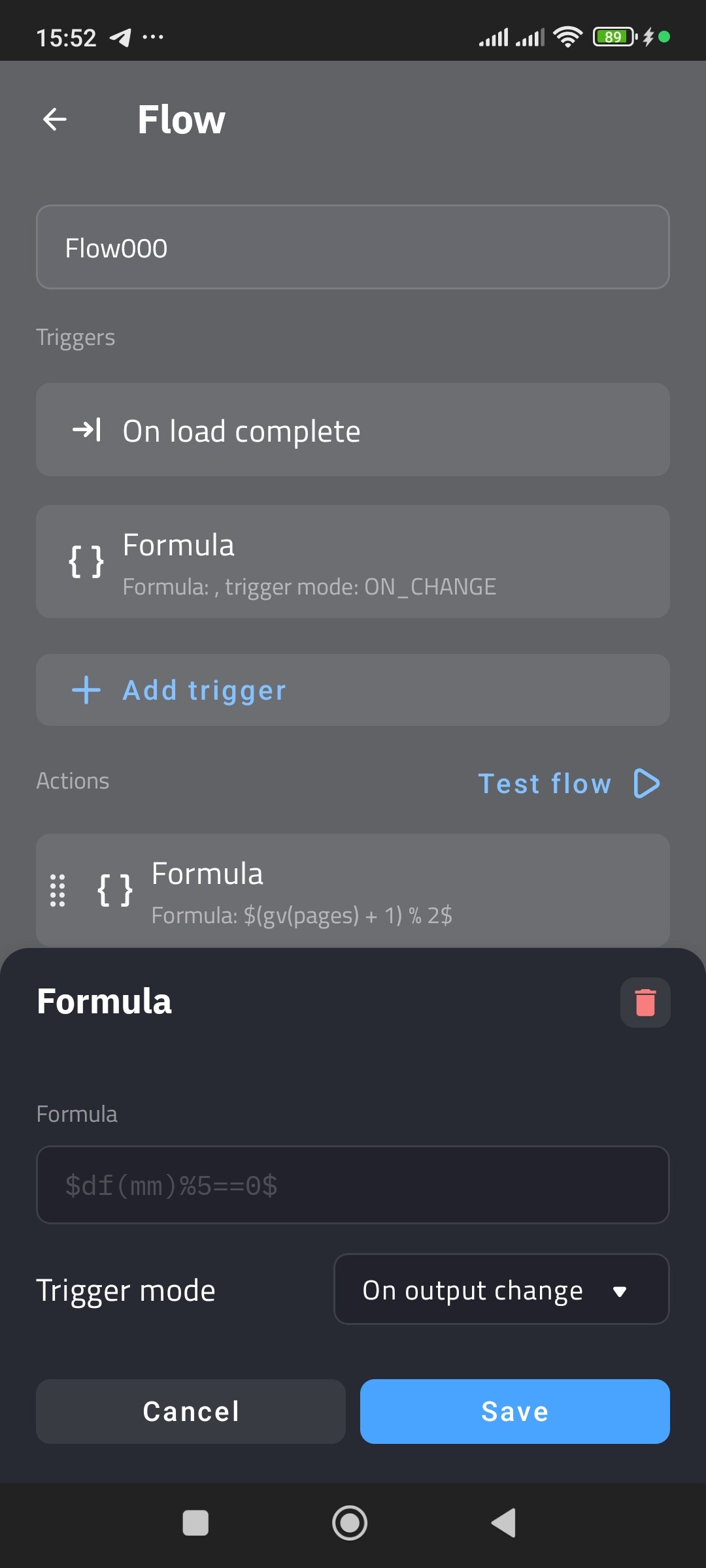
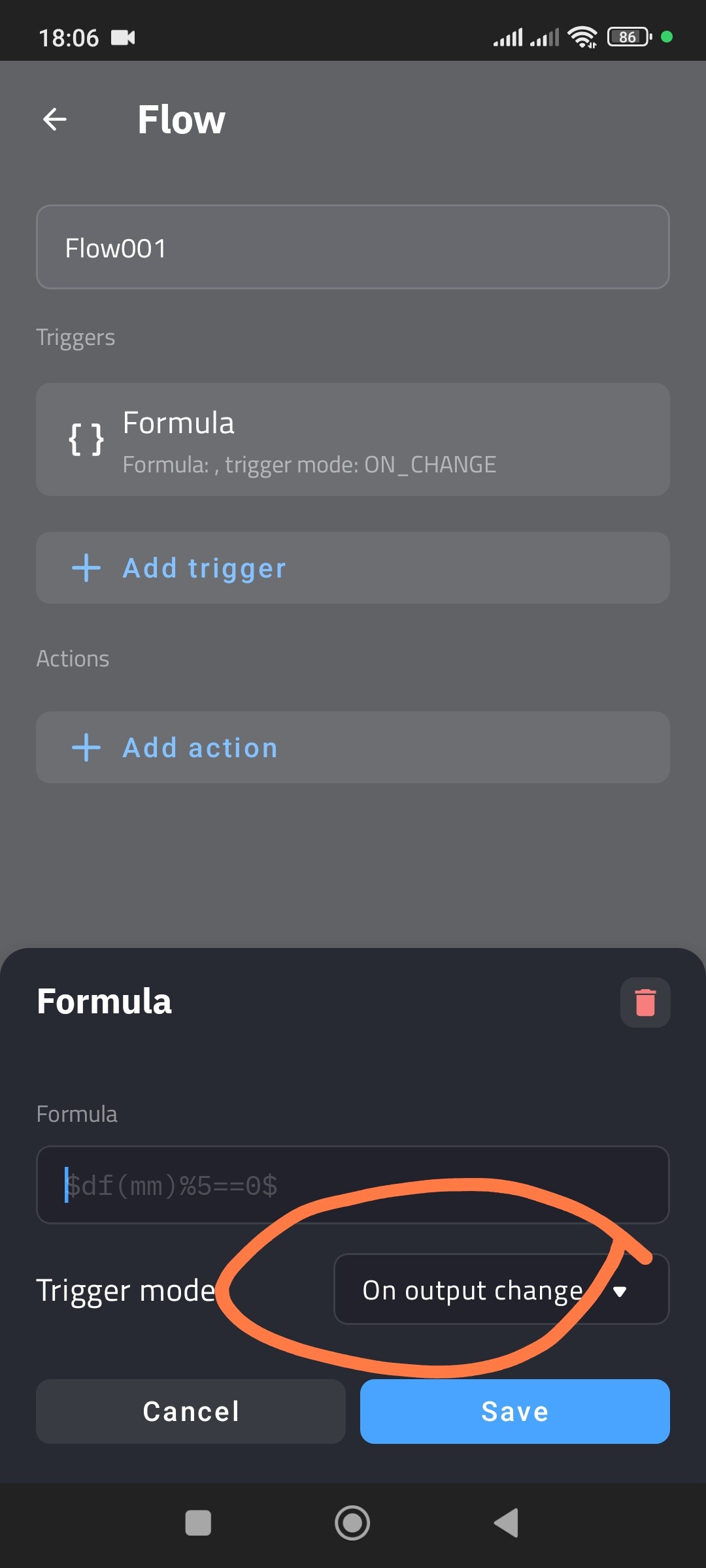
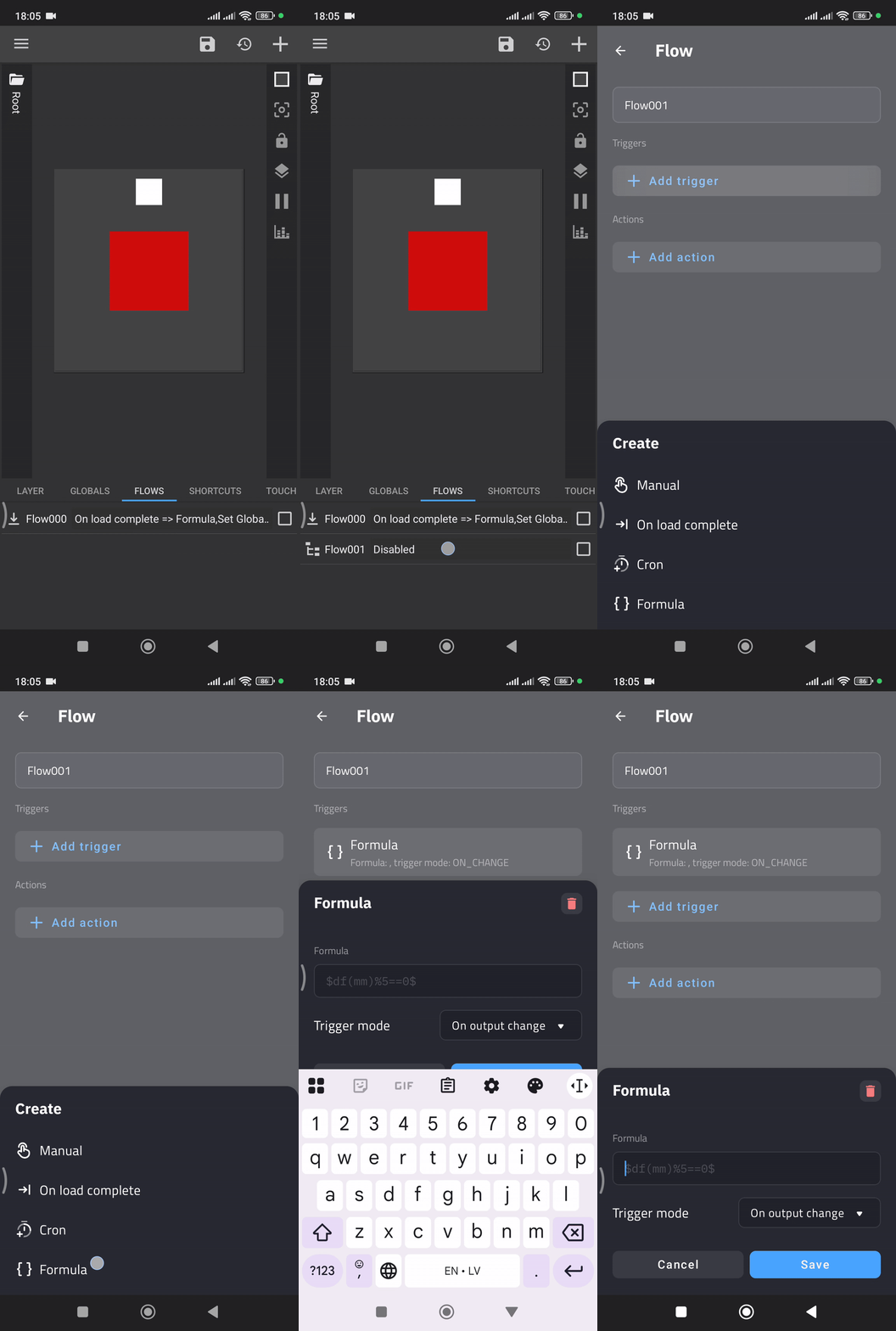
I haven’t use flows ever, because I don’t realy understand how work and what functionality add. I tried your suggestion but I’m stuck at the 3rd step. I don’t have Output Change on Flow Trigger. I don’t have KWLP, I’m using KWGT pro, and I forgot to mention it on my first post.
The Catch: You can set this up in KWGT, and it will work perfectly inside the editor. However, on your home screen, it will fail.
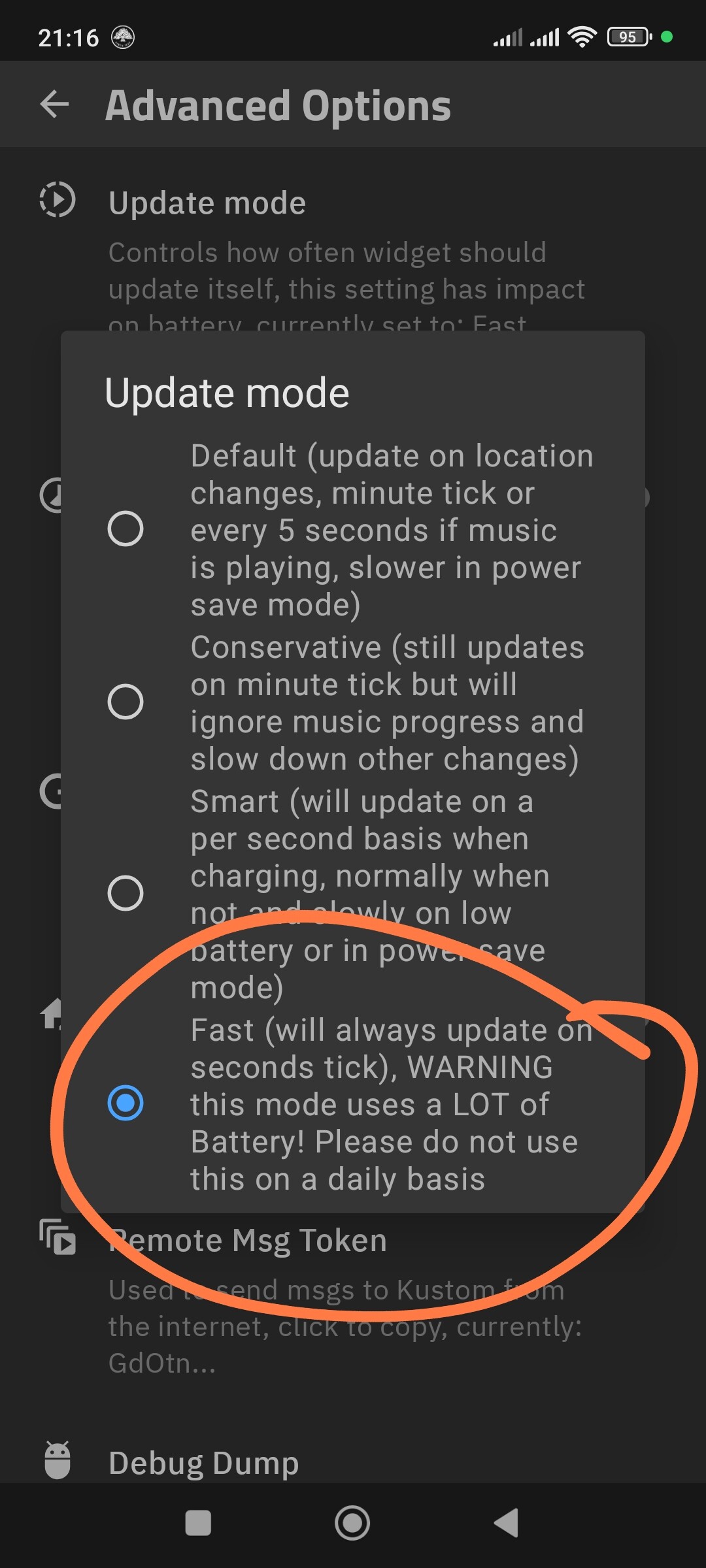
Why: Android limits widget updates to save battery (usually once per minute max). This is why I recommended KLWP — only live wallpapers can handle 10-second loops reliably.
Ok, I finally found it! The “formula” list item of the flow trigger is covered from my device’s bottom bar with the buttons for back/homescreen/recent apps. For this I couldn’t see it. Now I can proceed.
So, now I have:
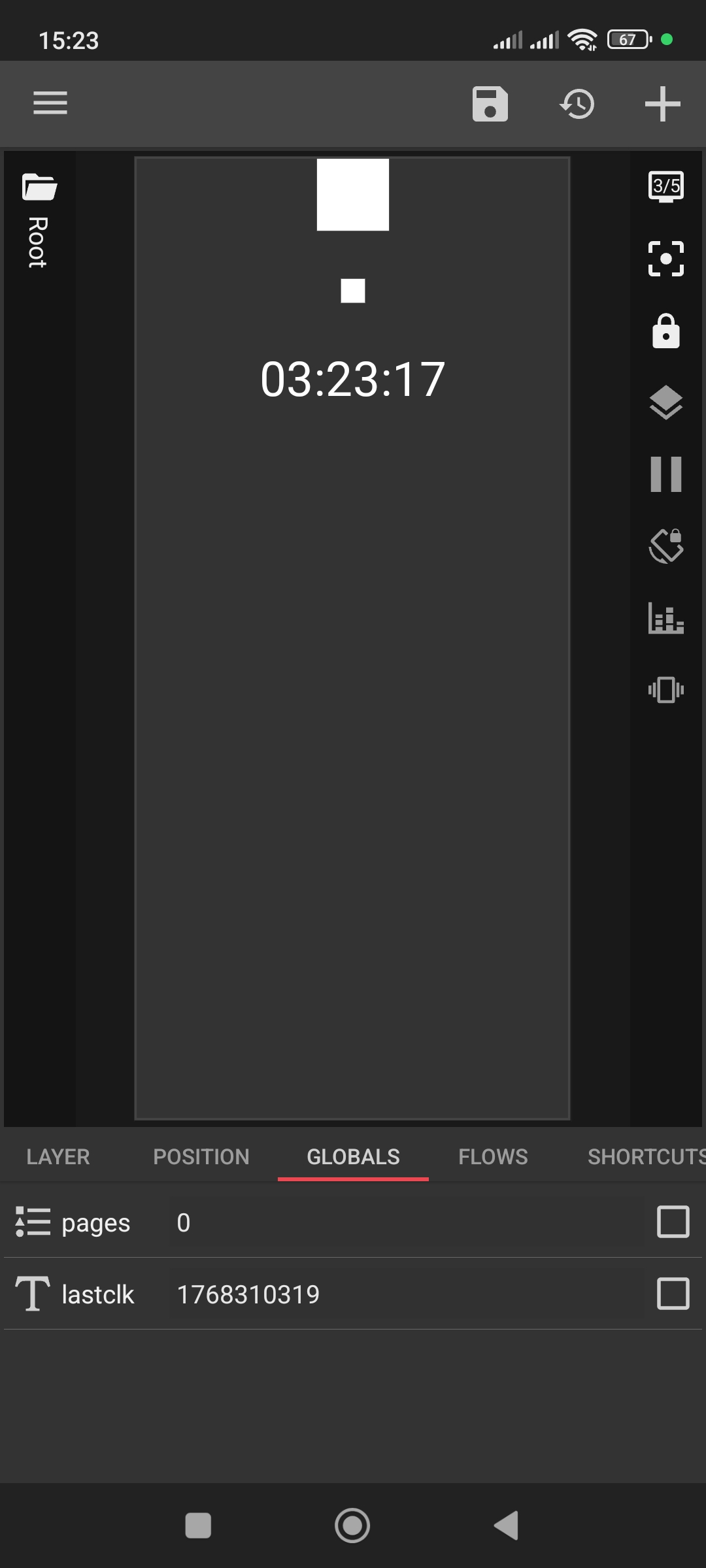
2 globals, one list with name pages and 0,1 as list items, and one text with no content
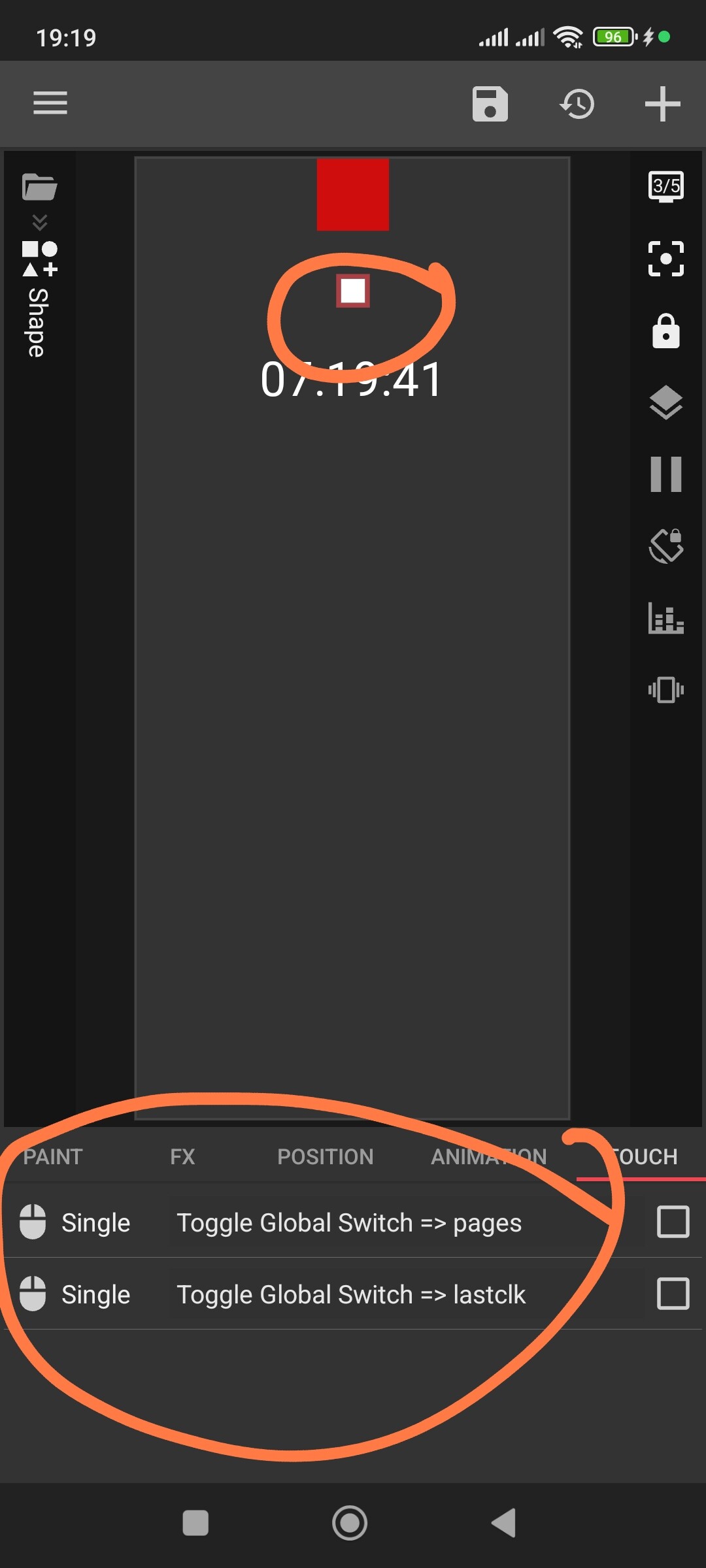
1 button in which the touch is Toggle Global Switch → pages → next value(I don’t have toogle there, only the pages’ s list items and the previous and next values.
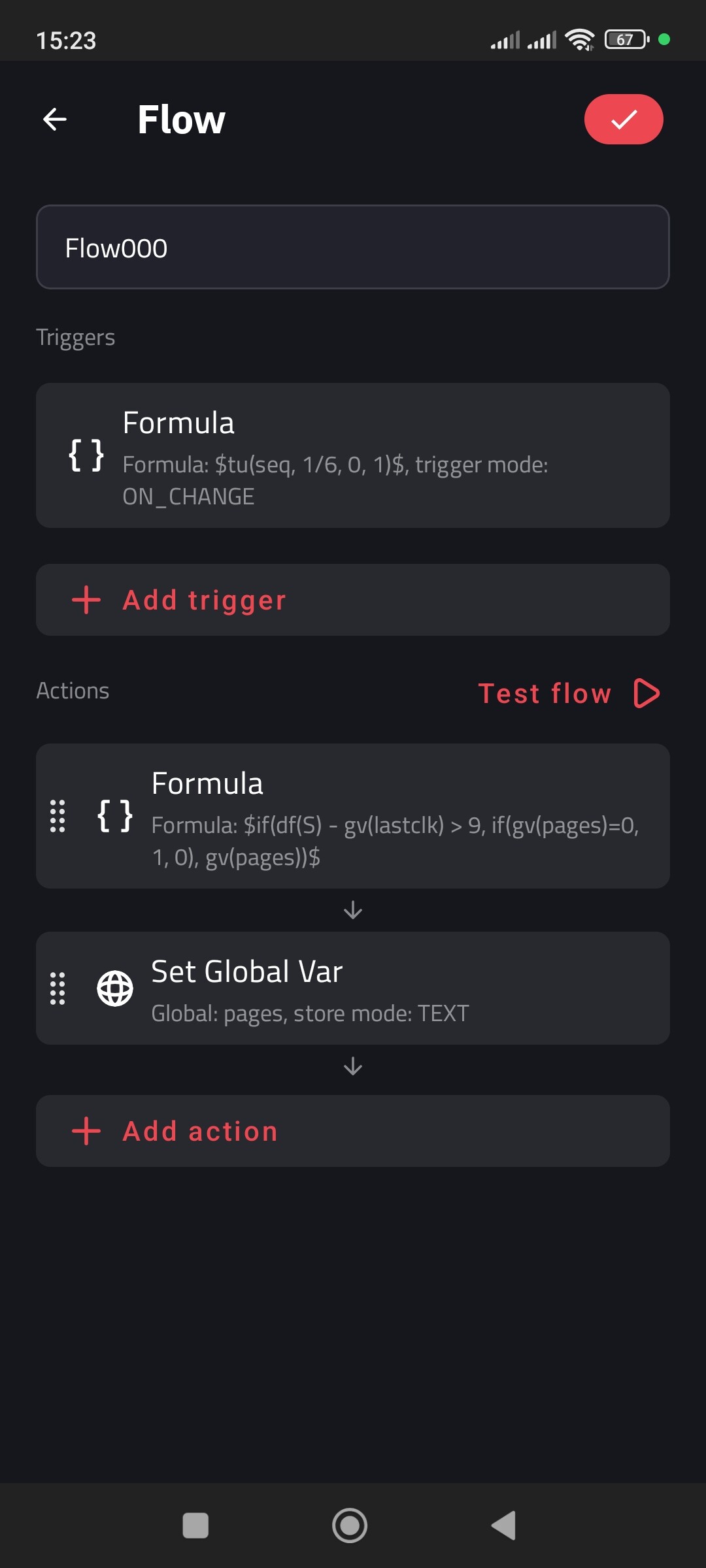
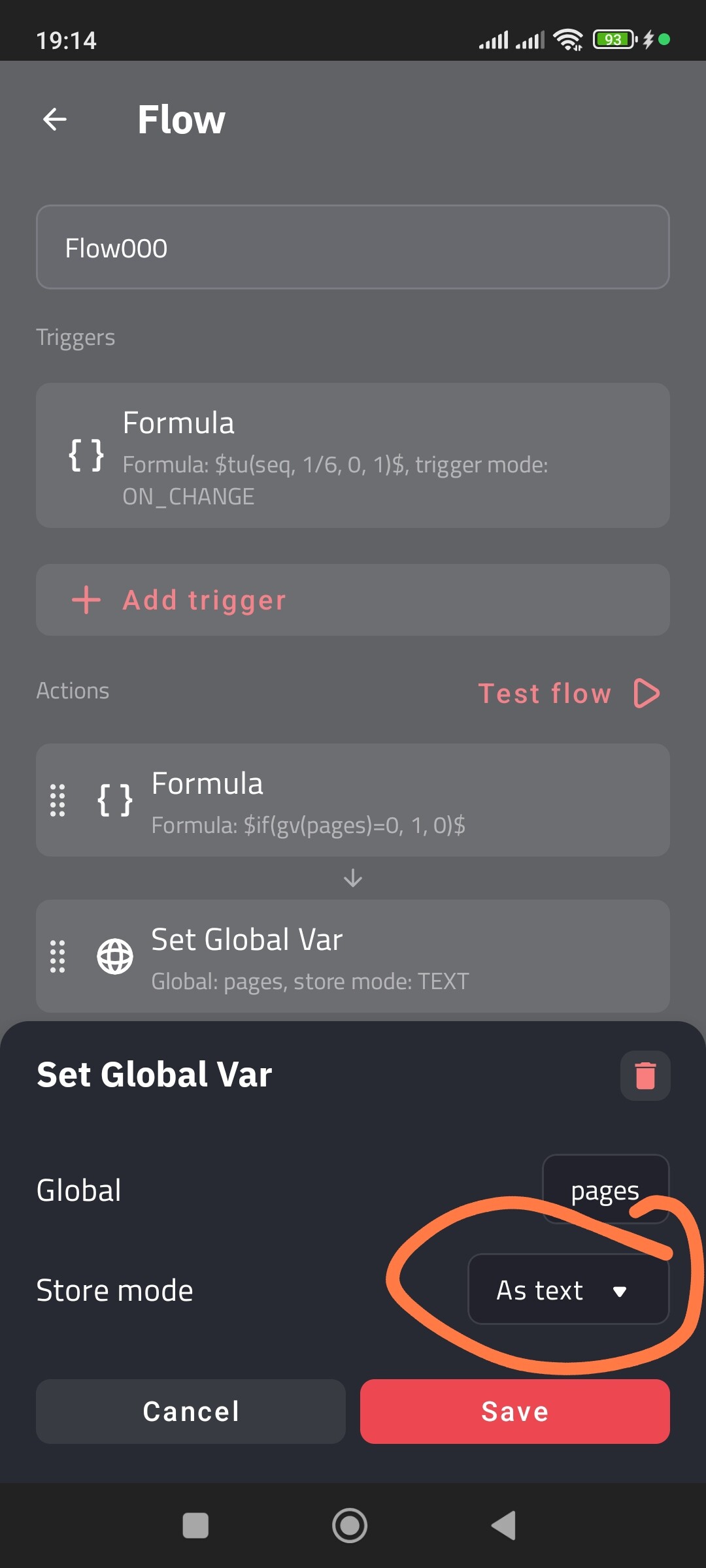
1 flow in which the trigger is the formula with the timer, and the Action is $if(df(S) - gv(lastclk) > 9, if(gv(pages)=0, 1, 0), gv(pages))$
I see from your images that you have also another action “Set Global Var” which I suppose I need to also add it and use the global text variable I defined.
If all the above is correct, how now I use them on the overlay groups?
The Flow Action:
In your Flow, Action 1 (Formula) calculates the value.
You MUST add Action 2: Set Global Var.
In Action 2, select your global pages as text. This tells the Flow to actually save the result of the formula into your variable.
The “Manual” Button (Very Important):
Your button touch needs two actions now.
Action 1: Toggle Global Switch → pages.
Action 2: Set Global Var → lastclk with the formula $df(S)$.(You can make this button invisible and place it directly on top of your layers.)
Without this, the timer won’t know you clicked the button manually.
How to use it on Overlay Groups:
Simply go to the Layer tab of your Overlay Groups, find Visible, and use this formula:
For Group 1: $if(gv(pages)=0, ALWAYS, REMOVE)$
For Group 2: $if(gv(pages)=1, ALWAYS, REMOVE)$
It’s done but it doesn’t work. I can change the overlays with the Toggle button, but the timer doesn’t seems to work even in the editor. I don’t see any difference from the images except the action formula. On your first answer was
Thanks, this file works, and the problem is that I was using the formula from your first answer in flow action and not this: $if(gv(pages)=0,1,0)$.
Now it works on editor, but doesn’t on the homescreen. Your file works on homescreen also, but not every time, mostl. Maybe because has less elements than mine. Also mine isn’t directly in homescreen. I’m using total launcher which support windows, so the widget is inside a window which opens by a button.
As I said from the beginning, Kustom doesn’t have a native ‘timer’ feature, so we have to use these workarounds with Flows and Formulas.
The reason it’s inconsistent for you is that KWGT is a widget, and Android system limits how often it can ‘wake up’ to run these scripts, especially inside launcher windows. My sample shows that the logic works, but the platform (KWGT) struggles to keep up.
This is exactly why I recommended KLWP from the start. In KLWP, this setup will run much smoother and more reliably because live wallpapers have a higher priority for the system than widgets. I just wanted to show you how you can ‘cheat’ the system in KWGT if you really have to.
Yes, I know but I wanted to try because the timer without flow worked fine and without delays. So, I wanted to try it just to see if it works, maybe with encreased interval. Anyway thank you.
MaxP is spot on about the 10-second limitation in KWGT - Android definitely kills those frequent updates to save battery. If you’re stuck with KWGT, one ‘cheat’ is to change your timer to 1 minute instead of 10 seconds. It’s not as snappy, but it actually works reliably on the home screen. For the manual override, using a simple List Global and having the button set the list value works best, but you just have to accept the auto-switch will be a bit slower!