How do I make a sliding text

I’m trying to make a music player widget, but some of the music’s name is too long for my comfort

How do I make it so that the text would slide from right to left so that I can display the entire text without changing the size of anything

Or is that not possible?

You can easily do this in KLWP! Just use a Loop animation with the Scroll action on your text layer.

Set Ease to Straight (this is important for a smooth loop). Then, simply adjust Duration for speed and Speed for distance until it looks right for your music title. If you want to hide the text outside the player, use a Shape with FX: Clip Next Module right above the text.
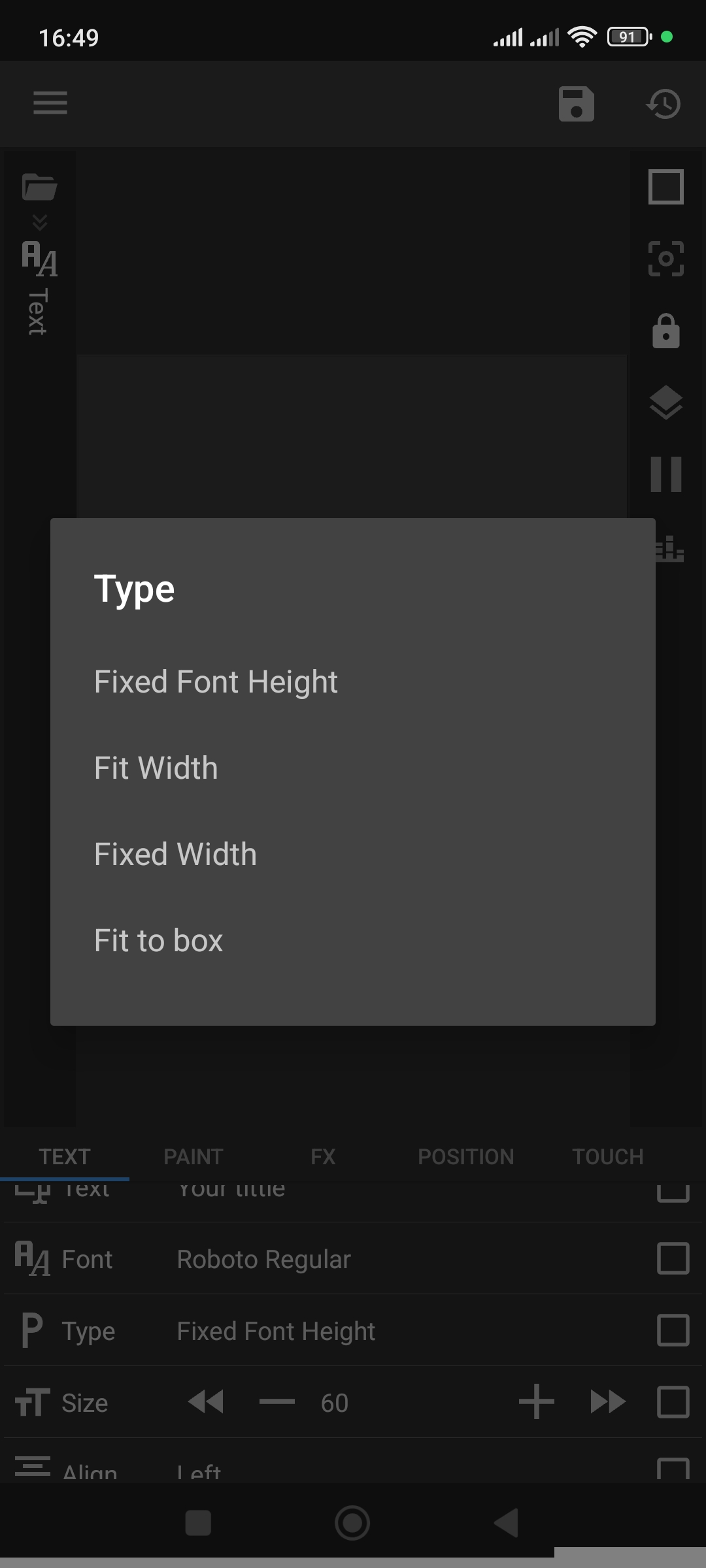
If you’re using KWGT, sliding text animation isn’t possible, but you can control the text length:

Set Text Type to Fixed Width

Adjust the Width value

Set Max Lines to 1

Thanks for the help!

I tried using klwp, but unfortunately it doesn’t seem like it can run well on my phone, regardless of what I do

I think I’m just gonna resort to this one