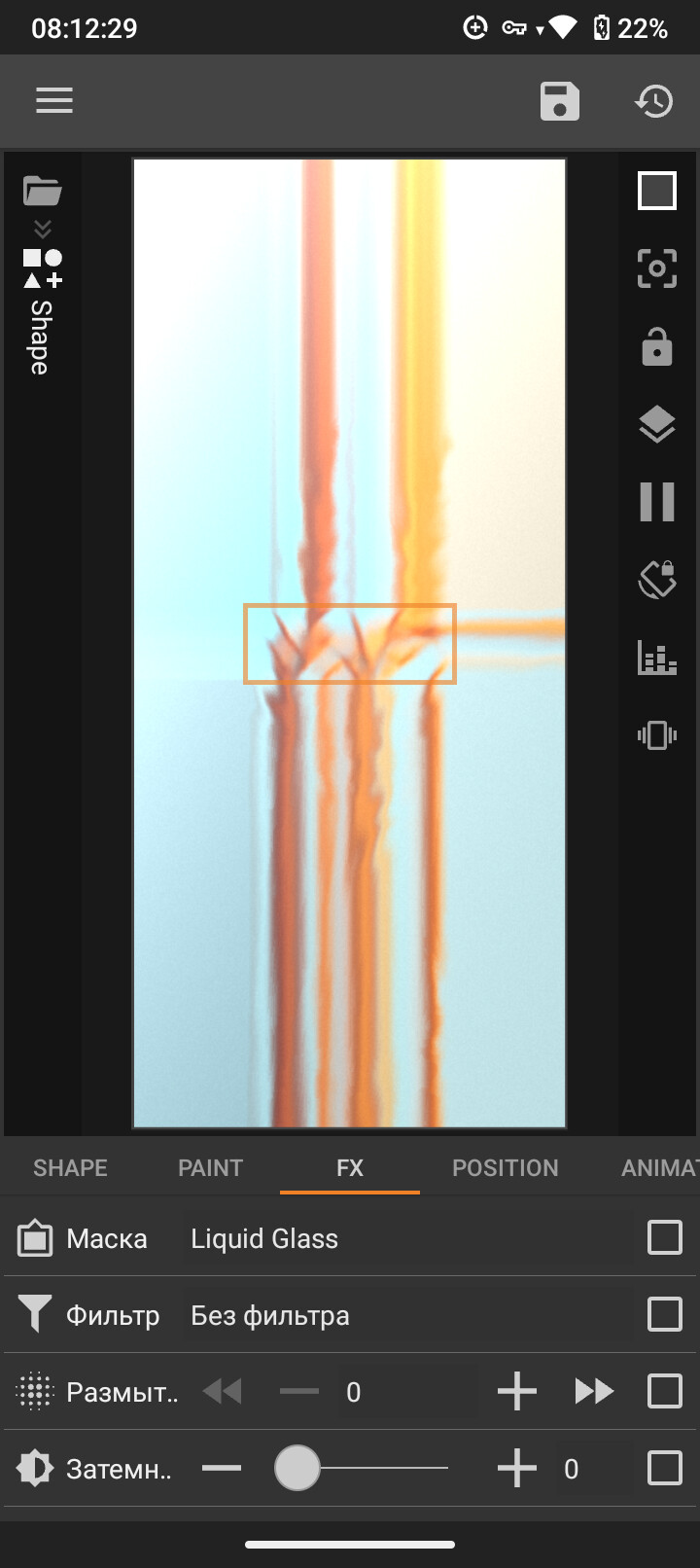
when I’m using liquid glass or blurred background on KLCK the shape stretches on the whole screen and if the edges isn’t rounded, this thing covers the whole screen
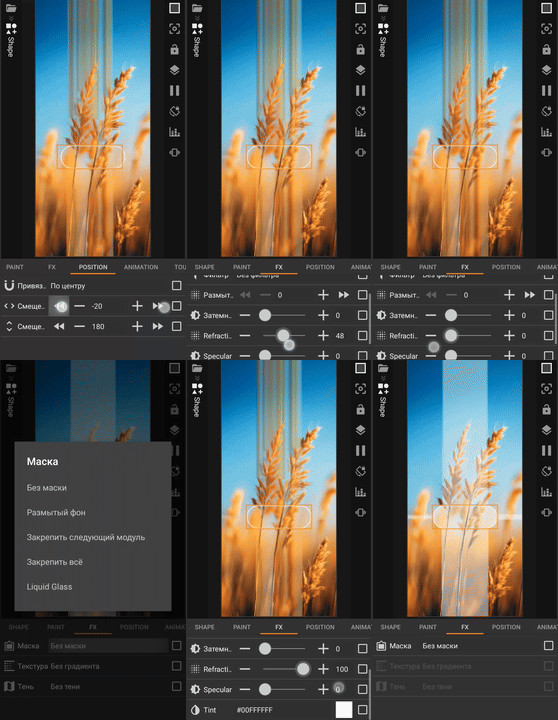
when I’m using liquid glass or blurred background on KLCK the shape stretches on the whole screen and if the edges isn’t rounded, this thing covers the whole screen
You probably have the latest KLCK version installed. There have been many complaints about some filters and new features lately. So you should either wait for a bugfix update, or downgrade to an older version, but keep in mind that the new features won’t be available there.
Hi @user164 ,
What version of KLCK do you have?
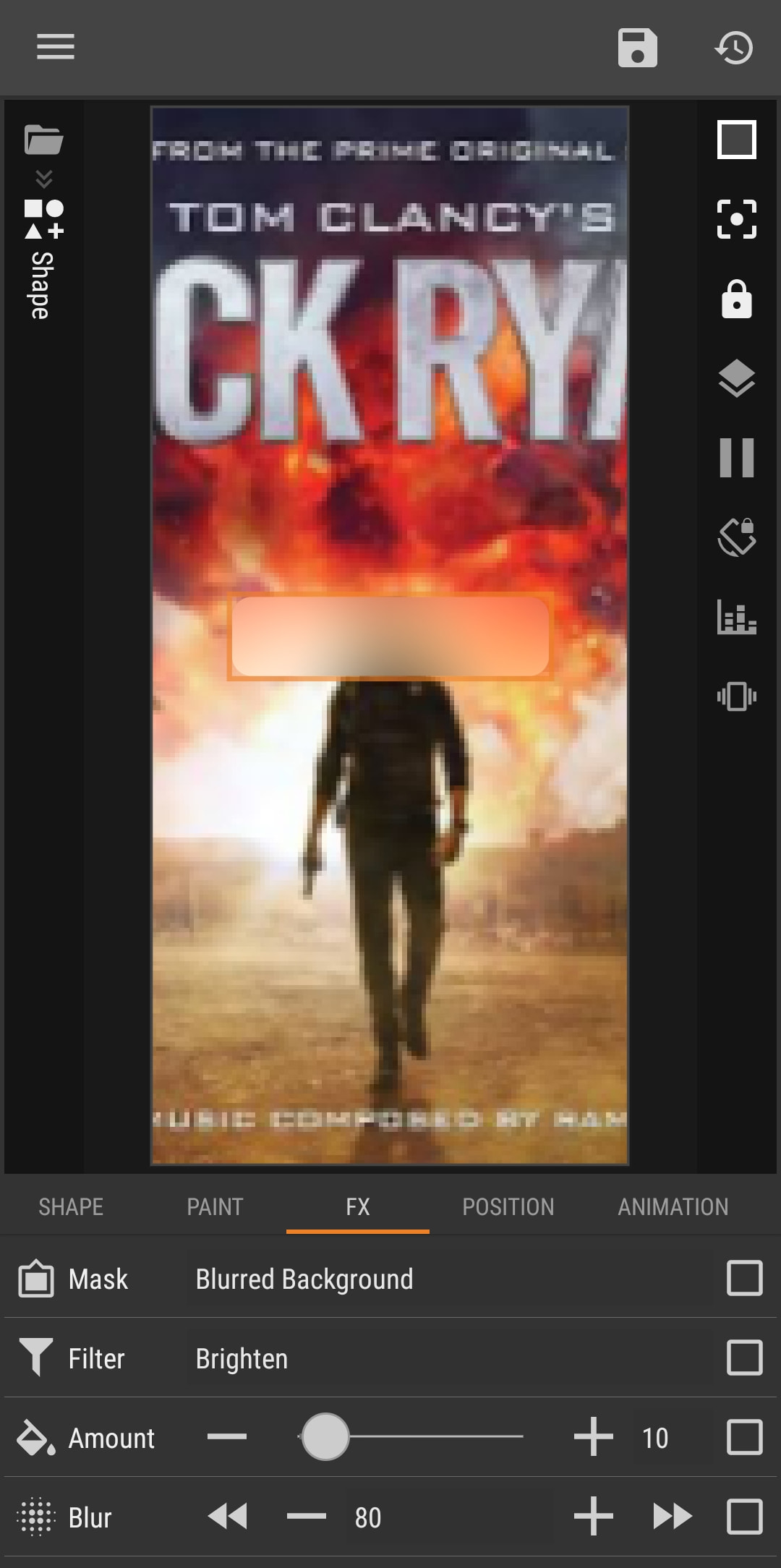
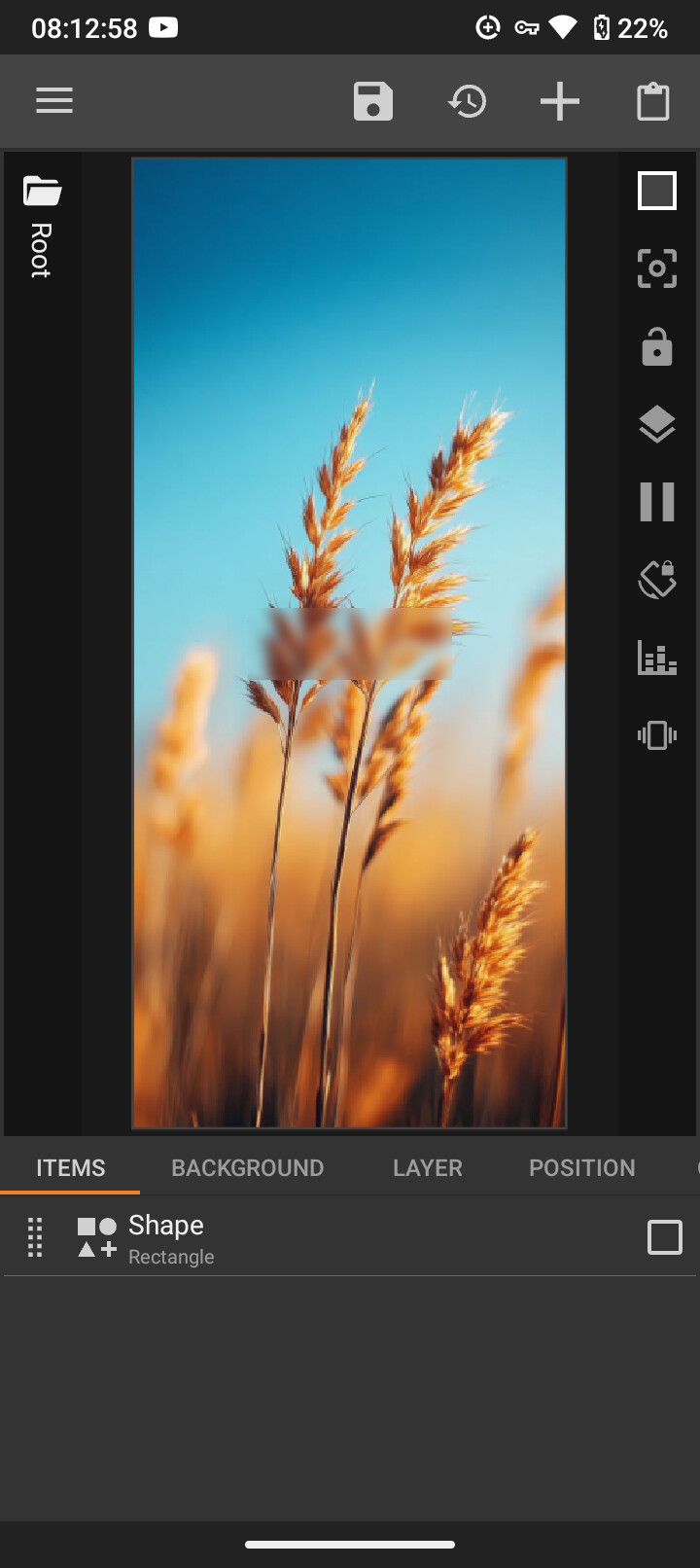
These are the screenshots of my KLCK showing the blurred background.
The filter and effect works well, also the rounded corners.
I hope this would help.


For now, just use the regular blur and wait for future updates to fix it.
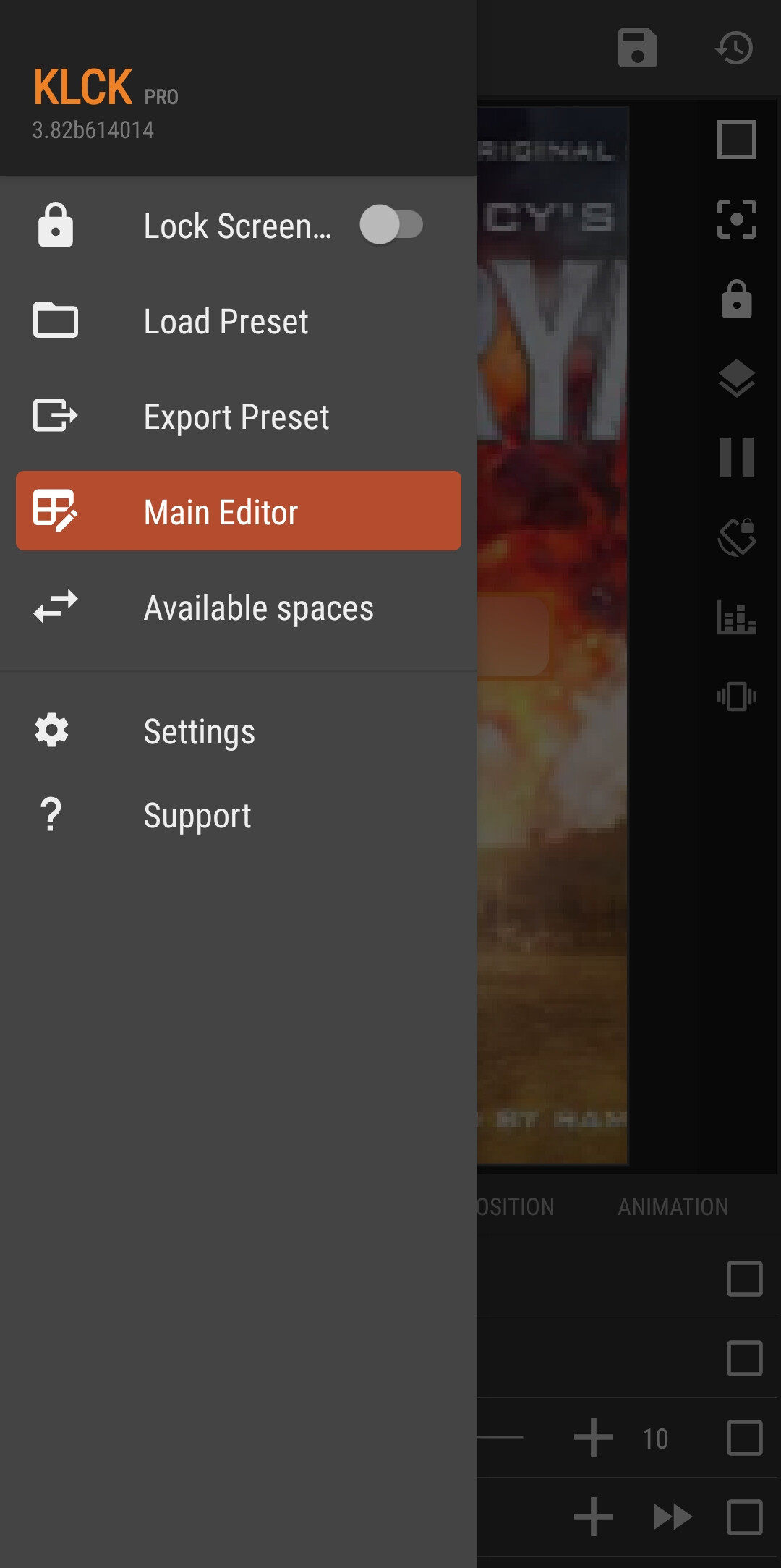
Must be a bug in the Liquid Glass mask since it was removed in the latest build (3.82b614014).
Yes,
There’s no such Liquid Glass mask in that latest version.
Liquid glass has been temporarily removed from beta and release as quality was not good enough, still working on it