How do I add fonts on android 15
Do you mean adding fonts in Kustom?
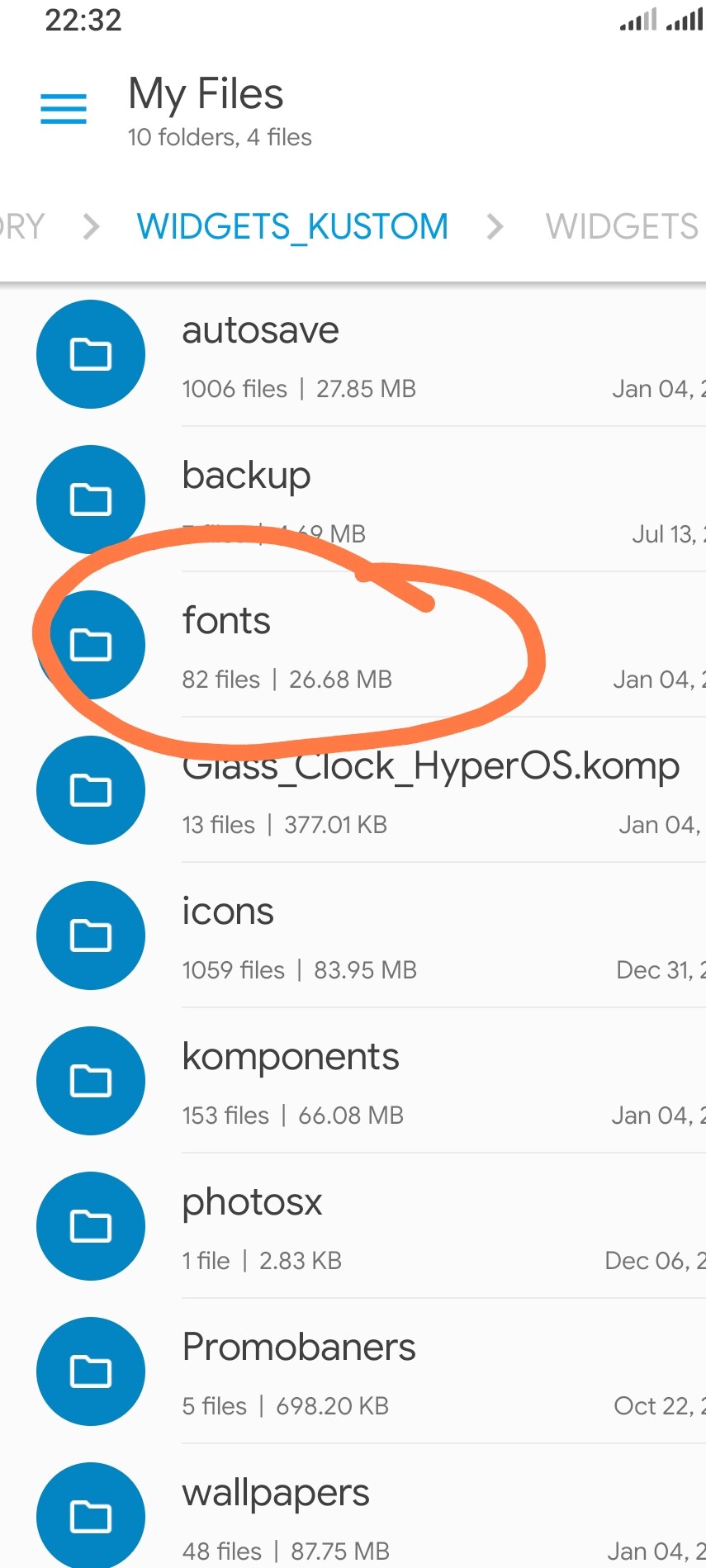
Download the font (TTF or OTF), move it into your Kustom folder — the one you selected in the app settings — and then into the ‘fonts’ sub‑folder.
Close KLWP/KWGT completely and open it again. After that, your font should appear in the Fonts list
1 Like
Thanks for the breakdown, MaxP! Just to add for anyone on Android 15 - if the fonts don’t show up after moving them, try going into the app settings and re-selecting your ‘Kustom Storage’ folder. Sometimes the OS permissions get wonky after an update and the app needs a nudge to see the new files. Worked like a charm for me!