I know there is a zoom function that will hide everything but the element you’re working on, but more often I need the exact opposite so that I can look at how my element is affecting other ones. This is similar to turning layers on and off in Photoshop. And similarly, there are times where I have elements that I’m not finished with, but are in progress, and I would like to leave them alone where they are and just hide them. I picture this as being as simple as ticking the check boxes next to the item and having an eyeball icon at the top-- if hidden in the editor, they’re also not visible running (by default).
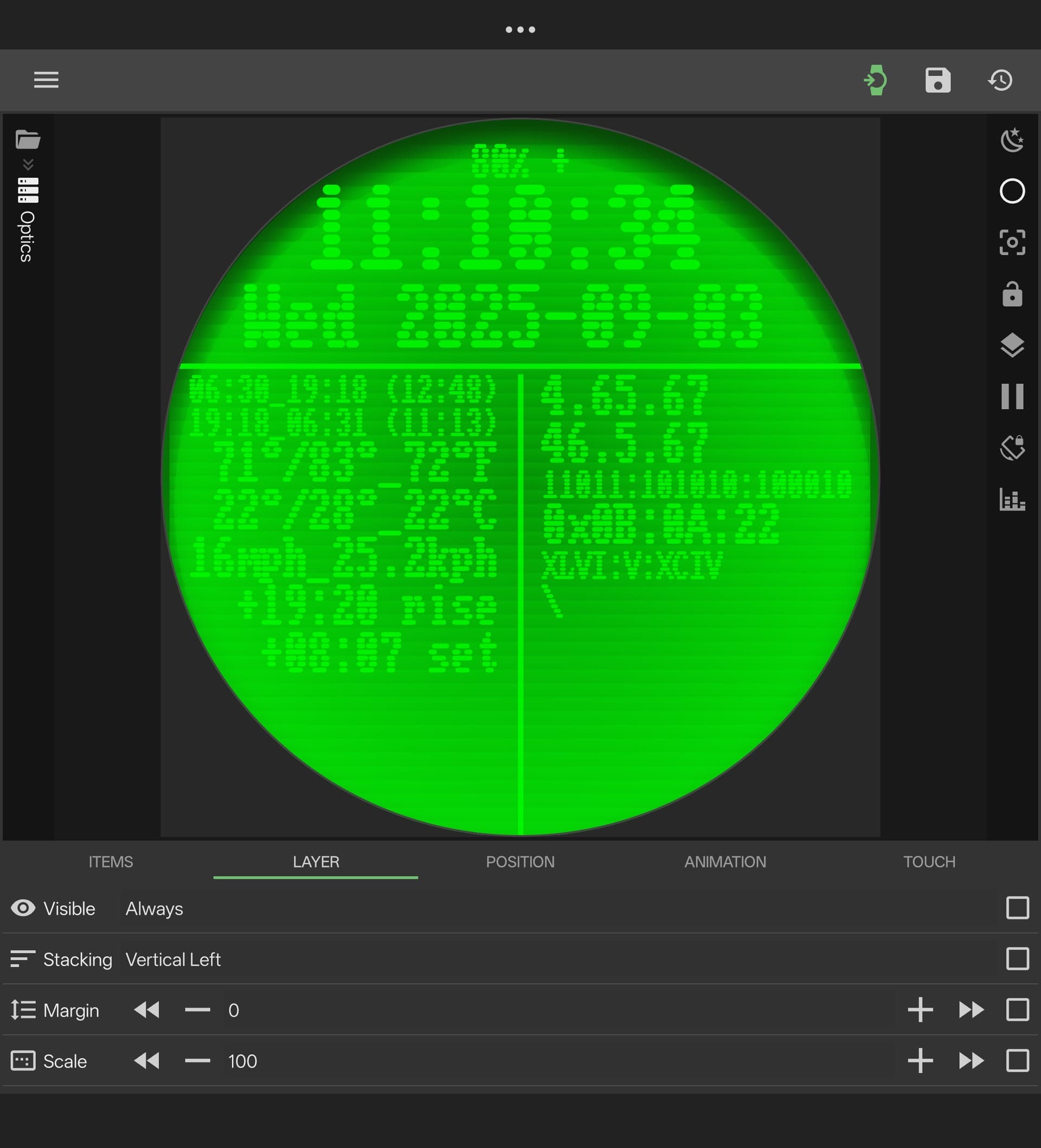
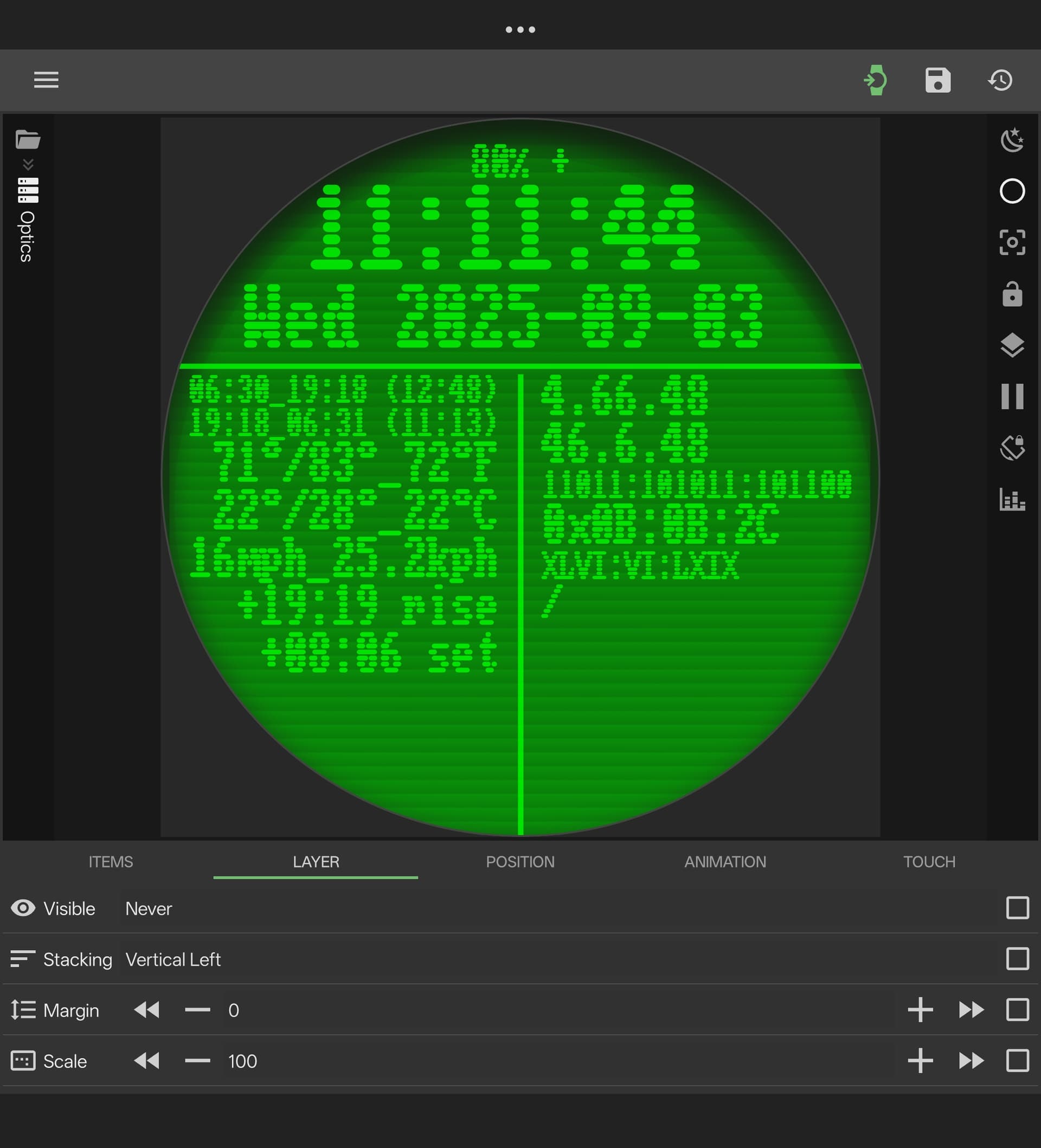
You can do this by placing them in a Overlay or Stack group, go to Layer tab > Visible and choose:
- Never (hides but keeps in position) or
- Remove (hides and removes item from position) or
- set up a formula, fx. a global toggle to hide/show more layers at once. You would need to the disable this for the group you’re working on.
That definitely works for WIP/running face though it complicates the build, but that’s really unwieldy for spot-checking, or snapping back and forth doing A/B/A/B. It also forces you to leave your place if you want to momentarily hide something elsewhere in your tree.
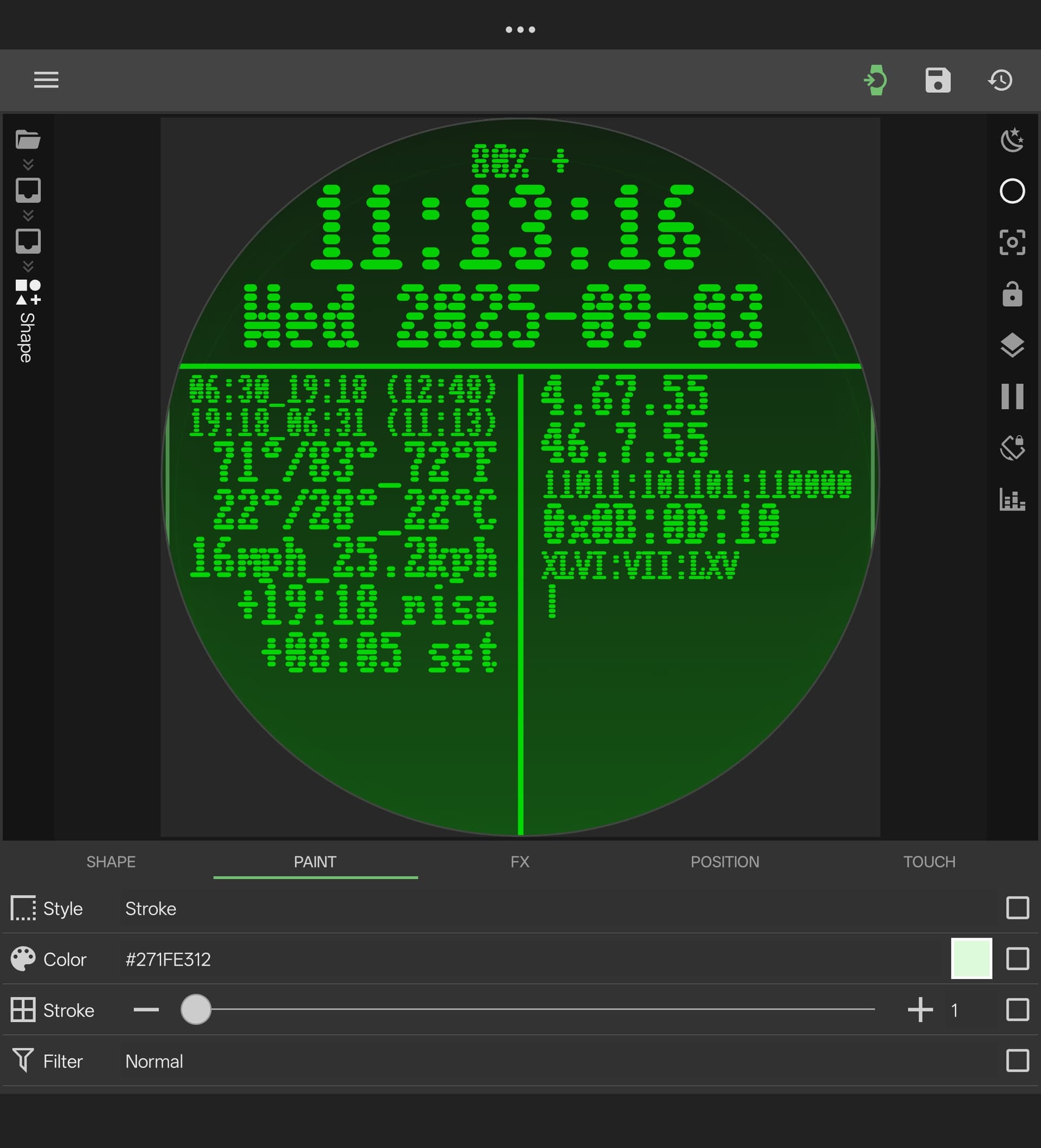
As an example, I was trying to do a complex lighting effect using overlapped circle gradients and trying to figure out which layer was contributing what was way less than easy.
Additionally, if turning off an element treated it like it didn’t exist (as in REMOVE), you could quickly see how that item affects a stack (or stack of stacks of stacks..)
As a kind of example, the attached is a simplified version of a face that imitates a 60s-80s green phosphor display with scanlines. There is an overlay in front to add optics (not present) and color (it may look blown out, but this what looked right on the watch itself). The background has a ostack for a (poor) scanline bitmap and another element of the color effect. Leaving the text out of it completely, just checking which of all of these elements adds what is pretty unwieldy.
Green_Terminal_Example.kwch (212.1 KB)
I agree and would also like the feature you’re suggesting, but that’s the current way to do it.
It would make it easier for more complex komponents.