Global Variable Access Limit Bug (Breaks After 4 Calls)

Steps to reproduce the bug.

1. Create any number global and assign it a value.

2. Call it somewhere else more than 4 times! Note: calling it indirectly for example assigning it to a local variable does count too.

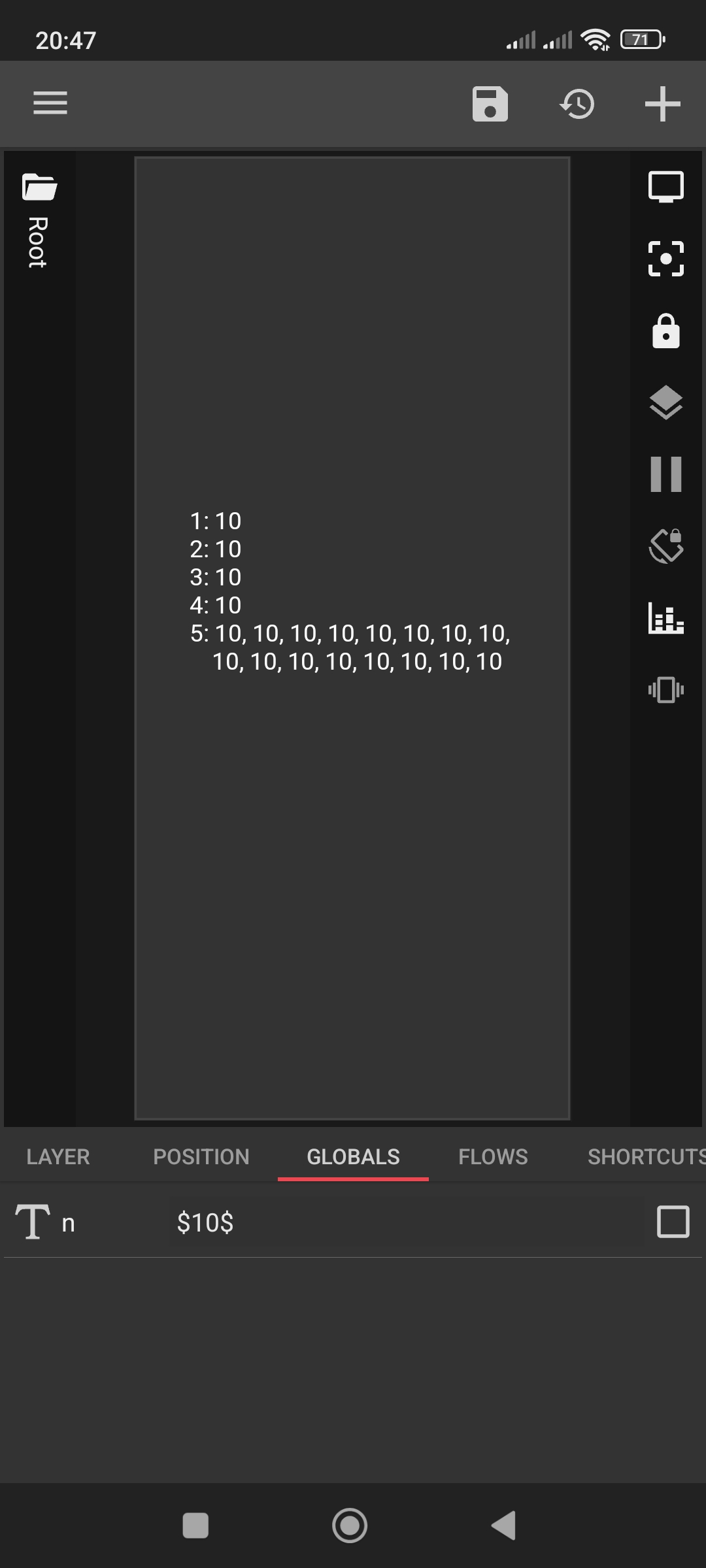
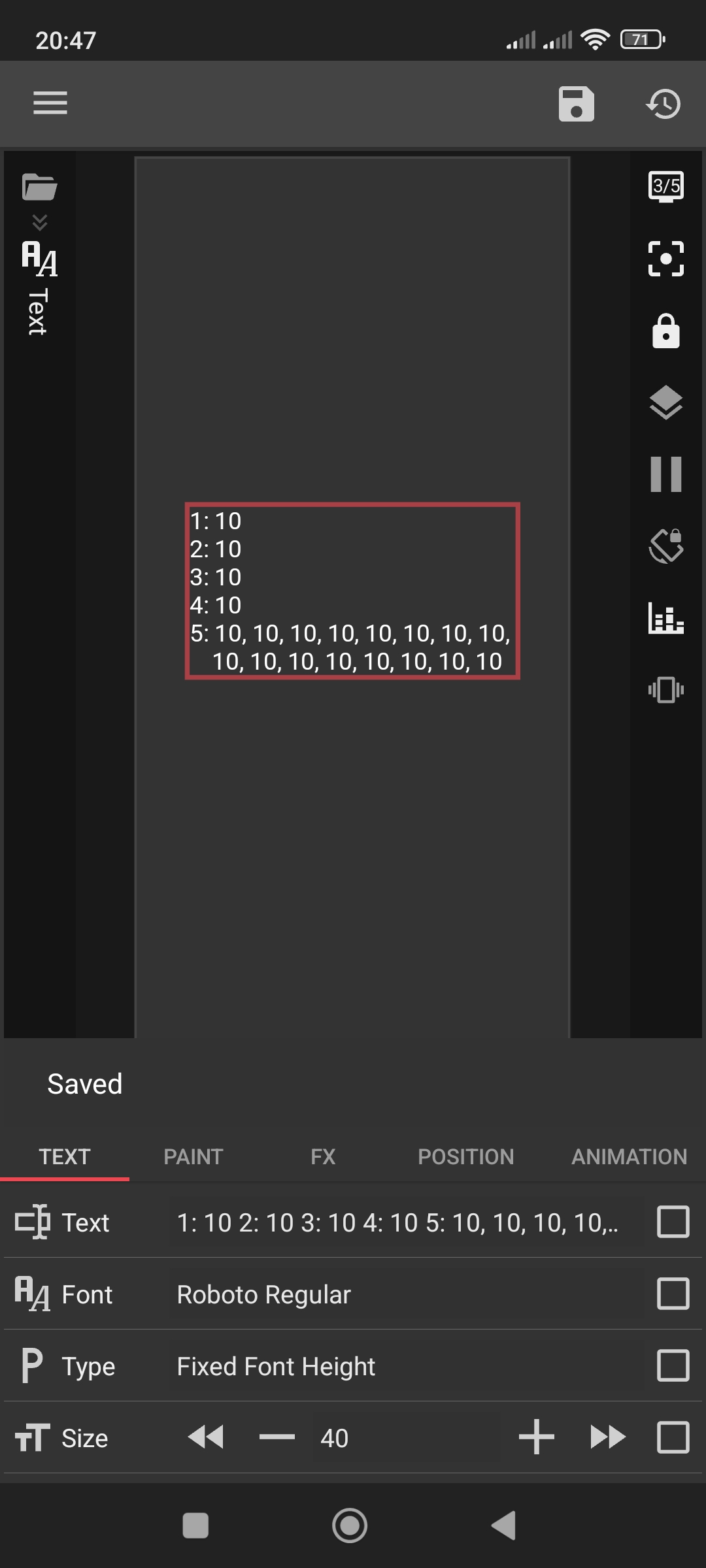
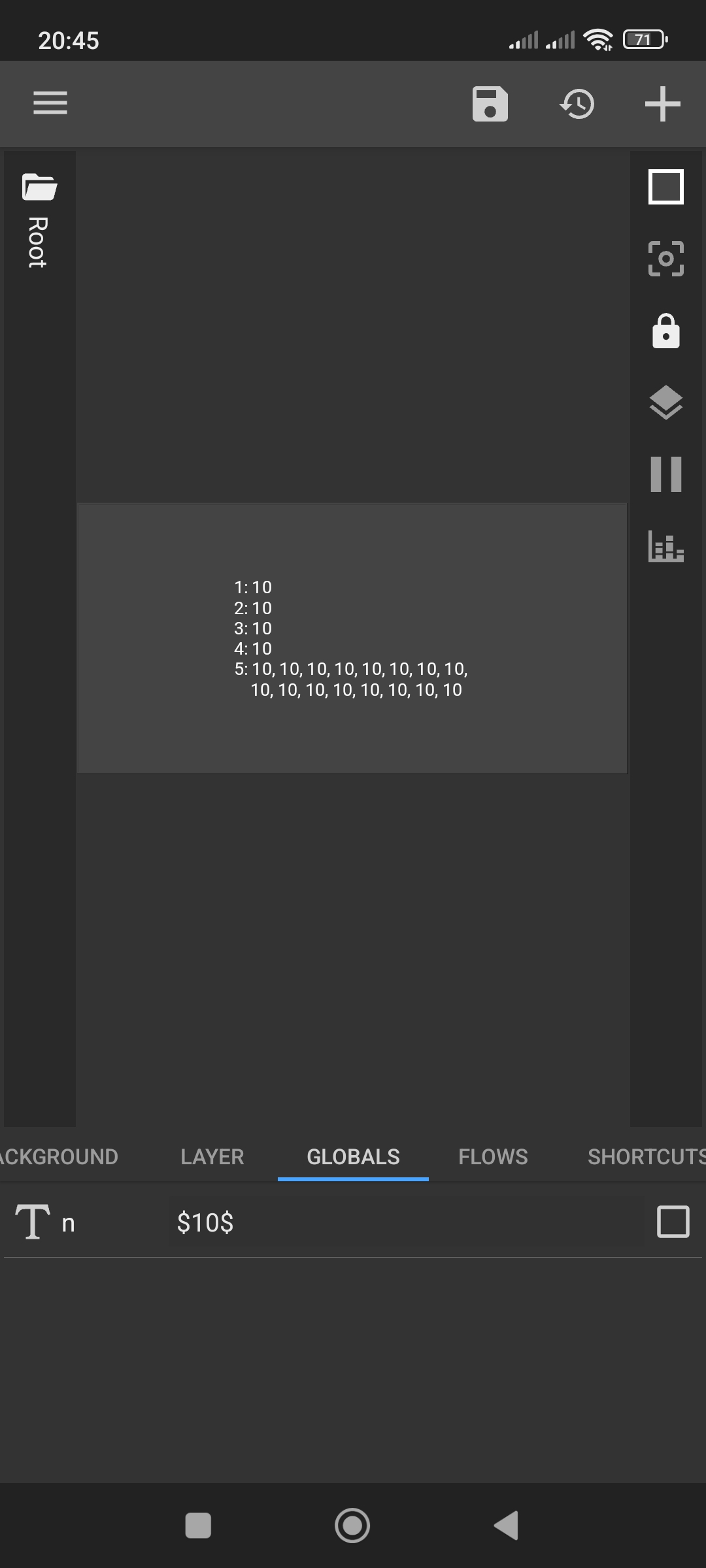
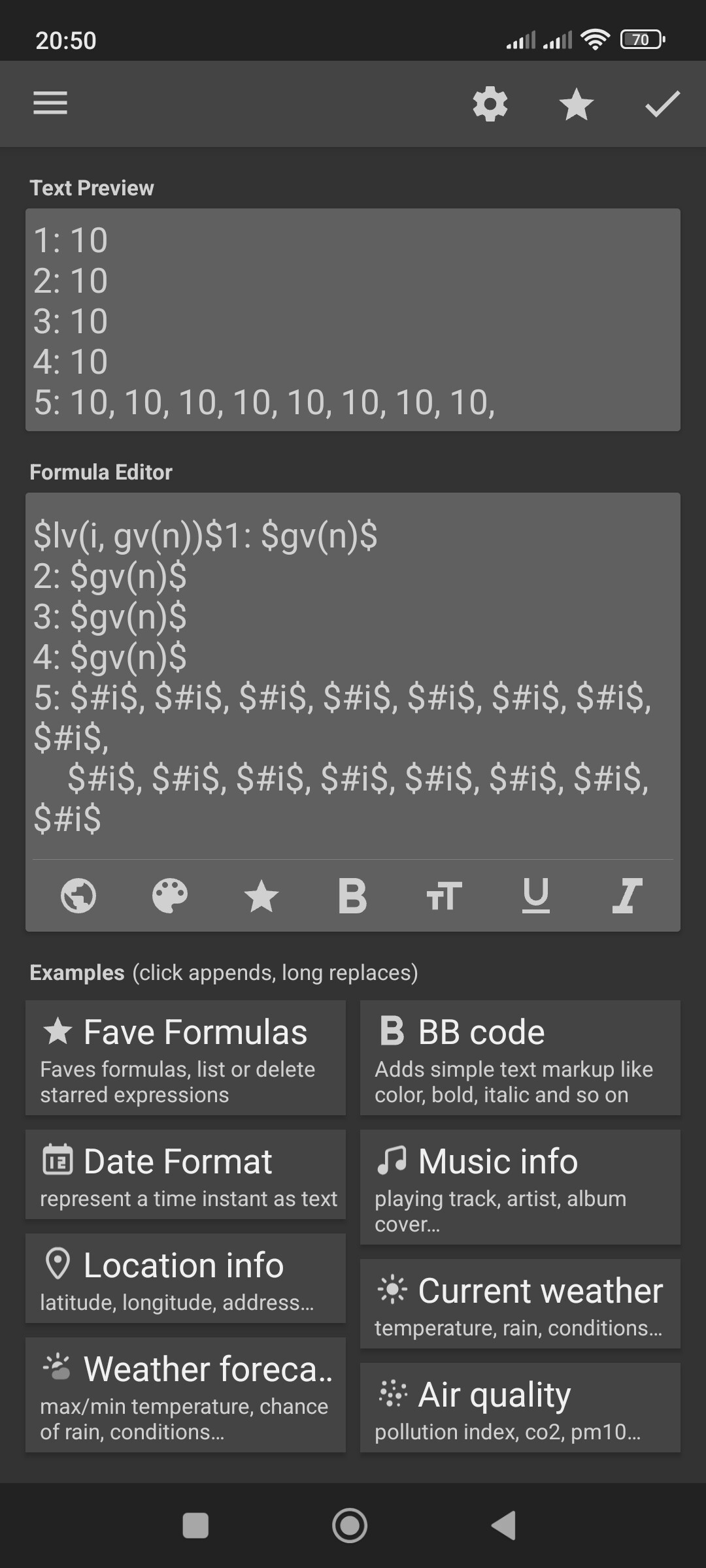
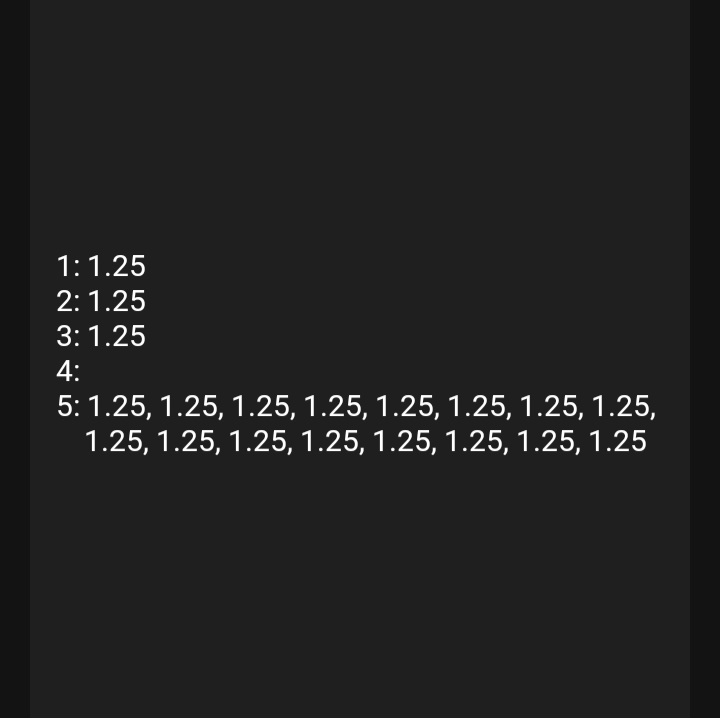
Issue: the global stops functioning (outputs nothing/is empty). In the example below it should output 1, 2 and 3. Not for 4 because one slot is used up by creating the local variable!

5. Is calling multiple times the local variable… to prove/test if it is only for the number global.

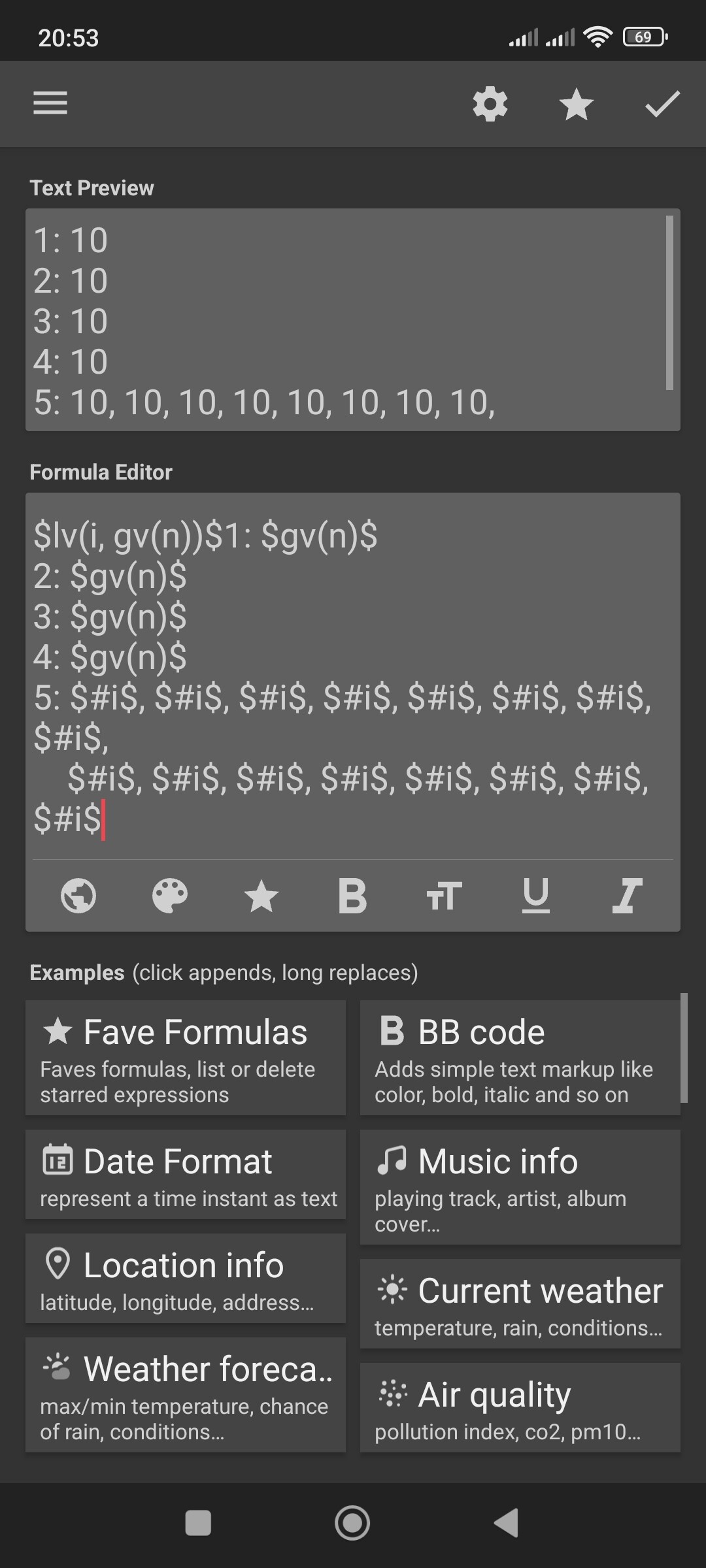
$lv(i, gv(n))$1: $gv(n)$
2: $gv(n)$
3: $gv(n)$
4: $gv(n)$
5: $#i$, $#i$, $#i$, $#i$, $#i$, $#i$, $#i$, $#i$, 
    $#i$, $#i$, $#i$, $#i$, $#i$, $#i$, $#i$, $#i$

1 Like

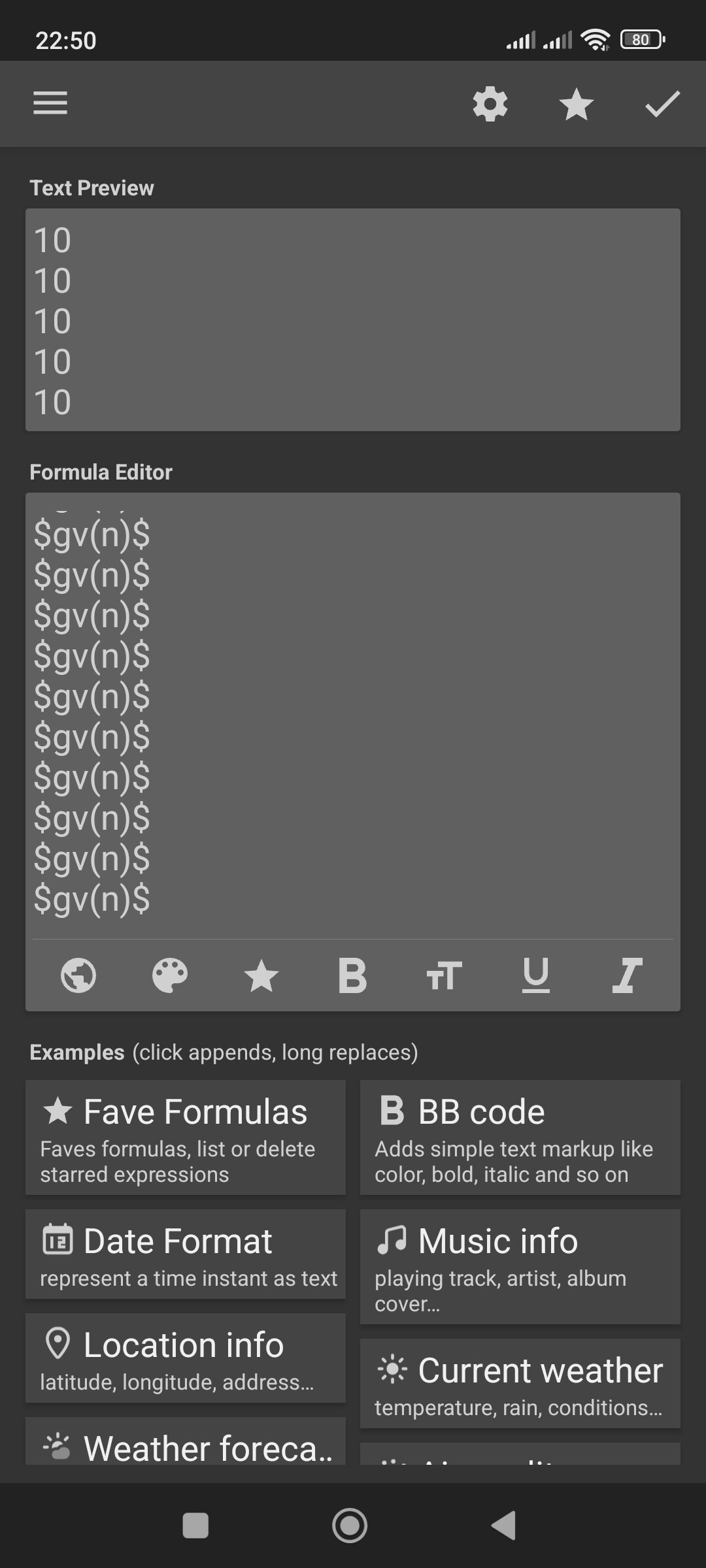
Additional Note! Seems to apply for textglobals too! gv=type TEXT / Formulas [10]

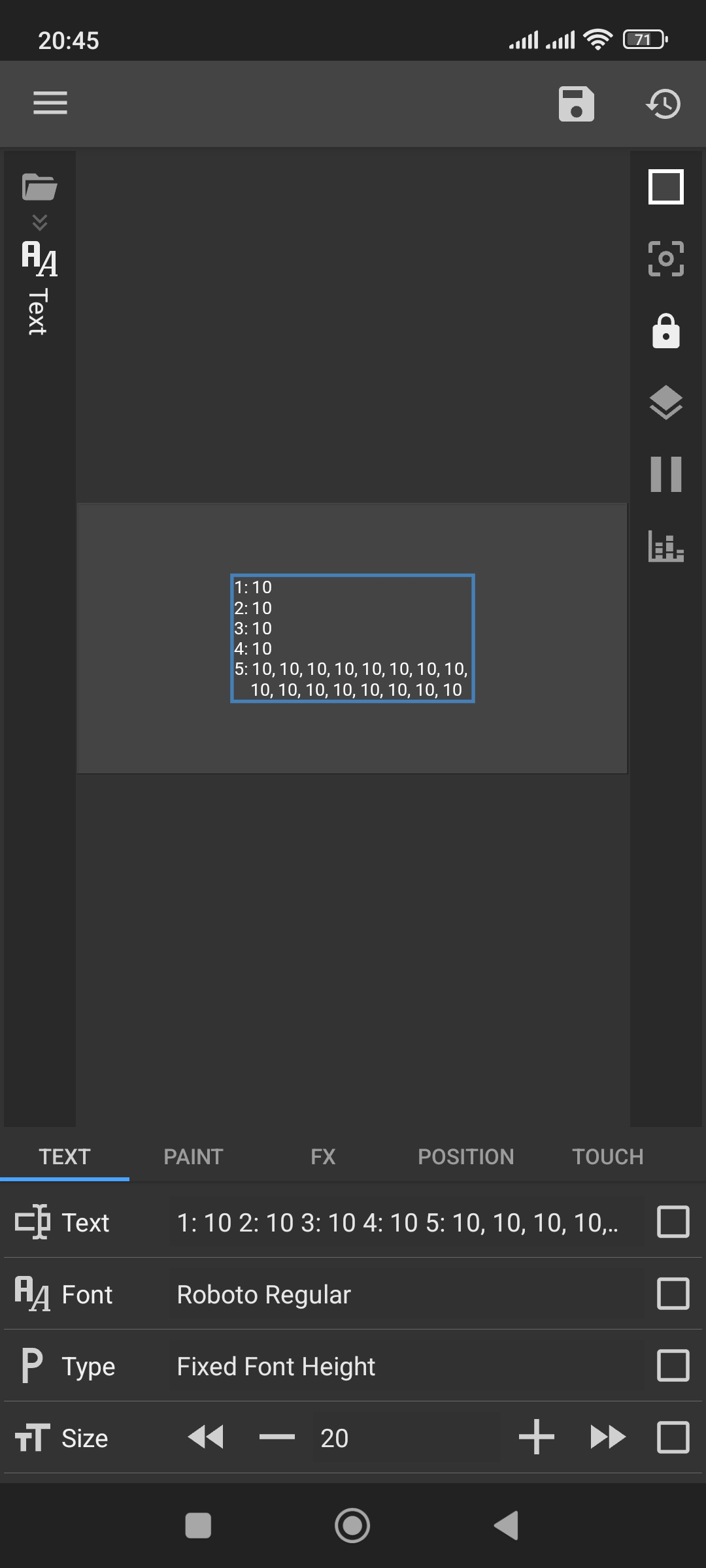
This only happens for globals set to a formula, repro steps are:

  1. Create any type of global (I’ll use a number global called n)
  2. Set that global to a formula. Set the formula to 1 (for example).
  3. Somewhere in the preset, access the global multiple times within one formula:
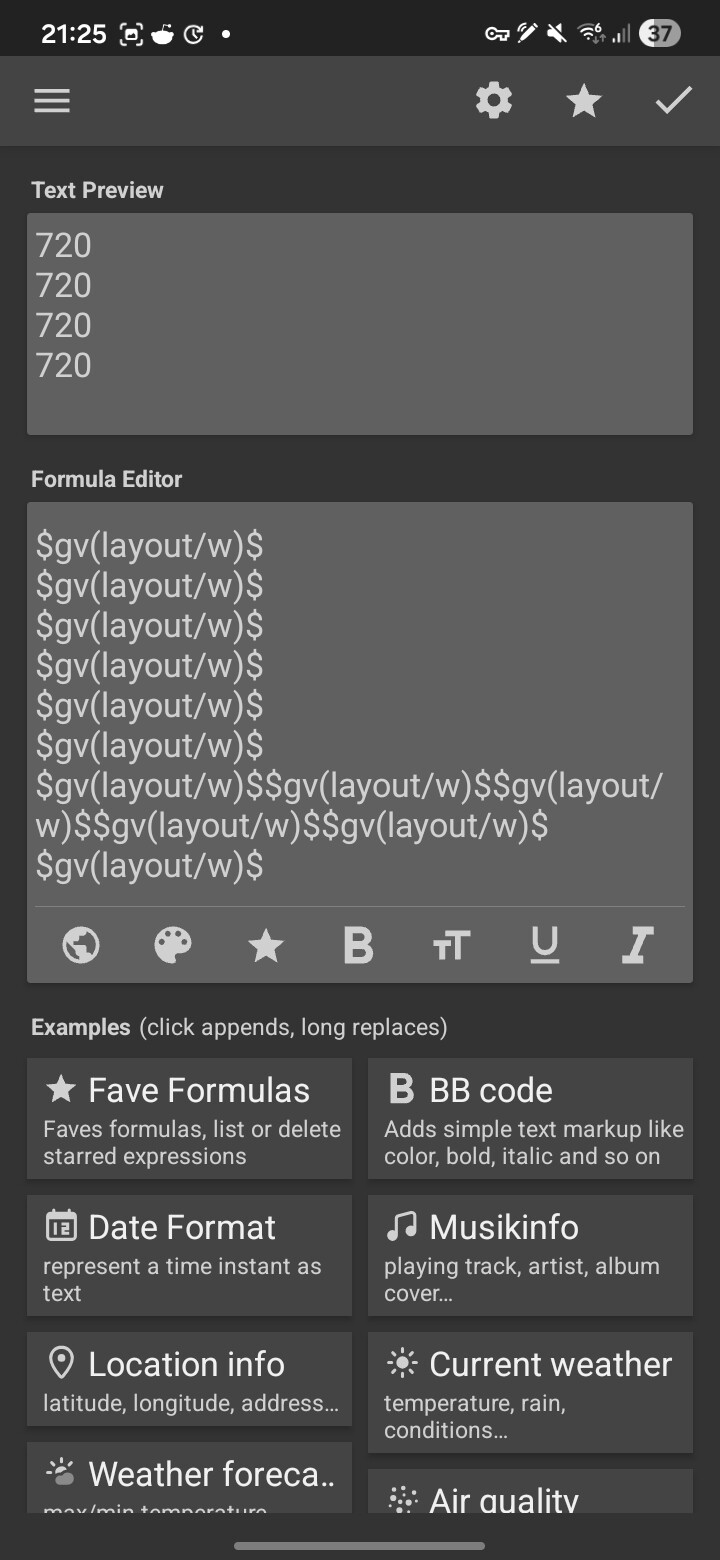
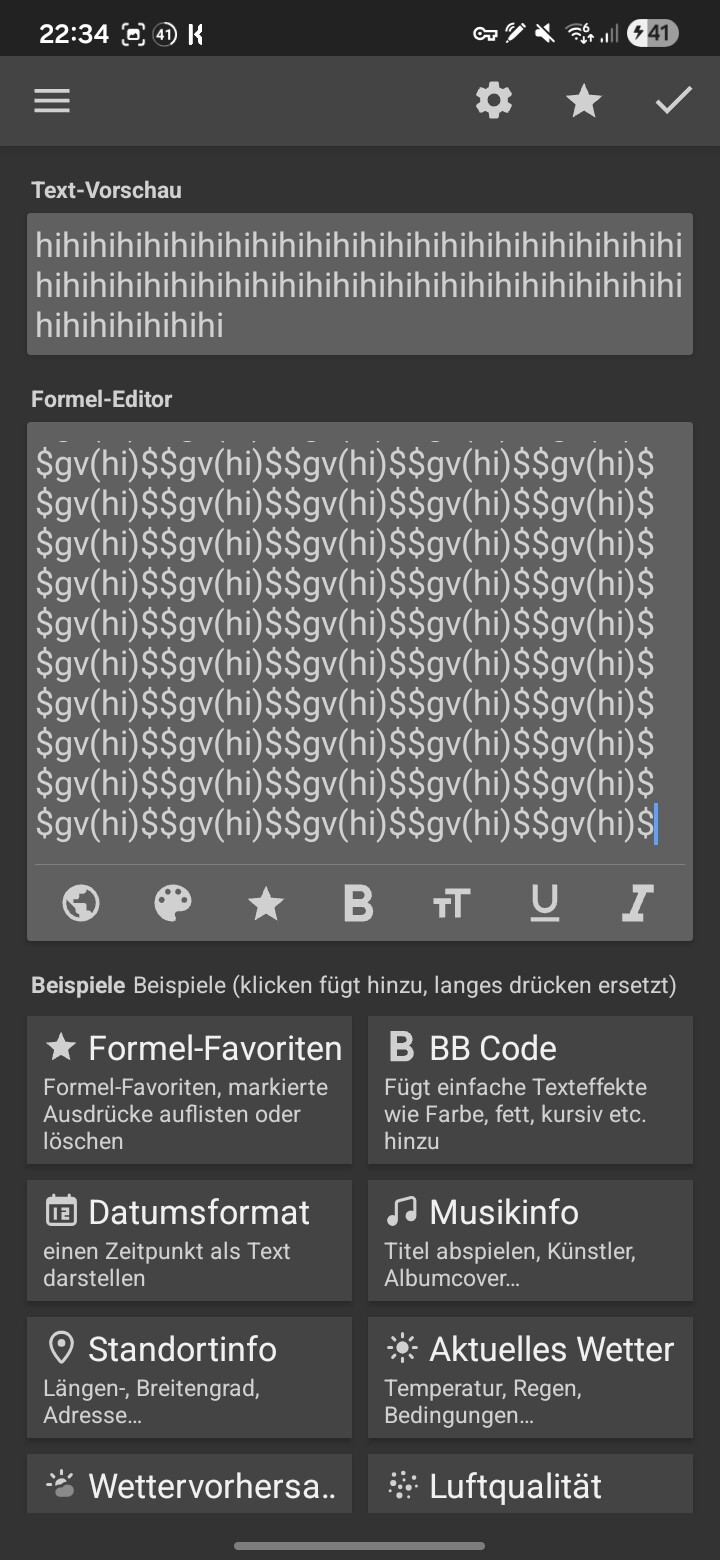
    $gv(n)$$gv(n)$$gv(n)$$gv(n)$$gv(n)$$gv(n)$$gv(n)$
    

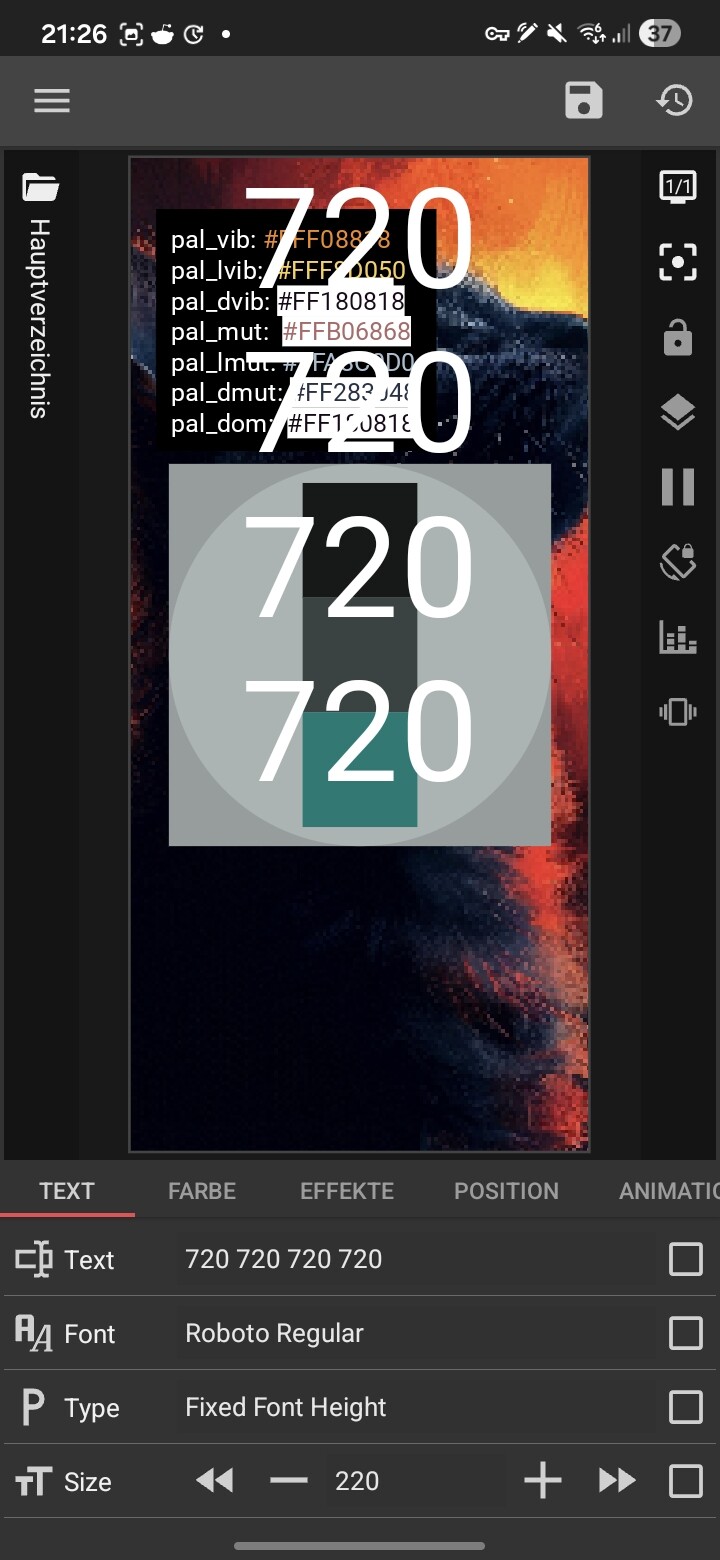
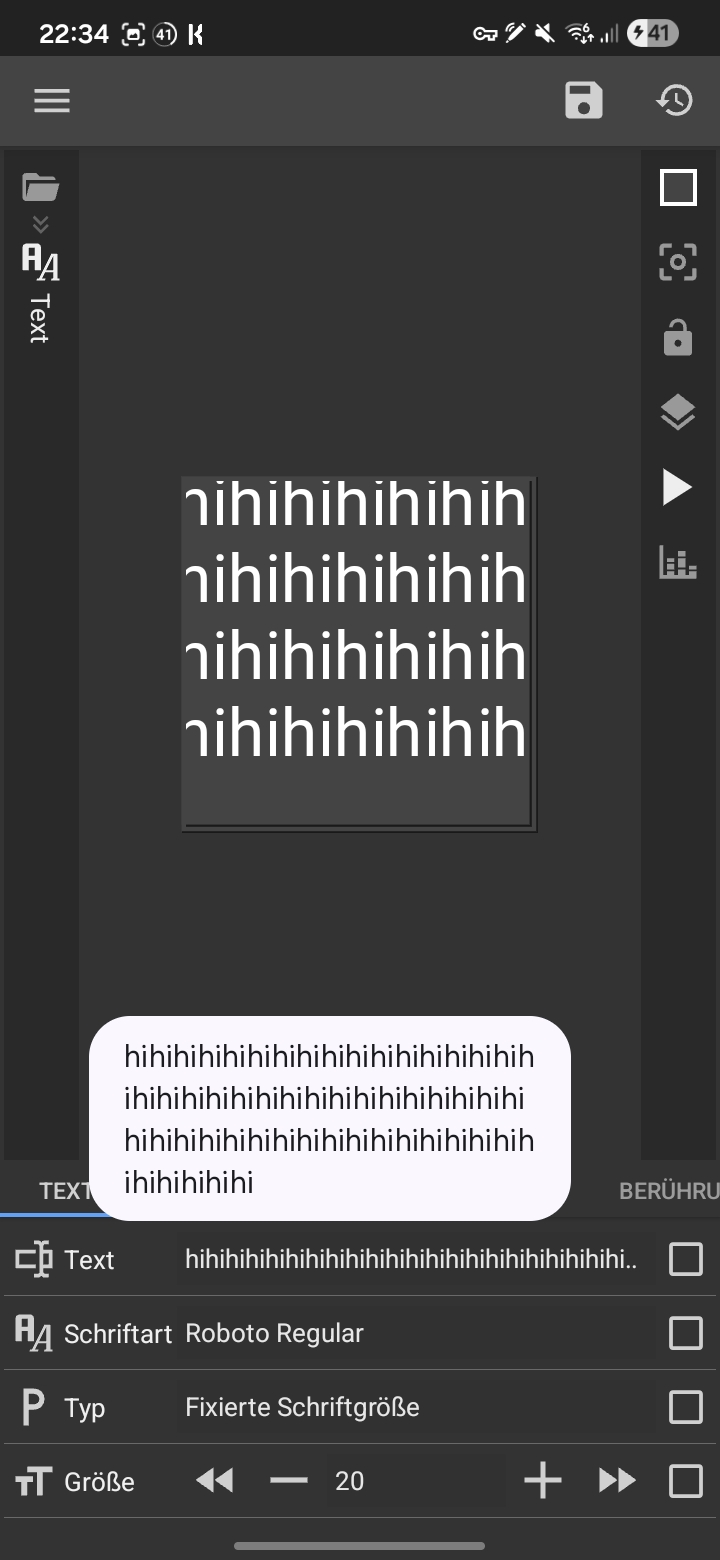
The formula output box in the formula editor for me shows 1111, while the text module on the preset preview after exiting the formula editor shows 11111.

1 Like

Are there updates on this? @frank

_src_a01_debug.klwp (181.6 KB)

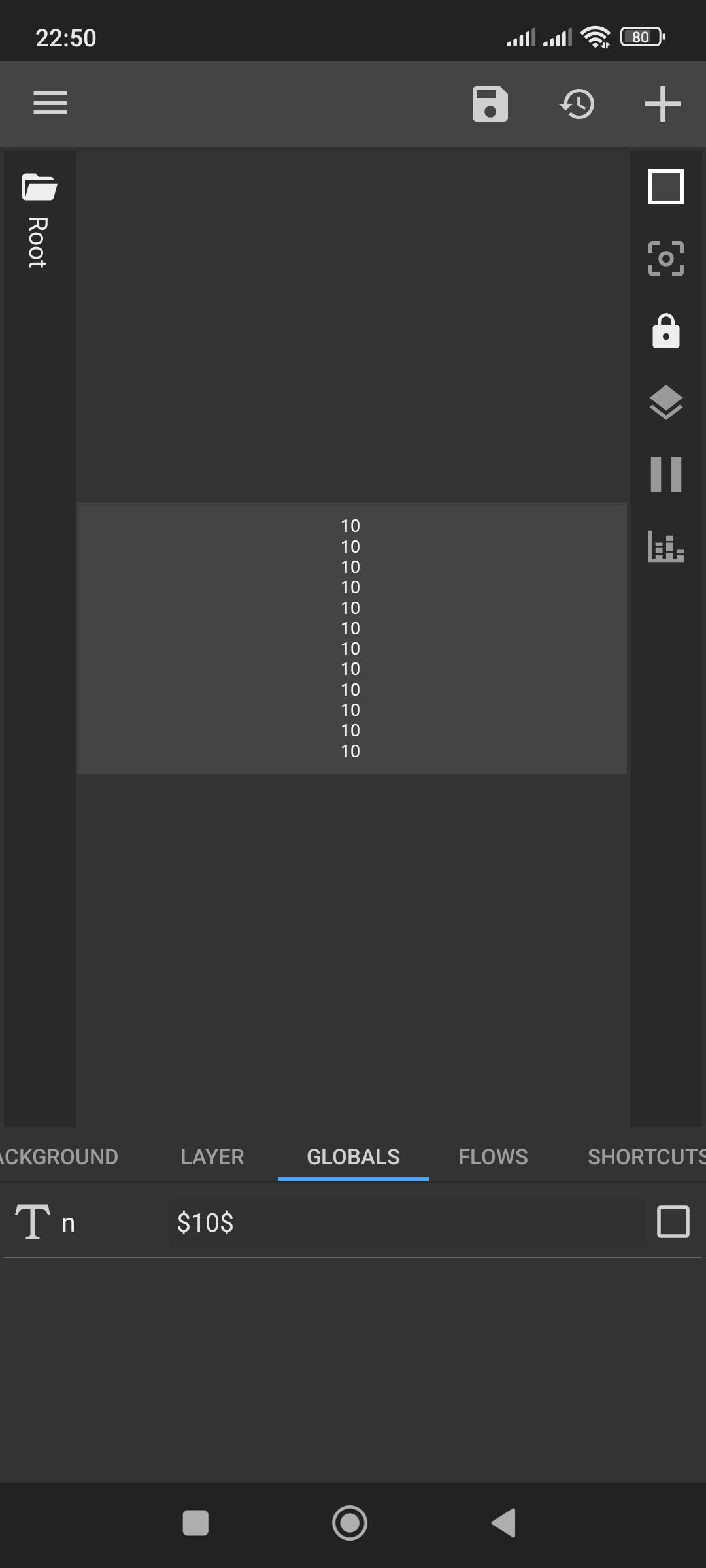
Tested it again: 12 globals display perfectly in both KWGT and KLWP. No limits, no “ban”, and no clipping at all.

Odd might be device specific then?

In case if android 16 one ui 8 S24 U

Have you checked if the same thing happens in KWGT? Many Samsung users on S24/Android 15+ are reporting issues with KLWP specifically. It might be One UI’s way of handling the app’s resources.

Interesting kwgt is fine…

Let’s try a quick test.

Force stop KLWP and clear the cache.

Restart your phone.

Create a completely new/blank preset (don’t use your current theme).

Add the same 12+ globals and check if they render there

You didn’t set the global to a formula, only put the formula in the text global. Tap the checkbox next to the global and then the calculator icon up top, then write the formula, then check using the global multiple times.

I see, I missed the part about the calculator icon. In my tests I used the standard $text$ mode, where 12+ globals render without any issues.

As for bugs — honestly, I’ve run into dozens of them in Kustom over the years.

For example, when using a component:

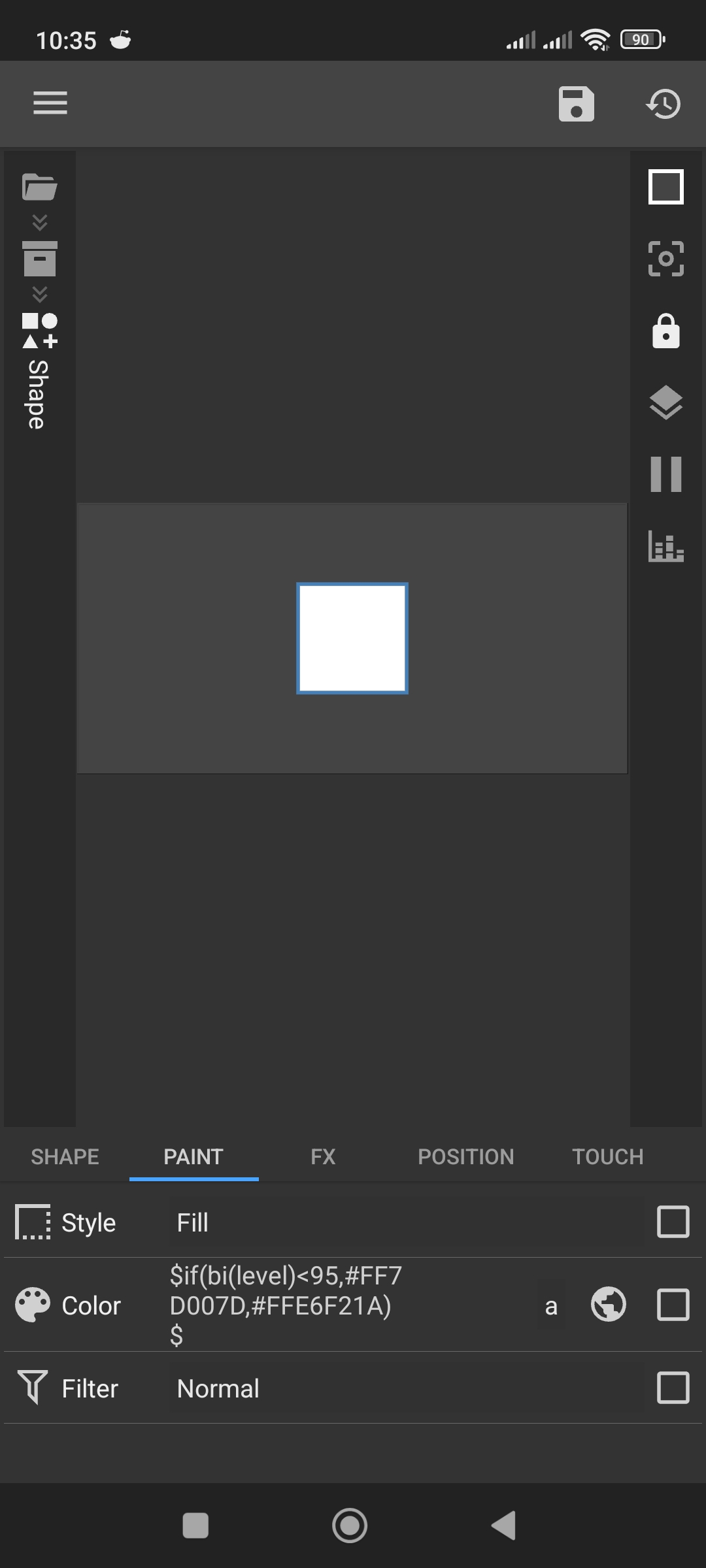
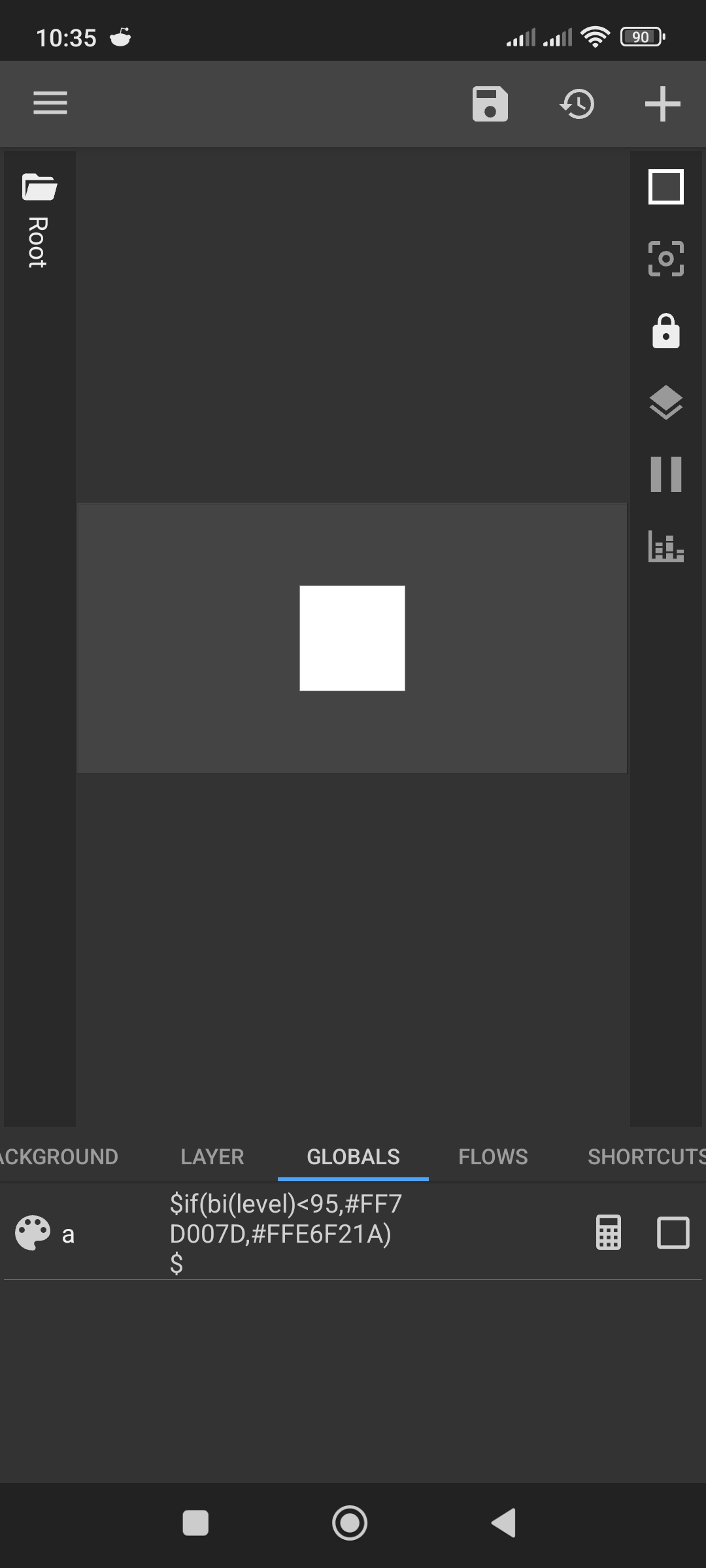
At the root level I create a global color and apply a formula like

$if(bi(level)<95,#FF7D007D,#FFE6F21A)$.

Inside the component I reference this global and apply it to any shape, but the color doesn’t get passed through.

But instead of waiting for a fix, I always find a workaround to make it work. Something like this.

1 Like

Hi there,

IMHO, there’s no need to change a Text global variable to Formula. Just type in the script in that global variable.

I never changed a Text global variable to formula, and there is no issue with retrieving its value using $gv(…)$ multiple times.

I hope this would help.

:smiling_face::+1:

I personally find formula useful when working with colors since they faster update… if you use plain text it takes more time to update

You can’t link other types of globals directly to fields, a colour property will only let you select colour globals, a numeric one number globals etc. - yes, there’s a workaround, you can set the property to a formula instead of a global, but it’s more work for the same result and this bug should just be fixed.

This is an ancient bug where if you have a root global set to a formula, and you link a komponent global to that root global, the komponent will get the raw formula text as the global value instead of the formula result. A workaround for this is to have another global in the komponent and evaluate the formula text there using fl(), like this:
$fl(0,0,0, tc(reg, gv(linked), "^\$|\$$", ""))$
1 Like

Thanks for the info! I actually found a workaround for this a while ago, but your formula will definitely come in handy.:+1: