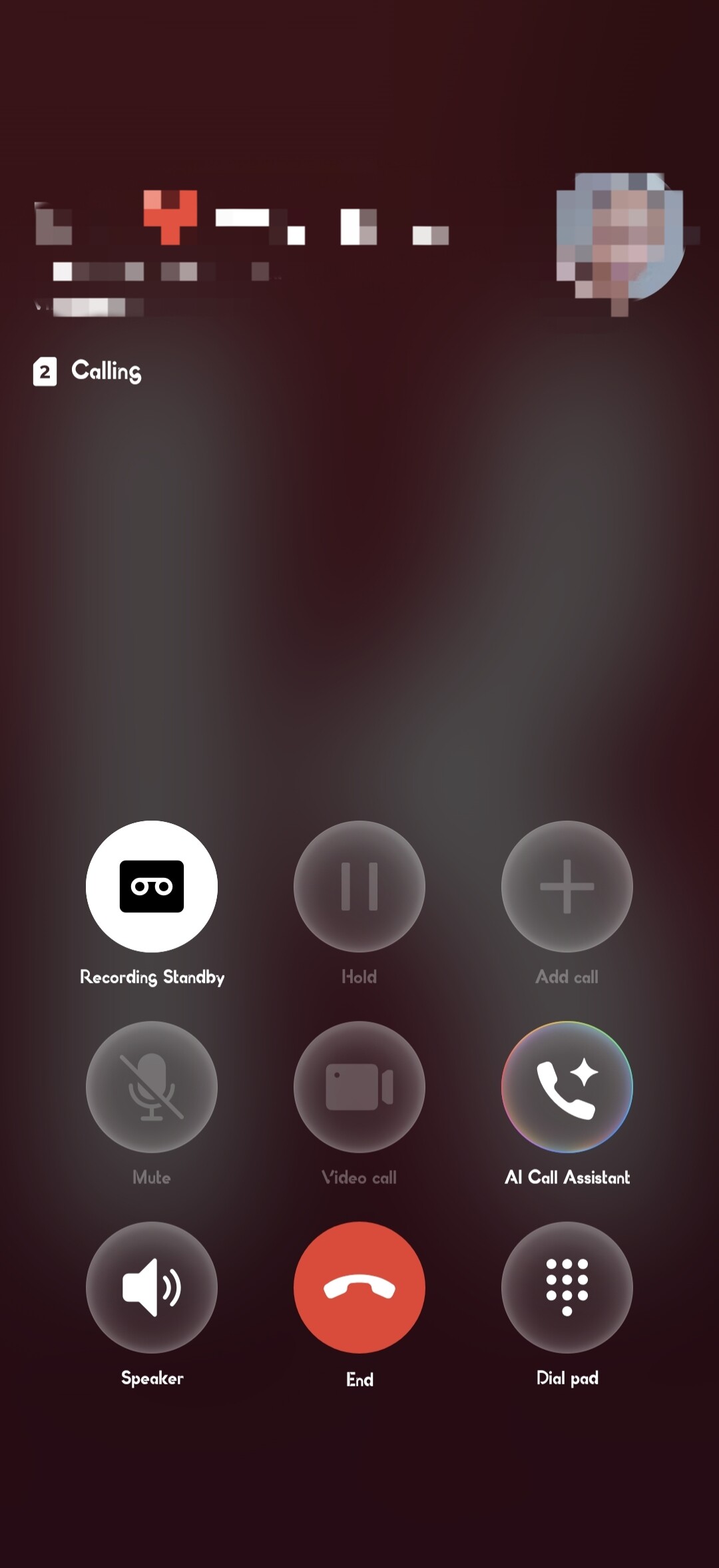
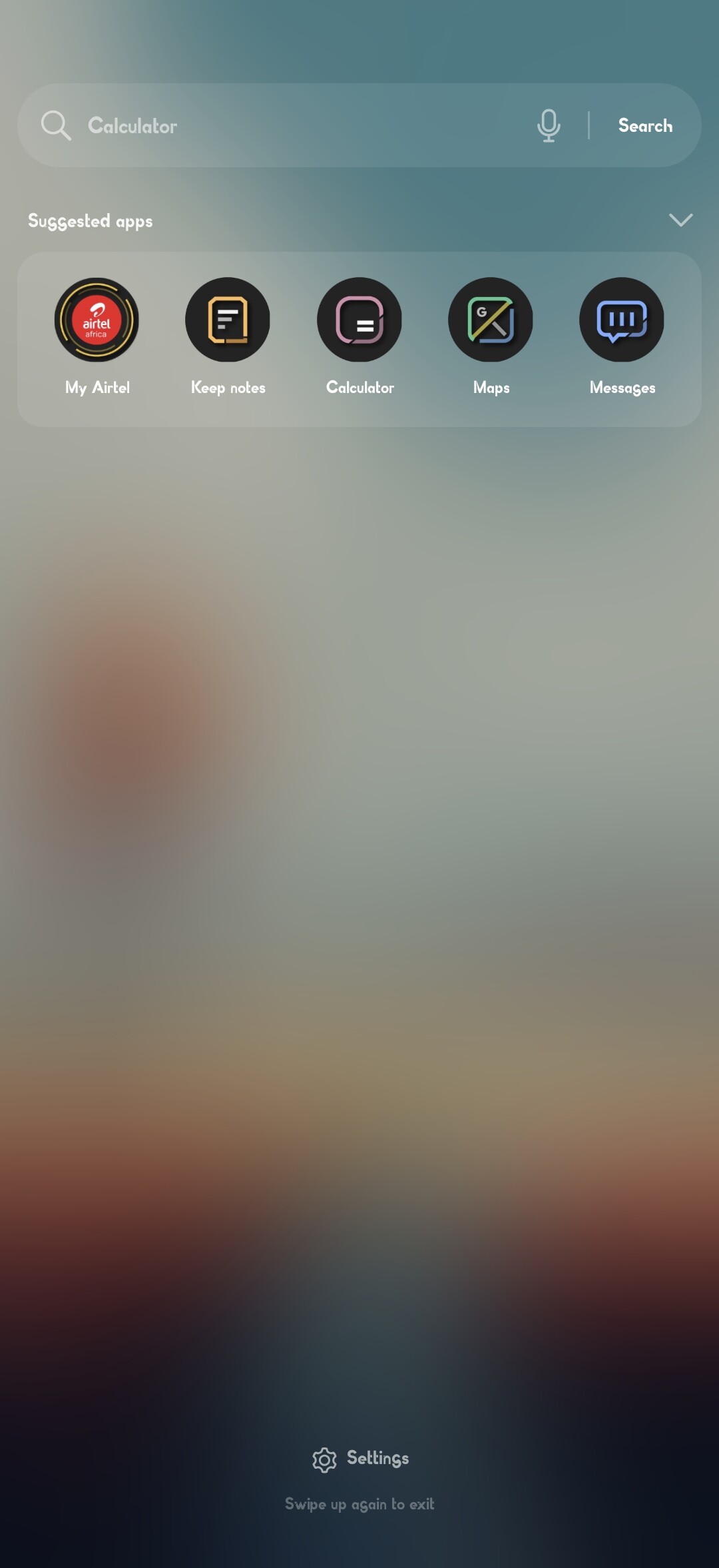
In built in global search, the background is consistently red no matter the colour of the wallpaper. I believe this is taken from default app icon colours. Would it be possible to add an option to set the app icon so that it can either can be selection of a few basic options or somehow choose an image that is served up to global search feature.
This isn’t related to Kustom. KWGT/KLWP can’t change or influence the system’s global search UI. The red background comes from your Android skin (ColorOS/OxygenOS), not from Kustom, and it can’t be modified through Kustom.
It’s highly unlikely that the system takes its entire color scheme from just one app icon. If you look at your own screenshot of the home screen, your wallpaper has a lot of red and dark orange elements (trees, planets, sky). Android’s Monet engine primarily uses the wallpaper as the main source for system accents like the search bar and call screen.
Have you tried changing your wallpaper to something completely blue or green?
On ColorOS / OxygenOS, the search bar color is controlled by the system’s Colors/Personalization settings and OEM engine, not by app icons.
To verify this: Go to Settings > Wallpapers & Style > Colors and manually change the system accent color there. You will see that the search bar changes regardless of what apps you have installed.
If the system really picked its main colors from app icons, then installing Facebook would turn your whole phone blue, and WhatsApp would make it green. That’s not how Android works.
The K you see in the Call UI or Search is just a result of the system indexing the app, not the source of the color.
To settle this once and for all: Try uninstalling KLWP temporarily. You will see that the search background and call screen remain red because they are controlled by the ColorOS system engine, not by a third-party app icon.
The background for global search is always a blur of the wallpaper. But for some reason when Klwp is set as the wallpaper its serving up the icon and its colours.
Below is my wallpaper without the Klwp and all the widgets I made in it
I didn’t realize you were using KLWP as your active Live Wallpaper at first, as your initial post didn’t make that clear.
The fact that everything in KLWP is red the icons, the UI is because that is the app’s brand color. Your phone OxygenOS 16 is seeing KLWP as the active source for your screen and is forcing the entire system palette to match the app’s internal resources.
You’ll most likely have to accept this limitation for now . Maybe the developers will have some suggestions as well.
My apologies for not making that clear. It would have saved us alot of time😂. I wouldn’t have posted if I wasnt using the app as it was intended to be used. The only work around I see is having an option for the app to serve up a different icon to the system as a default, seen it in a few apps like telegram so it shouldn’t be impossible. Just putting up there for consideration for the Devs. Thank you for your time🙏




 . Maybe the developers will have some suggestions as well.
