Did you set the KWGT app battery to “Unrestricted” in your phone settings?
Using df(EEE) = mon will break the widget if the system language changes. Use day numbers instead—df(e) outputs 1 for Monday, 2 for Tuesday, etc. It works globally on any language.
Your corrected formula should look like this:$if(df(e)=1, #FF111111, df(e)=2, #FF222222, #FF333333)$
@MaxP I have unrestricted setting on and everything else works and changes as it should (I have other stuff changing with days too). Thanks I hadn’t realised about the English day names!
Ok, another problem I think I’m about to have that’s somewhat related to this..
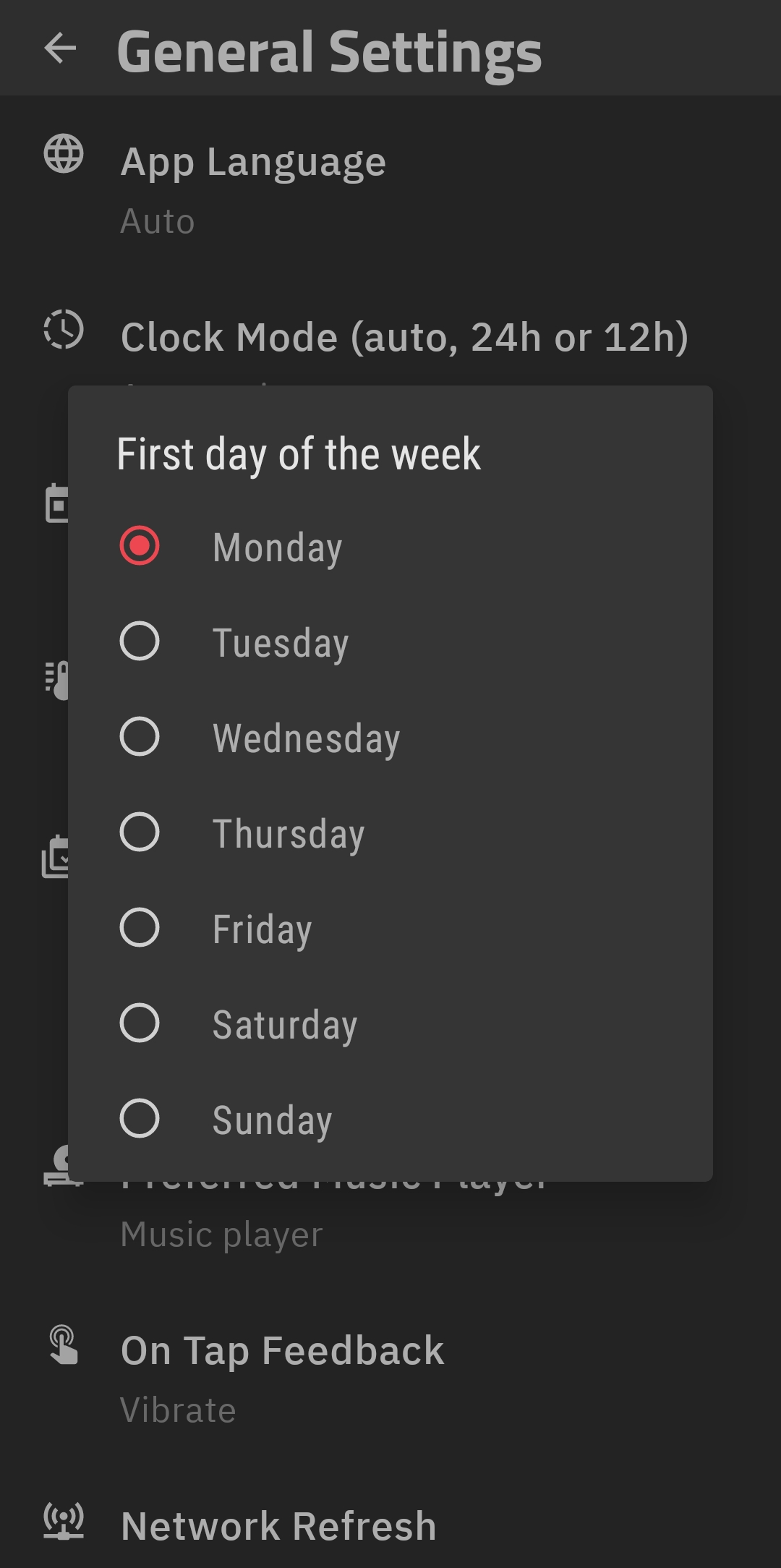
I have created a font with “images” containing current weekday and if I use EEE to point to a specific image (letter) it won’t work unless english but if I use day number (e) there’s a problem when week is set to start on Sunday vs Monday right? I hope you understand how i mean..
0=Sat 1=Sun 2=Mon? This is driving me crazy the numbers corresponding to correct weekdays make no sense to me.
EDIT. I’m not sure but I think I got it now..
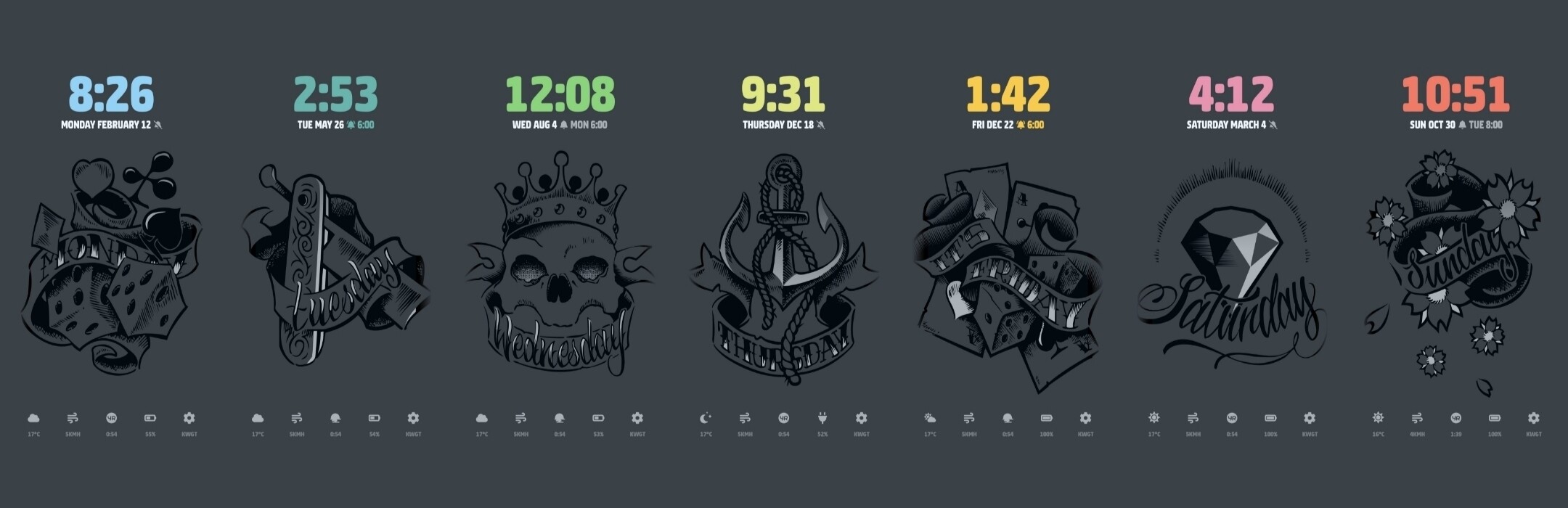
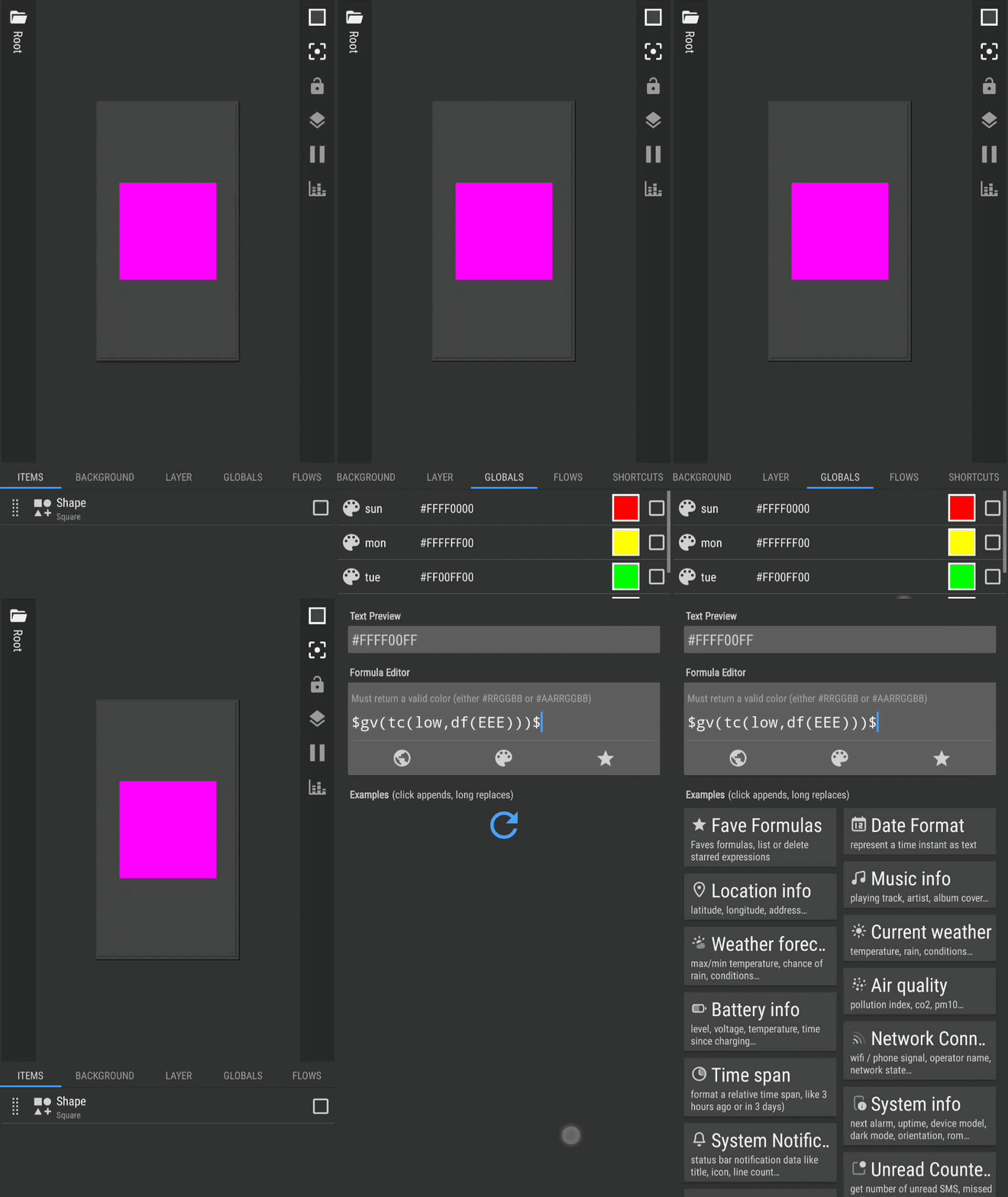
Here’s the setup I’m working on and you can see where I use weekdays to change color and “image”.
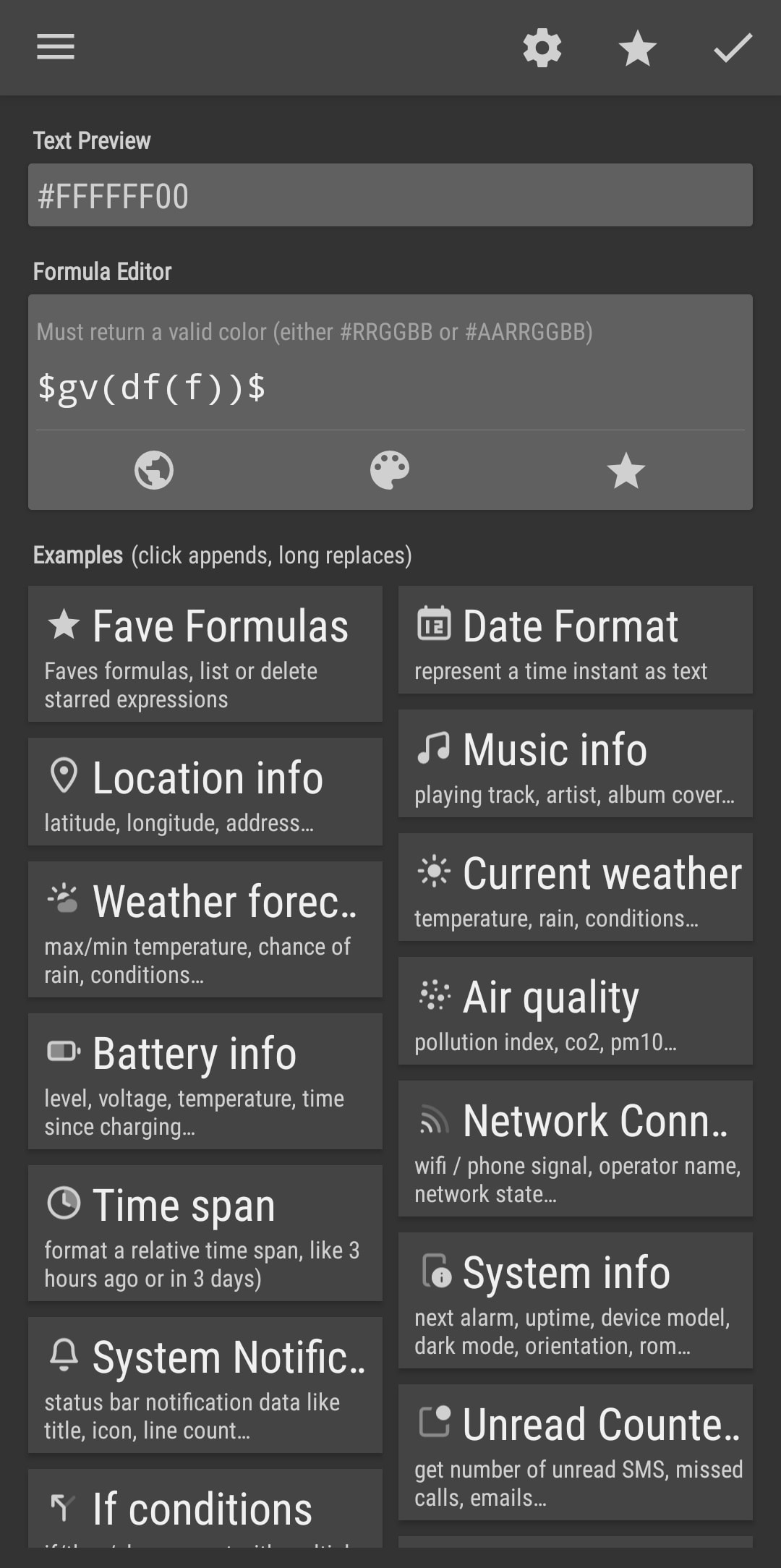
Sadly I still have the same problem, the color change wont happen at day change.. is it just for me this is not working? Id be grateful for suggestions. Edit. Would it help if I added something else to the formula, like oh I don’t know.. a new day + clock turns 00:00? I just want the color change to happen automatically without having to enter widget config.
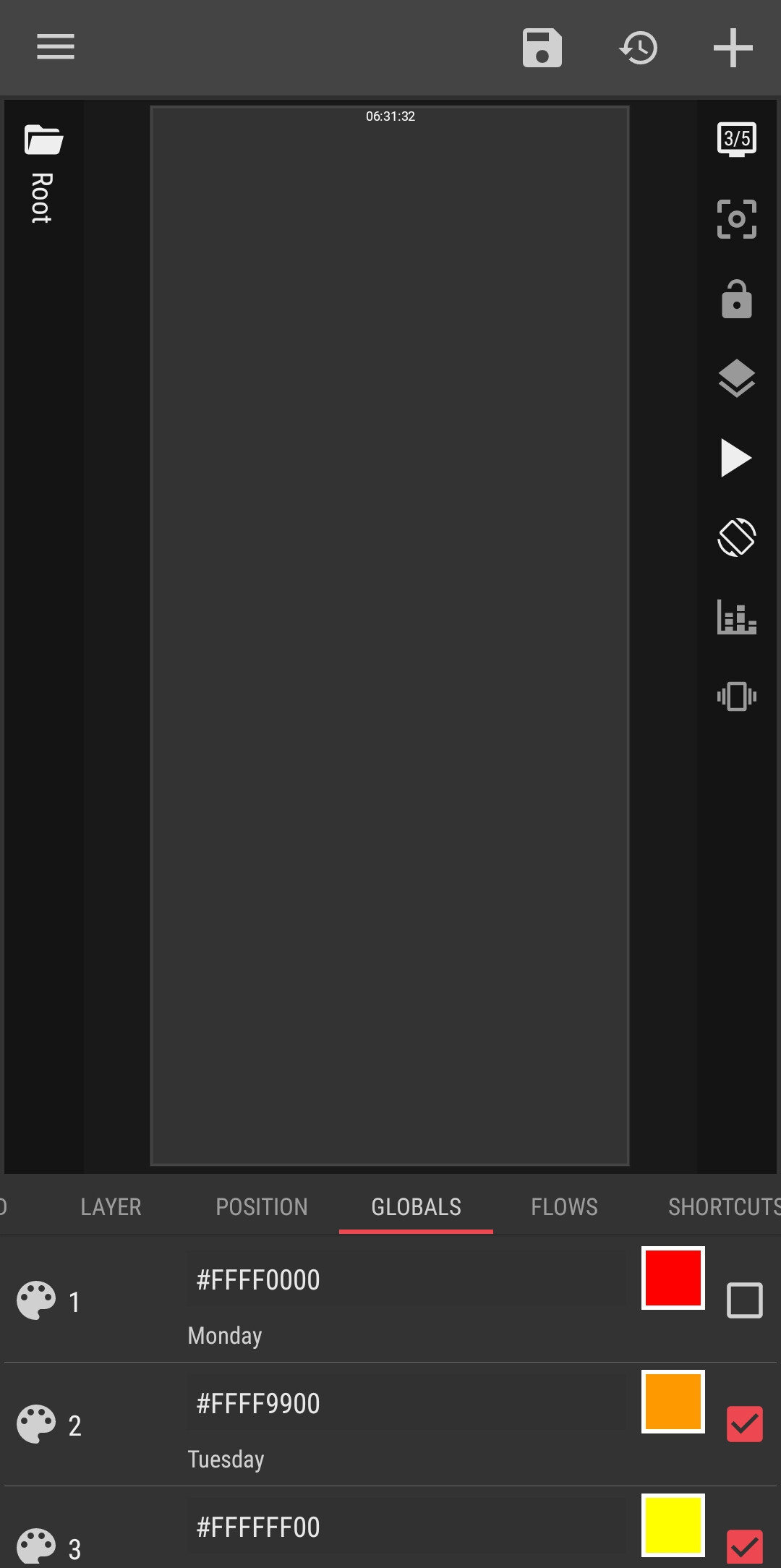
Pick a color for each of these variables as you prefer
Note
Using 7 global variables as the color for the element is recommended, it is easier for us to change each color anytime we like without having to manually edit the color codes in the formula
STEP 2
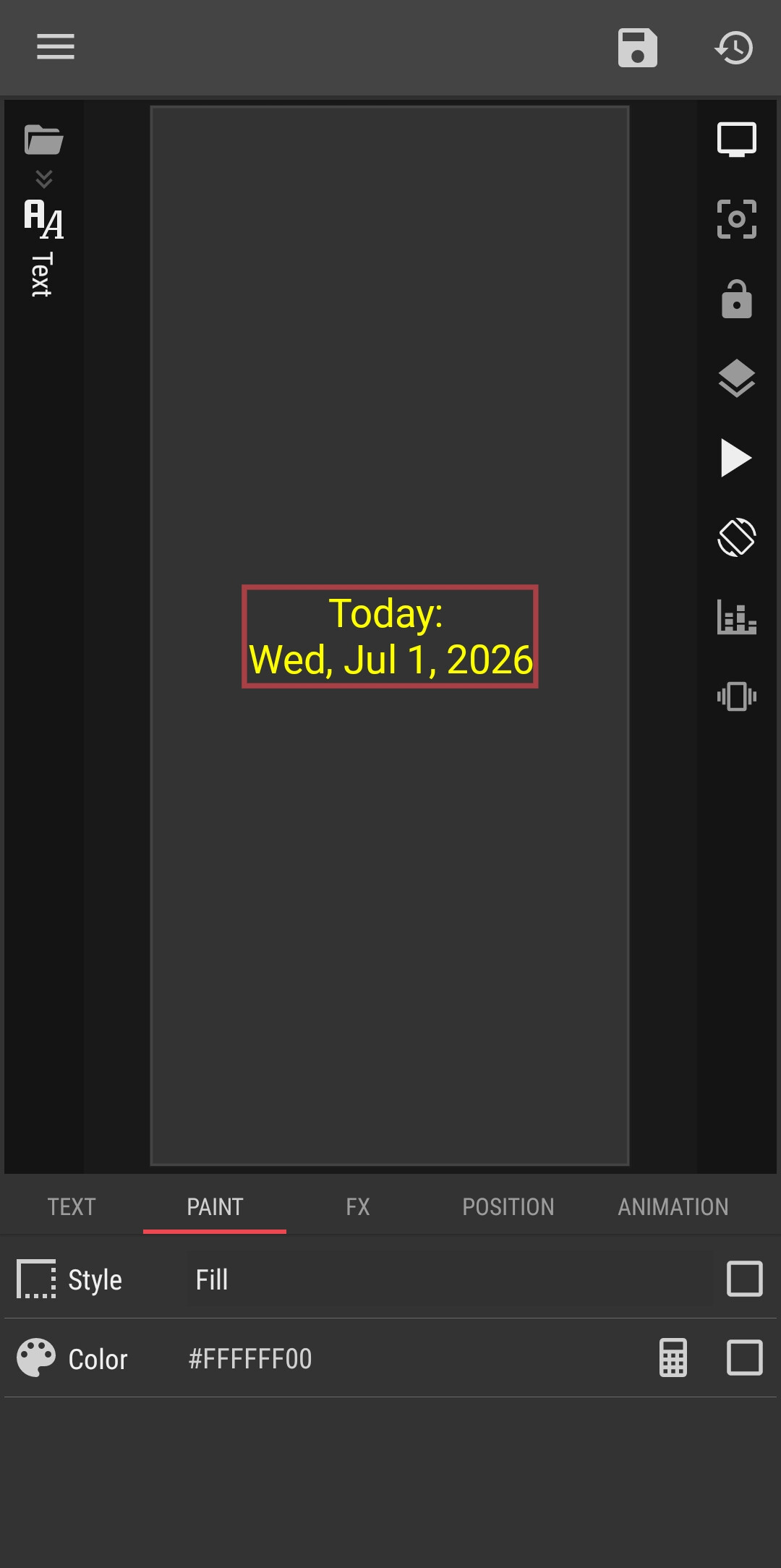
Create an element (I use Text element as the example)
In the PAINT tab of the element, change the Color attribute to Formula


 that’s somewhat related to this..