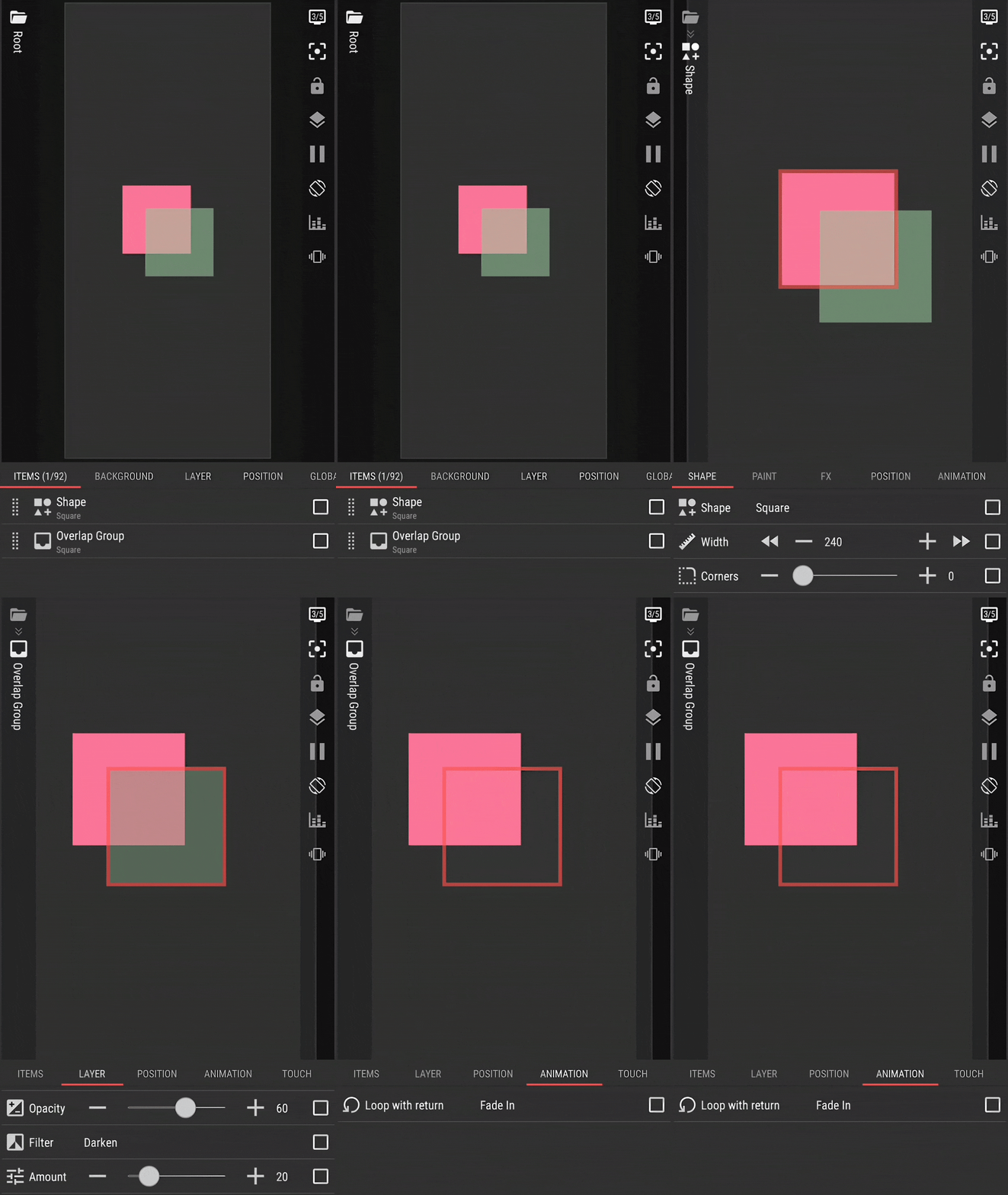
I want to add a shape with a color and a filter option in the root of my KLWP file (to put it over an animated stack layer).
When a shape is in root, it doesn’t have the filter option, when I put it inside a layer it does, but then it just overlays everything in the layer and not outside of the layer.
How would I make this work (put it over an animated layer, which obviously needs to be in root)?
Also what I’ve noticed (feature or bug?) that when I give the shape a filter (inside the layer) and then cut/paste it back to root, it loses the filter part in menu, but it keeps the properties of the filter (for instance Multiply), thus effectively doing what I want, but I can’t edit it ‘in place’ anymore.