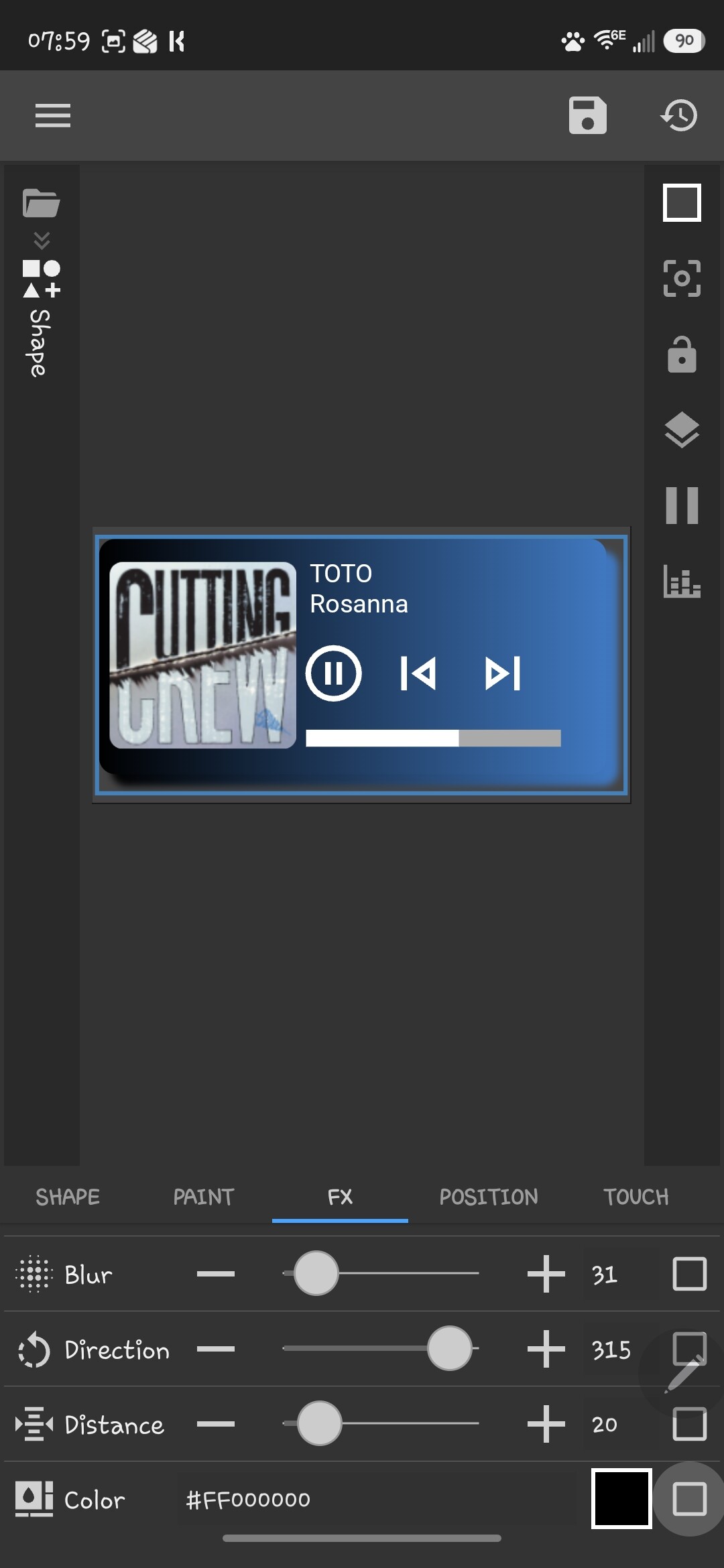
I have a rectangle with the following config, but the drop shadow color changes to match the color of the gradient being set by the gv. KW Pro 3.82b616717, Galaxy S26 Ultra, latest SW build.
Remove the shadow from your current gradient rectangle.
Create a duplicate of this rectangle and place it right beneath the original one in your items list.
On this duplicate layer, clear the color completely (set the opacity/alpha to 0) or use a clear transparent color.
Add the Outer Shadow to this transparent duplicate rectangle.
Use the shadow’s X and Y offset settings (or shift the layer position itself) to slightly move it down and to the side relative to your main rectangle until it looks exactly how you want.