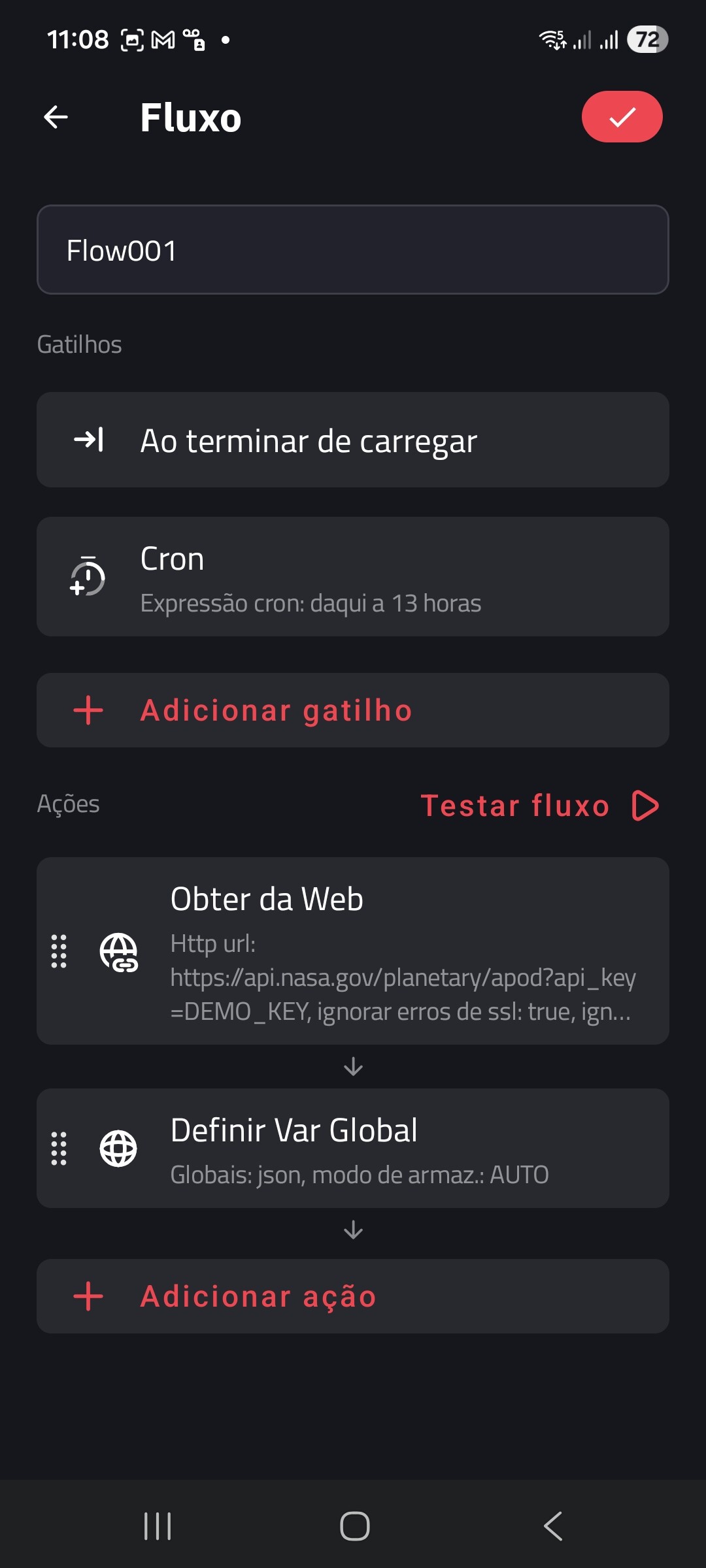
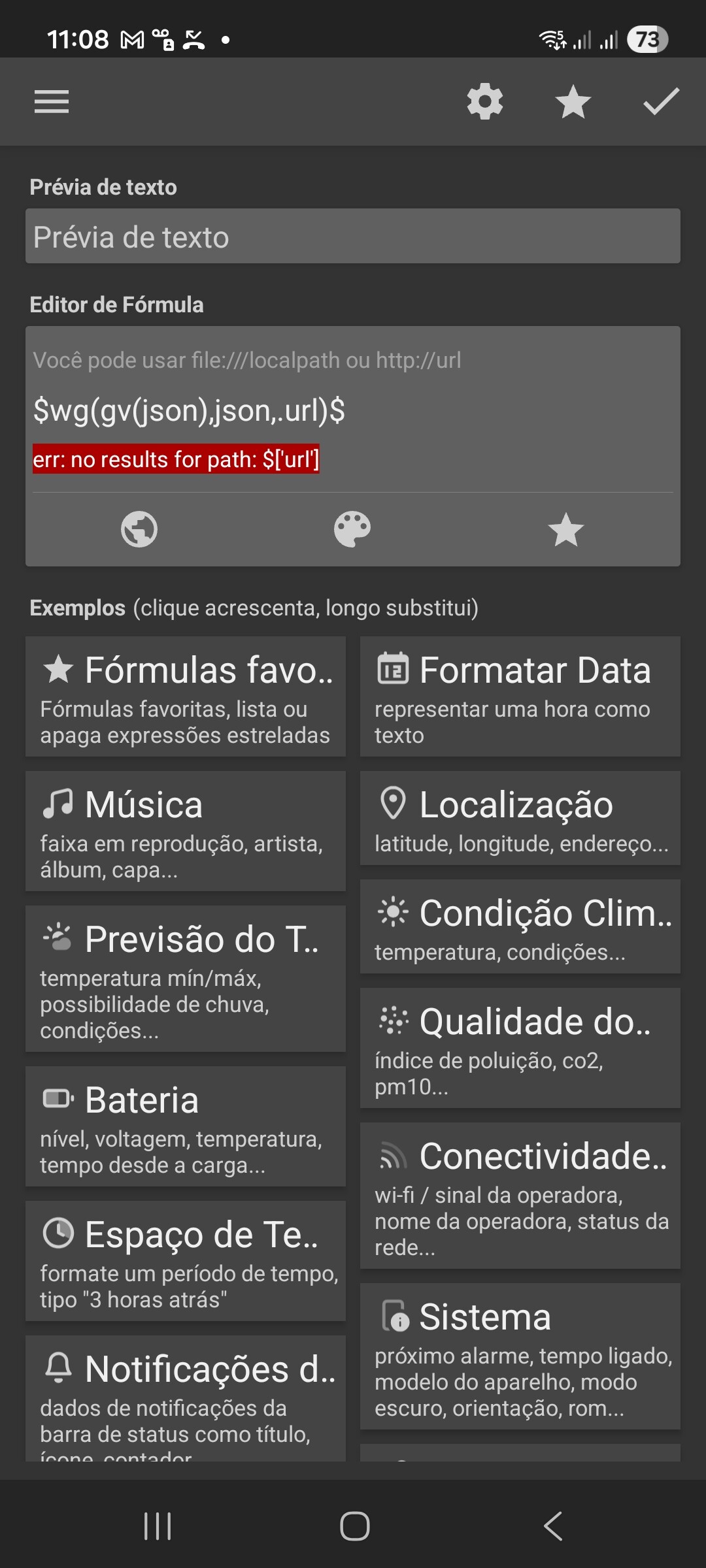
I did it the way the video tutorial shows, don’t access it. See: my Galaxy A53
Hi there,
The error message tells that it there is no “url” path in the given JSON data.
You can check the JSON data by accessing the API URL directly in the browser, and see if the “url” path is included in the API response.
I tried accessing the API URL directly in Google Chrome:
https://api.nasa.gov/planetary/apod?api_key=DEMO_KEY
And here’s the API response:
{
“date”: “2026-03-16”,
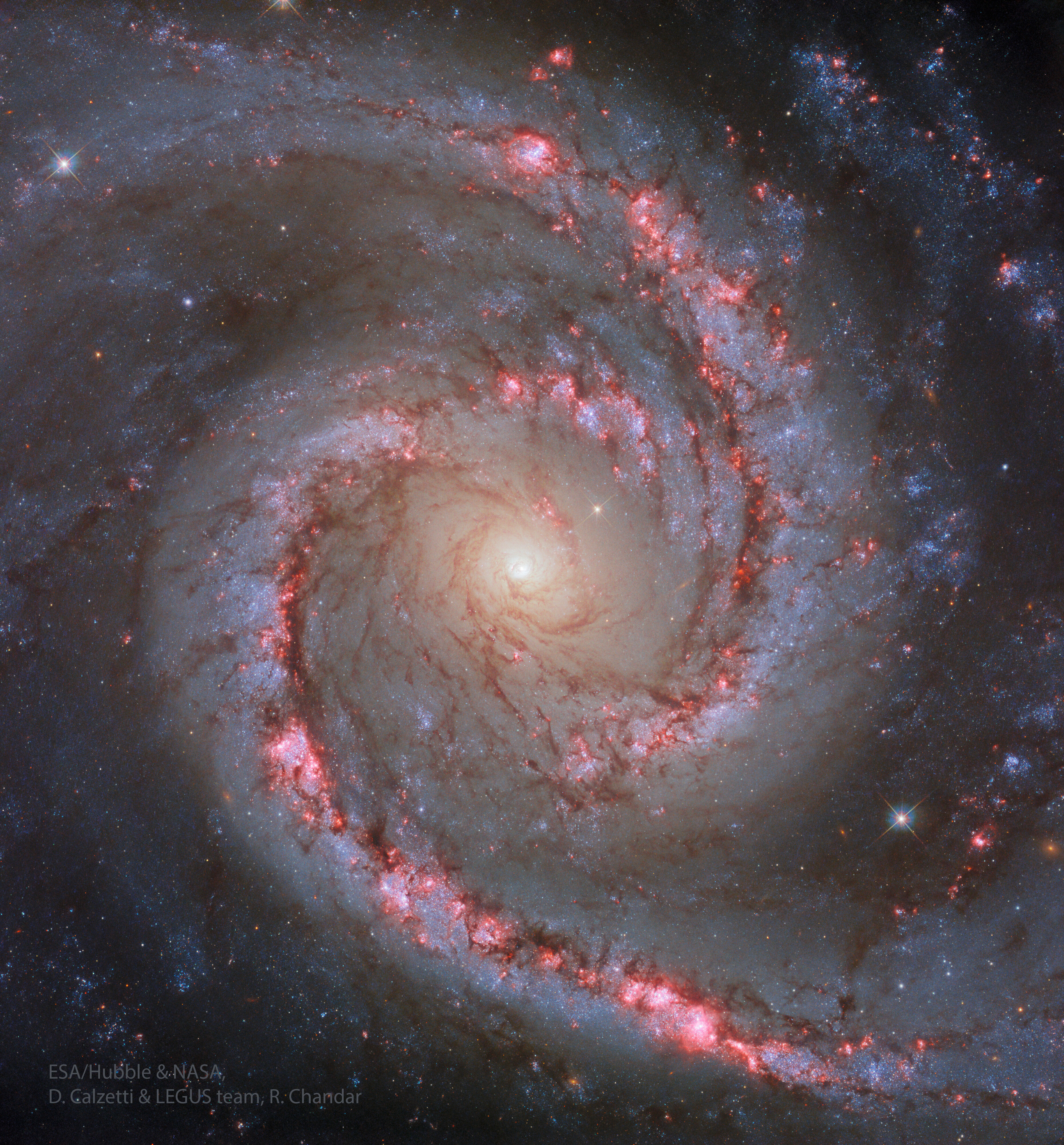
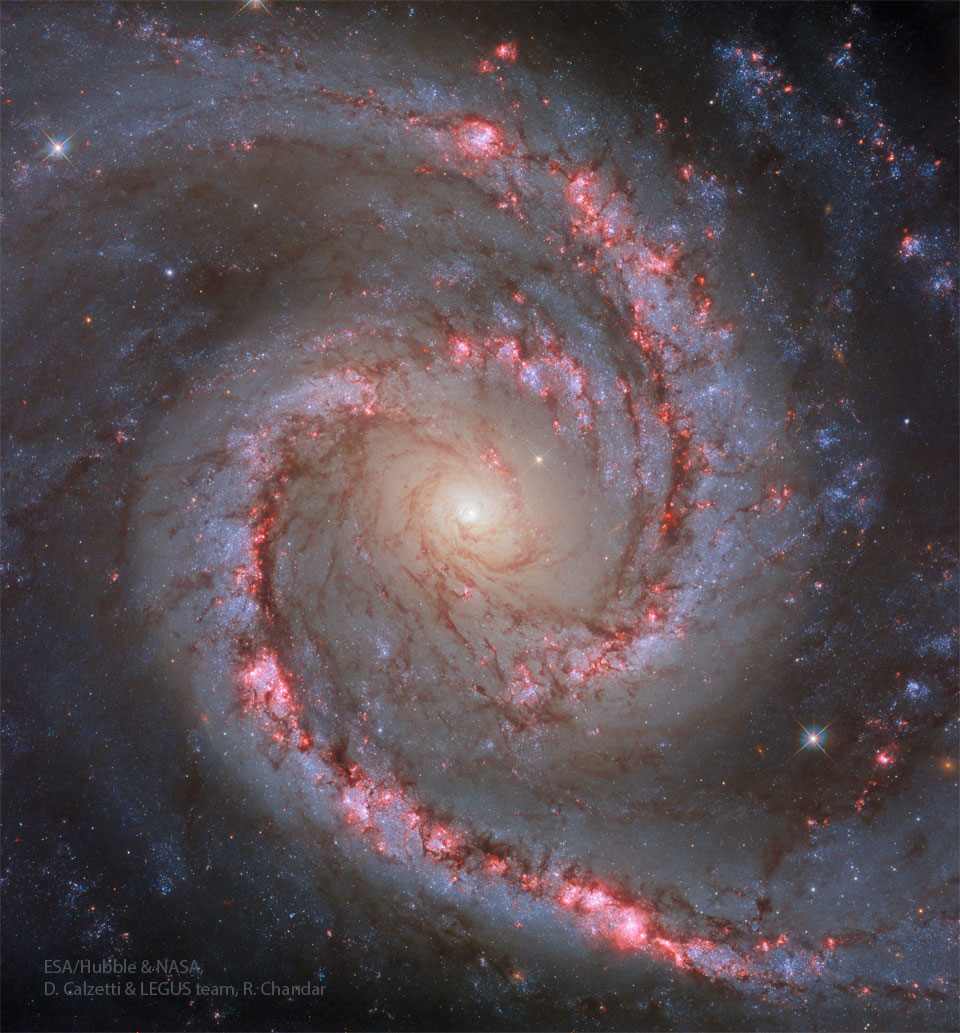
“explanation”: “If not perfect, then this spiral galaxy is at least one of the most photogenic. An island universe containing billions of stars and situated about 40 million light-years away toward the constellation of the Dolphinfish (Dorado), NGC 1566 presents a gorgeous face-on view. Classified as a grand design spiral, NGC 1566 shows two prominent and graceful spiral arms that are traced by bright blue star clusters, red emission nebulas, and dark cosmic dust lanes. Numerous Hubble Space Telescope images of NGC 1566 have been taken to study star formation, supernovas, and the spiral’s unusually active center. NGC 1566’s flaring center makes the spiral one of the closest and brightest Seyfert galaxies, likely housing a central supermassive black hole wreaking havoc on surrounding stars and gas. Sky Surprise: What picture did APOD feature on your birthday? (after 1995)”,
“hdurl”: “https://apod.nasa.gov/apod/image/2603/SpanishDancer_Hubble_3716.jpg”,
“media_type”: “image”,
“service_version”: “v1”,
“title”: “NGC 1566: The Spanish Dancer Galaxy”,
“url”: “https://apod.nasa.gov/apod/image/2603/SpanishDancer_Hubble_960.jpg”
}
I hope this would help.


Hi @Adacir_Pereira ,
Try these steps:
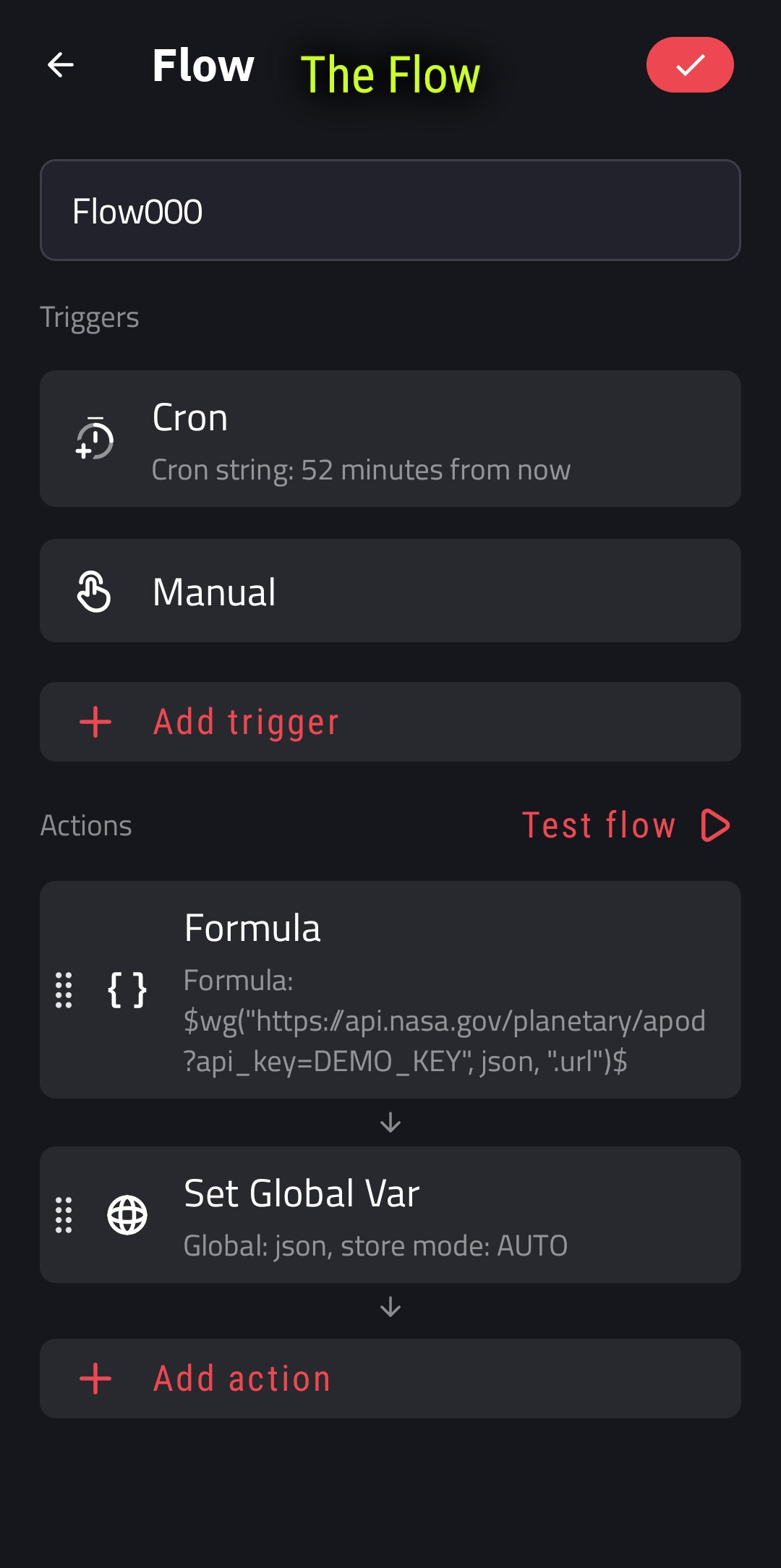
01. Create a Text global variable to contain the image URL from the API response, let’s name it: json
02. Create a Flow as described in the screenshot below
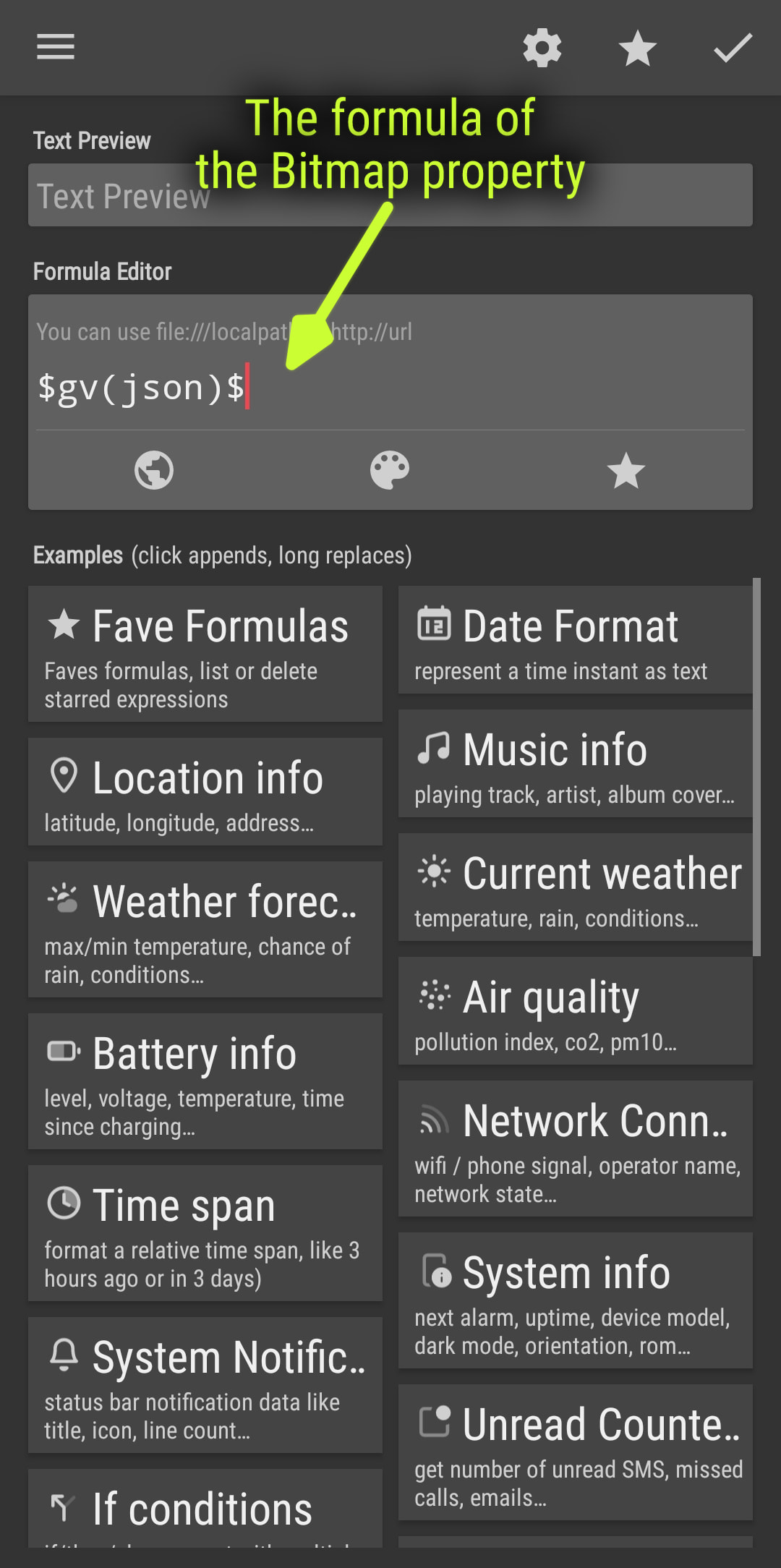
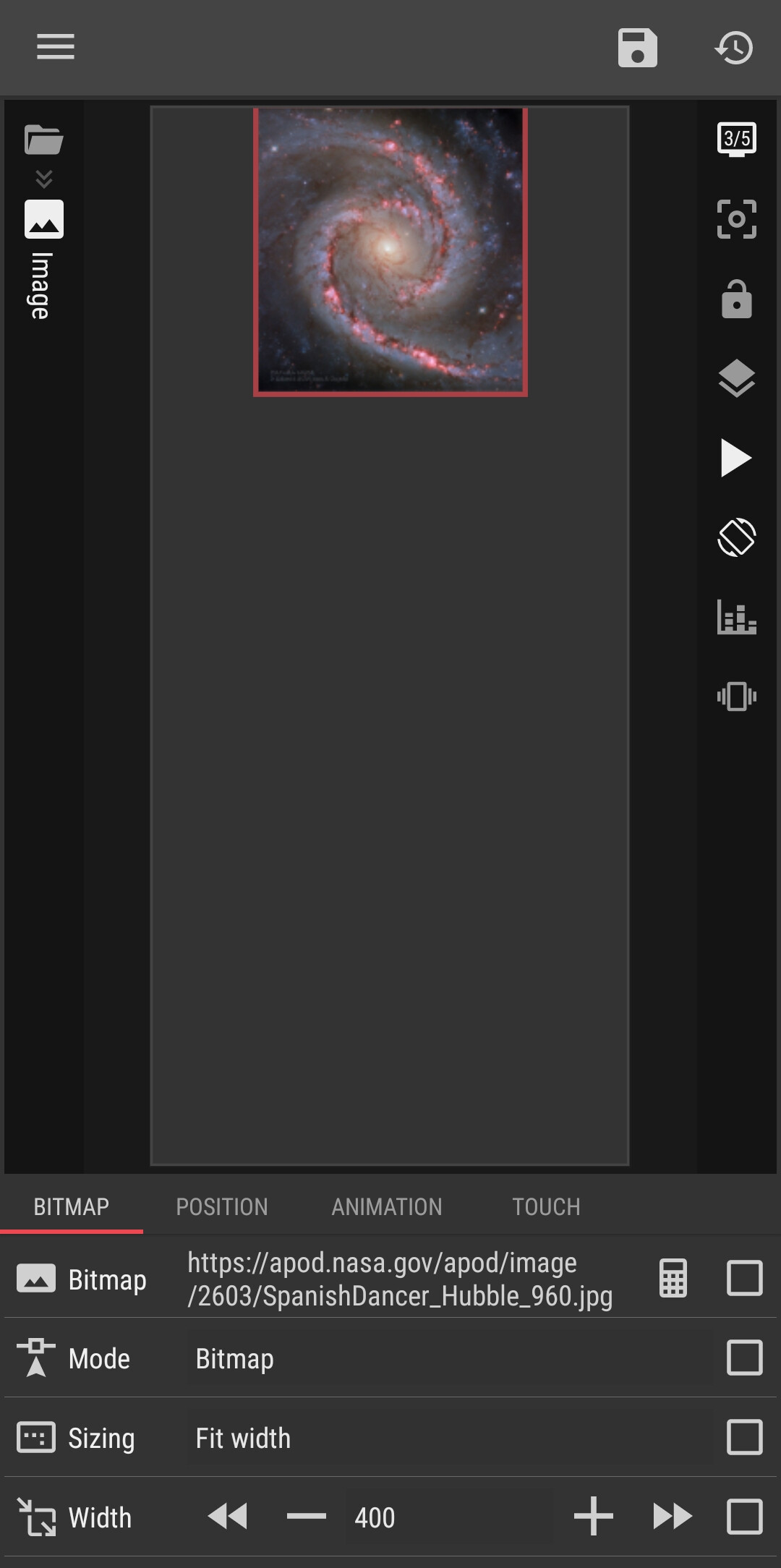
03. Create an Image element, set its Bitmap property to become Formula and filled it with this content: $gv(json)$
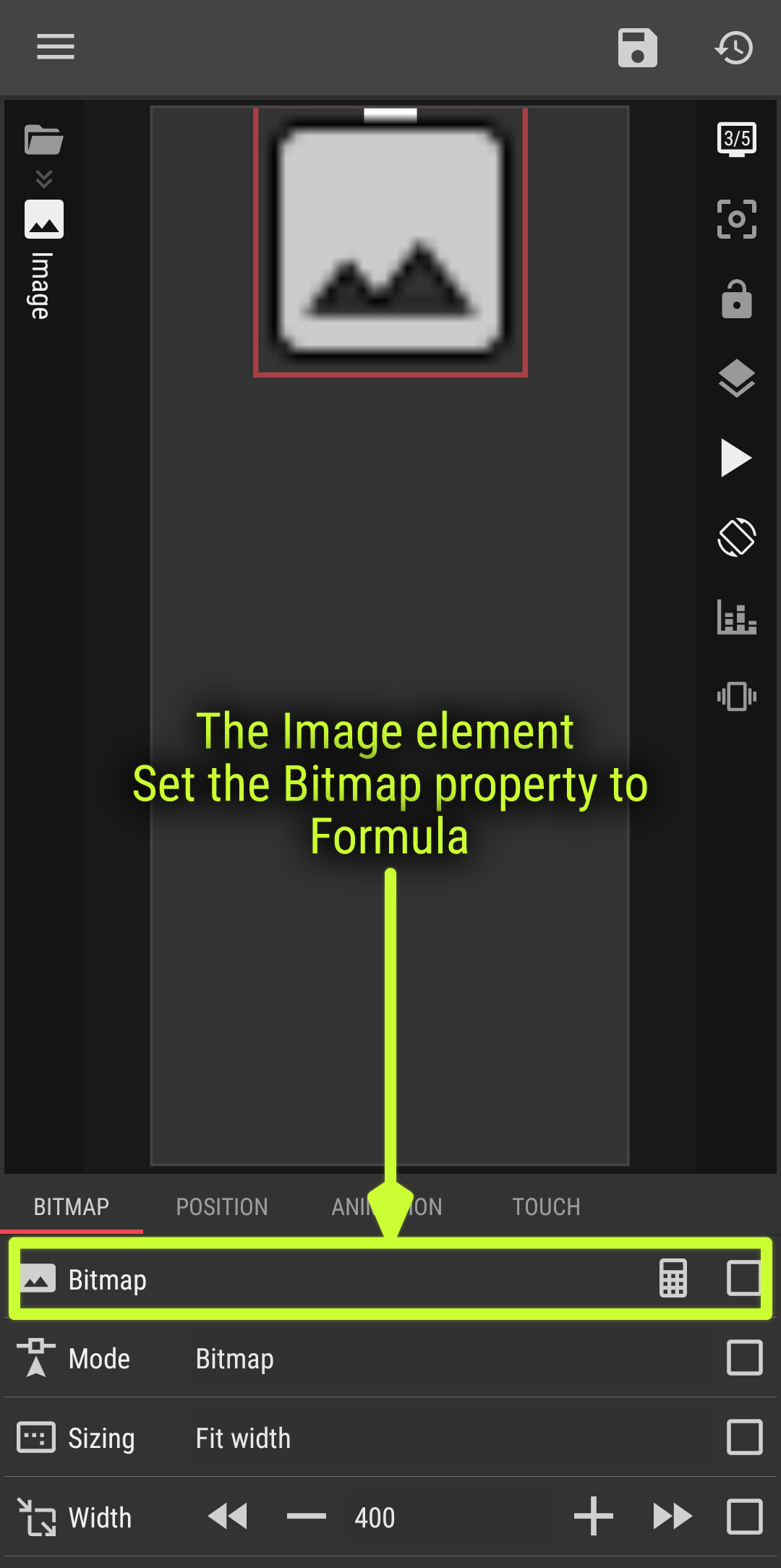
And… Voila!
I hope this would help.