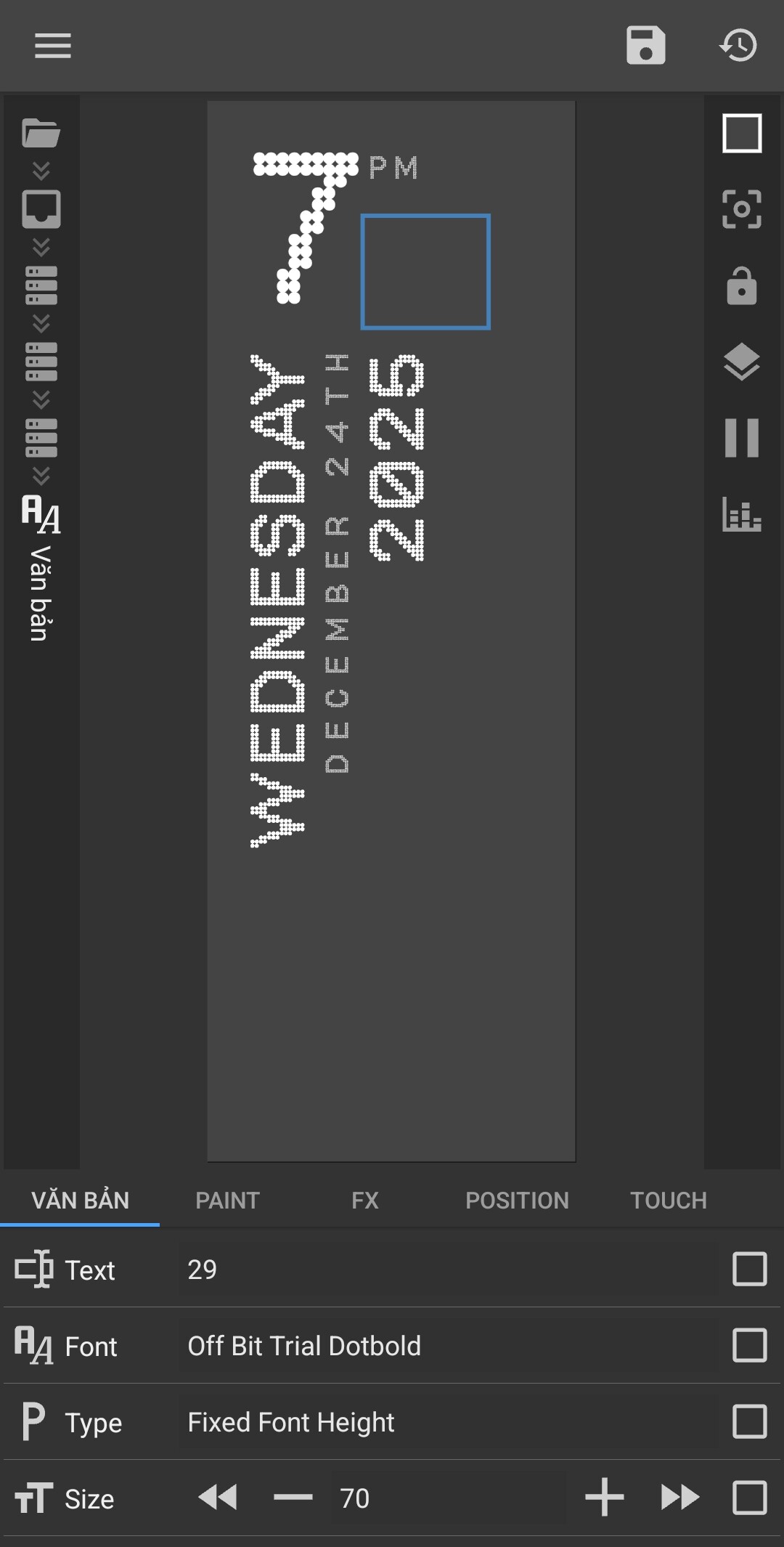
Can someone help me fix this? My minutes aren’t showing.
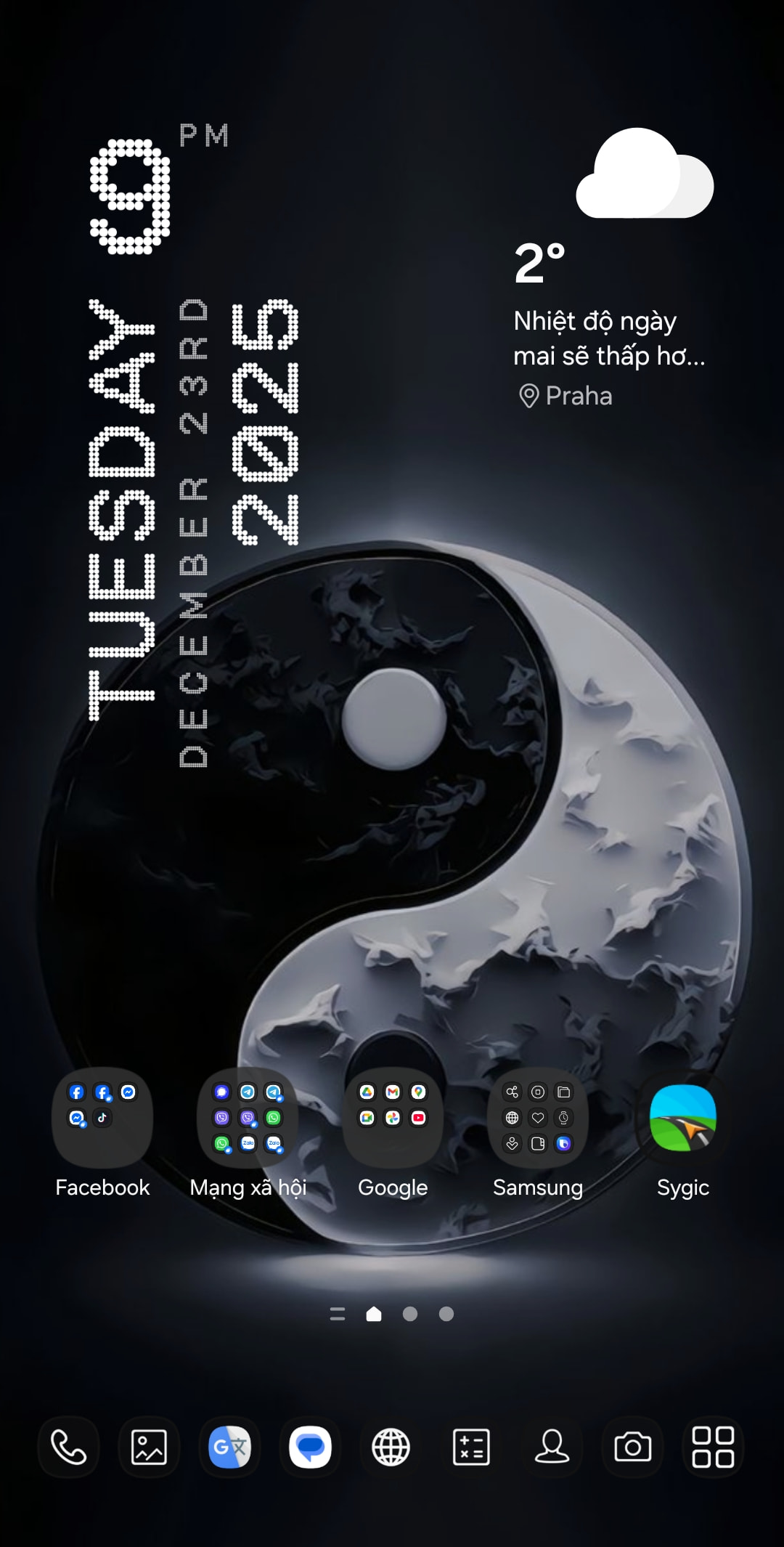
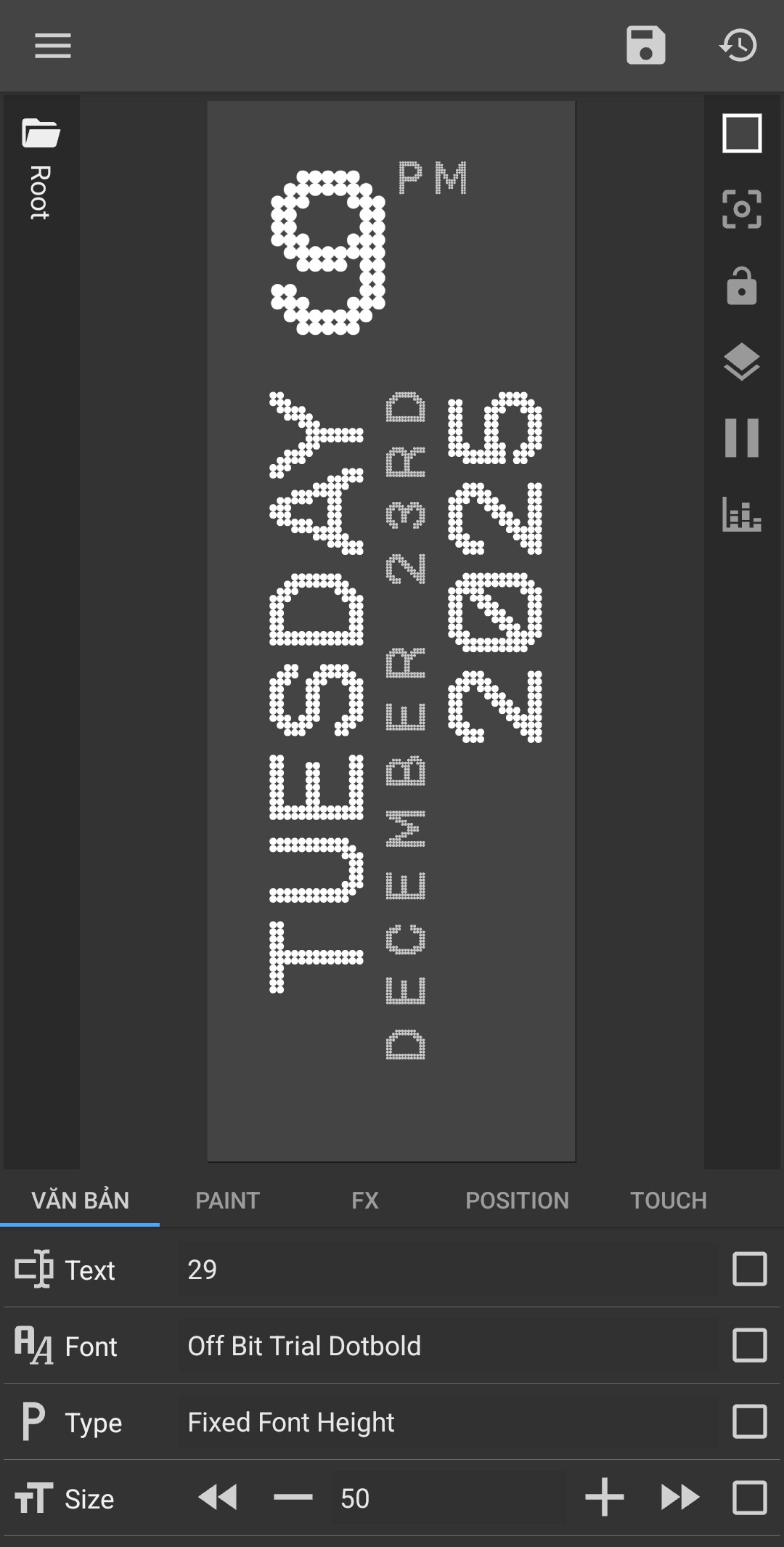
The main problem is that I don’t see the blue selection box around your minutes text in the screenshot.
Please do this test and send a new screenshot:
1. Create a new Text layer (separate from your current one).
2. Use a standard font (like Roboto) and just type some numbers manually.
3. Check if the blue frame appears around this new text.
Right now it’
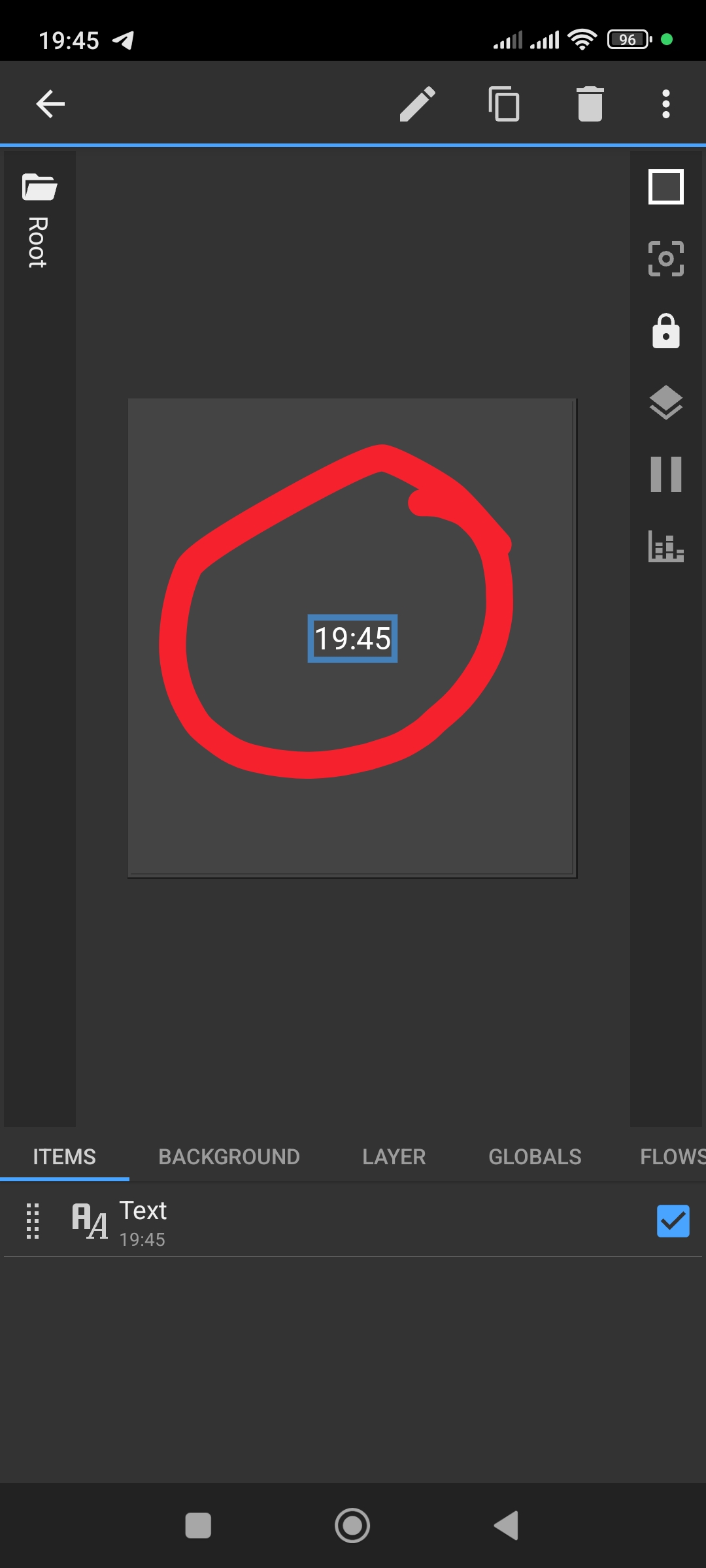
s hard to fully understand what’s happening because your editor screenshot doesn’t clearly show the selection box or the active layer.
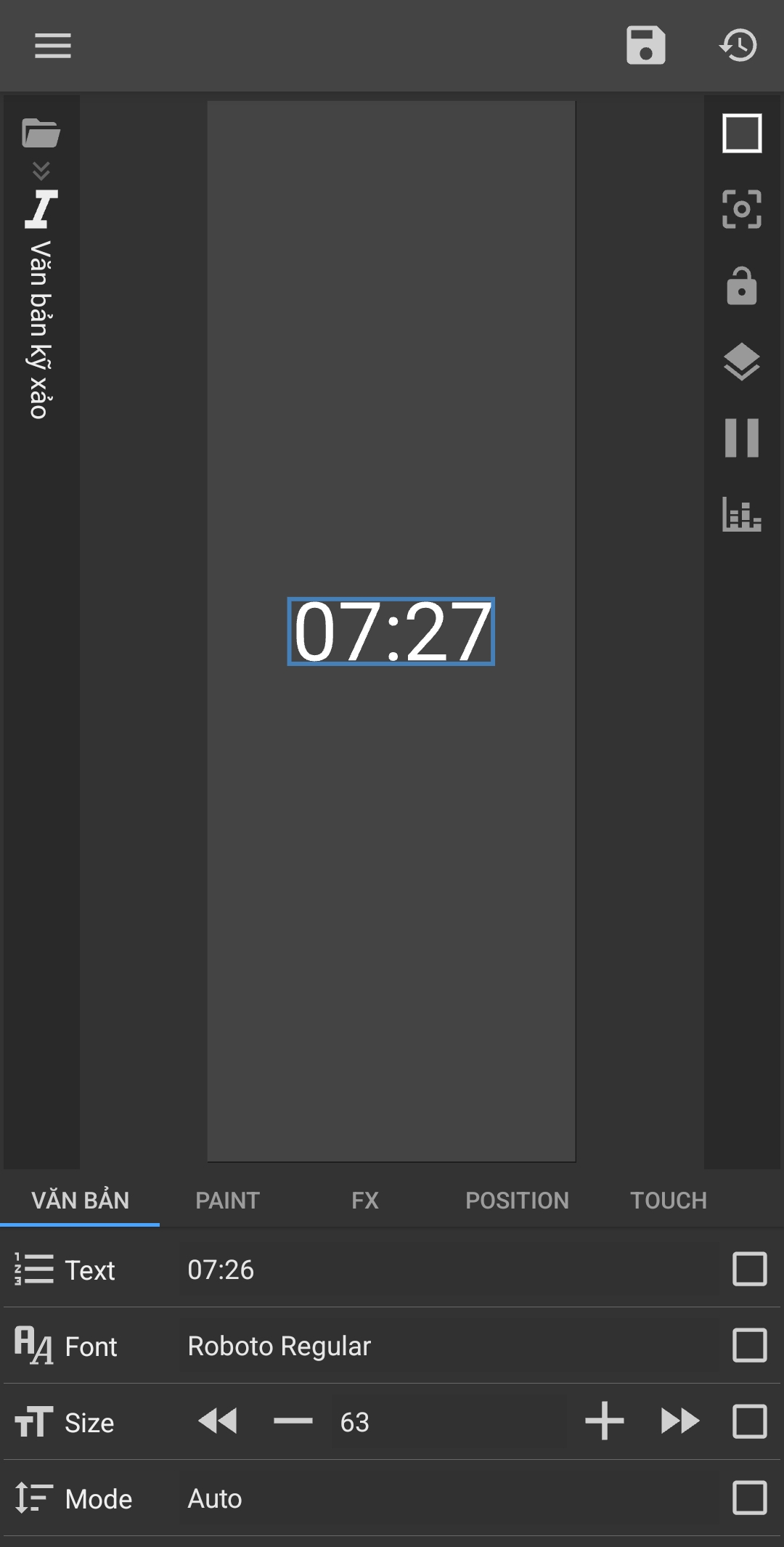
Ok, great. Now please check these two things:
1. Change the font:
Replace Off Bit Trial Dotbold with regular Roboto for the same text.
2. Check Paint settings:
Open the Paint tab and make sure the color isn’t transparent.
3. Check layer opacity:
If this text is inside a separate layer/group, make sure the layer opacity isn’t set to 0.
Let me know what you see after testing.
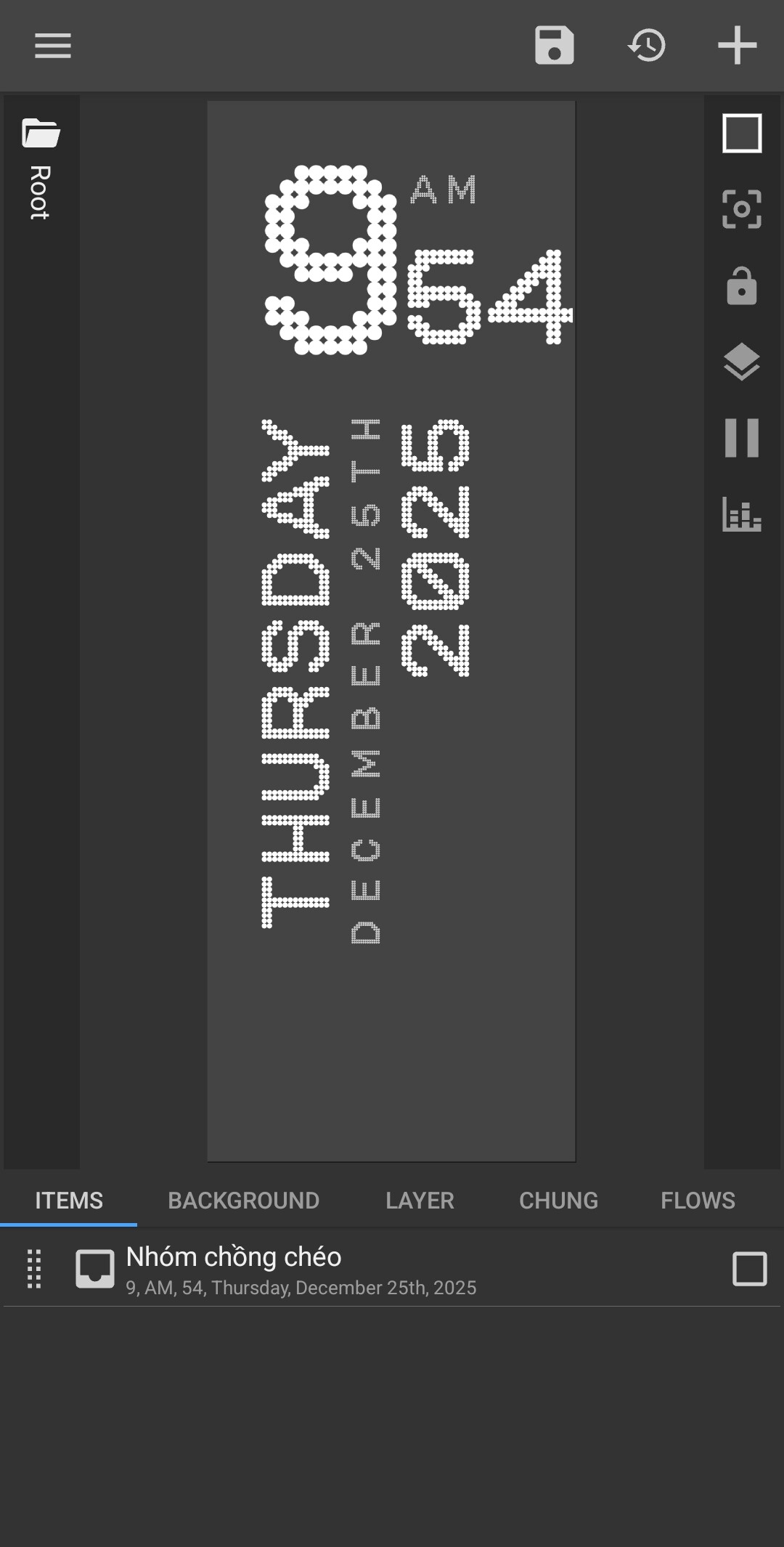
 Glad everything worked out for you.