Please investigate and provide any solution to the following bug. AFAIK this is an old bug that has not been fixed yet since the last several versions.
In a Rotate animation, in KLWP and probably in KLCK as well, the rotation behaves unexpectedly when the element’s position (anchor, x offset, y offset) changed through a script.
Thanks for the file I reproduced it and tracked down what’s happening.
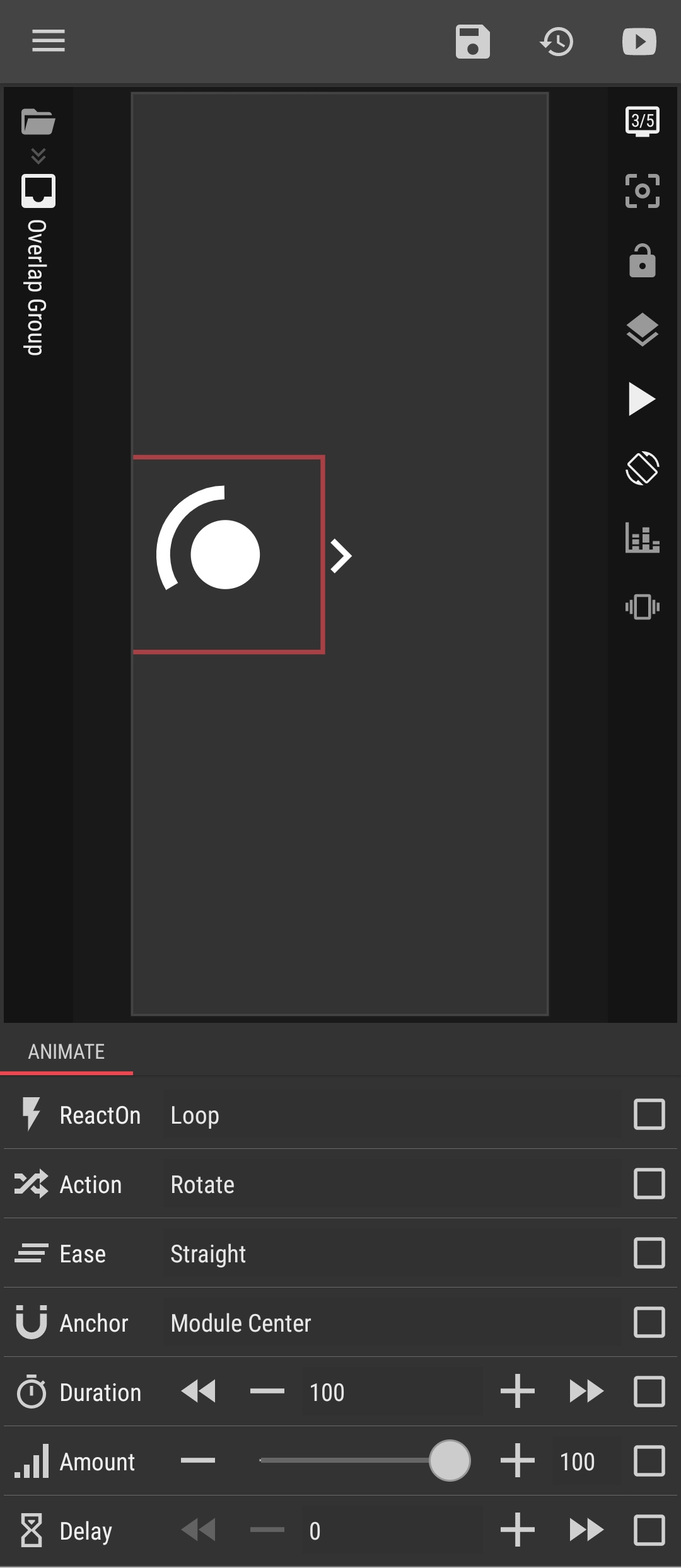
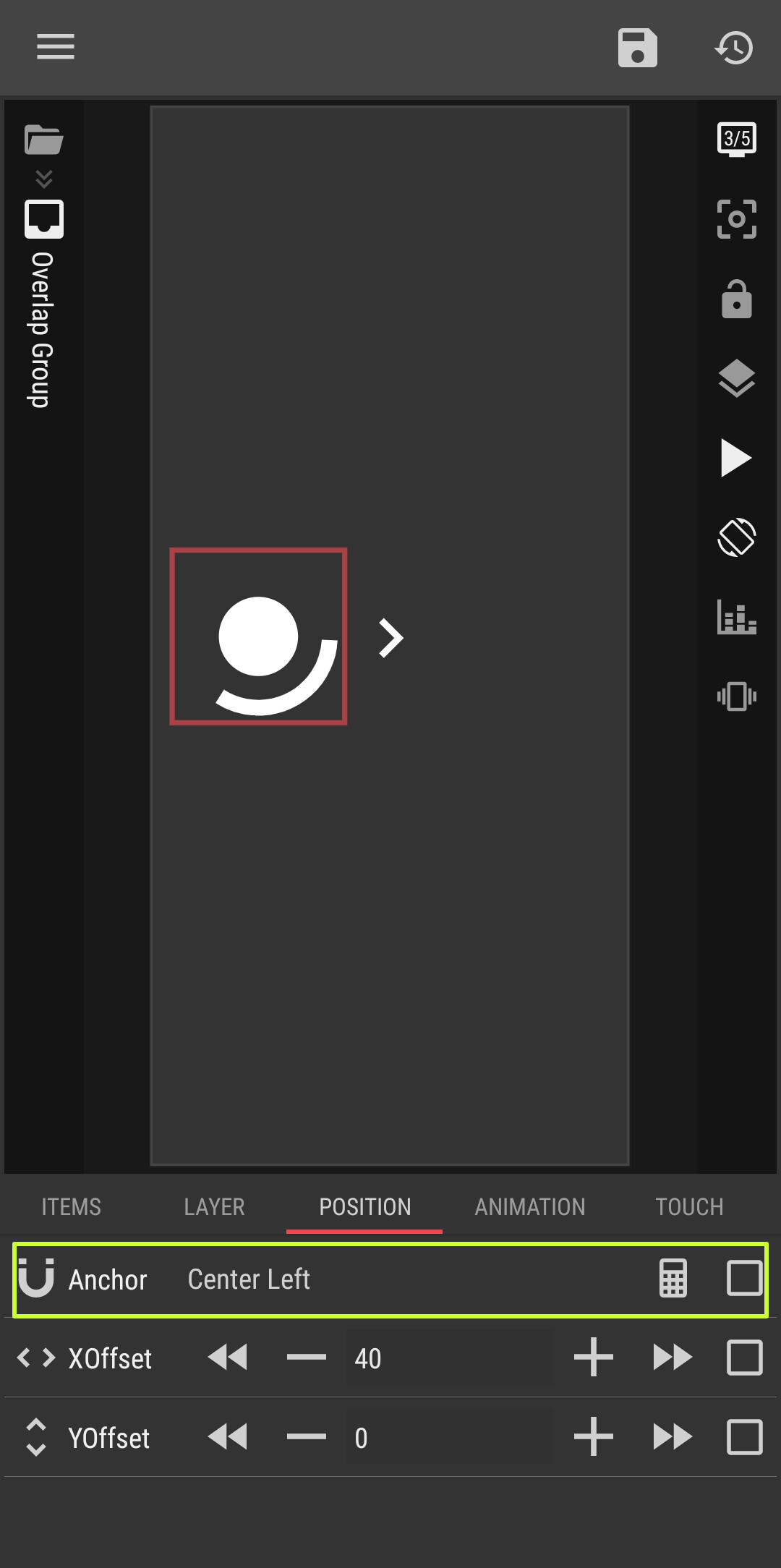
This isn’t really the rotation breaking, it’s the rotation pivot moving with the anchor. Your rotate animation uses the default Module Center anchor, which is calculated from the element’s current on-screen bounds. When your touch toggles the anchor between Center Left and Center Right, the element’s bounds (and therefore its center) shift — so the point it spins around jumps at the same moment. With the 40px X-offset in play, that jump is very visible.
So the animation is doing exactly what it’s told; the pivot is just tied to the live position, which is what you want in most cases (e.g. clock hands that move with the element) but not here. Workaround that fixes it for your preset: in the animation, change the Anchor from Module Center to a Screen anchor (e.g. Screen Center). Screen anchors don’t depend on the element’s bounds, so flipping Center Left/Right won’t move the pivot and the rotation stays put.
What if I want the animation rotate on its own center point, and its position is on the left side of the screen. Then I want to move it to the right side while still rotating on its own center point.
It’s like a wheel rotating on its own center point and the wheel move somewhere around the screen while rotating.
I tried you suggestion but the rotation is not on its center point.