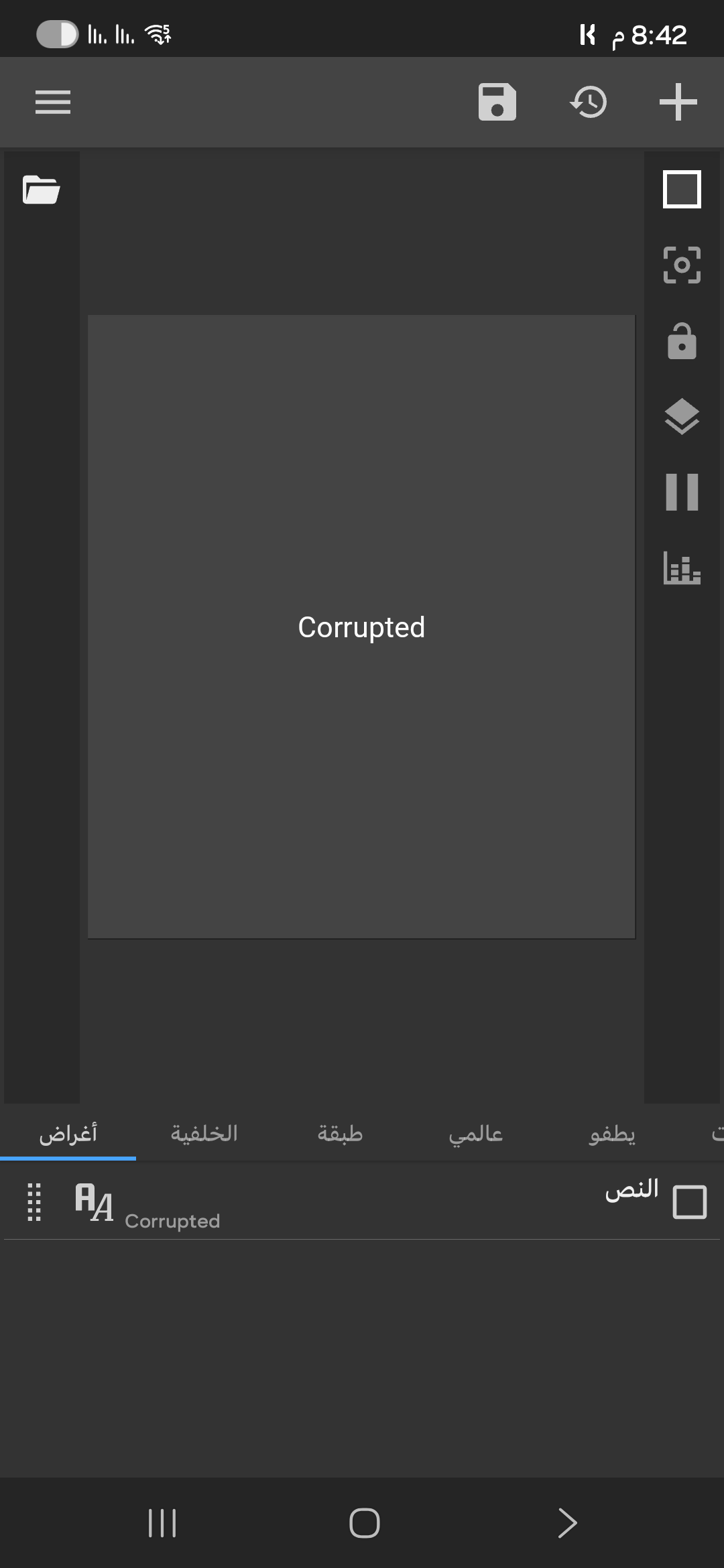
Would you please describe your issue? This would help us here to help you solving the issue.
Just based on your screenshot, it appears that the KWGT preset you are loading is corrupted. The file is somehow get corrupted, either it’s a zero size file or the file contents are not retrievable by the KWGT.
I hope this would help.


recently purchased the iOS 17 Widgets for KWGT from Google Play:
I have KWGT Pro installed and I’m on Android , device: [s25 ultra].
The issue:
When I try to load the widget from Installed > iOS 17 Widgets, it shows as Corrupted.
I tried clearing KWGT cache, reinstalling KWGT Pro, re-downloading the widget pack — same issue.
I also checked storage permissions and ensured the widget is installed.
Anyone encountered this issue before? Any solution or workaround?
Hi Emad,
First thing to do is to check if the downloaded files are corrupted. Try downloading them again.
Greetings,
Mike
Hi @EMAD_SALEM ,
As @allaboutcomputersabc suggested, check if the downloaded file is indeed corrupted.
Also, check the following things:
Is the filename ended with .kwgt or .zip or something else?
If it is .kwgt, then you can copy/move the file into the widgets folder (under your Kustom installation folder). From there, you can proceed with these steps:
- Add a new KWGT widget from homescreen (this will open the KWGT editor app)
- Select your new widget (it should already be listed in the KWGT editor), to load it
- Apply the loaded widget to the homescreen, by tapping on the floppy disk icon on the top of the KWGT editor.
- Your widget will appear on the homescreen.
But if the filename is ended with .zip (or .kwgt.zip), then rename the file by removing the .zip suffix. Then, do the above steps after renaming the file. When renaming the file here doesn’t work and it is still treated as corrupted/invalid file, then perhaps the file is an archive file. Rename it back by adding the .zip suffix, then try to extract the archive file to expect a .kwgt file is included in that archive file.
And if the filename is ended with something else, then it might not be a valid KWGT widget file.
I hope this would help.
i didn’t download files , I bought made package From Google Play Store
@EMAD_SALEM ,
Hmm… when you purchase the widget from Google Playstore, did you download any file after a successful payment?
no i didn’t that
I downloaded and logged in.
Hmm… sorry but I kinda not understand about “I downloaded and logged in.”
Do you have the link to the widget at Google Playstore?
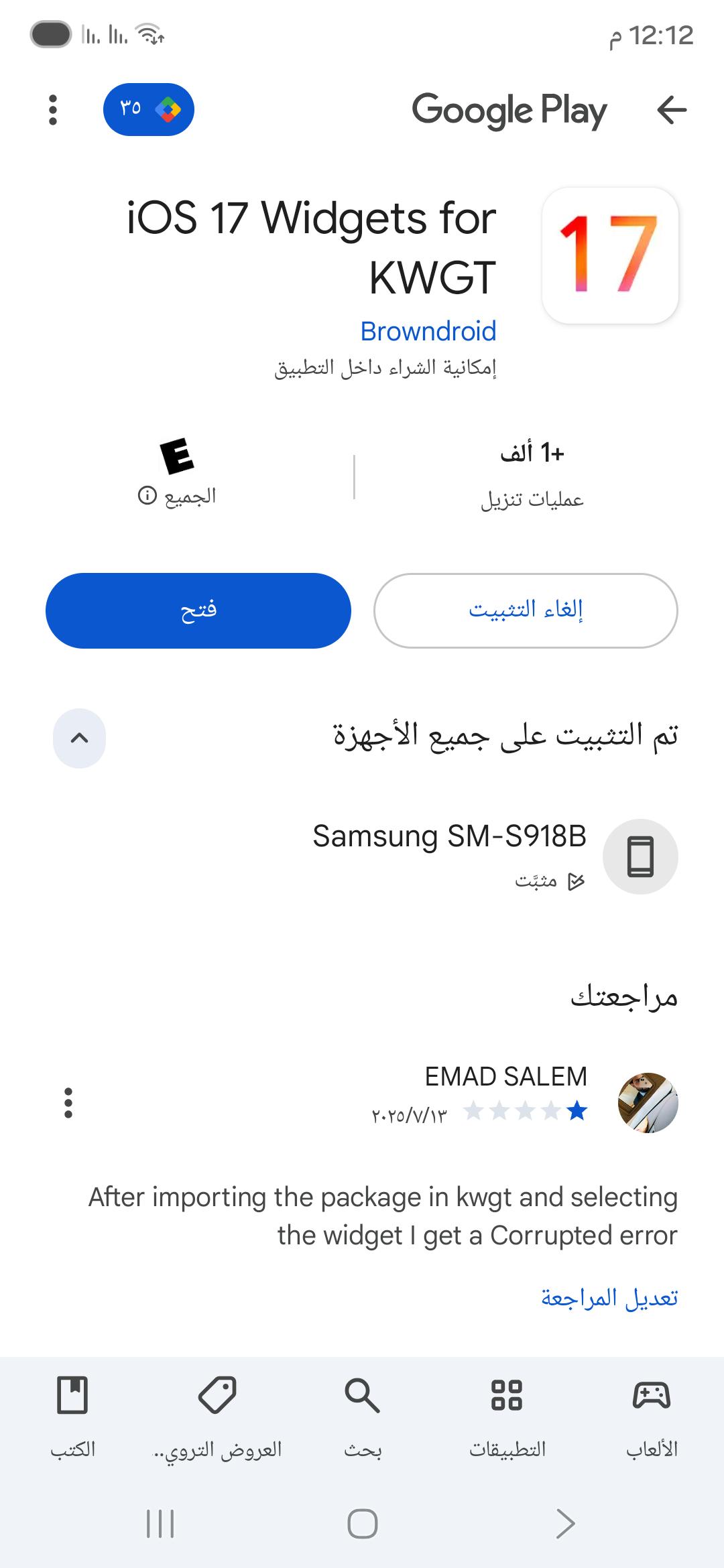
Hi @EMAD_SALEM ,
In the app description on Google Play Store, it is mentioned that once you successfully purchase it you can download and install it, directly from Google Play Store.
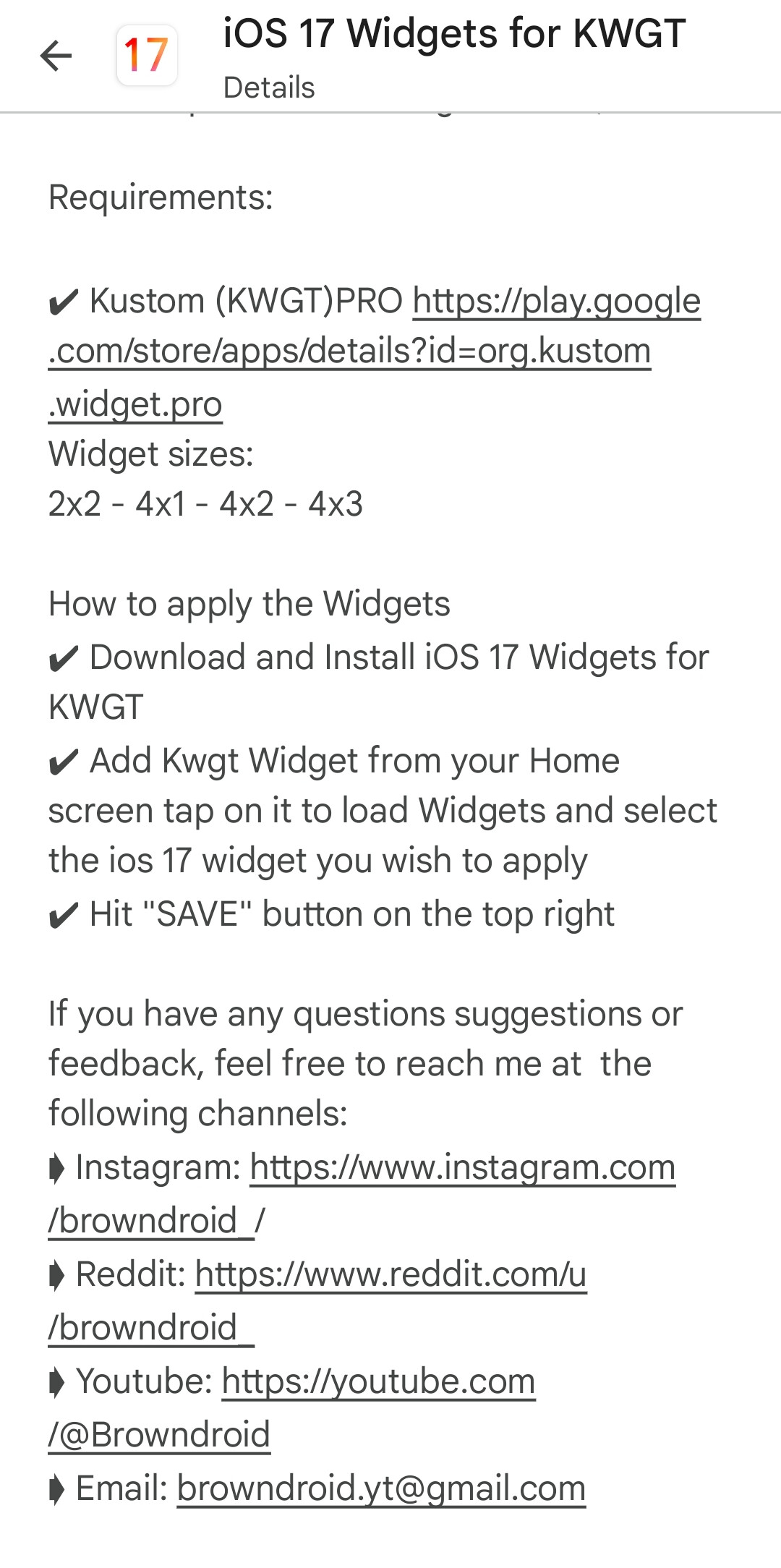
If the installation process failed, try to locate the .kwgt file somewhere in the internal storage, perhaps in the Download folder or even in the widgets folder under your Kustom installation folder. Or perhaps in a new custom folder named Browndroid or something related to it.
For example, if you install the KWGT application in your internal storage, you will see there is a Kustom folder in the root folder (the top most folder) in the internal storage. Inside this Kustom folder, there is the widgets folder. Check whether your purchased widget file (the .kwgt file) do exists there.
Now, just in case the .kwgt file does not exist in your phone storage, you can contact Browndroid for their help. Hopefully the would send you the widget file somehow other than reinstall from Google Playstore.
I hope this would help.
Usually when you buy at the playstore you will receive a download link in your email.
Have you checked your spam folder to see if the email got in there?
This topic was automatically closed 25 days after the last reply. New replies are no longer allowed.