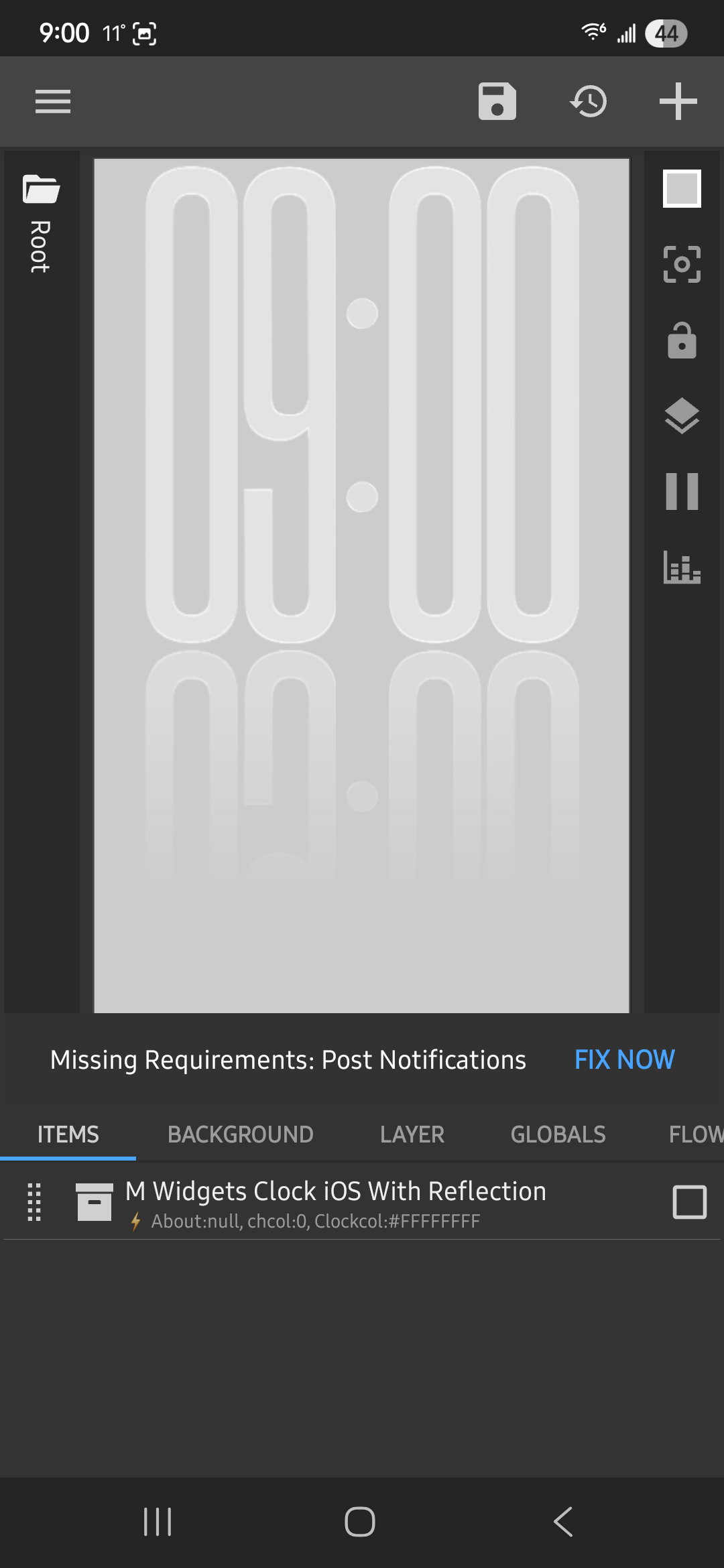
Hi. I’m a KWGT newbie and I am looking TO append text to an existing file when the widget is touched. Could a kind soul provide a sample or briefly explain what needs to be done? I have already created the file and given permissions to kwgt.
KWGT itself cannot append text to a file. It can read files, but it has no native way to modify or append content.To achieve this, you need an external automation app like Tasker.
Also, different subject - I have downloaded and applied the reflecting clock widget and it works and looks great. Is it possible to change the time format from hh:mm to h:mm?
sh("echo '" + "your text here" + "' >> /sdcard/Kustom/subfolder/your-filename.txt")
Android changed how storage access works, I don’t know if this still works, but if it does you have to do it in a subfolder of the Kustom folder (the one you selected in the app). Shell also only works with ASCII characters, so emojis or funny accented letters won’t work.
Thanks a lot for the kind words, I really appreciate it.
About the SH method from thetored I didn’t suggest it because on Android 15 my HyperOS Kustom doesn’t even have the required file‑access permissions anymore, so it can’t reliably write anything. That’s why I mentioned Tasker instead, since it still works consistently.
But if you’re on an older Android version, you can definitely try the SH approach…
Honestly, it’s wild what we can get Kustom to do with a little bit of shell scripting. Appending text sounds simple, but getting the formatting right in a text file can be a headache.